
What Is an Operating System? Meaning, Role and Importance
Introduction
Once you switch on the computer, it begins functioning immediately. You can perform operations such as opening applications, typing from the keyboard, moving the mouse, and seeing things displayed on the monitor. All these processes appear easy and quick. Users generally don’t give much thought to what goes behind these operations.
On the other hand, a computer is simply a machine. It cannot interpret human commands by itself. There needs to be an intermediary that can help the computer understand the human’s intention and execute it properly.
Behind each activity carried out in a computer, there exists an essential system that works behind the scenes. The system oversees all processes, ensuring that everything in the computer works correctly. Such a system is referred to as the operating system.
For instance, when you double-click an application icon, it will open immediately. However, behind the scenes, the operating system takes your input, processes it, and commands the computer to act upon your command. In the same way, when you use the keyboard to type something, the operating system makes sure that your text appears on the screen.
Without the OS, the computer will be meaningless. If all hardware elements are functioning well, there will be no easy method of communication between the user and the system. The computer will not know what to do or how to respond to commands.
The knowledge about the operating system is essential for beginners since it provides a basic understanding of computer use. It makes it easy for beginners to understand how a computer works.
This article will explain what an operating system is, its functions, and its importance in any computer system.
What Is an Operating System?
The operating system is software that manages the whole computer and facilitates human interaction with it.
Simply put, the OS is an intermediary that connects the user and hardware of the computer. It accepts instructions from the user, executes them, and performs the tasks accordingly.
For instance, when you try to open a file, the operating system interprets your instruction and shows it to you on the screen. When you run an application, the operating system places it in memory and makes it function properly.
The operating system also manages the interaction between different components of the computer. The processing unit, memory, storage, and I/O devices are managed by the operating system to ensure optimal functioning.
Additionally, it has a user-friendly interface. It helps users perform operations without requiring any detailed knowledge of the inner workings of the system.
Without an operating system, users would not be able to communicate with the computer in a simple way. Every task would become complex and difficult.
What Makes an Operating System Crucial?
An essential component of a computer’s operation is its operating system. It guarantees the smooth and effective operation of the system.
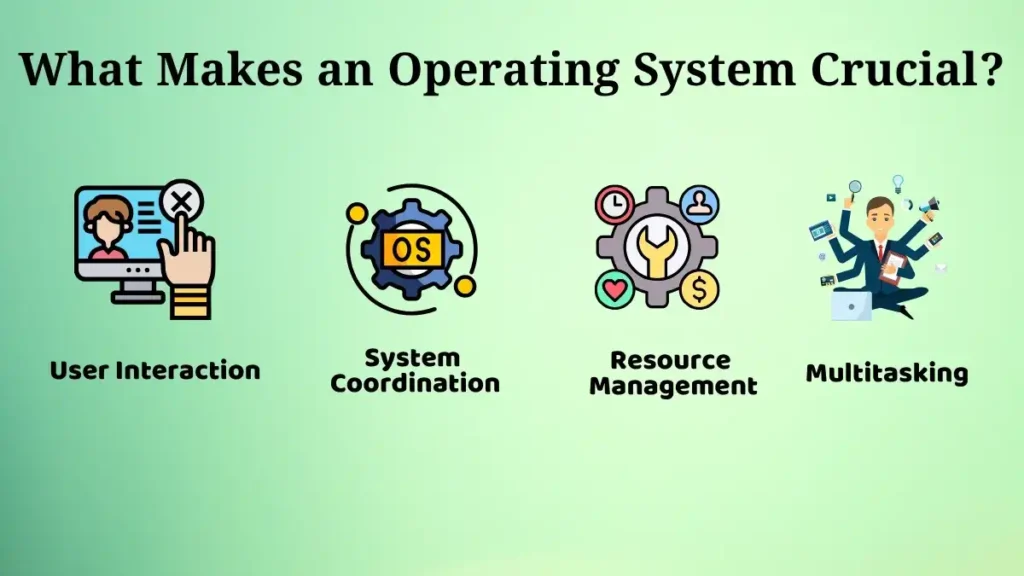
User Interaction
Users can interact with the computer through the operating system.
The input from users is collected through various devices such as keyboards and mice, processed, and then the output is shown to the user on the display device.
As an example, typing a document using the keyboard is done by the operating system where each keypress is properly reflected. Clicking icons or buttons on the display also prompts instant responses.
Interaction with the computer makes it easy for everyone.
Resource Management
The operating system controls important computer resources including memory, file storage, and hardware connected to the computer.
It also ensures that all resources are used appropriately.
For example, when more than one application is running at once, the operating system allocates memory and processing power to them. In turn, the application functions without errors.
The computer will probably operate slowly if resources are not properly managed.
System Coordination
The operating system organizes everything inside a computer.
It makes sure that hardware and software can interact continuously without clashing with each other.
For instance, when you watch a movie, the operating system controls how images appear on your screen, how sound is produced, and how files are accessed all at once.
What Does an Operating System Do?
The operating system makes the computer functional by carrying out a number of crucial functions.
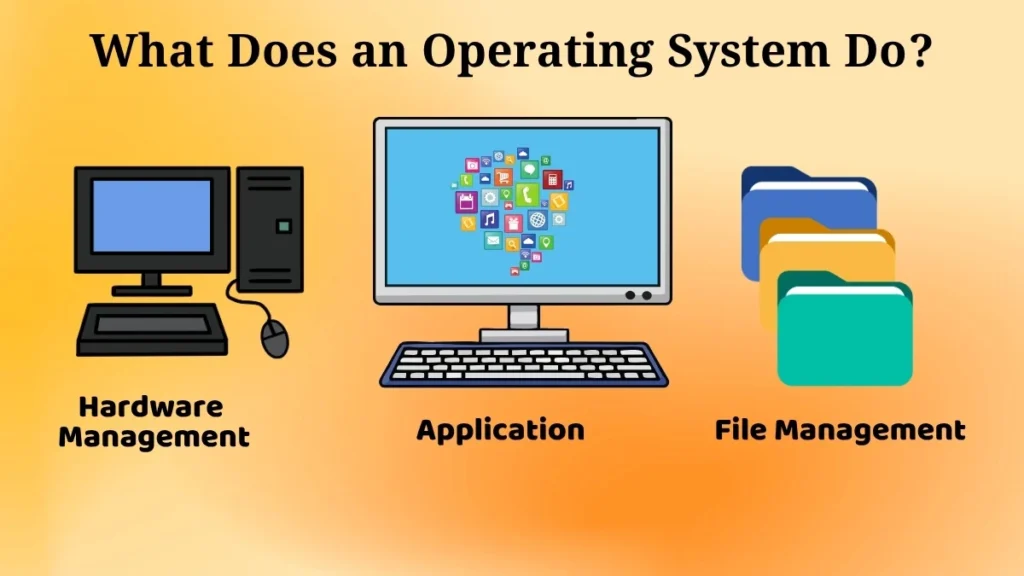
Manages Hardware
The operating system controls hardware devices such as the keyboard, mouse, display, and various input and output storage devices.
The operating system helps to make sure that the hardware devices function efficiently according to the user’s commands.
For instance, pressing a button on the keyboard is detected and the appropriate output is provided by the operating system.
Moving the mouse is detected by the operating system and the movements of the mouse are shown on the screen.
Runs Applications
The operating system is necessary for applications to run.
When you run an application, it gets loaded in memory by the operating system to execute properly.
Similarly, if you run a browser or media player, the operating system facilitates its execution smoothly.
Without an operating system, there would be no way to start any application.
File Management
Operating systems are used for managing the files and folders on the computer.
They allow the user to create, store, manage, and retrieve data without difficulty.
For instance, when creating a file, the operating system stores it in a certain place and the user can access the file anytime he wishes to.
Also, operating systems make it possible to manage data by storing them in folders.
Examples of Operating Systems (Overview Only)
There exist various operating systems that are used in computers and mobile devices.
Some of these are:
- Computers have operating systems meant for use in desktop personal computers and office environments.
- Mobile phones have operating systems made especially for smartphones and tablets.
Operating systems are created according to the requirement of the device they are meant for.
Despite differences in size, design, or features, their function remains the same.
Operating System Without Technical Terms
An operating system is easy to understand by comparing it to a manager.
Similar to how a manager coordinates the tasks performed within an office, the operating system coordinates all operations within a computer.
Instructions are issued, and the operating system sees to it that these instructions are executed efficiently.
For instance, opening an application requires the operating system to execute this task efficiently. Similarly, storing information in a file demands that the operating system stores the data effectively.
This analogy makes it easier for beginners to understand the concept of an operating system.
Can a Computer Work Without an Operating System?
An operating system must be installed on a computer for it to function correctly.
The absence of such a system would mean that the computer would not be able to understand user commands or execute programs.
The computer’s hardware would thus remain unutilized.
For instance, it would not be possible to access documents or run any program.
Clearly, an operating system is essential to enable a computer to function.
Importance of Learning About Operating Systems
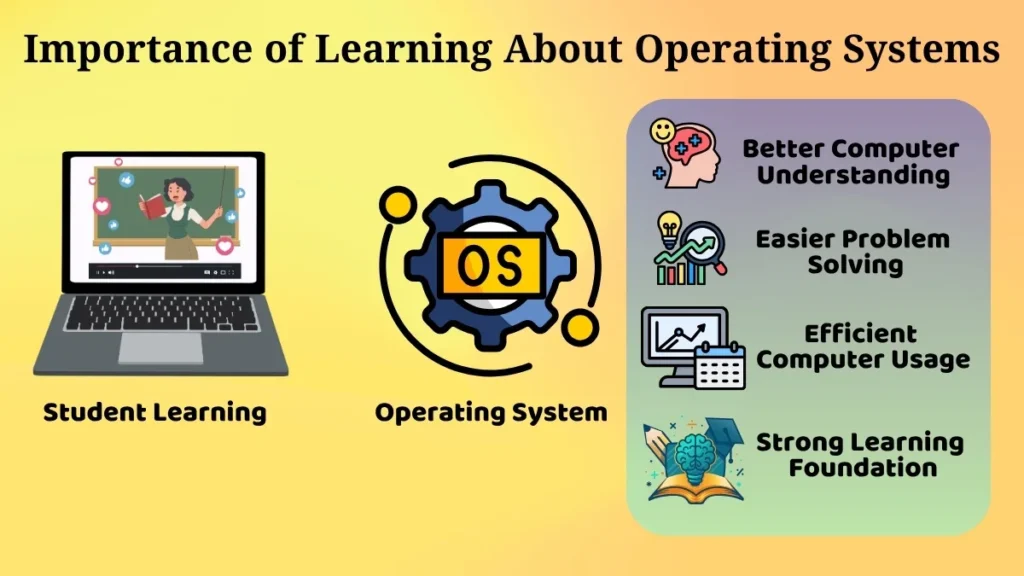
Knowledge of operating systems is essential for beginners.
It assists in understanding the working of the computer and enhances its efficiency.
There are several advantages to having such knowledge, including:
- The understanding of system operations is enhanced.
- Computer use becomes more effective.
- It forms a good base for further studies.
- Learning for future purposes becomes easier.
For instance, when users have knowledge of the operating system, they become efficient at handling files, using software, and addressing problems that occur.
Such knowledge is relevant in personal as well as professional contexts.
Conclusion
Operating systems are essential parts of any computer system. They serve as mediators between the user and hardware so that the computer can be utilized in an easy way.
They facilitate resource management, control hardware components, execute applications, and ensure coordination between different elements.
A computer without its operating system would be useless for daily computing activities.
As far as beginners are concerned, understanding the concept of an operating system is a major milestone in studying computer basics. It boosts confidence and helps build a solid foundation for further education.
Pingback: Single User and Multi User Operating Systems Simplified
Pingback: Batch Operating Systems: Ultimate Guide
Pingback: Windows Operating System Simplified
Pingback: Linux Operating System Simplified for Beginners
Pingback: macOS Operating System: Easy Guide for Beginners
Pingback: System Software vs Application Software: Easy Guide
Pingback: Real-Time Operating Systems: Simple Guide
Pingback: Multitasking and Multiprocessing Operating Systems Guide
Pingback: Types of Operating Systems: Easy Beginner Guide
Pingback: Functions of an Operating System: Easy Guide