
Input and Output Devices of Computer Explained for Beginners
Introduction
Each time we use a computer, we are constantly interacting with it, and this interaction is done in different ways, such as typing on a keyboard, moving the cursor with a mouse, speaking into a microphone, or even just looking at the results on the screen. The interaction is done with the help of input and output devices.
A computer cannot understand human actions directly. It needs an appropriate medium to receive instructions. At the same time, it also needs to display the result. Here, input devices and output devices play an important role. They act as an interface between the user and the computer.
For example, when a user is typing, clicking icons, or even using voice commands, they give input to the computer. On the other side, when the results are shown on the screen, when sound is coming out, or when printing is done on a document, the computer gives output.
For beginners, understanding these devices is very important because it helps in building a clear idea of how computers work in real life.
What Are Input Devices?
Hardware components used to input data or commands into a computer are known as input devices.
In a simple way, it can be said that without input devices, a user will not be able to give any commands to the computer. These devices help users to communicate with the computer.
For example, data is sent to the computer when you click with a mouse to open a file or type on a keyboard. The system then processes this data to provide the necessary output.
The first step of any task performed on a computer is with an input device, which makes it extremely important in the overall working process.
Common Input Devices of Computer
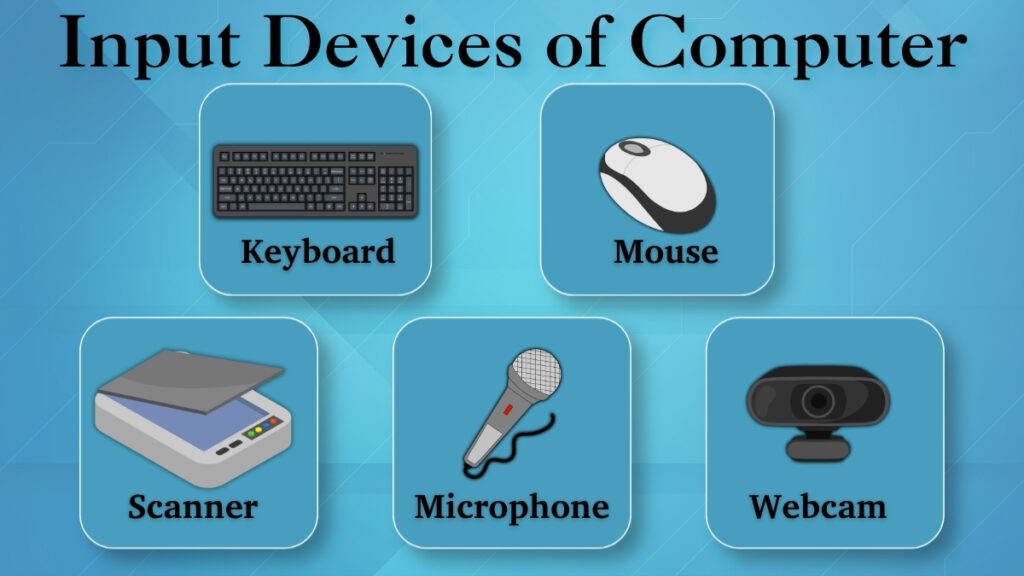
Although there are many different kinds of input devices, some are more often used in everyday life. Let us understand each of them separately in a simple way.
Keyboard
The keyboard is one of the most commonly used devices for inputting data. It is mainly used for inserting text, numerical data, and commands into the computer.
Whether you are writing an essay, chatting, or searching for information on the web, you will always rely on your keyboard to input data easily and quickly.
Mouse
The movement of the pointer on the screen is controlled by a mouse which is a pointing device. It helps users to select, click, drag, and open files or programs.
For example, when you click on an icon or open a file, this is possible by using a mouse.
Scanner
Physical documents are converted into digital forms using a scanner. It gathers data from paper and saves it on the computer.
For example, scanning certificates, photos, and documents is a common practice for using a scanner.
Microphone
Voice input is sent to the computer through a microphone. Users can talk in place of typing, and the computer either records or processes the voice.
This is mostly used during online meetings, voice recordings, and voice search.
Webcam
Images and videos are taken using a webcam and sent as input to a computer.
It is used in video communication, online classes, and live streaming, hence making communication more interactive.
What Are Output Devices?
Hardware components used to display or present the result of the computer-processed data are known as output devices.
In a simple way, we can say that they show information in a simple form which is easily understood by the user and also help the computer to communicate back with the user.
For example, when you see anything on the screen or hear sound from speakers, it is the output generated by the computer.
The last step of the computer process is the output device because it delivers the end result after all processing has been completed.
Common Output Devices of Computer
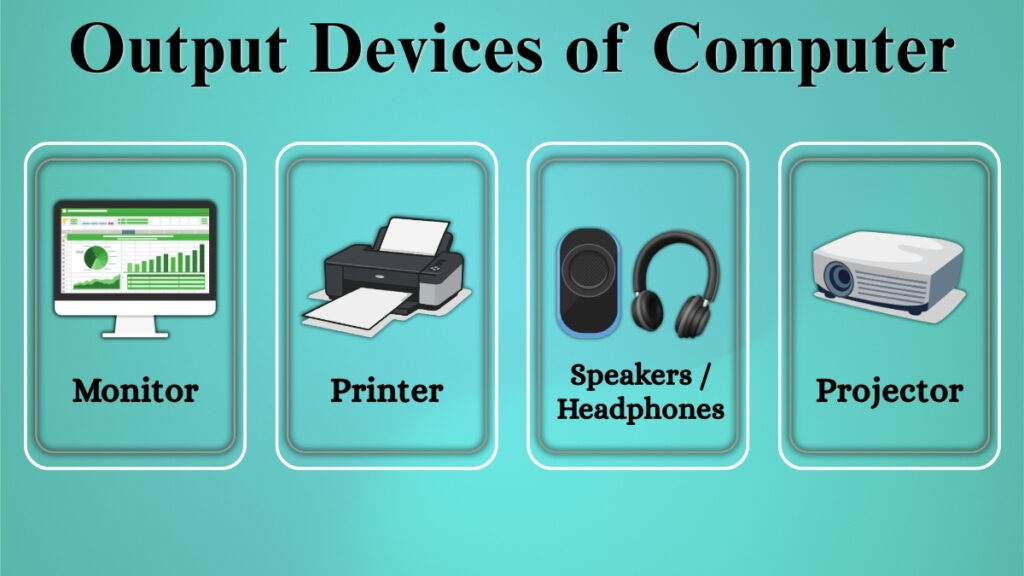
There are various different types of output devices. Let us understand some commonly used devices.
Monitor
A computer’s main output device is a monitor. It shows all visual data, such as text, pictures, and videos.
Almost all tasks need the usage of a monitor, from reading documents to watching films.
Printer
Digital data is transformed into a physical copy on paper using a printer.
It is mainly used for printing documents, assignments, reports, and photos.
Speakers / Headphones
Sound output from the computer is produced through speakers and headphones.
They are necessary for gaming, taking online classes, watching videos, and listening to music.
Projector
A projector is useful for presentations and instruction since it can show information on a bigger screen or wall.
It is mainly used in seminars, workplaces, and schools.
Difference Between Input and Output Devices
Input and output devices are the exact opposite of each other, but they are equally important in a computer system.
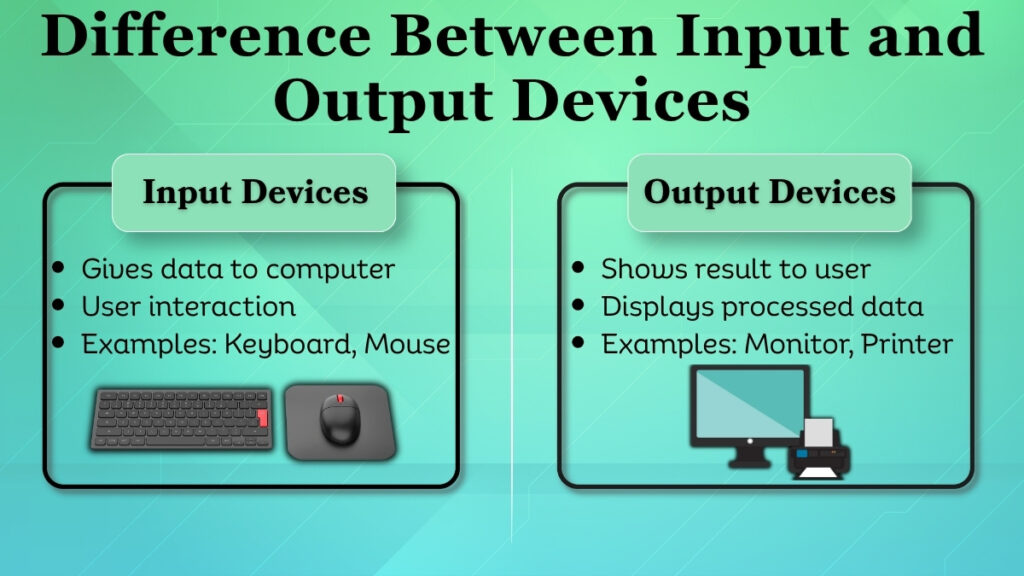
Input devices are those devices which are used to give data or instructions to the computer. These devices enable the user to interact with the computer.
On the other hand, output devices are those devices which are used to receive data from the computer after the processing of the data.
In other words, input means giving information to the computer, while output means receiving information from the computer.
Role of Input and Output Devices in Daily Use
In real-life, input and output devices always work together.
For example, while creating a document:
-
Typing data using a keyboard is an input
-
The text shown as a result on the monitor screen is an output
-
The result can be printed using a printer which is an output
By this example, it is clear that both types of devices are connected with each other and work as a complete system.
To operate or communicate with a computer smoothly, a user needs both input and output devices. Without them, every task is incomplete.
Basic Care Tips for Input and Output Devices
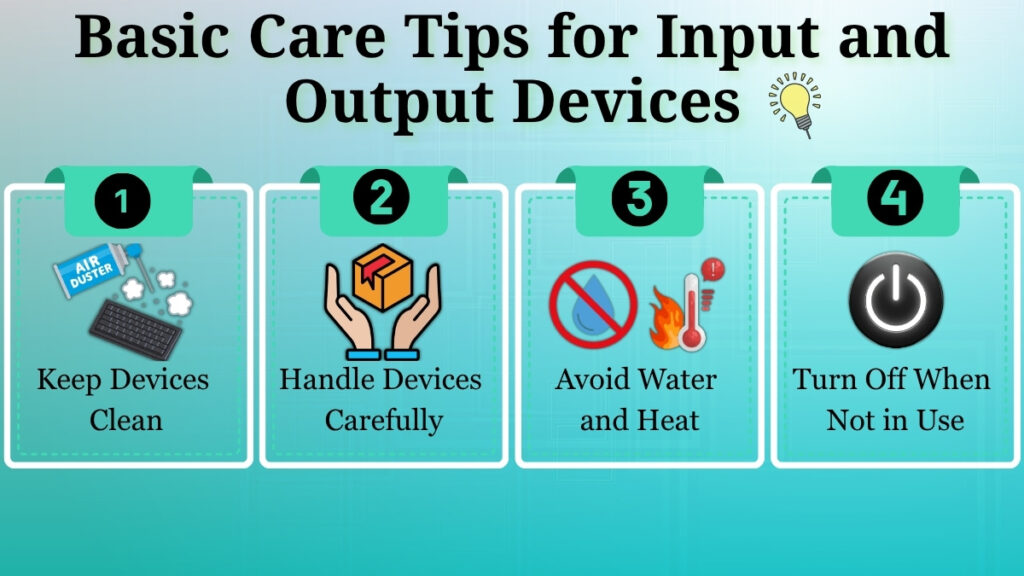
For long-term usage and improved performance, these devices depend on proper maintenance.
• Keep electronics dust-free and clean.
• To prevent harm, take caution while handling devices.
• Avoid contact with water and intense heat.
• Make appropriate use of devices.
• Turn off the devices when it is not in use.
These easy practices can extend the life of your devices and maintain their effectiveness.
Conclusion
Devices for input and output are necessary parts of every computer system. They provide communication between the user and the computer.
Users can send data and instructions through input devices, while output devices help in displaying the results in an understandable way.
Both devices play an important role in the computer system. If an output device or input device is missing, the working process is not complete.
When both devices are combined, they make using computers easy, effective, and useful. The first step towards understanding computer hardware and how technology functions in daily life for beginners is learning about these devices.
Pingback: Mobile Hardware Basics: Parts & Functions Explained
Pingback: Operating System: Easy Beginner's Guide