
Mobile and Tablet Hardware Basics: Parts and Their Functions Explained
Introduction
Nowadays, mobile phones and tablets are an important part of our daily lives. Everybody uses them for various tasks on a daily basis. Whether you need to make a phone call, send messages, watch movies, take online classes, or even conduct business meetings, all of these can be done with the help of just one device.
From the outside, a mobile phone or tablet appears to be very simple. It consists of a display and its interaction is performed through touch. This makes users perceive that the device is simple in nature. However, the truth is that there are several hardware components functioning inside the device.
This can be explained through an example. Imagine a scenario in which you are watching a video on your mobile phone. You click on the screen and all processes happen in quick succession. The video appears instantly, and audio is played without any delay. This process is done through the collective effort of several parts working simultaneously.
For the beginner, knowledge about such parts is really helpful. This gives you an idea of how your device operates, rather than using it without any information. By having knowledge of the basics, you will be able to operate the device effectively.
In this article, the hardware parts of smartphones and tablets will be explained in clear and easy-to-understand language, enabling you to know fully how these devices operate.
What Are Mobile and Tablet Devices?
The mobile phones and tablets are the portable electronic devices used on a regular basis. The difference between desktops and these devices is that they are compact and portable.
To put it simply, these devices are basically the portable computing devices used for many purposes. They are used for communication, studying, entertainment, etc.
For instance:
- You can contact someone immediately
- You can participate in online classes from your own room
- You can enjoy films and music on the move
- You can use applications for banking, shopping, and other tasks
Due to this flexibility, mobiles and tablets can be used by students, professionals, and regular users. Another great advantage of using these devices is the fact that they help remain connected to others all the time. No matter where you are, whether you are at home or on a trip, you can still access the internet.
Basic Hardware Components of Mobile and Tablet Devices
Mobiles and tablets are composed of various hardware parts that are installed in a small body.
Unlike a desktop computer, which has its hardware parts separated and visible, mobile phones integrate all their parts together. It is due to this integration that they have been able to shrink and become portable.
Each part plays its role. When one part does not perform its duty well, it affects the efficiency of the entire device.
For instance, if the battery is inefficient, the device’s battery life is reduced. On the other hand, if the processor is low in speed, applications may lag. It indicates that each part serves its purpose well.
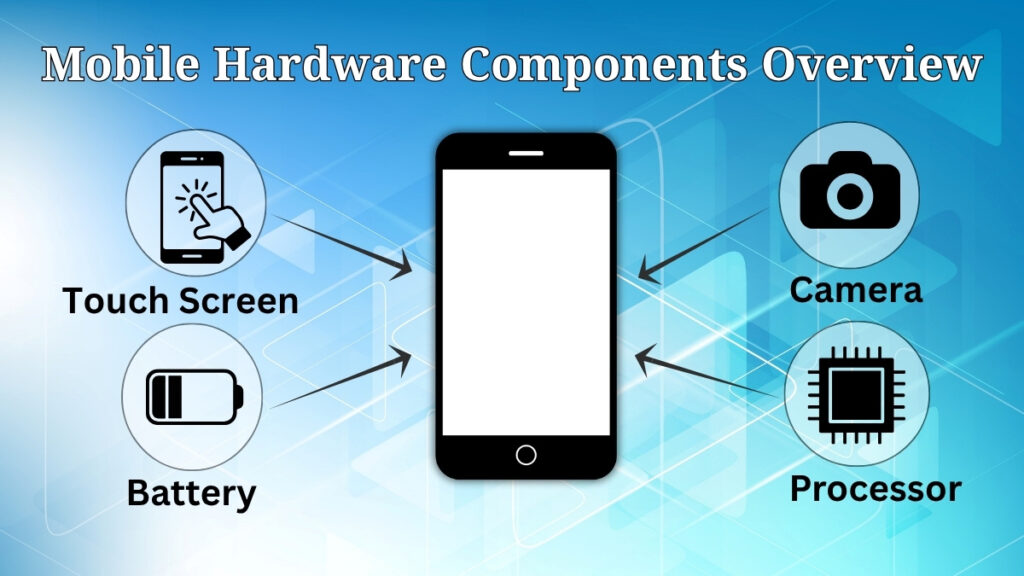
Touch Screen (Main Interaction Point)
Touch screen is one of the most visible and commonly used components in any mobile or tablet computer. This is the medium that is used to interact with the device by its users.
This component has two functions that occur simultaneously. One function involves displaying data in various forms such as texts, graphics, and video streams. The second function includes the command input using touches on the touch screen. This makes it both an input and output device.
Every action that you perform makes use of the touch screen. From opening an app to browsing social media, from typing a text to selecting an option, everything involves the touch screen.
For instance, when you open YouTube and press a video on it, the same screen serves the purpose of both selecting the video and showing it. It shows how important the touch screen is in daily activity.
Processor (Core Working Unit)
The processor (CPU) is the most important part inside the device. It is in charge of regulating the operations and making sure they flow smoothly.
It is tasked with duties such as opening applications, analyzing information, and handling multiple activities at once. When you utilize your device, the CPU works behind the scenes all the time.
For instance, when moving from one application to another or using an app while messaging, everything will be done by the processor without stopping the phone.
An efficient processor will enable a speedy process without any problems, while an inefficient processor can bring about lag and delays.
Battery (Power Supply Unit)
A battery is the source of power for the device. This means that mobile and tablets do not need always to be connected to electricity in order to work.
This is why these devices are mobile and easily accessible anywhere.
When the battery is full, one can work on their device for some hours. However, if the battery level is low, it might not be functional.
For instance, when the battery percentage is 10%, you would not engage in activities like viewing videos or playing video games because the device could switch off at any moment.
Battery quality and battery charging practices influence the device’s performance level.
Camera (Capture and Communication Tool)
Camera is one of the most popular tools on phones nowadays.
It is generally used to take photos and shoot videos, but its uses are not restricted to just that.
Now in modern-day, users are using their phones camera for video calling, e-learning, document scanning, and other social activities.
For instance, the camera might be used by students to capture their lecture notes, but by professionals to participate in meetings away from the office.
Therefore, the camera plays a vital role in both personal and professional use.
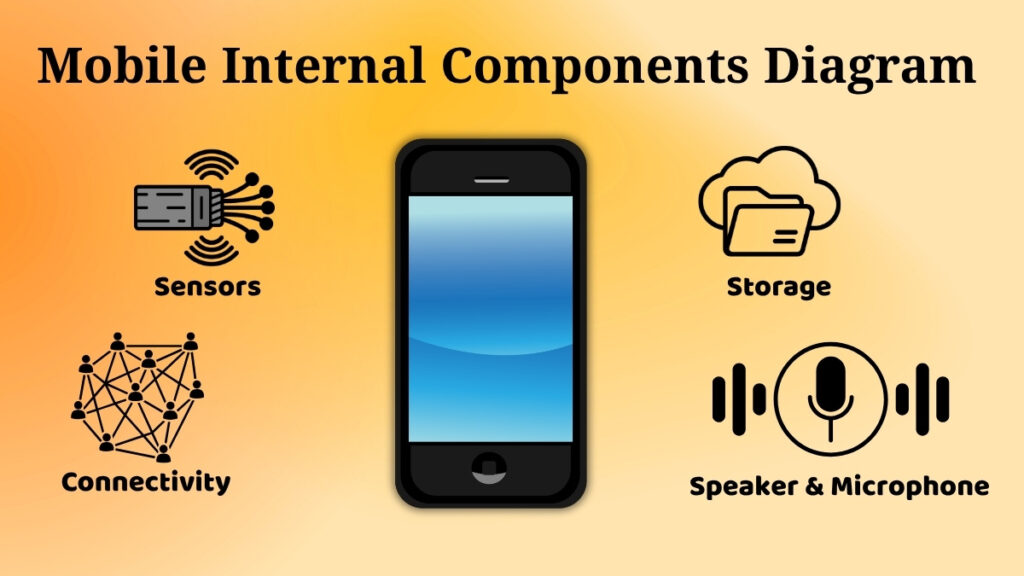
Speakers and Microphone (Audio Components)
The speaker and microphone take care of all audio duties in the phone.
Speakers are used for making sounds like music, videos, and phone calls. Microphone is used for capturing your voice.
Both devices are highly important for communication purposes.
For instance, in the process of a telephone conversation, your voice is captured using the microphone and is then transmitted to the other person while theirs is heard using the speakers.
Without these parts, communication becomes impossible because there would be nothing to hear or say anything into.
Storage (Internal Memory)
The storage is the part where everything is stored. Storage consists of apps, pictures, videos, and other documents.
Storage functions like the long-term memory, which lets us store something and retrieve it anytime we want.
For instance, when you install applications and click pictures, they get stored inside the memory.
When the storage is full, the device may become slower and stop saving new data.
This makes the management of memory critical.
Sensors (Smart Features of the Device)
Sensors are specific parts that enable the device to react automatically to various conditions.
They increase the intelligence level and usability of the device.
Examples of such sensors are:
• Screen rotation while turning the phone
• Automatic adjustment of brightness based on light conditions
• Movement tracking using step counting
These functions run in the background without any manual intervention.
For instance, if you bring your phone from a dark place to bright sunlight, the screen will automatically get brighter. This is achieved using sensors.
Connectivity Components
The connectivity parts enable the device to interact with other networks and devices.
They include:
-
SIM Card for calling and messaging
-
WiFi for internet access
-
Bluetooth for linking accessories
For instance, you utilize WiFi to stream videos from the internet, Bluetooth for linking earphones, and SIM Network for calling.
Without them, the device will lack any means of interacting with the external environment.
Importance of Mobile and Tablet Hardware
Every single component performs its own function in the proper operation of the device.
The screen helps in the interaction with the device, the processor does the processing, the battery provides energy, and the storage stores your files.
If there is an issue with any of the components, the performance of the device will be impacted.
For instance, if there is a problem with the screen, you will not be able to use your device. Also, if there is an issue with the battery, your device will not even turn on.
Basic Care Tips for Mobile and Tablet Hardware
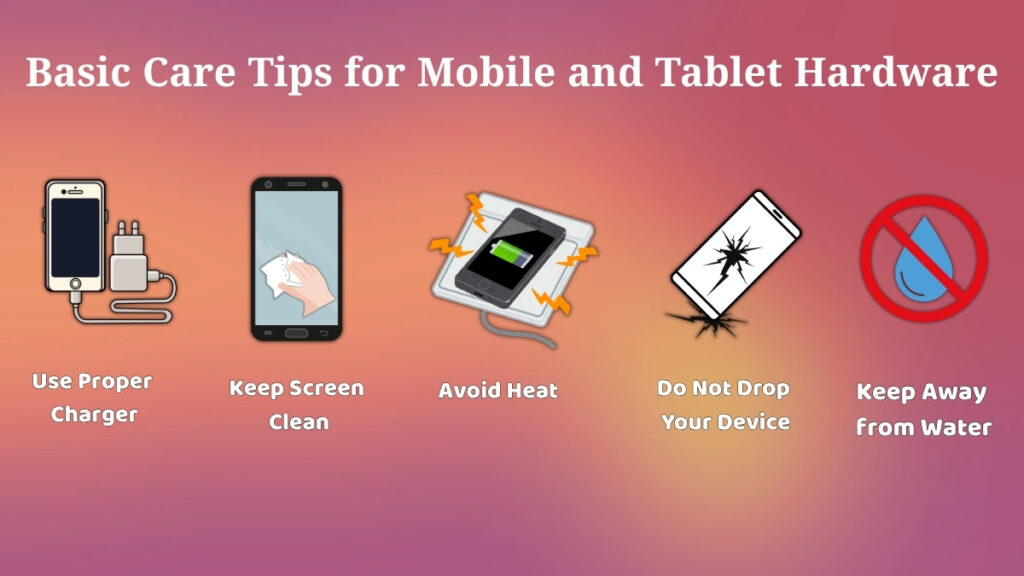
Proper care of your device is not difficult but highly essential for its long-lasting.
Some of the best practices are:
-
Maintain cleanliness on the screen and protection of it
-
Do not drop your device accidentally
-
Always use appropriate chargers
-
Keep your device out of reach of water
-
Protect it from any exposure to high temperatures
These small precautions will keep your device safe for a longer period.
Conclusion
Mobile phones and tablets do not simply consist of hardware parts. They are complex systems comprising a number of hardware parts operating together in one unit. Every part of the system serves its own purpose and is responsible for ensuring smooth functioning of the entire system.
Once you understand the working of all these elements, it is easy to use your device in a more efficient manner. In addition, such information is highly important for beginners, as it gives them a firm base to develop their confidence in dealing with technology. In fact, it can help identify basic problems that might arise.
Simply put, once you know the function of all these components, the whole device is easy to use.