
Laptop Hardware Components: Parts and Their Basic Functions
Introduction
Take a moment and think about your daily routine that involves digital interaction such as attending online classes, watching any videos, checking emails, or even applying for jobs. Most of these activities involve a laptop and it plays a central role. Nowadays it has become much more than just a device, it is almost like a daily partner for students, professionals, and general users.
Do you know what makes a laptop so popular? It is convenience. A laptop is a device that gives you the power of a full computer, that too in a compact form. For using a laptop you don’t need any dedicated workspace or multiple wired connections, you just need to open the lid and you are ready to go.
However, it is not as simple as it looks, there are several hardware components working together continuously behind the scenes. Each and every part contributes in its own way to make sure everything runs smoothly.
We will explore these laptop hardware components and also understand their functions by observing simple explanation and practical examples.
What Is a Laptop Computer?
A laptop computer is a portable computing device that enables users to carry out computing tasks without being tethered to a particular location. It has the same fundamental features as a desktop computer but is a lot smaller and easier to carry around.
A laptop is essentially a ‘complete computer kit’ all in one that you can take with you wherever you go. No additional devices required to get it up and running.
For example, a student preparing for exams. They can read in a library, on a terrace, even while traveling, instead of being fixed in one place. A freelancer can also work from a cafe or co-working space, without the need for a full office setup.
Laptops are flexible, and that is why they are important to modern life.
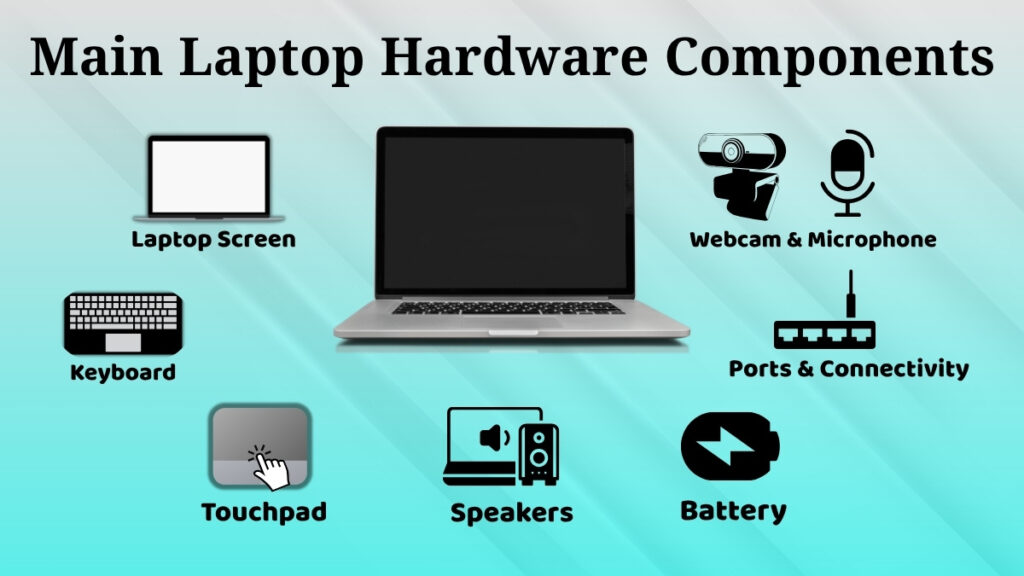
Main Hardware Components of a Laptop
A laptop may appear to be a single piece of equipment, but in fact, it consists of many different parts that work together in a very small space.
Each part has its own responsibility. Some provide input, some provide output, others make sure the system runs efficiently.
Understanding these components will make it much easier for a beginner to use a laptop confidently and also helps in basic troubleshooting.
Laptop Body and Integrated Design
What Is a Laptop Body?
The laptop body is the outer frame which is designed to hold and protect all the internal parts. It acts as a shield to protect delicate parts from being damaged.
It is usually designed in a way that it stays light but also strong, so that using it on a regular basis doesn’t create any issue.
Let us observe an example. Imagine carrying your laptop in a crowded bus or putting it in your college bag with books, the body helps protect the internal parts from pressure and minor shocks. The integrated design of a laptop is one of its most interesting features.
Integrated Components Concept
In a desktop computer, you have to connect different parts like a monitor, keyboard, and CPU separately. But in a laptop, all the components are already built into one system.
For instance:
-
Screen is mounted on the upper lid
-
The keyboard is located in the base part
-
The touchpad is beneath the keyboard
This is why you can start working right away without connecting anything. That’s especially helpful if you need to open your laptop quickly during a lecture or meeting.
Laptop Screen (Display)
Role of the Display
All visual information is displayed on the display. It can show anything from simple text to complex graphics.
It is the primary means by which users interact with the system.
Examples of using a screen
The display is used in a large number of practical situations, e.g.:
-
A student watching recorded lectures and taking notes simultaneously
-
A designer who works on photos or graphics, and has a good eye for detail
-
An employee going through slides and preparing a presentation ahead of meeting
-
Someone reading articles or researching topics for an assignment
A bright, clear display is better for productivity and less strain during long use.
Laptop Keyboard
The keyboard is used to type text and commands into the laptop. It allows users to interact with the system efficiently.
Since it is a built in feature, it is always accessible whenever needed.
For example:
-
Typing long assignments or reports for projects
-
Searching for information on Google
-
Writing emails or messaging team members
-
Saving time with shortcuts like Ctrl + C and Ctrl + V
For productivity, especially for typing intensive work, the keyboard is a huge part of it.
Touchpad
The touchpad is a substitute for a mouse. It lets the user control the cursor and interact with the various elements on the screen.
This is especially useful if you don’t have access to an external mouse.
For instance:
-
Finger gestures for scrolling through long PDFs/study material
-
Folder organization and dragging and dropping files
-
Multi finger gestures for switching between applications
-
Quickly selecting text while editing documents
This helps in making navigation smooth, especially when the user is working in limited space like a classroom bench or during travel.
Webcam and Microphone
The webcam and microphone both are used for communication. They allow communication through audio and video.
In today’s digital era, these components are frequently used
For example:
-
Attending live online classes where both video and voice are required
-
Participating in job interviews conducted through video calls
-
Recording presentations or video content for projects
-
Communicating with friends or relatives through video chats
These components make remote communication possible and effective.
Speakers
Speakers generate audio output directly from your machine. These integrated units allow us to listen to sound without needing any extra stuff.
Daily utility remains high, especially for those who prefer not to wear headphones during long online lectures.
Examples of speakers are:
Watching tutorials becomes seamless, plus you can enjoy background music while tidying your desk.
System notifications cut through the silence to keep you updated on important alerts.
Better external hardware exists, but built in units get the job done daily. Truth be told, they are simple.
Battery
Batteries grant your laptop true mobility. Working away from a wall outlet defines the modern tech experience, letting you move freely across various workspaces.
It helps us in the following ways:
Finishing assignments during a sudden power outage happens instantly.
While traveling via train or bus becomes a productive window, and classrooms with zero spare outlets no longer slow your progress.
Outdoor settings like a backyard or a sunny terrace become perfect offices.
Power demands are managed so that your progress never pauses for lack of energy.
Ports and Connectivity (Overview Only)
Connecting devices requires ports to maintain system flexibility.
They provide the following benefits to users:
Plugging in a USB drive facilitates file transfers or assignment submissions. Charging ports keep the machine alive while headphone jacks ensure your audio stays private during busy hours.
External hard drives expand your storage capacity whenever the internal drive fills up.
Expanding your machine capabilities relies entirely on these physical gateways.
Importance of Laptop Hardware Components
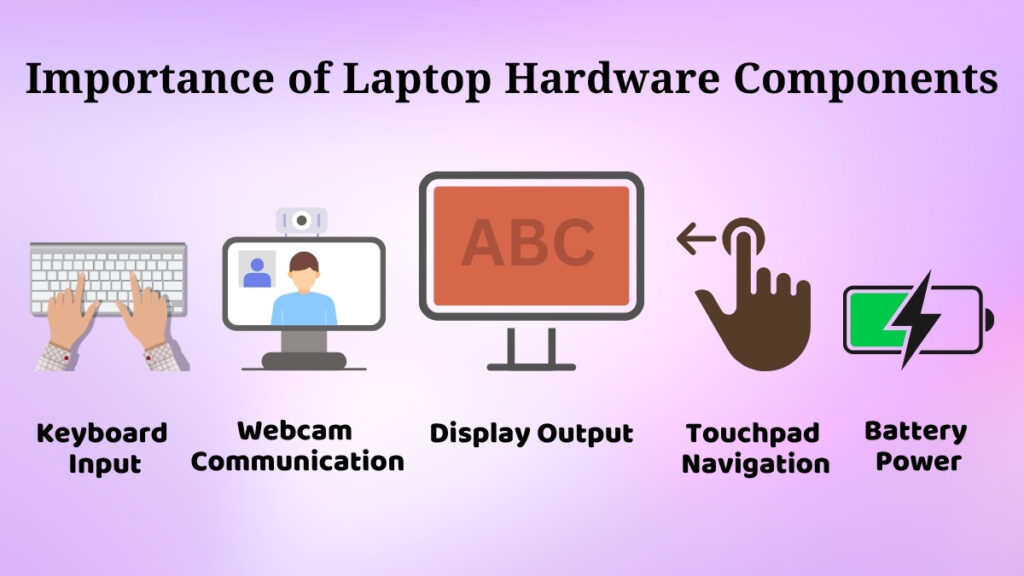
Every component of a laptop holds its significance, together they form a complete system.
Output is shown on display, input is handled by keyboard and touchpad, and power is supplied by a battery.
If any one component fails, then it can have an effect on your work.
For instance,
-
If the web camera malfunctions, online interviews become challenging to attend.
-
If the battery doesn’t hold much charge, portability is out of the question.
-
Navigation becomes slow with the malfunctioning of the touchpad.
This part explicitly demonstrates how each component interacts with each other for smooth functioning.
Basic Care Tips for Laptop Hardware
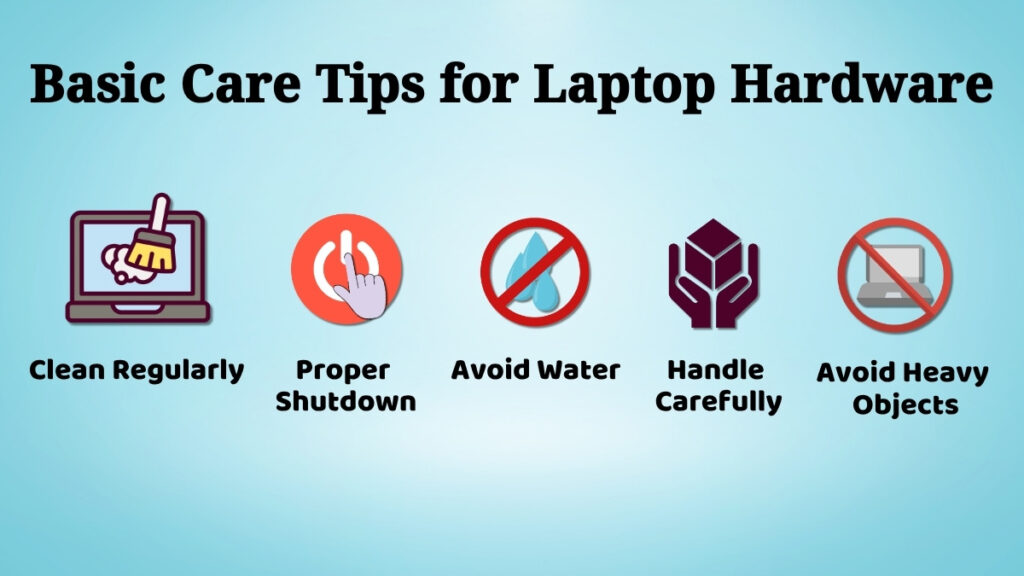
Proper laptop care is a good practice to keep its functioning smooth for a long time.
Practical tips are:
-
Be very careful while handling the laptop, especially while opening and closing it
-
Clean dust from the keyboard and screen to prevent dust build-up.
-
Do not eat or drink near the laptop to avoid accidental spills.
-
Do not put heavy books or objects on it.
-
Always shut down or properly close applications before turning it off.
For example, many users report heating or keyboard issues solely due to dust buildup over time. Regular care can avoid such problems.
Conclusion
A laptop is a combined set of many hardware components integrated into a small form factor.
Each part is important for delivering a smooth user experience.
From the display and keyboard to the battery and speakers, every part plays a role in the overall system functioning.
Understanding these components helps a beginner to understand the basics of computer hardware.
It also helps to use laptops more efficiently and to take care of them.
Now you know all that, you can confidently use your laptop for study, work, and day to day purposes.