
macOS Operating System Explained for Beginners
Introduction
The name “macOS” is likely familiar to everyone who has ever seen a MacBook or an Apple desktop computer. This is the operating system that powers Apple’s computers. It helps users perform tasks like browse the internet, create documents, watch videos, manage files, and a lot more.
Many people think macOS is hard to use because it is different from Windows. The truth is, most people who are new to it find it pretty easy to learn once they use it for a little while. Apple made macOS to be simple and easy to use. This is why a lot of people like using it.
Whether you are a student, someone who works or just want to know how Apple computers work learning about macOS is a place to start. In this article we will talk about what macOS is, why people like it, and how it helps users work with their computers.
What Is macOS?
The operating system that Apple created for their Mac computers is called macOS. This includes MacBooks, iMacs and Mac Mini devices.
Think of an operating system as the software that powers a computer in order to know what it is. It controls the hardware runs apps and lets users interact with the computer using pictures and words.
When you click on an icon open a folder, play music or save a file macOS is working in the background to make all those things happen.
A computer would be nothing more than a collection of inert components without an operating system. macOS is like a bridge between the user and the computer’s parts. It makes everything work nicely.
Why Is macOS Popular?
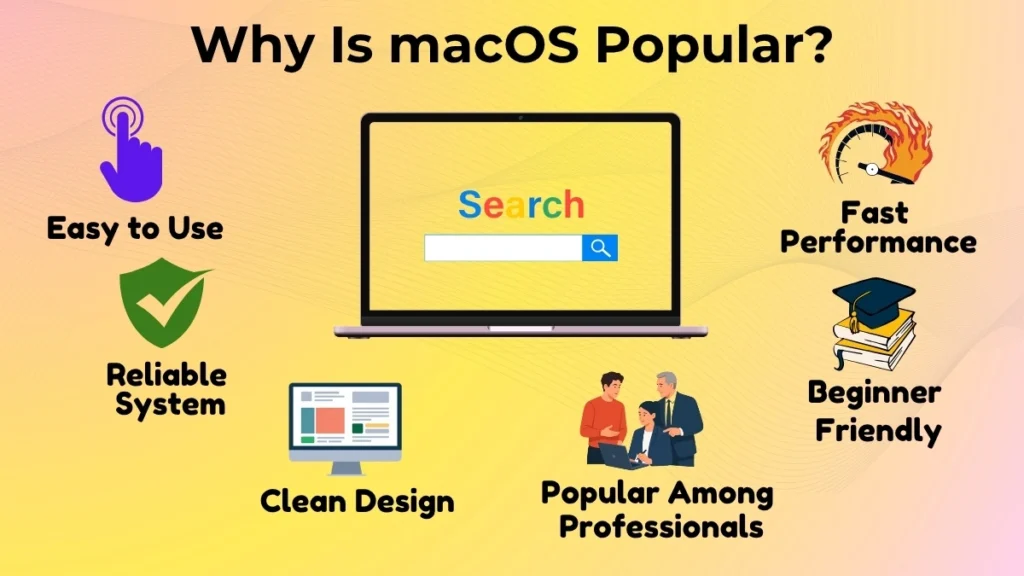
One big reason macOS is popular is that it is easy to use.
People prefer macOS because it works well.
Apple makes both the computer and the operating system so they work well together.
Because of this, Mac computers appear speedy and dependable when you use them on a regular basis.
Another reason people prefer macOS is that it looks nice and is easy to use.
The desktop is clean, and the menus are simple to understand.
Most things are in places where you expect to find them.
This helps if you are new to using a computer.
Many professionals prefer macOS because it is a system to work on.
Designers, video editors, writers, developers and students often choose Mac computers because they are reliable and easy to use.
Basic Features of macOS
The useful features of macOS can help you operate more efficiently.
It also keeps the system simple to understand.
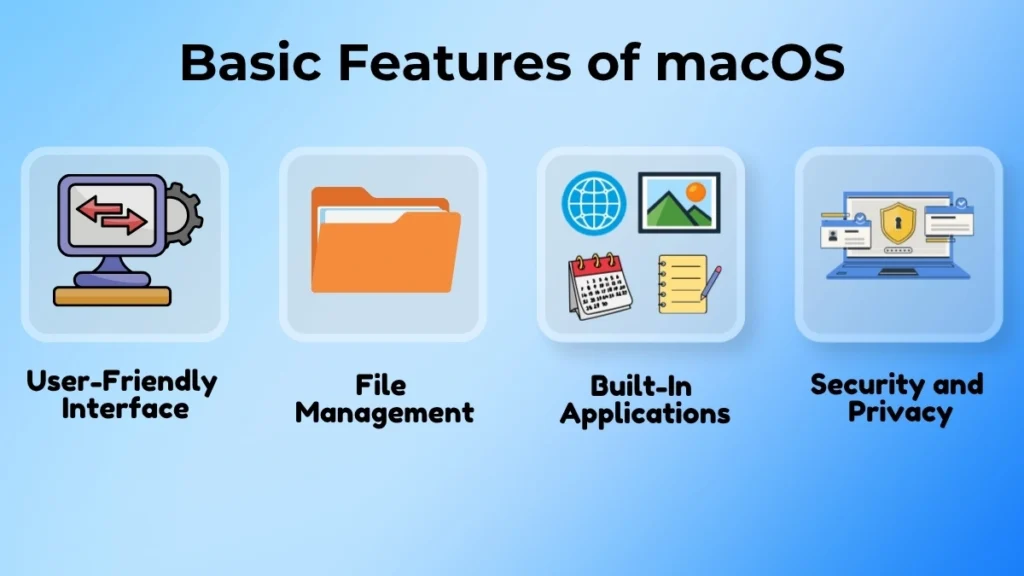
User-Friendly Interface
One thing people notice about macOS is that it looks modern and neat.
You can find applications, files and settings through menus and icons.
You can easily find what you need because of the clean layout.
You do not have to search through options.
Even if you have never used a Mac before you can usually learn navigation quickly.
Tasks such as opening programs, switching between applications, and accessing settings are straightforward.
File Management Concept
Managing files and folders is important when using a computer.
macOS makes this process simple.
Making folders, organizing papers, renaming files, and moving objects around are all simple tasks.
The finder application helps you browse and manage your data efficiently.
For example, if you download photos from a camera or save class notes for different subjects, you can create separate folders.
You can organize everything neatly.
The drag-and-drop feature also makes moving files feel quick and natural.
Built-in Applications
These applications are already installed on the computer, so users can start using them right away.
They can browse the internet, take notes, manage their calendars, look at photos, watch videos, and create documents using the applications that come with macOS.
Because they don’t have to spend a lot of time searching for fundamental apps to download, this is extremely wonderful for those who are new to computers.
Security and Privacy
macOS’s security features are widely recognized.
The operating system has features that help keep user information safe.
These features are designed to prevent people from getting access to personal data without permission.
macOS includes built-in security protections that make it a good option for many users, despite the fact that no operating system is totally protected from security threats.
This allows those who are unfamiliar with computers to concentrate on learning how to use them rather than always worrying about security.
Where Is macOS Frequently Used?
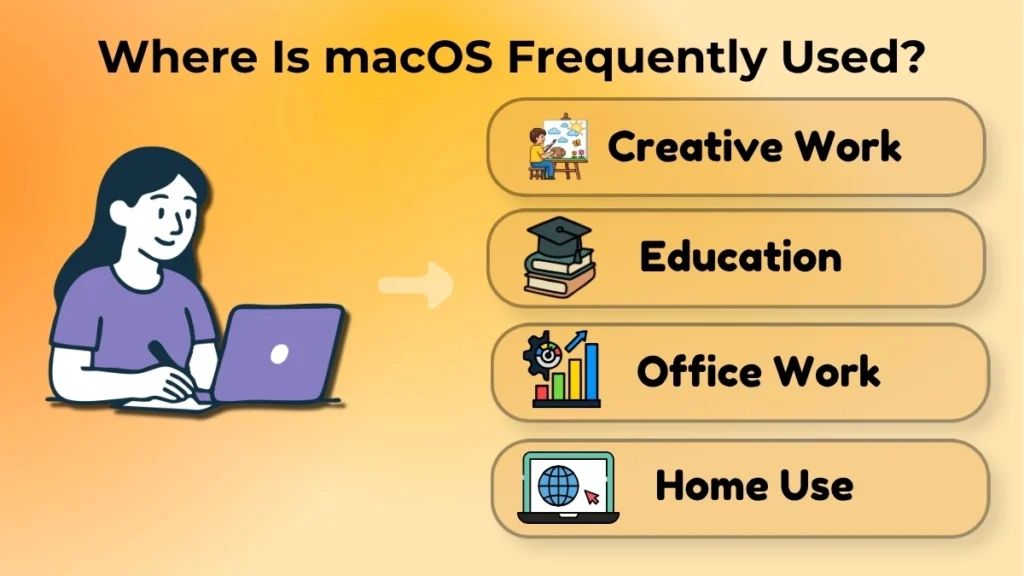
Some of the places where macOS is commonly used include:
- Graphic design, video editing, photography, and music creation are examples of fields
- Schools and universities for studying, doing assignments and learning online
- Workplaces for doing business tasks and being productive
- At home for browsing the web, having fun, talking to people, and performing everyday tasks
Because macOS can handle both simple and complex tasks, it is a good choice for many users with different needs.
Advantages of macOS for Beginners
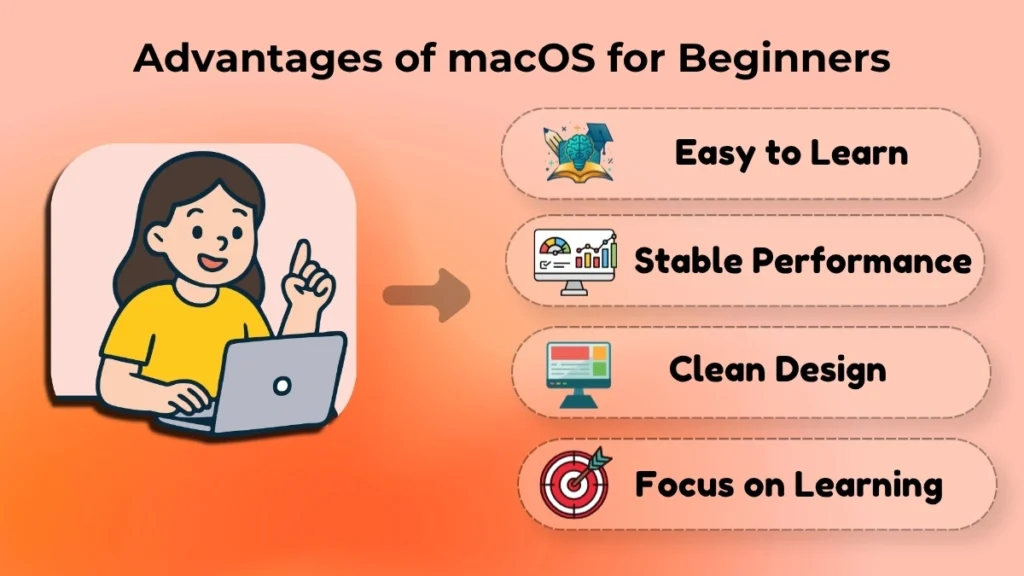
There are good reasons why people who are new to computers like using macOS.
One big reason is that macOS is not hard to figure out. It makes sense the way it is organized. You can do a lot of things just by using simple actions and menus.
macOS is also very stable. This means that Mac computers work well and do not crash a lot, which makes it a lot easier for new users to use them without getting frustrated.
The way macOS looks is also very clean and simple. This makes it easier for people to learn because they are not overwhelmed with many options all at once.
For people who are in school or using a computer for the first time, macOS is a great choice because it is easy to use and they can focus on learning instead of trying to fix problems with the computer.
Is macOS suitable for Beginners?
Yes, macOS is a good choice for people who are new to computers.
Someone who has never used a computer before can learn how to use macOS easily. The way it is designed makes it easy to understand. You can do a lot of common tasks just by using simple menus and pictures.
People who are used to using Windows might notice that some things are different at first. Some settings and shortcuts work differently on a Mac. However most people get used to it quickly once they start using the computer.
As people get more comfortable using macOS they usually find that it is very easy to use and they have a lot of fun using it.
Conclusion
macOS is the operating system that Apple made for Mac computers. It is designed to make using a computer fun.
It helps people use the computer’s hardware, run programs, organize files, and perform tasks without any difficulty. The clean and simple design, the tools that come with it, and its reliable performance have made it a popular choice among students, professionals, and many other users.
For people who are new to computers, learning how to use macOS is a great way to start understanding how operating systems work. Once you understand the basics of macOS, using a Mac becomes easy and fun. It makes it a lot easier to learn new technology skills and explore the world of computing.