
Computer Hardware Upgrades: What, Why, and When to Upgrade
Introduction
Anyone who has used a computer for years might have noticed that after a certain period of time, computers no longer feel as fast as they once used to. There can be many issues such as programs taking longer to open, systems freezing while multitasking, or even simple tasks like browsing the internet can become slower.
When such problems arise, beginners think of replacing them with a new computer system right away, but in serious situations, there are other options. Sometimes only a few hardware parts need to be replaced and not the whole system. It can make a huge difference in performance without spending money on a brand new system.
This process is called a hardware upgrade. For beginners, understanding the basics of hardware upgrades can be very useful. It will help them to understand how a computer works, which component affects performance, and how the user can improve the system in a budget-friendly and effective manner.
In this article, we will explore what hardware upgrades are, why they are important, when upgrading should be considered, and what awareness should one have before making any changes.
What is the Meaning of Hardware Upgrade?
A hardware upgrade refers to improving a computer by replacing or adding specific physical components.
Rather than changing the entire system, a few selected parts can be upgraded in order to improve speed, storage, or overall performance.
Let’s look at an example. If your computer has become slow while running multiple applications, you can add more RAM. Similarly, if you replace an old hard disk with an SSD, it can make the system start much faster and load programs more smoothly.
Many users upgrade their computers regularly over time according to their needs. For example, a student may need more storage for study material, while a gamer may need to upgrade memory or graphic-related components for better performance.
Why Do Computers Need Hardware Upgrades?
Computers are electronic devices, and thus they cannot remain equally efficient forever. As technology develops, software becomes heavier and systems also need upgrades. Sometimes older systems are not able to cope with them.
There are multiple reasons why users have to choose upgrading hardware.
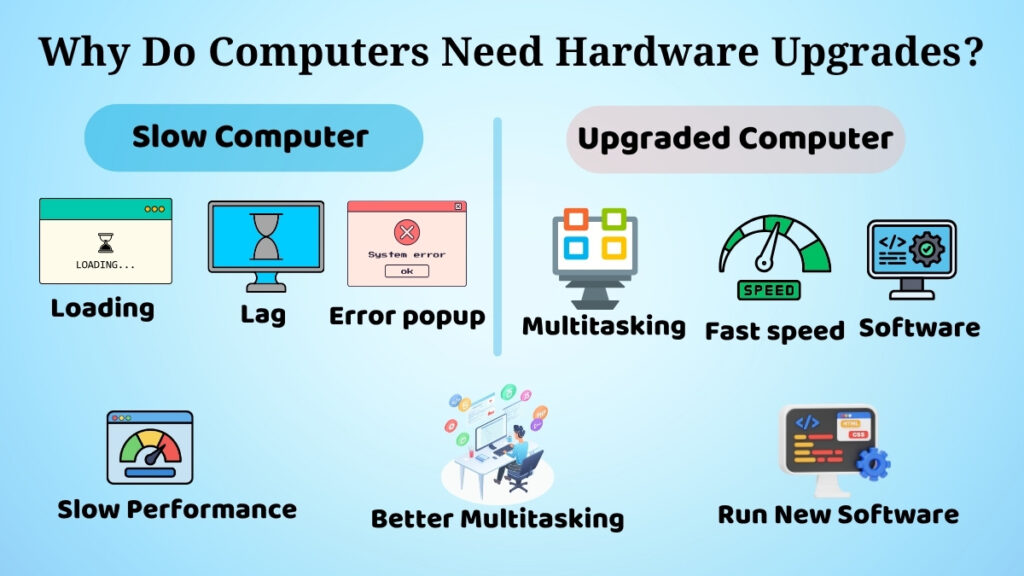
Performance Improvement
This is one of the biggest reasons for upgrading hardware, as it improves system speed and responsiveness.
Computer systems may grow slower over time due to applications using more memory and processing power than they were designed to.
For example, while opening many browser tabs, using video editing software, or while attending online meetings, the system may lag sometimes. A simple upgrade such as increasing RAM can fix this.
Users may experience the following improvements after upgrading:
- Startup time gets faster
- Better multitasking
- Reduced freezing
- Smoother application performance
Small upgrades can sometimes make big changes.
Handling New Software
Software and applications need better computers to run properly. A computer that was functioning perfectly five years ago may start struggling with operating systems or modern browsers. Design software and coding tools use a lot of the computer’s resources.
This makes old computers feel really slow. For instance, new software like design software and coding tools use more resources than before. Upgrading the computer’s hardware helps it run software more smoothly without freezing or crashing all the time.
New software and new applications are a reason to upgrade. This is really helpful for students and office workers who use computers a lot. It is also good for people who are learning skills like programming or graphic design.
Extending Computer Life
Buying a computer can cost a lot of money. So a lot of people choose to upgrade their computer instead of buying a new one right away. Upgrading can make a computer last for more years.
For example, an old laptop that takes a long time to start up can become much faster with a new SSD. New software and new applications can run well on a computer that has been upgraded. This way, people can save money and still have a good computer to use. Upgrading is a way to extend the life of a computer and make it run like new again.
Common Hardware Components That Should Be Upgraded
Computers have a lot of parts. We do not need to change all of them. We usually only upgrade a few parts and this depends on what the user needs.
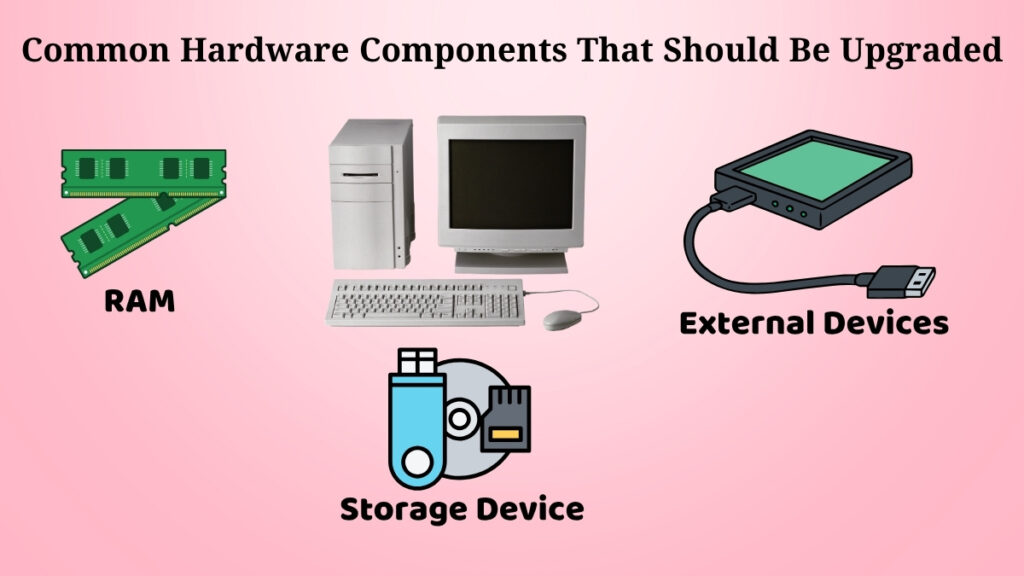
Memory (RAM)
Memory is one thing that people upgrade a lot. Memory helps the computer do things at the same time. If the computer is slow when we open things, then upgrading the memory can help the computer do many things at the same time more quickly.
For example, a student who is attending classes on the computer and using the internet and looking at PDFs and using coding software at the same time may notice that the computer is slow if it does not have a lot of memory. Adding memory will fix it.
Storage Device
Storage is another component that people upgrade a lot. A lot of computers still use the old kind of hard disk and these are slower than the new SSDs. If the user replaces the hard disk with a new SSD, then the computer will work much faster.
After upgrading the storage, we will notice that the computer:
- System starts much faster than before
- Opens files more quickly
- Loads applications faster than before
- Works more quickly overall
Upgrading the storage can also give us more space to store our photos, videos, games, projects, and software.
External Devices
So far, we have learned about upgrades in internal components, but upgrading is not just limited to them. Replacing only external devices can also improve comfort and usability.
Some common examples include:
- Replacing a keyboard for smooth typing
- A modern mouse for better navigation
- A large monitor for better visual experience
- Updated speakers or headphones for improving sound experience
When Should the Hardware Get Upgraded?
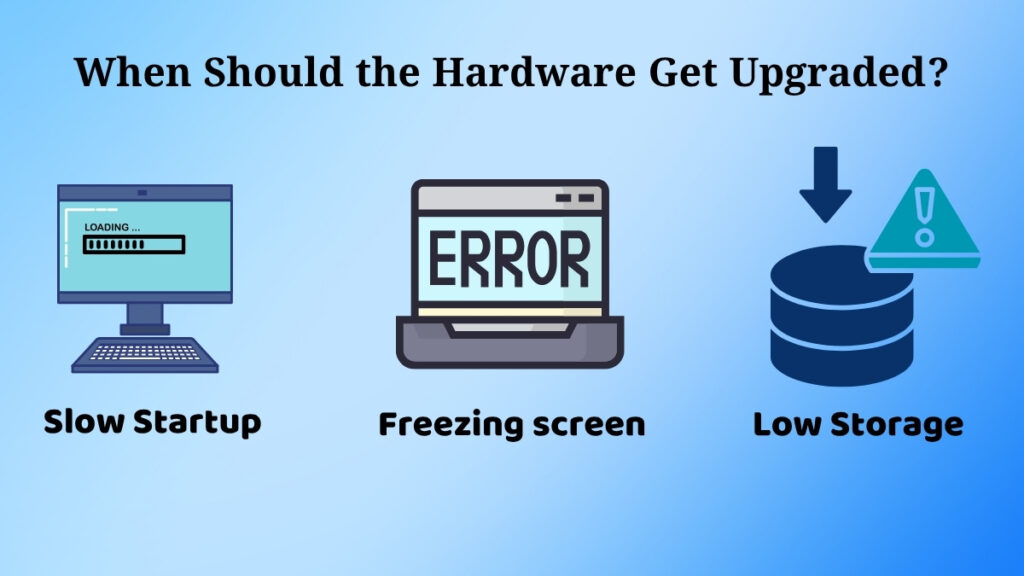
Many beginners are confused about when to upgrade a computer.
There is no hard and fast rule, but there are obvious signs that the system may need improvement.
Typical signs include:
- Slow start-up speed
- Lots of hanging and freezing
- Applications slow to open
- Low storage alerts
- More difficult to run newer software
- Gets too hot when you use it normally
Say, for instance, that your laptop is crawling along even when you’re doing something simple like browsing or watching videos. Then it’s probably time to think about upgrading.
Likewise, it might be worth an upgrade if the computer can’t run software that is needed for school or work smoothly and you want to avoid the hassle every day.
Things to Check Before Upgrading
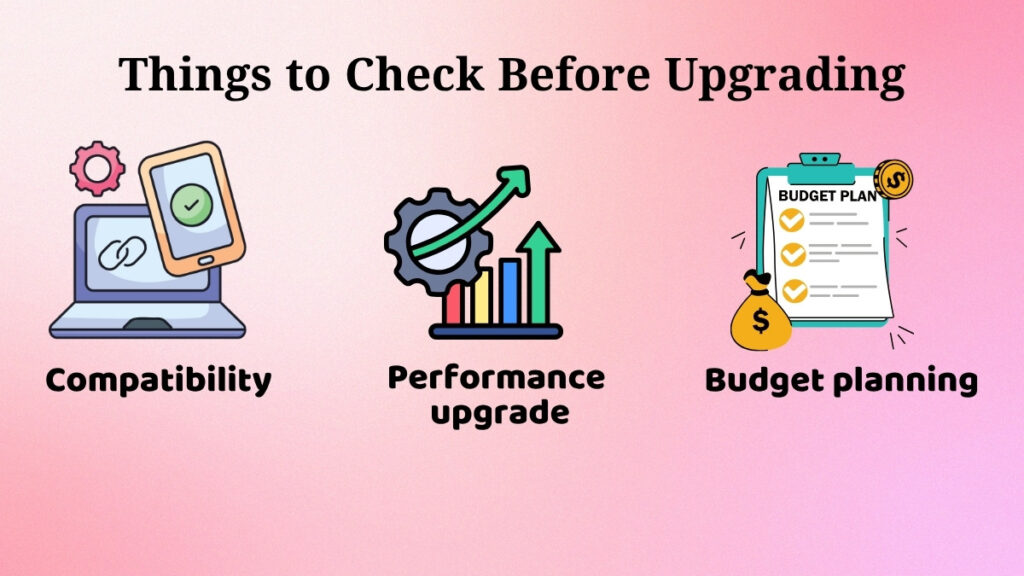
Before you upgrade any hardware component, you should understand a few important things.
Compatibility
Not all parts will fit all computers.
For instance, some systems only support specific types of RAM or storage devices. Installing hardware that isn’t compatible can cause problems or may not work at all.
This is the reason why it is very important to check compatibility before buying any component.
Actual Requirement
Many people swap parts without knowing what the real problem is.
For example, someone might upgrade their RAM when the actual problem is an old hard disk. In such cases, the upgrade may not deliver the expected improvement.
It is always best to first identify the real performance problem.
Budget Planning
When you are planning hardware upgrades for your computer, think about what you need and how much money you can spend on hardware upgrades. A small hardware upgrade can sometimes give better results than buying expensive hardware parts that you do not really need. If you are new to hardware upgrades, try not to buy hardware just because it’s popular or has a lot of advertisements.
Hardware Upgrade vs Buying a New Computer
People often get confused about whether to upgrade their computer or buy a new computer. Upgrading your computer makes sense if one or two hardware parts need to be improved and your computer system still works okay. Buying a computer is a better idea if your computer system is really old or many hardware parts need to be replaced.
Common Beginner Mistakes During Hardware Upgrades
People who are new to hardware upgrades make mistakes like buying hardware parts that do not fit, spending money on hardware upgrades they do not need, or choosing very cheap hardware. Sometimes people upgrade their computer’s RAM when the real problem is that their computer’s storage is slow.
Is Hardware Upgrade Safe for Beginners?
Simple hardware upgrades like adding RAM to your computer or changing your computer’s storage are usually safe for beginners if you do them carefully. If you are not sure about hardware upgrades, it is best to get help from someone who knows what they are doing with hardware upgrades or hire a professional to do the hardware upgrades.
Conclusion
A practical way to upgrade your computer performance without buying a new computer is by doing a hardware upgrade. A planned hardware upgrade can make your computer faster, smoother, and more capable of handling modern tasks. It can also extend the life of your computer device.
Hardware upgrades can also save you money. It is very useful to understand the basics of hardware upgrades for beginners. It helps users make better decisions rather than spending money on a whole new computer.
Whether you are adding RAM to your computer, upgrading your computer’s storage, or improving external devices, even small changes can dramatically improve the overall computing experience when hardware upgrades are done correctly.