
Types of Operating Systems Explained for Beginners
Introduction
An operating system is necessary for every computer and other digital device to operate properly. This includes a wide range of smart devices, such as tablets, smartphones, laptops, and personal computers. In the background, an operating system is always at work.
When a user starts programs, browses the web, creates documents, or watches videos, the operating system manages every process. Without it, no human commands can be understood by the computer.
However, not all operating systems are similar. Different types of operating systems are used in different devices. For example, a personal computer’s operating system differs from that of a cell phone or a manufacturing device.
This is because every system is designed to serve a certain purpose. While some operating systems are designed to handle huge numbers of users or carry out tasks requiring instant responses, others are designed for specific uses.
For instance, a real-time operating system is intended to handle situations when activities must be completed within a given time frame, but a mobile phone operating system is made for touch-screen use and portability.
This helps beginners understand why different devices perform differently and why operating systems are selected based on specific needs.
This article will teach you about the many kinds of operating systems and how they are used in daily life.
What Do Different Types of Operating Systems Mean?
The term “types of operating systems” refers to different kinds of operating systems based on how they function and what applications they are used in.
To put it another way, there are several types of operating systems based on their intended application and capabilities.
Each operating system is designed to meet specific demands. There are some operating systems that serve one individual at a time, while there are others that allow various users to use the computer simultaneously. Similar to this, other operating systems focus primarily on timing and speed.
For example, a smartphone’s operating system and an organization’s operating system are not the same since they require different things.
Such categorizations enable users to know which kind of operating systems is suitable for certain types of devices.
Every kind of operating system has a different collection of features. While some of them are quite simple and easy to operate, there are some that are developed for complex systems and professional uses.
This information is important since it makes it simpler for a beginner user to understand the operation of a computer system.
Now let’s take a basic look at the types of operating systems.
Major Types of Operating Systems
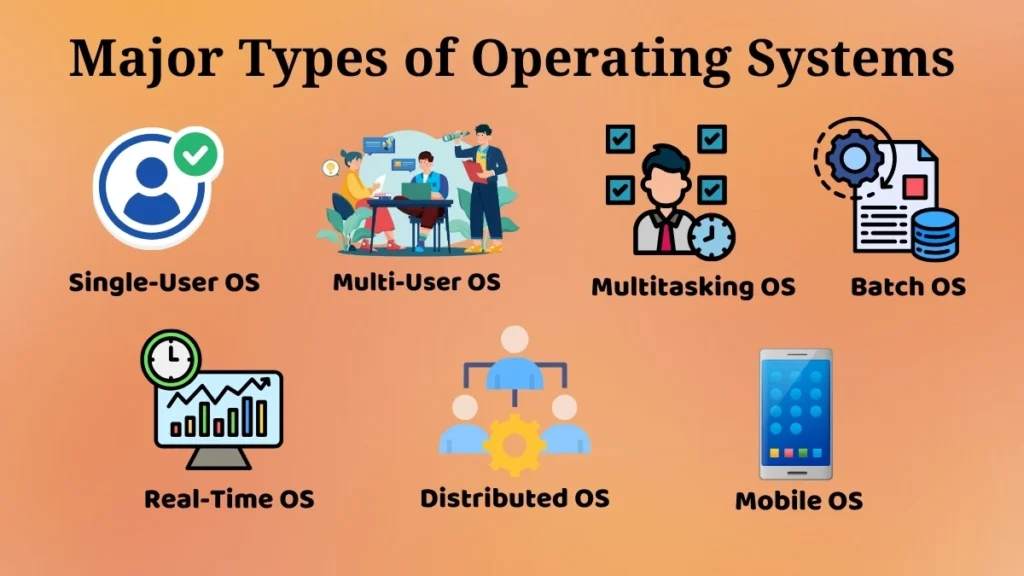
Single-User Operating System
One characteristic of a single-user operating system is that only one person can use the computer at a time.
This means that it enables one user to utilize the computer for activities like reading, browsing the web, watching movies, among others.
The single-user operating system is frequently found in computers and laptops as they are normally operated by an individual.
For example, the operating system will only serve one user when a student logs into their laptop for homework or virtual classrooms.
Personal computing is made convenient and effective by the single-user operating system. Its user-friendly interface makes it simple for users to install software, manage files, and carry out a number of other operations.
These operating systems are popular because they are easy to use and appropriate for everyday tasks.
The computer can run many programs simultaneously even when only one person is using it because of the operating system’s multitasking capabilities.
This kind of operating system works well in offices, homes, and educational institutions.
Multi-User Operating System
Multi-user operating systems enable various users to utilize a single computer simultaneously.
Individuals can perform their own tasks without disturbing other users on the computer.
For instance, in an office environment, various staff members can have access to a single computer with their unique identities. Here, the operating system looks after each user separately and makes sure that their work is safe and well-organised.
Businesses, educational institutions, and huge systems that need to be accessed by several people at once are the main users of this operating system.
The operating system manages resources like memory, storage, and CPU usage so all users can work comfortably.
The operating system also ensures that there is proper security in place for users so that only authorized files are accessed.
Because several users may use the computer simultaneously and don’t need separate computers, multi-user systems save time and effort.
These operating systems are useful in professional and network-based environments.
Multitasking Operating System
A multitasking operating system allows many tasks to run concurrently.
This is considered one of the most popular characteristics of modern operating systems.
For instance, you might listen to music while simultaneously creating documents and browsing the internet. While this may seem to occur simultaneously, the operating system has the ability to manage this process very efficiently.
The operating system distributes processing time and other system resources across several processes to guarantee that each application operates smoothly.
Without the ability to multitask, users would have to stop one application before starting another, which would make using a computer challenging and slow.
Because users can perform many tasks at once, multitasking improves productivity.
One example of this is participating in an online video conference while downloading materials and taking notes at the same time.
Since most users now multitask, PCs and laptops are often used for this purpose.
Batch Operating System
The batch operating system groups tasks into batches.
It groups similar jobs together for automatic execution rather than managing each activity independently.
This may be seen as carrying out related tasks concurrently in order to save effort and time.
If many tasks need to be executed using similar operations, the operating system can batch them together and execute them sequentially.
This kind of operating system was common in older computers where the user would submit tasks that would be processed at a later time through a batch process.
A batch operating system eliminates the need for constant interaction between the user and the system during the processing of tasks.
While batch operating systems may no longer be popular in the current personal computers, the idea behind batch processing has found application in certain areas.
Batch processing can be useful where there are repeated processes that require the same processing method.
Real-Time Operating System (RTOS)
This type of operating system is employed when there is a need to complete tasks within a certain period of time. Timing plays a crucial role in such systems.
For instance, in traffic control systems, medical equipment, and manufacturing machinery, any kind of delay may cause severe difficulties.
The real-time operating system ensures that the processes are carried out instantly and within the required deadline.
While general-purpose operating systems focus on convenience and multitasking, an RTOS prioritizes speed and efficiency.
For example, in the case of equipment used in hospitals, it should be able to react immediately to changes. Otherwise, it will compromise the accuracy and safety of the equipment.
This type of operating system is suitable in situations where decisions have to be made quickly and actions taken immediately.
They are frequently used in industrial, automation, robotics, and safety-critical systems.
Distributed Operating System
Distributed operating systems link up many computers to function as one single system.
This is executed through task sharing, resource sharing, and data sharing between computers.
For instance, instead of having one computer do everything, there are several interconnected computers that help each other out with the tasks.
Such an operating system can be beneficial in cases where there is a need to deal with extensive data or computation.
Distributed systems increase speed and efficiency since they involve the cooperation of several computers.
Although multiple computers are connected, the user feels as if they are using a single system.
This kind of operating system is widely used in extensive networks, research, and systems that demand high efficiency.
Distributed operating systems enhance reliability and minimize load on individual systems.
Mobile Operating System
Mobile operating system software is made for cell phones and tablets.
It enables touch input functionality and lets users do things like call people, send messages, access the Internet, run applications, take pictures, and watch videos.
In contrast to computer operating systems, mobile operating systems have been designed with mobility, energy consumption, and screen size in mind.
For example, users can easily interface with applications through touch input, screen swipes, and other gestures.
Operating systems for mobile devices are created for smooth use by the user.
They manage functions including camera features, sensors, wireless connections, and mobile applications.
Currently, mobile operating systems are one of the most common operating systems because they can be found in mobile devices like phones and tablets that many people use on a day-to-day basis.
These systems make communication, entertainment, learning, and online activities convenient and accessible.
How Different OS Types Are Used in Real Life
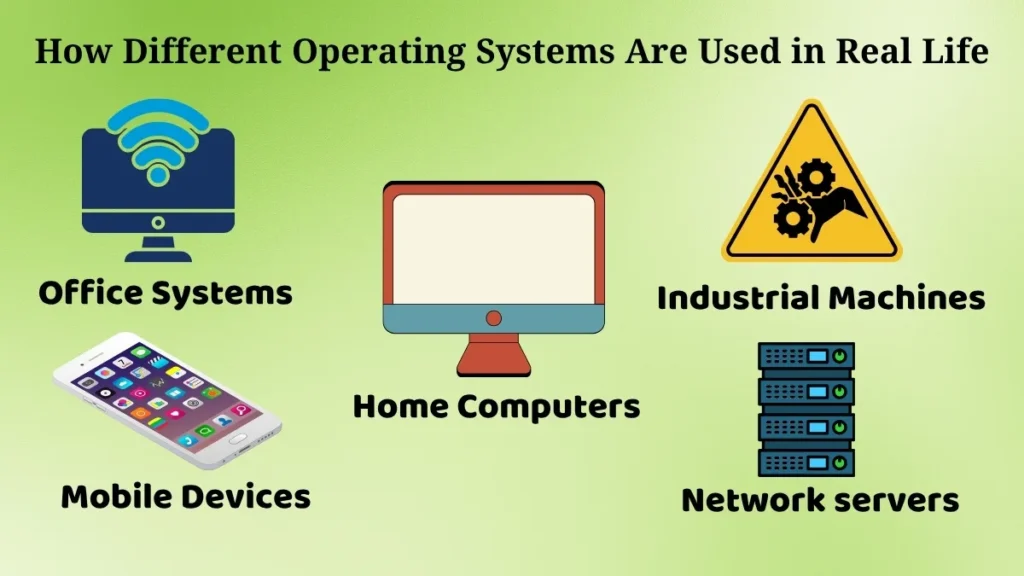
Different operating systems are used in different situations, according to the requirement of the user and the application of the machine.
-
Single user and multitasking operating systems are common among personal computers.
-
Multi-user operating systems are popular among offices and other organizational units.
-
Mobile operating systems are used among smartphones and tablets.
-
Real-time operating systems are used in industrial and safety devices.
-
Distributed operating systems are applied in complex networks.
The purpose of each kind is to solve particular problems and make the system function efficiently based on the surroundings where it operates.
This explains why there are different devices that use different operating systems and not one operating system for all.
Why Understanding OS Types Is Important for Beginners
Learning about various kinds of operating systems is essential for beginners since it helps develop a proper understanding of computer systems.
Some key advantages are:
-
It helps in selecting the appropriate device according to the requirements
-
It decreases misunderstandings regarding system operation
-
It creates a solid base for further learning
-
It contributes to future education in technology-related disciplines
Moreover, once users have knowledge about the differences between mobile and desktop operating systems, they will be able to operate these devices effectively.
It enhances confidence among learners when studying basic computer concepts.
Conclusion
Operating systems are categorized into various types depending on their uses and applications.
The various types include single-user, multi-user, multitasking, batch, real-time, distributed, and mobile operating systems, each designed to execute certain tasks and serve various purposes.
There are operating systems that are meant for personal use, while there are others meant for industry and organizational use.
These classifications will help beginners to have a clear understanding of how operating systems operate in various situations.
By knowing these basics, people can learn about computers, utilize hardware efficiently, and be ready for future education.
Pingback: Safe Software Installation and Updates: Essential Guide