
Safe Software Installation and Updates: A Beginner’s Guide
Introduction
Software installation and updates are important processes in computing. Virtually every computer user performs the installation of new software for various uses, such as education, work, communication, and entertainment, among others. Likewise, software updates are a common practice because the software requires improvements from time to time.
Though the installation of the software is not a complex task, people who do it for the first time commit mistakes. The installation of the software from untrusted sources or failure to take precautions can cause trouble for the computer. In many cases, this may affect the performance of the computer, and other such errors may be generated.
Knowledge of proper software installation and updating will enable users to prevent these issues. Users will be able to use software confidently while ensuring that their system is orderly and dependable. Proper software installation and updating will ensure that software works effectively without any complications.
Through reading this article, you are going to learn about software installation and updates, why safety is so important when doing both of these, and how a beginner can make sure that everything works well.
What Is Software Installation?
Software installation refers to the process of installing new software on a computer to make it usable by the user.
In simpler words, installation refers to the process of making software ready for operation in the computer system. During installation, the files necessary for software are arranged in the right manner so that the operating system can identify and execute the software correctly.
For instance, if a user wants to use the internet, edit files, watch movies or learn from educational software, then the relevant software must be installed first. Otherwise, the computer might not operate it properly without installation.
After the installation, the software will be available for use when required by the user. The user can open, work on, save and operate it as per his needs.
One of the primary activities which a computer user is taught is software installation. Knowing about it makes the usage of computers easier for beginners.
What Are Software Updates?
Software updates refer to software improvement for already installed software.
Over time, software providers make updates in order to enhance software performance and functionality. Software updates ensure proper operation of software as well as its ability to meet users’ needs.
Software updates can include:
- Fixing bugs or minor issues
- Enhancing software performance
- Introducing new features
Software updates also help maintain software safety and stability. In order to be compatible with modern operating systems and software, software has to be constantly updated.
Many beginners do not realize the importance of software updates and leave software unchanged for quite some time. However, constant software updates increase software efficiency and decrease chances of frequent issues.
It is an easy practice that results in good system performance.
Why Safe Software Installation Is Important?
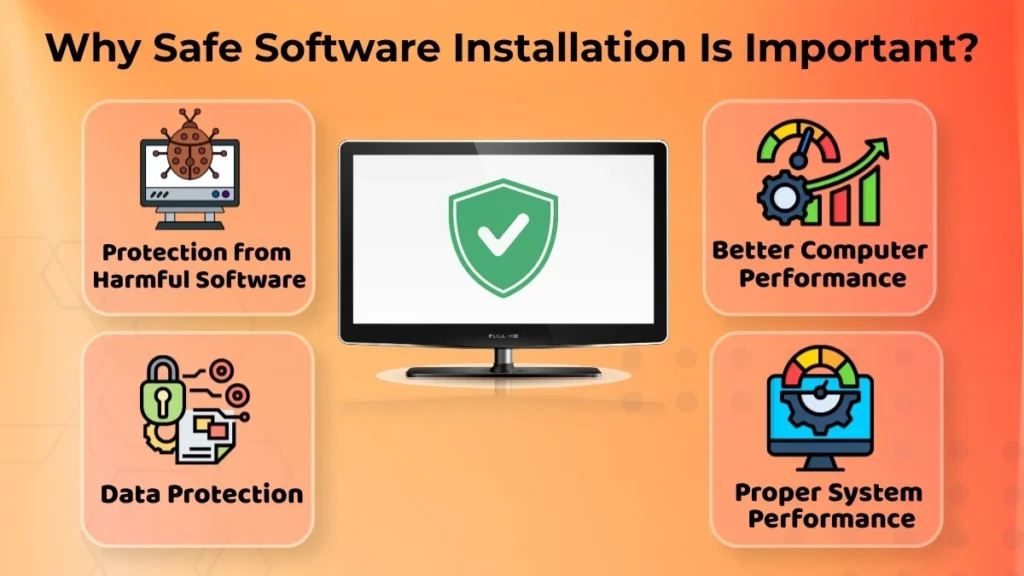
Safe software installation is essential for both protection of the computer and its performance.
If people install software without examining the source of the software and its intended purposes, they may install some software which is not necessary and unreliable. Such software influences the performance of the computer and may lead to further problems.
The advantages of safe software installation include:
- Protection from harmful/unreliable software
- Protection from slow computer performance
- Protection of data
- Proper performance of the system
A well-installed software will probably work properly and will not cause any problems. Instead, careless installation will most likely lead to software conflicts or unwanted effects.
New users should learn about safe installation to create a reliable environment.
Common Sources to Install Software
Software can be downloaded from various places. But all these places do not guarantee equal levels of security and reliability for the software.
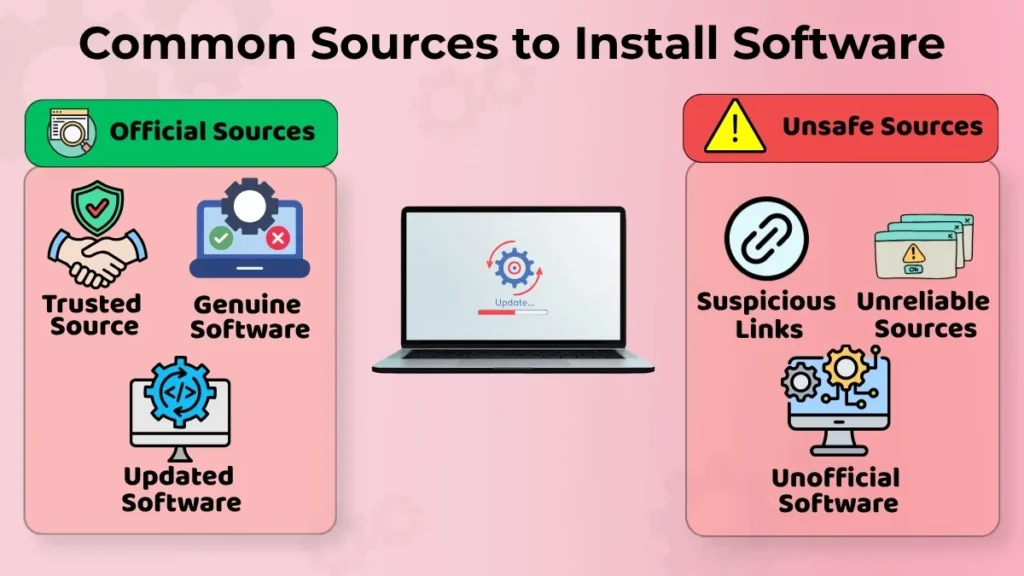
Official Sources
Downloading software from reliable sources would be the safest choice.
Reliable sources provide genuine software that is designed to run correctly on the system. Reliable sources always provide the most updated software products and installation files.
Using reliable sources would minimize any errors, problems in installing the software and any other unwanted behavior by the software product.
In case of beginners, choosing official sources of software will always be one of the easiest things to do.
Unsafe Sources (Awareness Only)
Some software sources may be risky for downloading any software.
The examples of such software sources are:
- Suspicious links
- Unreliable sources
- Unmodified or unofficial software
Such software sources will cause you troubles as the software downloaded from them does not work as expected. In some cases, the downloaded software may have different behavior than what was expected by users.
Therefore, it becomes necessary to be careful about the software sources.
Basic Rules for Safe Software Installation
Some simple guidelines may make installation of software more secure.
- Be clear about the purpose of software installation
- Review the installation instructions
- Don’t go ahead with choosing unnecessary features
- Don’t give permissions randomly
In most cases, problems occur due to installation because users try to install software without considering the impact it can create on the system.
Going through all the details will enable users to get clarity about the installation process and the impacts that it can bring to the system.
Uninstallation of such software will become a challenge.
Why Software Updates Are Necessary?
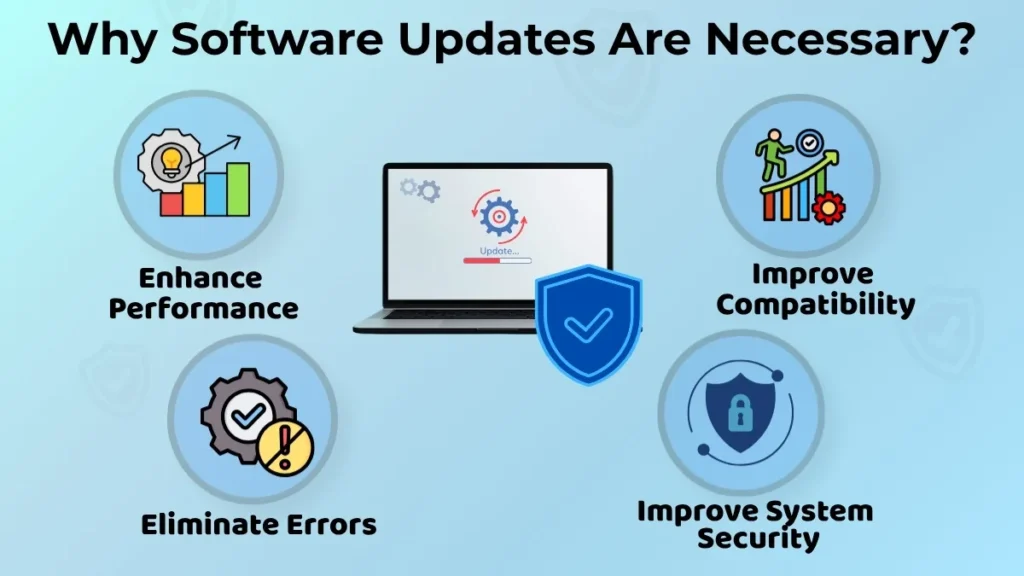
Updates for software are necessary in order to keep the whole computer system healthy.
They will help software function smoothly and give a chance to develop the existing qualities. In the course of time, there might be small problems in application which can be fixed by updating the program. Software updates are good for the following reasons:
- They enhance the performance of the software
- They eliminate errors and problems
- They increase the compatibility of the software with the system
- They help secure the system
Continuous updating leads to a better user experience.
Safe Way to Update Software (Conceptual)
Software updates must always be done carefully.
- Make use of reliable updates messages
- Maintain a stable internet connection
- Complete the update process effectively
- Do not interfere with the process
An effective update process makes it possible to avoid any problems in the installation of software and ensures successful implementation of all necessary changes.
The users should not disturb the update process unnecessarily as incomplete updates can cause problems for software.
Common Mistakes Beginners Make
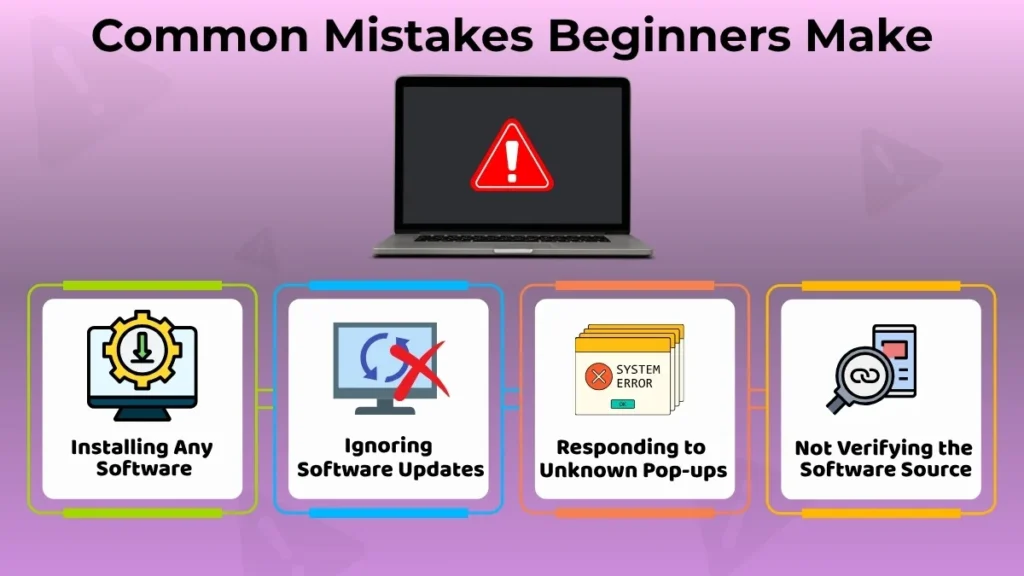
Here are some simple errors that beginners make when installing and updating software.
- Installing any and all software
- Neglecting software updates
- Responding to pop-up messages from unknown sources
- Not verifying the software source
Although these errors might be insignificant individually, they lead to preventable issues in the long run. It is always a good idea to build good habits right from the start.
Simple Safety Tips for Beginners
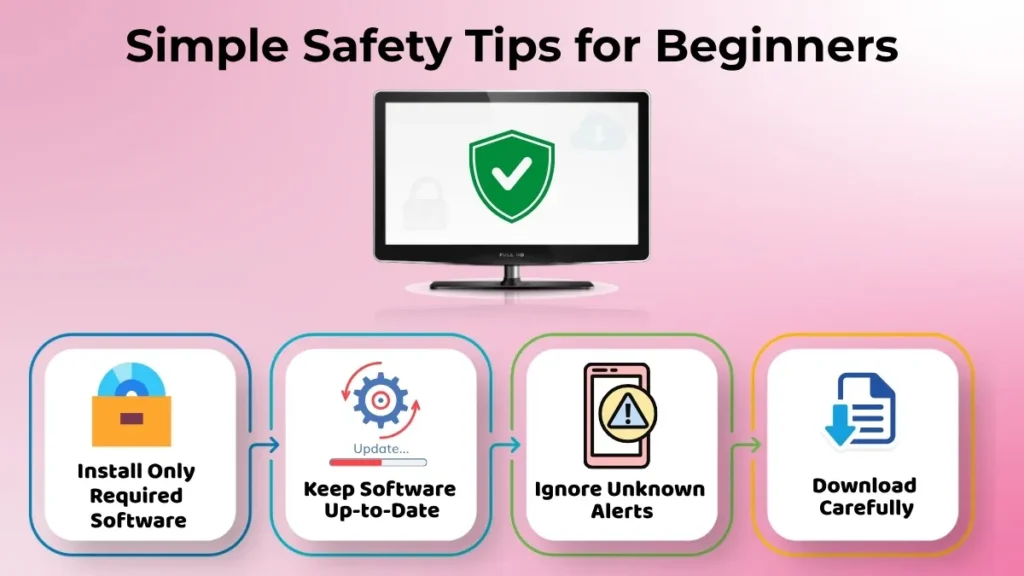
Below are some helpful safety tips:
- Install only the required software
- Ensure that your software is always up-to-date
- Do not pay attention to any alerts that you don’t recognize
- Be cautious when downloading anything.
These basic practices will definitely enhance software management skills.
Conclusion
Installation and updates of the programs on the computer are some of the things that should be considered when maintaining your computer’s health. Proper installation makes sure that users can easily avoid complications, and updates make sure that the computer functions better.
As a new user, knowing how to properly install your programs on the computer is one way of making sure that you utilize the computer properly. This can be done by downloading software from trusted sources, installing it, and keeping it up to date.
With the right knowledge, you will not have a hard time doing this.