
Backup and Restore Basics: How to Protect Your Data on a Computer
Introduction
Data is among the most valuable resources that can be found on a computer. It could be anything from personal documents to photos, videos, project files, assignments, and any other important data that one may have on their computer.
But then, there is always a chance that data might get lost unexpectedly. This might occur when a computer issue arises or when files are mistakenly erased. Also, there could be times when certain essential information becomes unattainable because of any technical error with the computer.
For this reason, backup and restore are crucial concepts for all computer users. Backup creates a secure copy of all essential information, while restore retrieves all this data when required.
It is necessary for beginners to be aware of these concepts since they can help in ensuring that no unexpected issues compromise the safety of valuable information. This article explains the meaning of backups and restores, their importance, how they are carried out, and the common backup techniques.
What Is Data Backup?
A data backup process involves the creation of duplicate copies of essential files to store them in a secure place.
In simple terms, backup means protecting your data by creating a copy of it. In case your original data gets damaged or is deleted, you will always have the duplicated one handy for your use.
For instance, assume that a student has an important project in his computer. In case he loses the project by deleting it, it might not be available anymore. However, it will be simple to recover the project if the student had already backed it up.
The process of backup does not apply only to documents. It can involve taking backups of photos, videos, presentation files, study materials, and any other relevant file.
The primary aim of backup is minimizing the chances of losing important information and ensuring that such information remains accessible at all times.
What Is Data Restore?
Data restore is the process of recovering data from a backup copy.
To put it simply, restore is the process of recovering data that was previously backed up. The restore process enables users to recover their files when the original data is not available.
There may be several scenarios where the restore process is required, including:
- Deletion of any file
- Problem in the system of the computer
- Inaccessibility of important data
- Loss/Damage of files
For instance, if a folder having all notes about studying is deleted accidentally, then its backup copy can help to restore the folder and recover all notes.
Backup and restore have a very simple and straightforward relationship. Backup stores the safe copy, whereas restore recovers the same.
Why Is Backup Important?
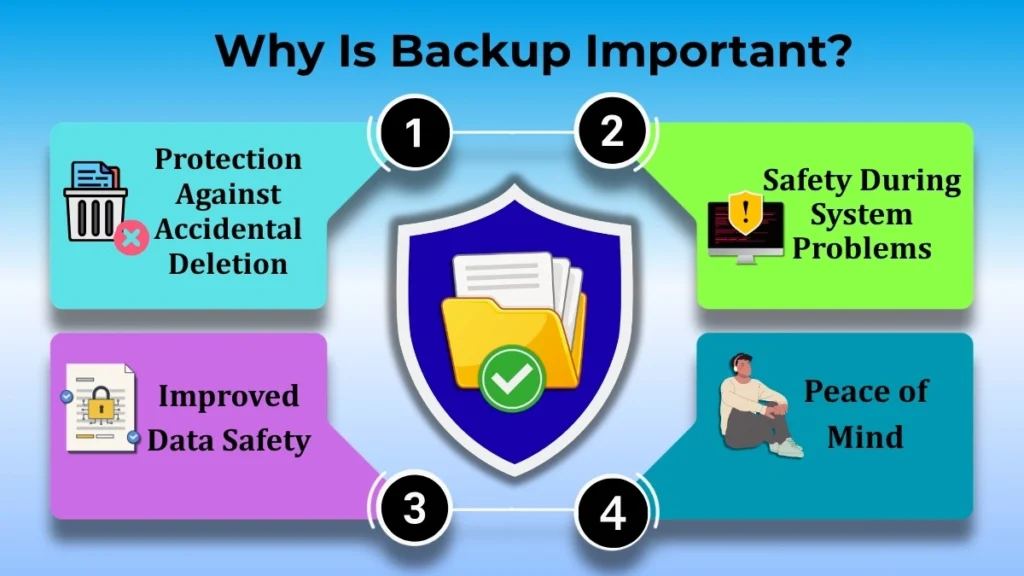
Many computer users only start thinking about backup when it becomes too late. In any case, doing a backup before any issue arises is one of the most efficient ways of protecting your information.
There are several reasons why backups are essential, and some of them are:
Protection Against Accidental Deletion
Sometimes, files may be deleted accidentally. With a backup, the restoration of those deleted files will not create a big problem.
Safety During System Problems
There may be certain unpredictable problems that could occur on the computer which might result in damaging the data stored in the files.
Improved Data Safety
The backup is like an additional security for the user. In case anything goes wrong with the original file, there will still be a copy.
Peace of Mind
Since there is an assurance that essential information has been backed up, then this provides a sense of relief to the user.
Due to these advantages, backup is regarded as one of the most essential practices for computer users.
Common Backup Types (Basic Level)
There are different ways to create backups. Beginners do not need to learn advanced methods immediately. Understanding the basic methods is enough to start protecting data.
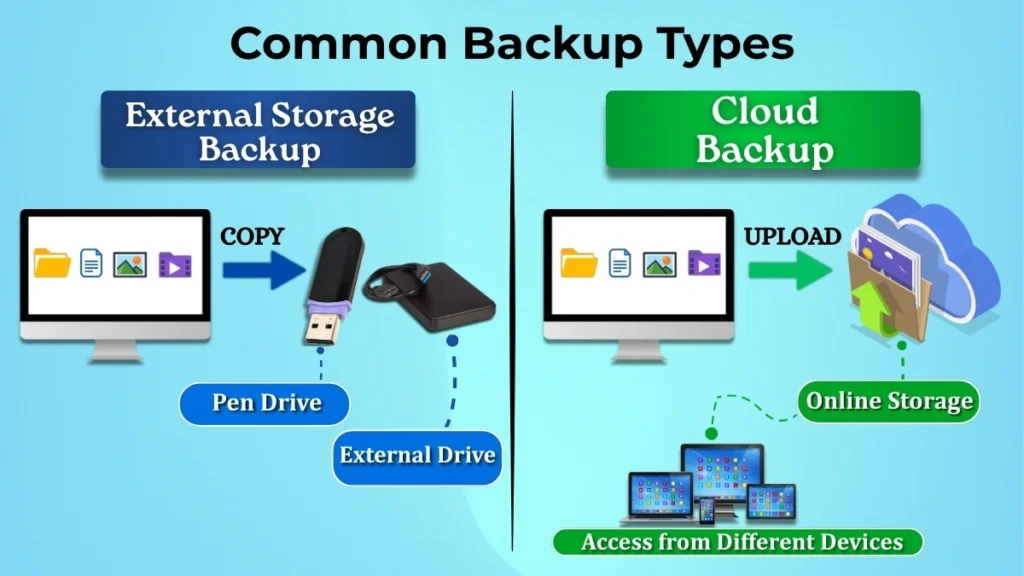
External Storage Backup
One of the simplest backup methods is saving files on an external storage device.
This may include devices such as:
- Pen drives
- External storage devices
- Other removable storage media
In this method, users copy important files from the computer and store them on a separate device.
The advantage of this method is that the backup remains separate from the computer. Even if the computer experiences a problem, the backup copy can still remain safe.
Because of its simplicity, external storage backup is commonly used by beginners.
Cloud Backup (Basic Awareness)
Cloud backup involves storing data through internet-based services.
Instead of keeping backup files only on the computer, users can save copies online and access them when needed.
One advantage of cloud backup is accessibility. Files can often be reached from different devices and locations when internet access is available.
For beginners, it is enough to understand that cloud backup is another method of storing important data safely outside the computer.
When Is a Backup Required?
Creating a backup once is helpful, but regular backups provide better protection.
Some good times to take backup include:
At Regular Intervals
Creating backups regularly helps ensure that recent files are also protected.
After Important Changes
Whenever major updates or changes are made to important files, creating a new backup is a good practice.
Before System Updates
Many users create backups before performing system-related changes so important files remain protected.
After Inserting New, Essential Files
Whenever new documents, projects, photos, or records are created, they should be included in future backups.
Regular backups help keep data current and reduce the risk of losing recently created information.
Basic Steps to Take Backup (Conceptual)
Taking a backup can be understood through a few simple steps.
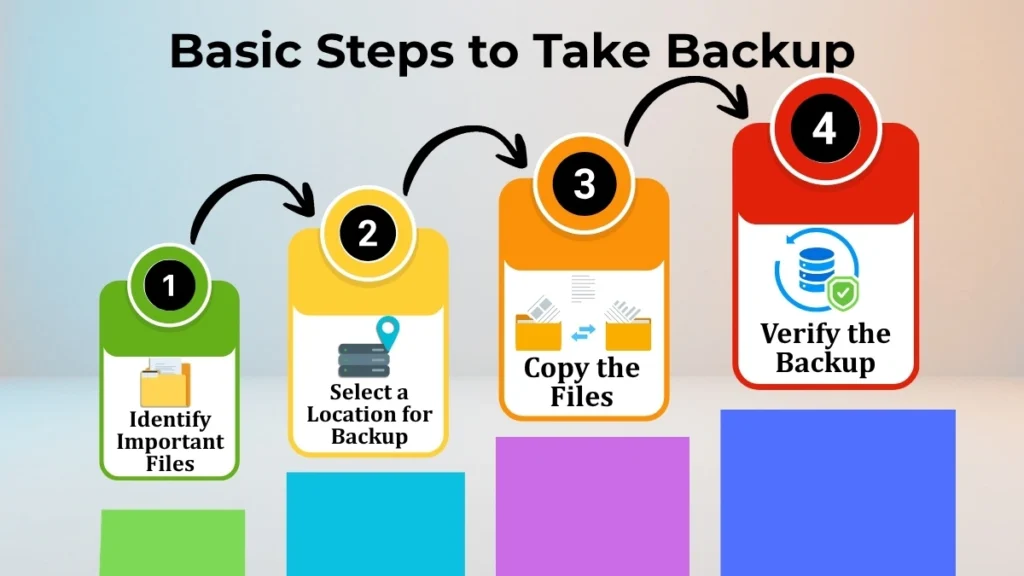
Step 1: Identify Important Files
First, decide which files are important and should be protected.
Examples include:
- Study materials
- Personal documents
- Photos
- Videos
- Work-related files
Step 2: Select a Location for Backup
Select a safe place where the backup will be stored.
This may be an external storage device or another secure location.
Step 3: Copy the Files
Copy the selected files to the chosen backup location.
This creates an additional copy that can be used later if necessary.
Step 4: Verify the Backup
After saving the backup, check whether the files have been copied successfully.
Verifying the backup helps ensure that it will be useful when needed.
These simple steps provide a basic understanding of how backup works.
Basic Idea of Restore Process
The restore process is generally straightforward.
First, locate the backup copy that contains the required files.
Next, select the files that need to be recovered.
Then, copy those files back to the computer or the desired location.
Finally, check whether the restored files are accessible and working properly.
For example, if an important document is lost, the backup version can be restored and used again.
This simple recovery process highlights why backups are so valuable.
Common Backup Mistakes Beginners Make
Many beginners understand the importance of backup but still make mistakes that reduce its effectiveness.
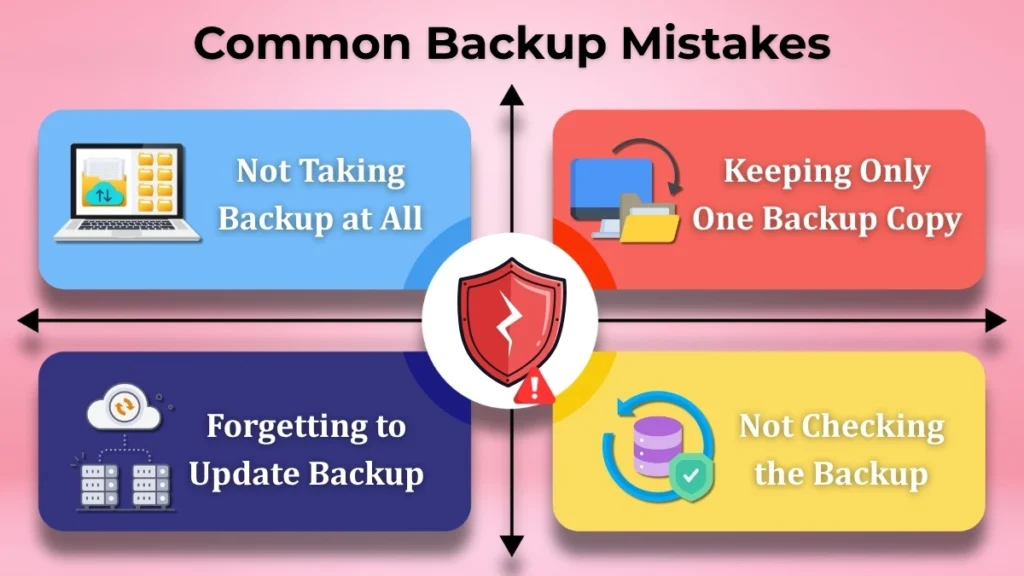
Not Taking Backup at All
Some users assume that data loss will never happen to them. Unfortunately, problems can occur unexpectedly.
Keeping Only One Backup Copy
Storing only one backup copy may not provide enough protection.
Forgetting to Update Backup
A backup that was created several months ago may not contain recently added files.
Not Checking the Backup
Some users create backups but never verify whether the files were saved properly.
Avoiding these mistakes can greatly improve data protection.
Simple Backup Tips for Beginners
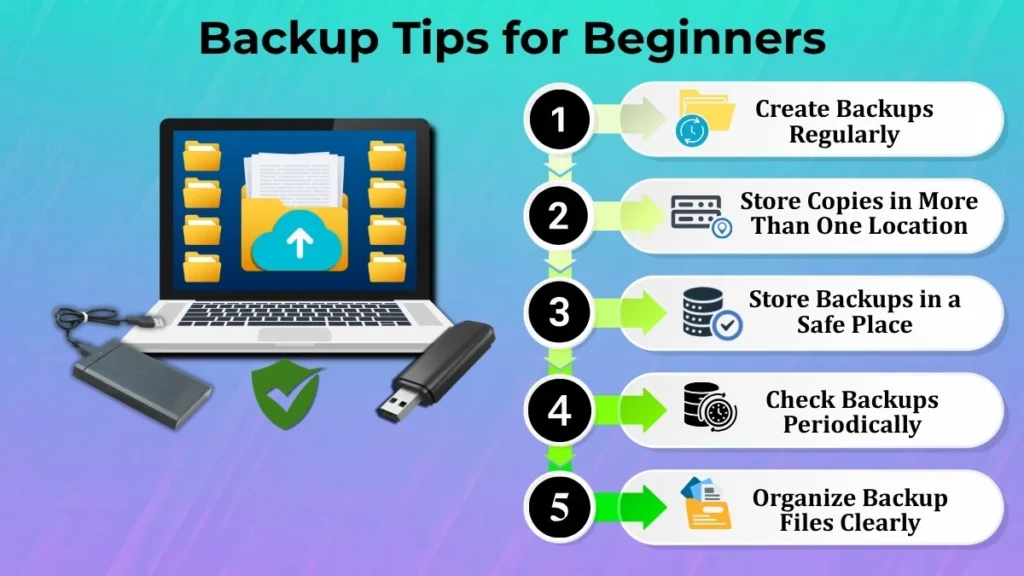
The following tips can help beginners develop good backup habits:
- Identify important files and protect them first
- Create backups regularly
- Keep backup copies in more than one location when possible
- Store backups in a safe place
- Check backups periodically to ensure they work properly
- Organize backup files clearly for easy access
- Include newly created files in future backups
These simple habits can significantly improve data safety and reduce the chances of losing important information.
Conclusion
Backup and restore are essential concepts for protecting data on a computer. Backup creates a safe copy of important files, while restore helps recover those files whenever they are lost, deleted, or become inaccessible.
Understanding these concepts helps users protect documents, photos, videos, study materials, and other valuable information from unexpected problems. Regular backups reduce the risk of permanent data loss and provide greater confidence while using a computer.
For beginners, developing the habit of taking backups is one of the simplest and most effective ways to keep data safe. By creating backup copies regularly and understanding how the restore process works, users can protect their information and avoid many common data-related problems in the future.
Computer training
This is computer tach