
Essential Computer Maintenance and Cleaning Tips for Beginners
Introduction
We use a computer every day for things like studying, working, watching videos, browsing the internet or staying connected with friends. Computers have become such a part of our daily life that we often forget they need regular care to work properly.
Lots of people who are new to computers focus on learning how to use a computer. They rarely think about taking care of it. Over time things like dust, heat and not handling the computer carefully can affect how well it works and even make it stop working
The good thing is that taking care of a computer is not that hard. By following a few simple practices, our computer will work smoothly, we will face fewer problems, and we can save money on repairs.
In this article we will look at some tips for taking care of a computer that anyone can follow.
What Is Computer Maintenance?
Computer maintenance is when we take care of a computer so it keeps working and stays in good condition. It is like taking care of a bicycle or a car. If we clean it regularly and use it properly, it will last longer and work better. The same thing applies to computers.
Taking care of a computer includes keeping the computer clean, handling devices carefully, and using the computer properly. It is also important to know the difference between taking care of a computer and fixing a computer. Taking care of a computer helps prevent problems before they happen while fixing a computer is what we do after something goes wrong.
For example removing dust from our computer regularly is taking care of it. If we have to replace a damaged keyboard or fix a part that is not working that is fixing the computer.
Why Do We Need To Take Care Of Our Computer?
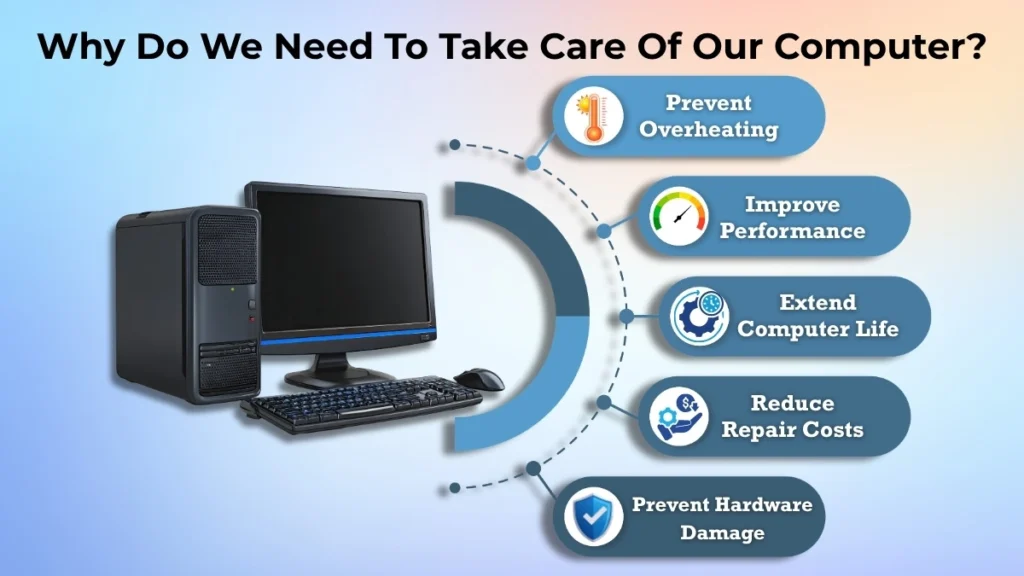
Taking care of our computer is just as important as using the software or keeping our files organized. A computer has parts that can be affected by dust, heat, moisture and accidents.
Here are a few reasons why we need to take care of our computer:
- Dust can block airflow and make the computer hotter than it should be.
- The computer’s internal components may stop functioning if it becomes overheated.
- If we are not careful and we damage the computer it can be expensive to fix or replace.
- If we take care of our computers properly, it will work better for a longer time.
- If we take care of our computer we will not have many problems and it will not stop working as much.
We can prevent problems later by performing simple maintenance regularly.
Basic Physical Care Rules for Computers
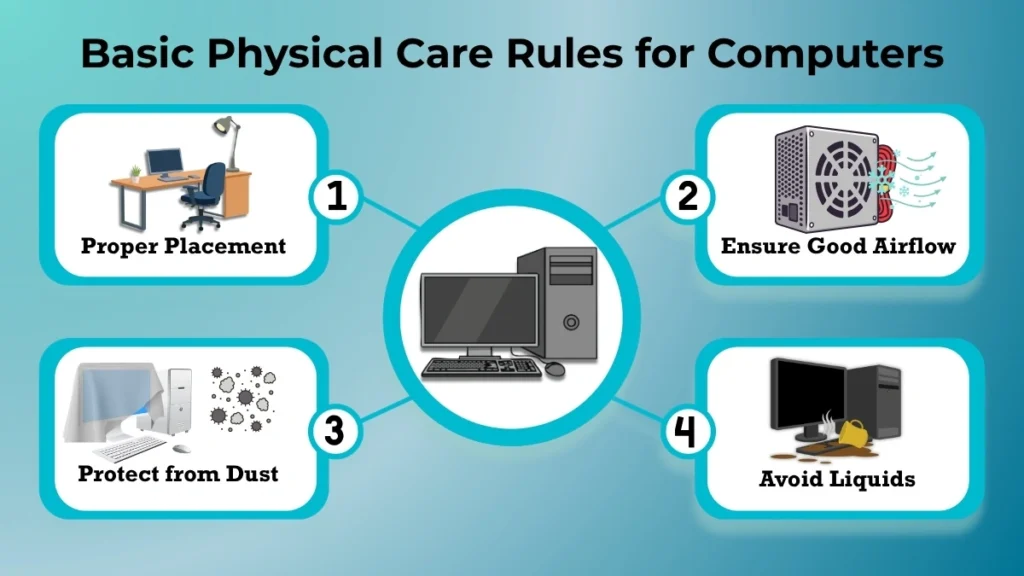
Proper Placement of Computers
Where you put your computer can affect how well it works and how safe it is.
Your computer should always be placed on a level, solid surface. This will help prevent it from falling and give it the support it needs.
Make sure there is space around the computer especially around the parts that let air in. Air must be allowed to flow around computers while they are functioning in order to keep them cool.
Do not put desktop computers in cabinets or put laptops where air cannot get to them.
Protecting Computers from Dust
Dust is not an issue, but it can cause computers to overheat and function badly.
Over time dust can build up around the parts of the computer that let air in the fans, the keyboard and other parts.
To keep dust from building up:
- Keep your workspace clean
- Wipe down surfaces regularly
- Cover the computer when you are not using it for a time
- Do not put the computer near windows where dust can get in easily
Keeping dust away helps the computer stay cool and work better.
Avoiding Liquid and Moisture
Computers and liquids do not get along.
Even a little bit of water, tea, coffee or juice can hurt parts of the computer. Sometimes even a small spill can stop the computer from working altogether.
To be safe:
- Keep drinks away from the computer
- Do not use the computer with wet hands
- Avoid placing computers in moist or humid environments
- Be cautious near computers as the keyboard is attached to internal components.
Spending a few seconds taking care of the computer might help avoid costly harm.
Safe Handling of Computer Devices
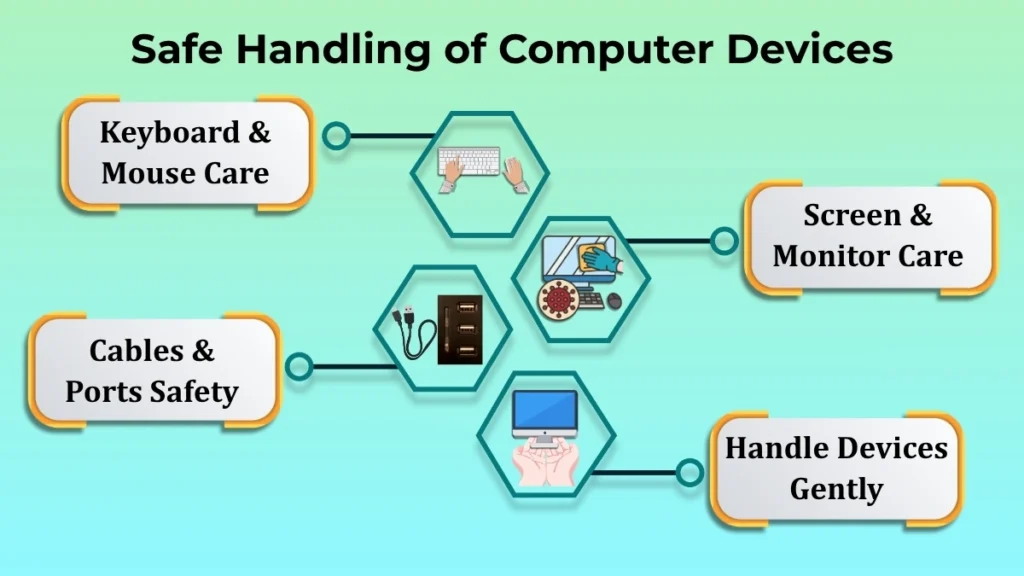
Keyboard and Mouse Care
The keyboard and mouse are the parts of the computer that people use the most.
A lot of people press the keys hard or handle the mouse roughly which can hurt them over time.
To keep them in shape:
- Type gently
- Clean out dust and crumbs regularly
- Keep food away, from the keyboard
- Do not drop the mouse or pull on it too hard
Simple habits can help these devices last longer.
Screen and Monitor Care
Computer screens are sensitive. You should handle them carefully. You do not want to press on the display or put things against it. If you do you might damage the screen forever.
For cleaning you should
- Use such a cloth that is appropriate for cleaning
- Wipe it gently without pushing too hard
- Try not to spray any liquid directly onto the monitor screen
It is also a good idea not to touch the display too much because your fingers can leave marks and get dusty.
Cables and Ports Safety
Cables and ports are important to connect devices. People often forget about them.
Many people who are new to computers accidentally damage ports by putting connectors in the slots or by pulling cables too hard.
To protect them you should
- Put cables in carefully
- Take them out gently
- Never force a cable that does not fit
- Replace cables when they are damaged
Taking care of cables helps prevent problems with connections and damage to the hardware.
Daily Habits That Improve Computer Life
Some things you do every day can make a big difference in how long your computer lasts.
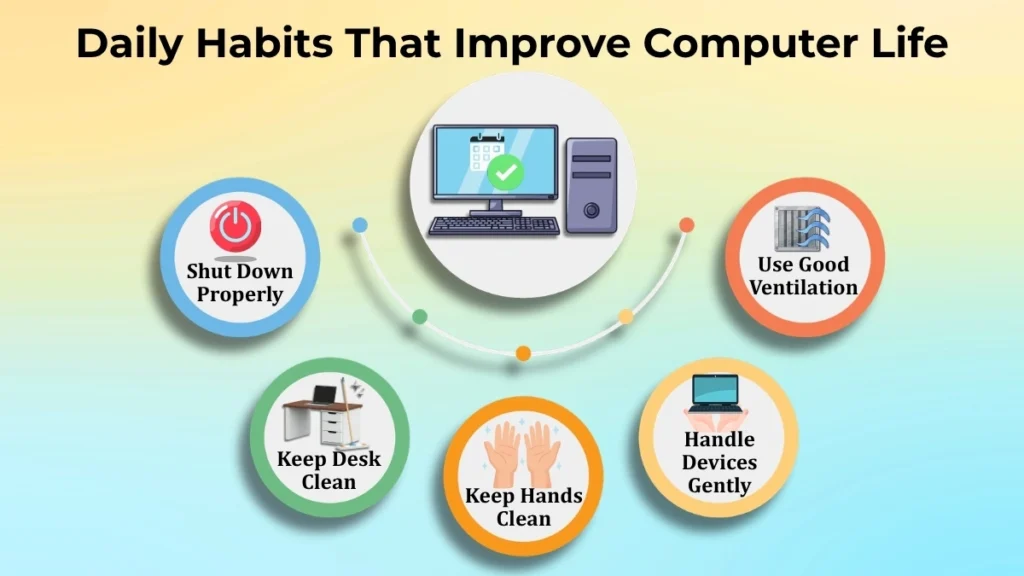
Some good habits are
- Turning off the computer properly when you are done
- Keeping your hands clean when you use devices
- Not being rough with keyboards, screens and ports
- Keeping your desk clean
- Using the computer in a well-ventilated area
These simple things do not take much work but they help keep the computer healthy.
Common Physical Mistakes Beginners Make
Many computer problems happen because of mistakes that people do not even know they are making.
Some common mistakes are
- Using a laptop on a bed or sofa which can block air from getting in
- Pressing keys or screens hard
- Pulling cables instead of taking them out properly
- Keeping the computer in a dusty place
- Putting heavy things on top of laptops
If you avoid doing these things you can prevent unnecessary wear and damage to your computer.
Simple Maintenance Tips Anyone Can Follow
You do not need to be a computer expert to take care of your computer. Anyone can follow some tips.
Here are some easy things you can do
- Clean the computer and accessories
- Keep dust away from vents and surfaces
- Store devices safely when you are not using them
- Use a protective cover if you need to
- Organize cables so they do not get tangled
- Keep the area, around the computer neat and clean
These small steps help your computer stay clean, safe and work well for years.
When Do You Need To Get Help From A Professional?
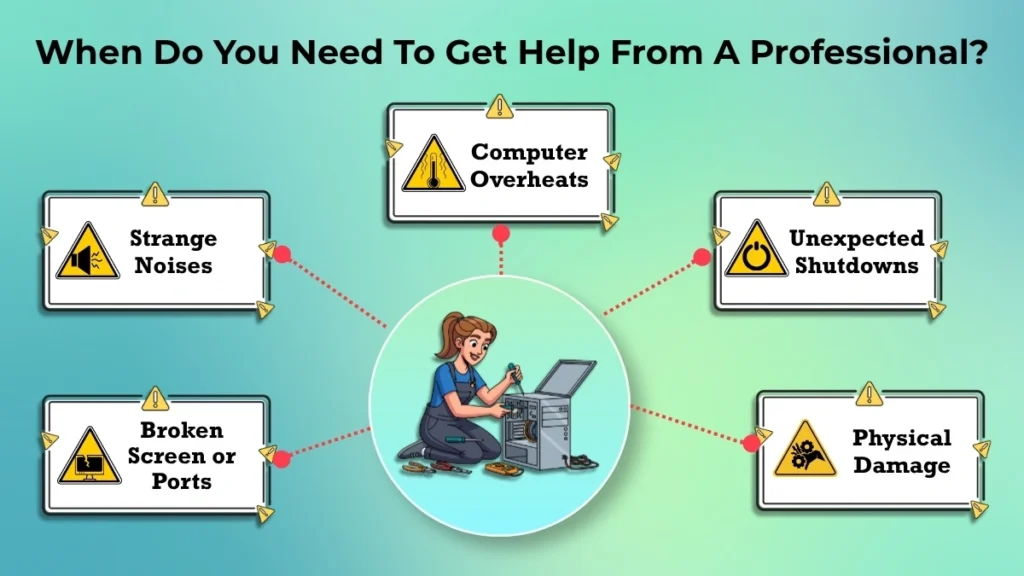
There are lots of things you can do to take care of your computer at home. Sometimes you need to get help from someone who knows what they are doing.
You should think about getting help from a technician if you see:
- Something is broken on the outside of your computer.
- Your computer gets too hot a lot even after you clean it.
- You hear noises coming from your computer.
- Your computer turns off when it is not supposed to or it is not working right.
- Parts of your computer are broken, like the ports or the screen.
If you try to fix problems with your computer and you do not know what you are doing you might make things worse. If you are not sure what to do it is better to get help from a professional.
Conclusion
Taking care of your computer is not difficult. If you follow simple practices such as keeping it clean, placing it properly, handling it carefully, and keeping it dry, your computer can last a long time.
If you take care of your computer regularly, it will work better, last longer, and you will experience fewer problems.
If you are just starting out with computers, it is a good idea to learn how to take care of them. If you take a time to take care of your computer it will work well and help you with your daily tasks for a long time.