
Common Computer Problems and Their Simple Solutions For Beginners
Introduction
You can have problems with your computer no matter how old or new it is. If you are just starting to use computers even a small problem can be really frustrating. Your computer can be slow the screen can freeze you can lose your internet connection or the sound can just stop working. This can make you think that something bad has happened to your computer.
The good thing is that a lot of the problems you have with your computer are not as complicated as they seem. You do not need to know a lot about computers to fix them. Sometimes all you need to do is check a few basic things and follow some simple steps to fix the problem.
Computer problems like these can be fixed easily. Learning how to find the problems and fix them can save you time make you feel less stressed and help you feel more confident when you use your computer. In this article we will look at some computer problems that beginners have and the easy ways to fix computer problems.
Why Do Computer Problems Happen?
A lot of people think that computer problems just happen for no reason. Most of the time there is a simple reason why computer problems occur.
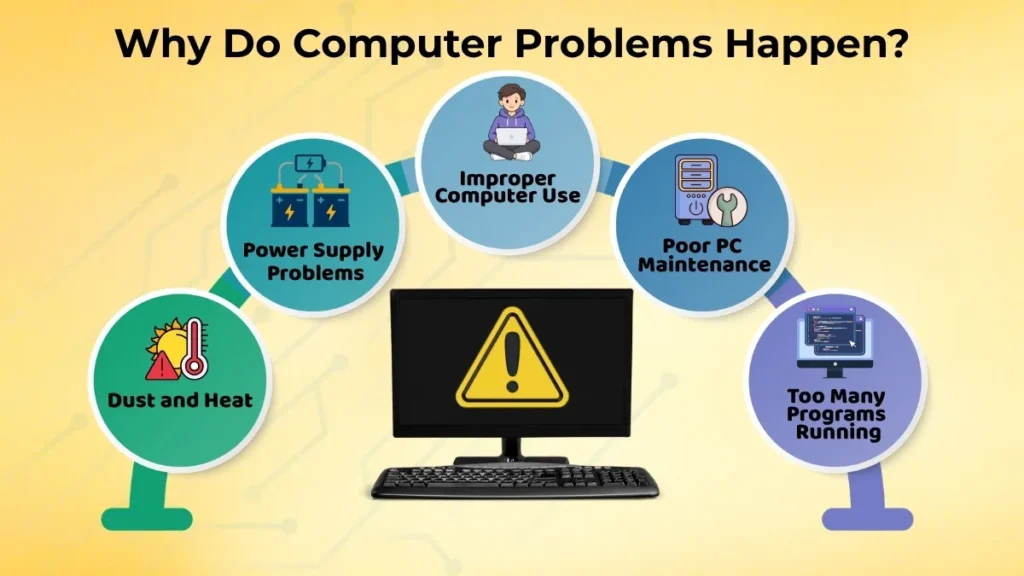
Sometimes computer problems happen because you have many programs open at the same time. Other times, they occur because you have not taken care of your computer for a long time. If your computer gets too dusty overheats or has problems with the power supply it can cause problems. If you accidentally change some of the settings on your computer that can also cause problems.
Here are some common reasons why you have problems with your computer:
- You do not use your computer properly
- Your PC is not maintained by you
- You have too many programs open on your computer at the same time
- Dust and heat can hurt the parts of your computer
- Problems with the charging or power supply of your computer
If you understand why these problems happen you can avoid a lot of problems before they even start.
Slow Computer Problem
What happens when your computer is slow. You might notice some things like:
- Your computer takes a long time to turn on
- It takes a long time to open programs on your computer
- It feels slow when you switch between tasks, on your computer
- Sometimes your computer just stops working
Common Reasons A Computer Is Slow
A computer can be slow for several simple reasons.
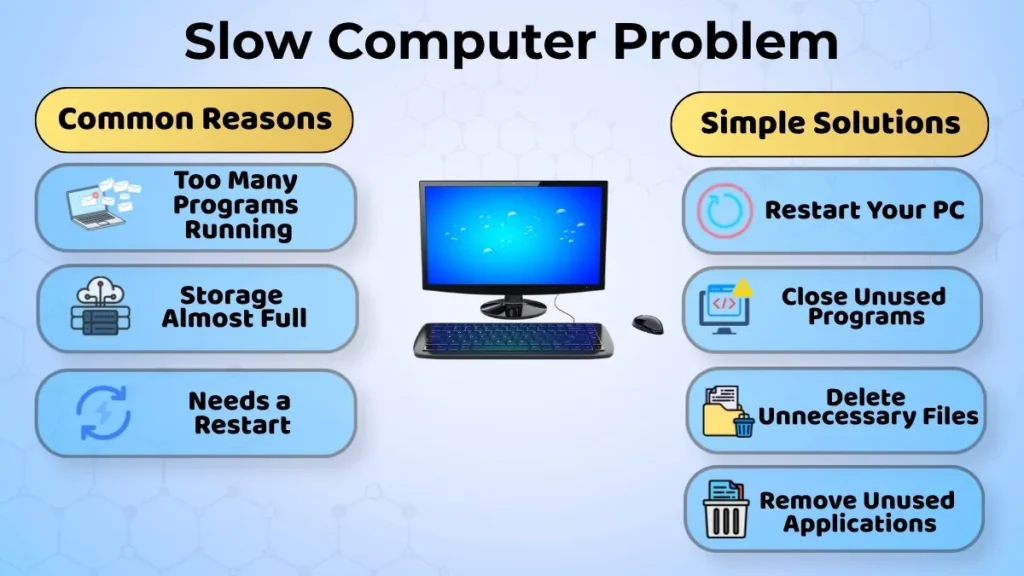
- Many programs are running in the background and this uses up the computer resources.
- The computer storage drive is almost full. This can affect how the computer performs.
- Sometimes the computer just needs to be restarted after being used for days without a break.
Simple Solutions To Try
Here are some things to try:
- Regularly restart your PC
- Close the programs that are not being used
- Delete the files and downloads that are not needed
- Remove the applications that are not being used if this is possible
These small steps can make the computer run faster and perform better.
Computer Will Not Turn On
Basic Potential Causes of This
Some reasons the computer will not turn on include:
- Problems with the power supply
- Cables with loose connections
- The laptop’s battery is totally dead
- Problems with the charging adapter
Common Reasons (Beginner Level)
Before you think the computer is damaged, check a few basic things.
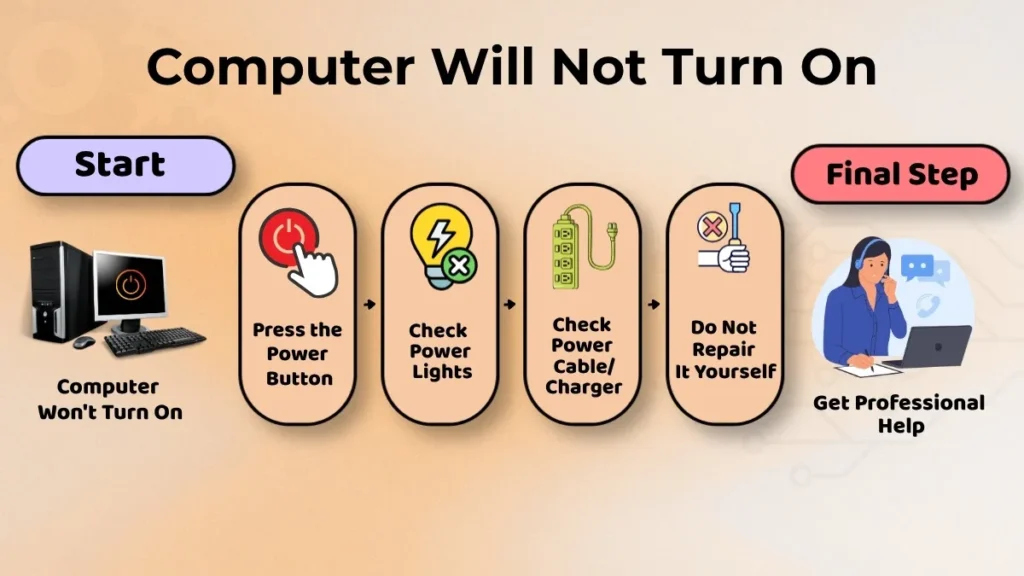
Make sure the power button on the computer has been pressed correctly.
Look to see if there are any lights on the computer that show it is charging or if it has power.
If you are using a desktop computer make sure the power cable is plugged in tightly.
If you are using a laptop make sure the charger is plugged in correctly.
If these simple checks do not help it is best not to try to fix the computer yourself.
It is safer to get help from a professional who knows about computers.
Internet Not Working Problem
You might have these problems:
- The speed of the internet connection is slow to respond
- The Wi-Fi connection is unstable
- Some websites will not load on the computer
Basic Checks
Let’s start with some basic steps to fix the problem.
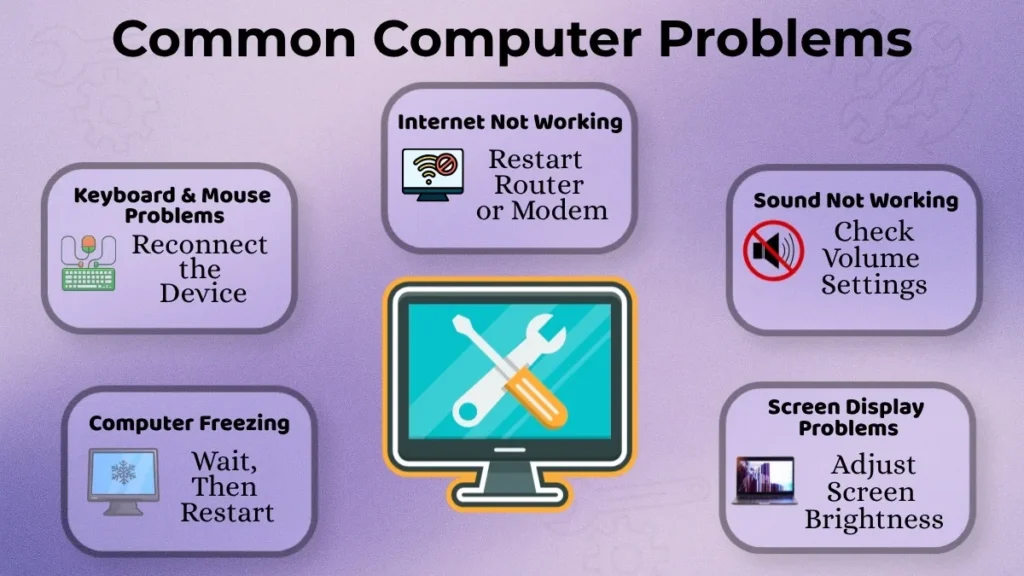
Restart your Wi-Fi router or modem. Verify that your PC has Wi-Fi enabled. If you are using a laptop check that airplane mode is turned off.
Sometimes restarting both the router and the computer is enough to fix the connection.
Computer Freezing or Hanging
What Does Hanging Mean?
A computer is frozen when:
- The mouse pointer ceases to move
- Programs fail to run
- It appears like the screen is stuck
- When buttons are clicked, nothing occurs
Simple Immediate Actions
The first step is to keep your system cool.
Wait for a bit because the computer might be doing something in the background. If nothing changes after a minute or two, try restarting the system
Avoid continuously pressing buttons or immediately shutting off the machine. Sometimes being patient can prevent problems.
Sound Not Working Issue
Common Beginner Mistakes
Some common causes are:
- Volume set to zero by mistake
- Sound muted without realizing it
- Choosing the incorrect audio device
- Headphones not connected right
Easy Fixes
Check the volume icon and make sure sound is not muted. Turn up the volume if needed.
If you are using headphones or speakers, disconnect and reconnect them. Also check that the correct audio output device is chosen in the sound settings.
These quick checks fix sound problems.
Keyboard and Mouse Working Problems
Basic Causes
Some common reasons are:
- Loose connections
- Dust accumulation
- Low battery in wireless devices
- Temporary connectivity problems
Simple Solutions
Try unplugging and reconnecting the device. If possible, use a USB port.
For wireless devices, replace or recharge the batteries. Cleaning dust from the keyboard and mouse can also help.
Most of the time these simple actions fix the problem.
Screen Display Problems
Screen display problems are common.
Some examples include:
- The screen is completely black
- The display is dim or dark
- The screen is flickering
- The display is distorted or unclear
Beginner-Level Checks
First you should adjust the screen brightness settings.
Sometimes the brightness may have been turned down by mistake.
If you are using a desktop monitor check if the display cable is connected properly.
Restarting the computer is another thing that often fixes temporary display problems.
When Not to Fix Problems Yourself
While many simple issues can be handled by you some situations should be left to the experts.
Examples include:
- There is a burning smell coming from the computer
- There is damage to the internal parts
- The computer keeps crashing
- There are noises from the hardware components
- There are signs of electrical damage
Trying to fix these problems without knowing what you are doing can make things worse.
Getting help from an expert is usually the best thing to do.
Tips to Avoid Common Computer Problems
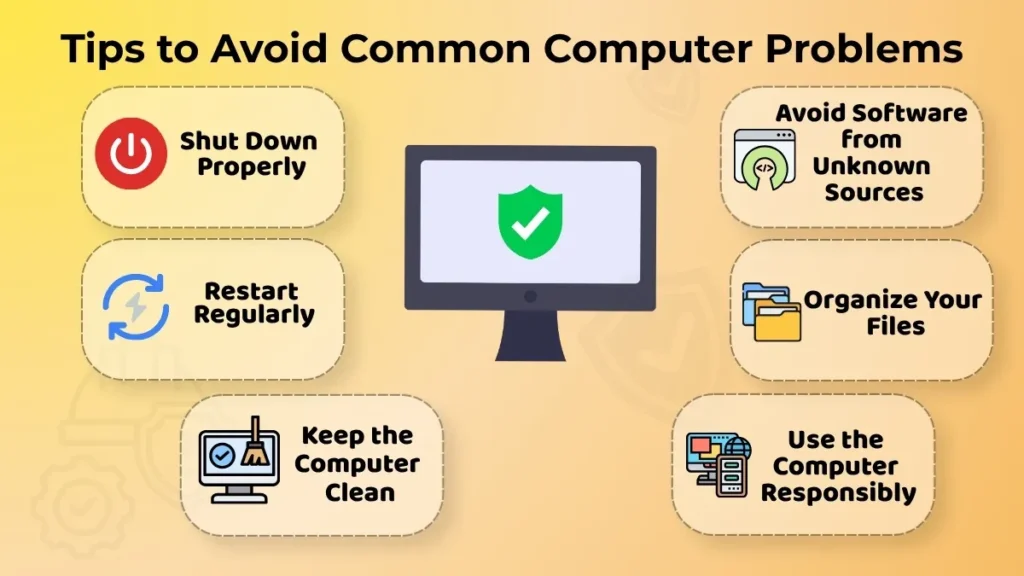
Preventing problems is often easier than fixing them.
Here are some simple things you can do to keep your computer running smoothly:
- Shut down the computer properly
- Restart it
- Keep the device clean and dust-free
- Do not install software from unknown sources
- Keep your files organized
- Use the system in a responsible way
These small things can make your computer work better and be more reliable over time.
Conclusion
Computer problems are a normal part of using technology, and even experienced users face them sometimes.
The important thing is not to panic when something goes wrong.
Many common issues, such as a system, internet problems, sound errors or frozen screens can often be fixed with a few simple checks.
Knowing the basics helps you fix problems confidently and reduces stress.
As you continue using computers, you will become more familiar with these situations and learn how to handle them quickly. Knowing a little bit about computers can make using them every day much smoother and more enjoyable.
Your computer will become more reliable, and you will experience fewer common problems.
You will also be able to solve many simple computer issues on your own.