
Slow Computer: Causes, Effects, and Simple Solutions for Beginners
Introduction
Your computer is really slow to open things. It takes a long time to do something after you click on it. Many computer users experience this.
It is a problem that every computer user will have at some point especially people who are just starting out with computers.
The good thing is that just because your computer is slow does not mean it is old, broken, or needs to be replaced. A lot of the time the problem is because of things you do every day like having many programs open using up all the space on your computer or not turning your computer off and on again regularly.
If you know why your computer is slow you can fix some problems by yourself and your slow computer will work well for a time. This guide is for people who are just starting out with computers. It will help you understand what is going on with your computer, why it is slow, how it affects your work and what you can do to make it work better.
What does a slow computer mean?
A computer is slow when it takes a long time to do things that you normally do on it or when it takes a long time to do what you tell it to do. Instead of doing things right away, your computer seems to pause before responding.
You might see some signs that your computer’s slow, such, as:
- It takes a long time to open programs
- There is a delay when you are typing or clicking on things
- It takes a long time to switch between different windows
- It takes a long time to open files
- It appears like your computer is operating slowly
For example, if it normally takes a few seconds to open a web browser but now it takes minutes that means your computer’s performance is not as good as it used to be.
Common Reasons Why Computers Are Slow
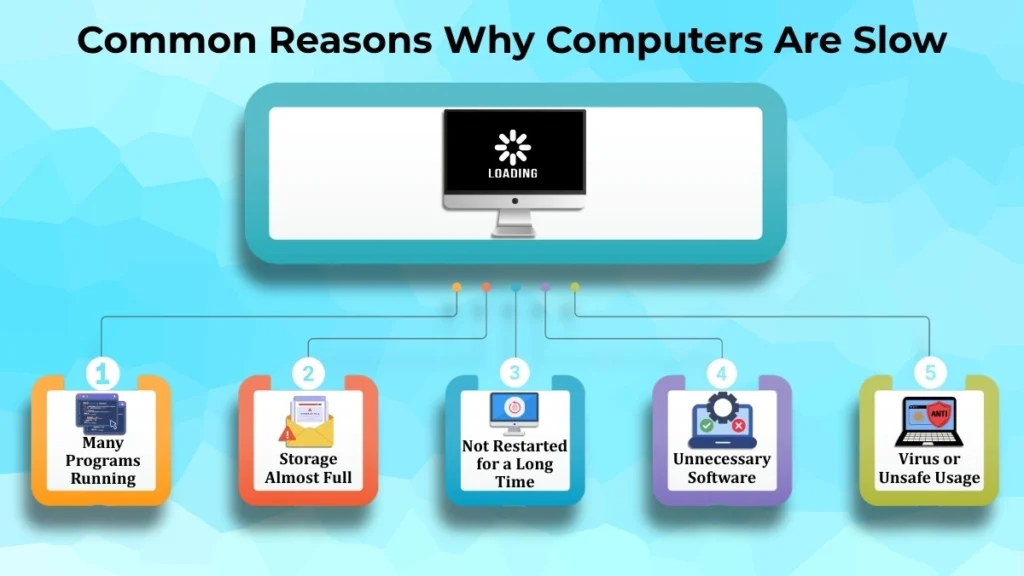
Many Programs Running
When you have a lot of programs open on your computer at the same time it can make your computer run slowly. This is because each program uses some of your computer’s memory and power to work.
Your computer has to share its power between all the programs, which makes everything slower.
Imagine you are carrying a lot of bags. You will walk slowly because of all the weight. Your computer is similar. Your computer has to work harder when you have a lot of apps open, which slows it down.
Sometimes you might not even notice that you have a lot of programs open. They are still using your computer’s power, which can make your computer slow.
Storage Almost Full
Your computer needs some space to work properly. When your computer’s storage is almost full it can be slow.
This is because your computer needs space to save files and to load programs. If your computer’s storage is full it cannot do these things easily.
If you have a lot of files on your computer that you do not need it can make your computer slow. This includes photos, files you downloaded a long time ago and documents you do not need anymore.
Computer Not Restarted for a Long Time
For a while, some individuals don’t switch off their computers. They simply shut the lid and let it go to sleep. This can make your computer slow.
When you do not restart your computer temporary files can build up. These files use your computer’s power, which can make it slow.
Restarting your computer can help to make it faster. It clears out the files and makes your computer work better.
Unnecessary Software Installed
Installing apps on your computer is simple. Sometimes people forget to remove the programs they do not need anymore.
These programs can still be running on your computer even if you are not using them. They consume the power of your computer, which may cause it to lag.
You might not even notice that these programs are running. They can still be slowing down your machine.
Virus or Unsafe Usage
If you are not careful when you are using your computer you can make it slow.
This can happen if you download files from websites that are not safe. It can also happen if you click on links that are not safe.
These things can put programs on your computer, which can make it slow.
Even if these programs do not harm your computer immediately, they can still make it slow over time.
Consequences of a Slow Computer
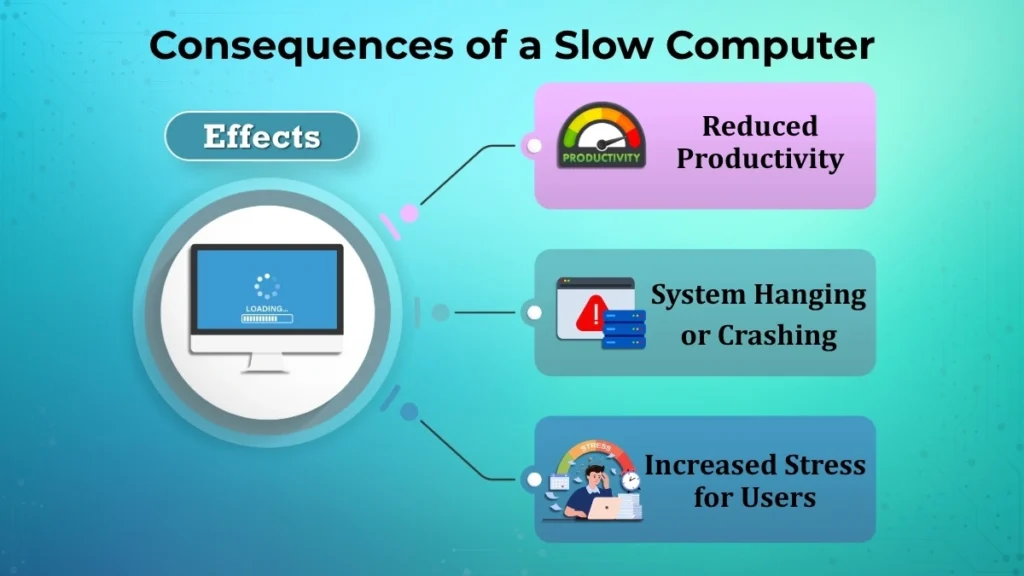
Reduced Productivity
A slow computer makes your daily work take much longer. Just think about it tasks like opening documents or browsing the internet take forever.
Even the smallest delays can really add up throughout the day, making you less efficient overall. This can be really frustrating when you have a lot of work to do.
System Hanging or Crashing
When your computer gets overloaded, it can just freeze up on you. Stop working altogether. A program may immediately end at times. The screen will get stuck, and you will have to restart the computer.
This is an issue as it may disturb your work and, if you didn’t save it, you can potentially lose what you were working on.
Increased Stress for Users
It may be rather irritating to wait for a computer, particularly if you have a deadline or need to do something crucial.
For people who are new to computers, it can be even more stressful because they might think something is seriously wrong with the computer when it is actually just a small issue.
Simple Solutions to Speed Up a Computer
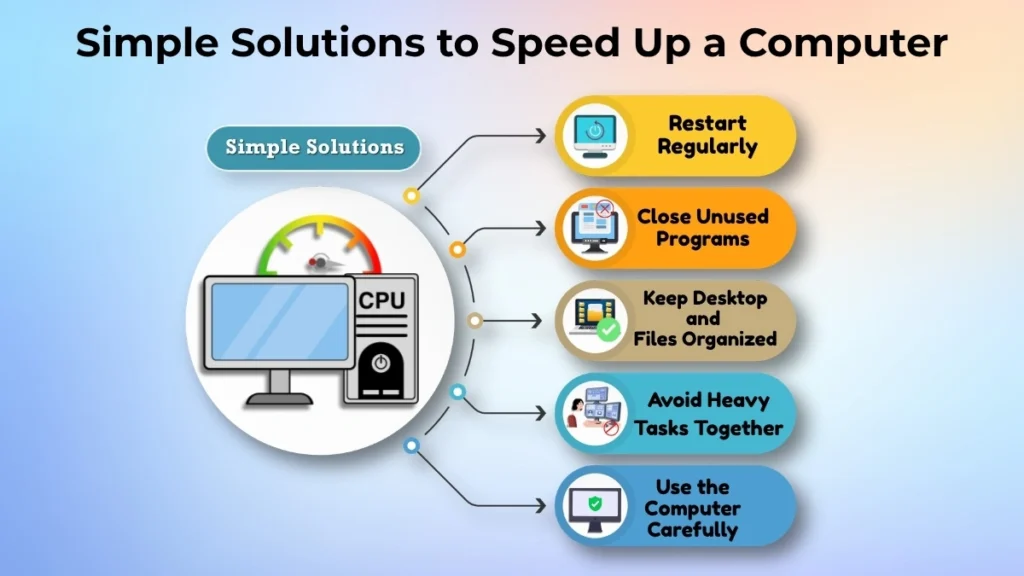
Restart the Computer Regularly
One of the ways to make your computer work better is to restart it every now and then.
A restart gets rid of temporary system data, closes programs that are running in the background, and gives your computer a fresh start. This can really make a difference.
Close Unused Programs
If you are not using a program, close it instead of leaving it open.
For example, if you are done working on a document, close the word processor before you open another program that uses a lot of resources. This helps your computer work efficiently.
Keep Desktop and Files Organized
A lot of people save everything to their desktop because it is easy. However, if your desktop is cluttered with hundreds of files and folders, it can be hard to find what you need. It can slow down your computer.
Make folders for your documents, pictures, videos, and downloads. This makes it easier to use your computer. It can work more efficiently.
Avoid Running Heavy Tasks Together
Some things you do on your computer use more resources than others.
Things like editing videos, playing games, downloading files, and having a lot of browser tabs open at the same time can put a lot of pressure on your computer.
Try to do one thing at a time. This helps your computer work smoothly.
Use Computer Carefully
The way you use your computer can make a difference in how well it works over time.
Make it a habit to:
- Shut down your computer properly when you are done using it.
- Do not force your computer to shut down unless you have to.
- Only download programs from trusted websites.
- Use your computer in a way that does not cause problems.
These small things can make a difference over time.
What Beginners Should NOT Do?
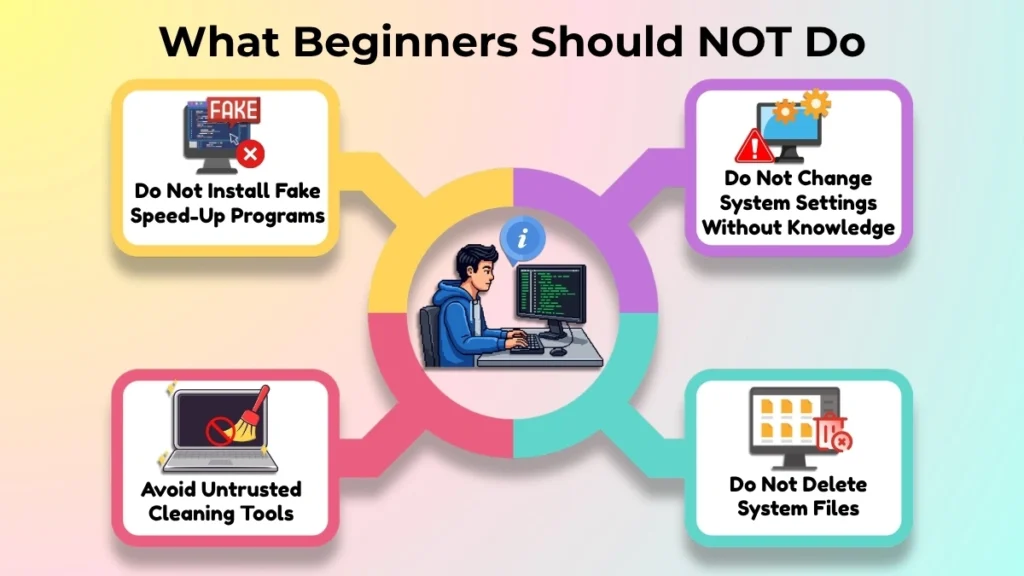
When your computer is slow, you might look for fixes online. However, some of these fixes can be bad for your computer.
To avoid making things worse, do not:
- Install programs that promise to make your computer instantly.
- Use cleaning or optimization tools from websites you do not trust.
- Change system settings if you do not know what you are doing.
- Delete system files to free up space.
If you are not sure about something, it is better to ask for help instead of trying to fix it yourself.
When to Take Professional Help?
While you can fix some computer problems on your own, sometimes you need to get help from an expert.
You should consider getting help if:
- The computer remains extremely slow after trying basic solutions.
- The same performance problems with the computer keep coming.
- The computer system freezes frequently and crashes without warning.
- You are worried about losing files or personal data on the computer.
A trained technician can identify hardware or software issues with the computer safely without risking damage to the computer.
Tips to Keep the Computer Fast in the Long Term
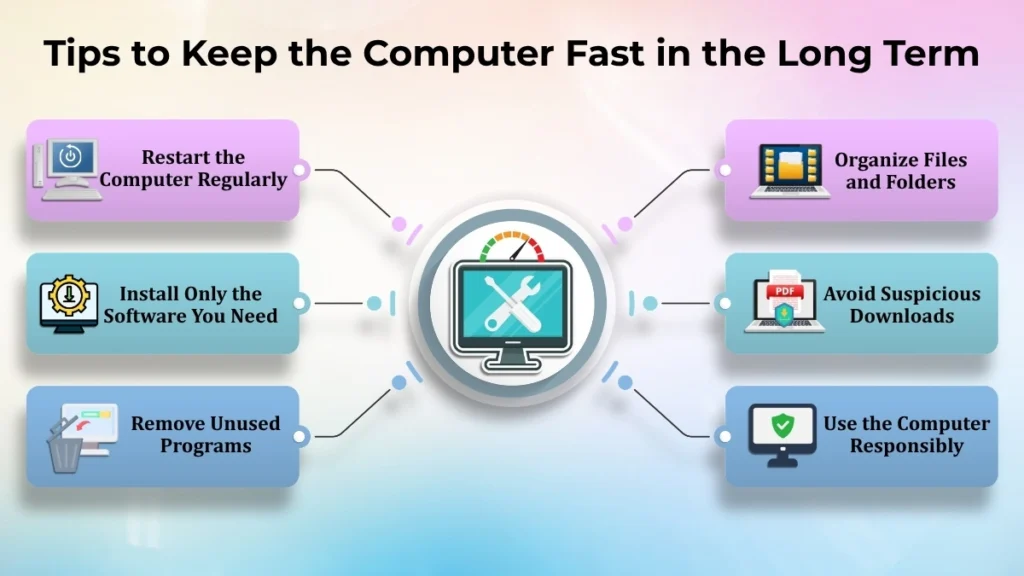
Keeping your computer in good condition does not require advanced technical knowledge. A few simple habits can help maintain performance of the computer over time.
- Restart the computer instead of leaving the computer running continuously.
- Install the software that you actually need on the computer.
- Remove programs that you no longer use on the computer.
- Keep your files and folders on the computer well organized.
- Avoid downloading content from suspicious websites on the computer.
- Follow responsible computer usage habits every day with the computer.
These small routines can prevent common performance problems with the computer before they even begin.
Conclusion
A slow computer is usually a sign that the system needs attention, not necessarily a replacement of the computer. Everyday factors such as many programs running, limited storage space, unnecessary software, or poor usage habits are often the real reasons behind slower performance of the computer.
The good news is that most of these issues with the computer can be improved with simple steps. Restarting the computer, organizing your files on the computer, closing unused applications on the computer, and following safe computing practices with the computer can make a noticeable difference.
By developing these maintenance habits with the computer, beginners can enjoy a faster, more reliable computer and avoid many common problems with the computer in the future. With proper care and responsible use, your computer can continue to perform well and provide a smoother experience for both work and everyday tasks.
Pingback: Computer Freezing and Hanging Issues: Reasons and Fixes
Pingback: Computer Overheating: Essential Prevention Guide for Better Performance