
Internet Connection Problems and Simple Fixes
Introduction
A stable internet connection is essential in today’s world as we use the internet more than ever before whether you study online, work from home, watch your favorite shows, chat with friends, manage finances and other important tasks. So no doubt, everyone tries to find an available internet connection wherever they go.
But sometimes, we face various problems which disturb our daily activities, like an unstable internet connection. These kinds of problems are often temporary and may be quickly fixed with minimal work or specialized skills.
In this article, I will tell you about the reasons behind such a problem and also try to help beginners find solutions themselves.
So here is a list of some of the possible causes and steps to overcome each problem.
Wi-Fi/Internet Unavailable Reasons
There could be many reasons why the internet becomes unavailable. Let me share a few examples:
- Is your Wi-Fi on? Maybe you just turned it off unknowingly
- Or maybe your Ethernet cable got unplugged
- Your router may need to be restarted, or your ISP (Internet Service Provider) may be experiencing a temporary technical issue.
Therefore, never think that your computer must have gone haywire because suddenly internet is getting cut. Always look at every possibility, it might take some time but you will figure out the actual cause easily. Also don’t get worried because it will not demand your high level tech knowledge. Just follow below mentioned points step-by-step.
Common Symptoms of Internet Connection Problems
The symptoms of internet connection problems can be utilized to distinguish them because they are frequently identical.
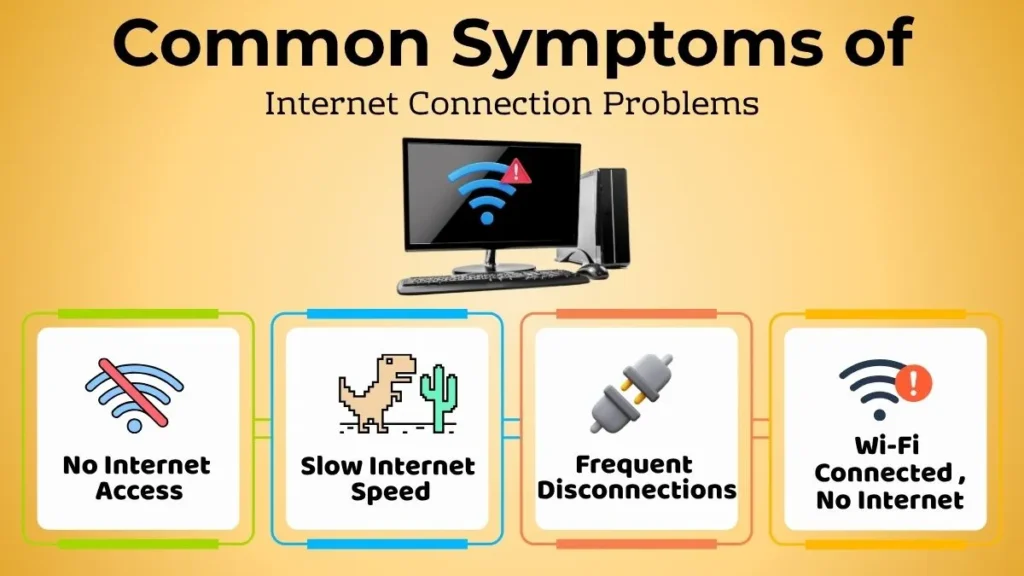
No Internet Access
First, there are cases where the user cannot access the internet. This issue is most common and easiest to identify, the problem may be in a particular device or a router. Thus, a person may see the error message “No Internet”.
Even though it may seem like a scary scenario, the reason for it may be something simple, such as a turned-off Wi-Fi function.
Slow Internet Speed
Another frequent issue is when the Internet is unreliable or poor. In this situation, an individual may experience:
- Slow loading of websites
- Buffering of videos
- Large file transfer taking a long time
- Lag in online games while playing
If the Internet speed is slow, it becomes impossible to perform many tasks. A stable and high speed internet connection is crucial if someone wants to work or study online without any issues.
Frequent Disconnections
If your internet keeps connecting and disconnecting every few minutes, it can interrupt everything which you are doing.
For instance, you might get disconnected during an online class, lose a video call, or have to reconnect repeatedly while browsing internet.
This usually points to an unstable internet connection that needs some basic troubleshooting.
WiFi is connected, but the internet isn’t working
Many beginners get confused when the Wi-Fi icon shows they are connected, but websites don’t load.
This simply means your device is connected to the wireless network, but that network is currently not providing internet access. It may sound complicated, but in many cases, restarting the router or checking the internet connection solves the problem.
First Steps Before Trying Any Fix
Before changing settings or trying different solutions, spend a few minutes understanding what is actually happening.
Stay Calm
It is normal to panic when the internet suddenly stops working, especially if you are in the middle of something important work.
However, most internet connection problems are temporary. Staying calm helps you think clearly and prevents unnecessary changes that could make fixes more difficult.
Identify the Problem
Ask yourself a few questions:
- Is the internet completely unavailable?
- Is it just slower than normal?
- Is only one website not opening?
- Are all online services affected?
The answers will give you a better knowledge of how to solve the problem.
Research Various Websites or Services
Sometimes the internet is not the problem. For example, if single particular website is not opening but others work perfectly, that means website may be temporarily unavailable.
Try opening two or three different websites before assuming your internet connection has failed.
Simple Fixes for Internet Connection Problems
Most of internet issues can be solved with a few instant checks.
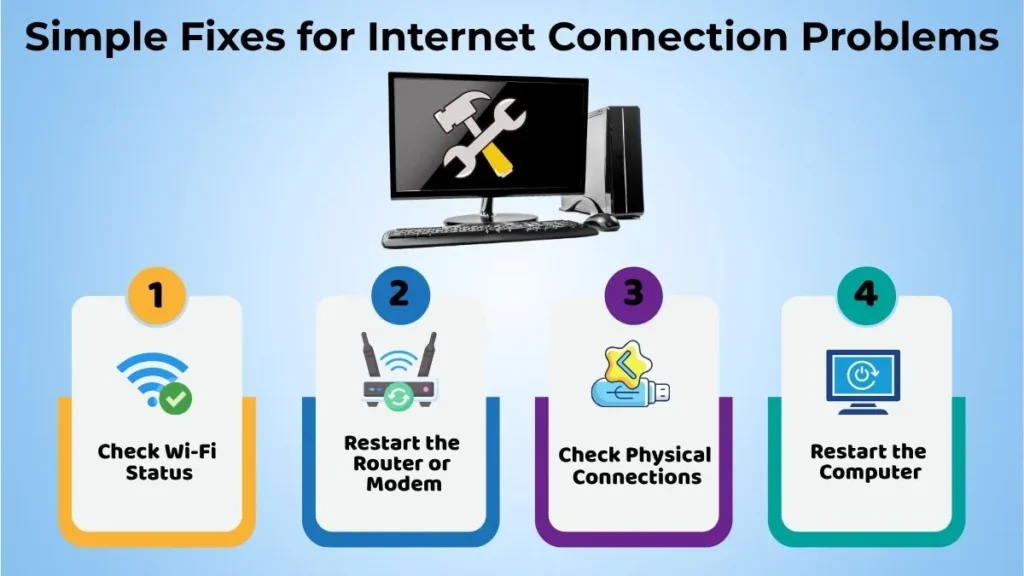
Check Wi-Fi Status
Start by making sure Wi-Fi is turned on.
Sometimes people accidentally switch it off using a keyboard shortcut or by clicking the wrong setting. Also check that you are connected to the correct Wi-Fi network and not some different one with a similar name.
Restart the Internet Device
A simple restart solves more internet problems than many people realize.
Turn off your Wi-Fi router or modem, wait for about 30 seconds, and then switch it back on. Give it a couple of minutes to reconnect completely before testing your internet again.
This refreshes the internet connection and often clears temporary network issues.
Check Physical Connections
If you’re using a wired internet connection, inspect the cables carefully.
Make sure:
- The power cable is firmly connected.
- The internet cable is securely plugged in.
- Nothing has become loose or damaged.
Even a slightly disconnected cable can stop your internet from working properly.
Restart the Computer
If everything else looks normal, restart your computer.
Restarting closes temporary background processes, refreshes network settings, and fixes many minor software related issues.
It’s always worth attempting and is among the simplest troubleshooting techniques.
Solving Slow Internet Problems
A slow internet connection doesn’t always mean something is broken. Your internet speed may frequently be increased with a few minor adjustments.
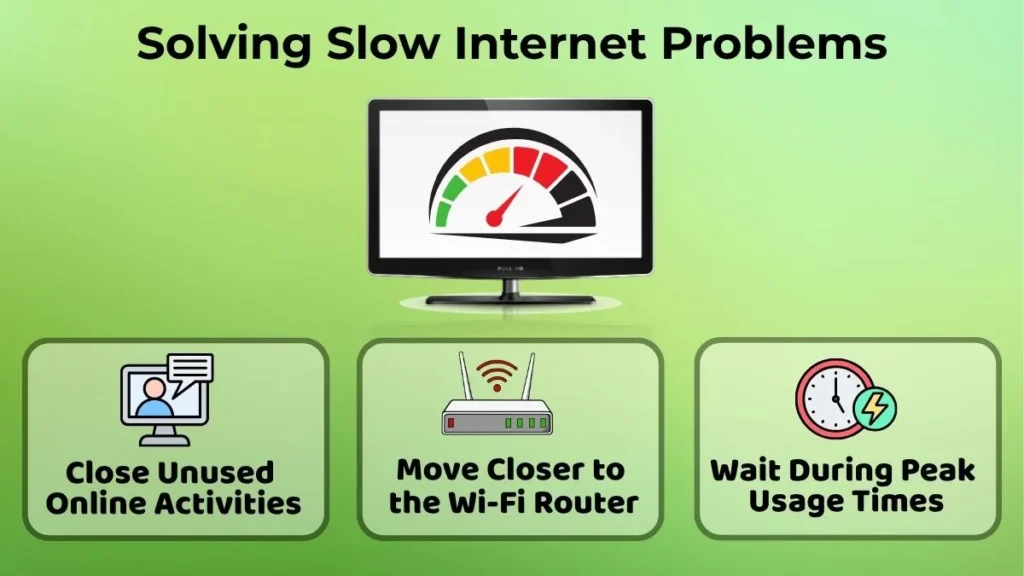
Close Unused Online Activities
Having too many tabs running at the same time can slow down your internet connection.
For instance, if someone is downloading a large file while several browser tabs, streaming apps, and cloud storage services are running, your internet speed may drop.
Closing unnecessary applications can free up bandwidth and improve performance.
Approach the Wi-Fi Source Closer
Distance plays an important role in Wi-Fi performance.
The signal might decrease if you are far from the router or if there are several walls separating you from the device.
Moving closer to the Wi-Fi router often improves both speed and connection stability.
Wait During Peak Usage Times
Sometimes the problem is not inside your home at all.
Internet speeds can slow down during busy hours when many people in the same area are using the network at the same time.
If everything seems normal but the connection is still slow, waiting for a while may solve the issue without any troubleshooting.
Common Beginner Mistakes During Internet Problems
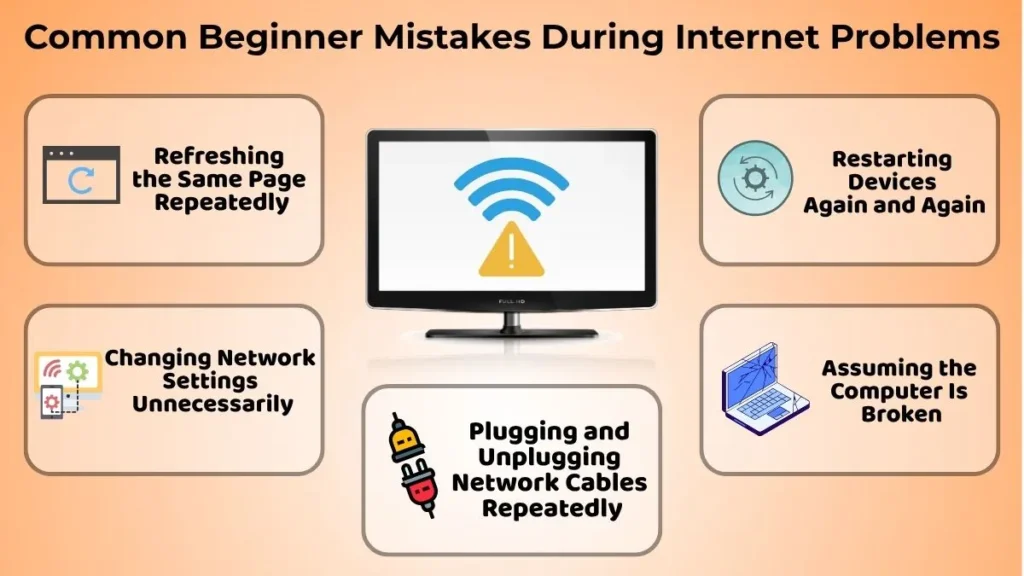
When a PC beginner starts to have issues with the Internet, user may start doing a few things to try to solve the problem.
Some common mistakes include:
- Refreshing the same page over and over again
- Changing network settings unnecessarily
- Plugging in and unplugging network cords
- Rebooting over and over again
- Assuming that the computer is broken
What user should instead do is make a specific change and then see if it works before moving on to the next step.
When to Ask for External Help?
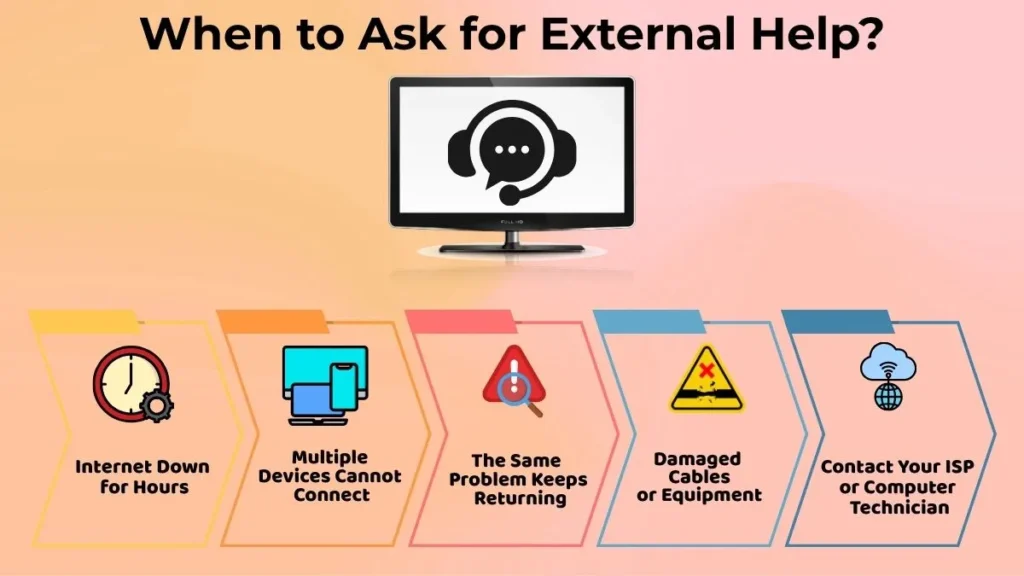
Many times common internet problems can be solved by simple solutions. However, there are some things that may signal external help is needed.
Seeking additional advice is recommended when
- The Internet has been down for hours
- More than one device in your household is failing to connect to the Internet
- Same problem seems to arise constantly, the usual fixes did not work
- One can clearly see that the cords or other equipment is broken.
Under these circumstances, it is better to contact your service provider or a professional computer technician for help.
Simple Tips to Prevent Internet Problems
Keeping Your Computer Updated
It is a good idea to update your computer often. This can help solve some common internet problems as well as keep your device up and running smoothly. Similarly, user should also update their router, network switches, and other devices that are related to the Internet.
Keeping Your Equipment in Good Condition
Computers, routers, and other Internet related equipment should be taken care of properly in order to preserve them for a long time. Bending cords, putting heavy items on top of cords, and not caring for the devices may cause damage or deterioration to your equipment. This can lead to poor performance and potential breakdowns.
Sometimes, it is important to just simply reboot your device.
User does not have to do this every day, but rebooting your router occasionally can keep the Internet running smoothly and prevent small problems from occurring.
Why Knowing How to Troubleshoot the Internet is Helpful for PC Beginners?
There are various advantages to learning how to troubleshoot the internet.
It benefits users:
- Boost confidence when problems arise
- Decrease unusual stress
- Instantly identify usual problems
- Execute basic fixes on your own
- Increase regular computer use
It gets simpler for beginners to deal with usual internet issues as they get experience with fundamental troubleshooting.
Conclusion
Internet connection issues are something that every computer user will have to deal with at some point. While they could be frustrating to say the least, most are relatively simple to fix.
Testing the internet connection, restarting the router, checking cables, rebooting the computer, and paying attention to the details can help anyone solve most issues that may arise. As users become more familiar with these tasks, they will be able to troubleshoot and solve more problems with ease and confidence. With patience and determination, an entire list of connection problems could be solved in no time.