
What Are Web Browsers and Search Engines? Meaning, Differences and Uses
Introduction
Whenever you want to visit a website, look for an answer, watch a video, or read something online, you will be using a web browser or a search engine. Both tools are closely related and often confused because of the frequent joint usage.
For instance, you may open Google Chrome and search for something on Google. Since both programs are in front of you, they may appear to be the same. However, browsers and search engines are not the same, and the divide between the two is clear.
A web browser and a search engine are two different services with the former being used for accessing websites and the latter being used for searching websites and information available on them.
A clear understanding of these tools is essential because it reduces confusion between the two services. Once understood, the purpose of browsers and search engines is simple. Now let us take a closer look at both programs and what they are used for.
What Is a Web Browser?
A web browser is a software application used for accessing websites on the internet. Browsers are installed on personal computers, smartphones, tablets, smart TVs, and other internet-enabled devices. A web browser can be considered an application that allows users to move from one website to another. In most cases, a browser will be used to access a particular site directly. A person may type in the desired website’s web address, and the browser will locate and display it.
For example, if you want to go to a specific technology website, you can open Chrome, type the address in the address bar, and click Enter. Chrome will then access the aforementioned site and display it on your screen. However, browsers are not only used for accessing websites directly. A person may use a browser for reading online articles, watching videos, downloading files, using web applications, completing online forms, checking emails, online shopping, and many other activities.
At the most basic level, web browsers are instrumental in giving people access to the internet and its content.
Common Web Browsers
Today, there is a wide range of different web browsers, most of which are already pre-installed on your computer. Among the most widely used web browsers are:
- Google Chrome
- Mozilla Firefox
- Microsoft Edge
- Safari
They may have a different design, but all browsers have the same purpose — helping you open any website and access online content. For instance, Safari is the default browser on Apple devices, whereas Microsoft Edge is a default browser in Windows 10. Google Chrome is one of the most popular browsers and is compatible with almost all devices. Firefox is another popular alternative to Chrome.
What Is a Search Engine?
A search engine is an online service that allows searching on the web. Sometimes it can be hard to guess the right URL address of a website you need. However, you can use a search engine to type a query and find relevant results.
Suppose you want to know how to take a screenshot on your computer. In this case, you would not go to each website one by one searching for an article about screenshots. Instead, you can type “how to take a screenshot Windows 10” into a search engine. Then it will show a list of links to web pages with answers to your question. In simple words, a search engine helps you find information on the Internet.
However, note that search engines are not browsers; search engines work within the browsers. For example, you can open a browser such as Google Chrome or Firefox and then use a search engine like Google, Bing, or DuckDuckGo to search the web.
Common Search Engines
The most popular search engines are:
- Bing
- DuckDuckGo
The search engines can look different, but the general purpose remains the same — to help you find any information on the web. For instance, Google Search can help you find articles, videos, images, news — and much more depending on your query. If you search “best ways to learn HTML”, Google will offer you web pages with guides, video guides, and other resources to improve your HTML learning.
Difference Between Web Browser and Search Engine
The easiest way to describe the difference is to mention what tasks they perform.
Web Browser
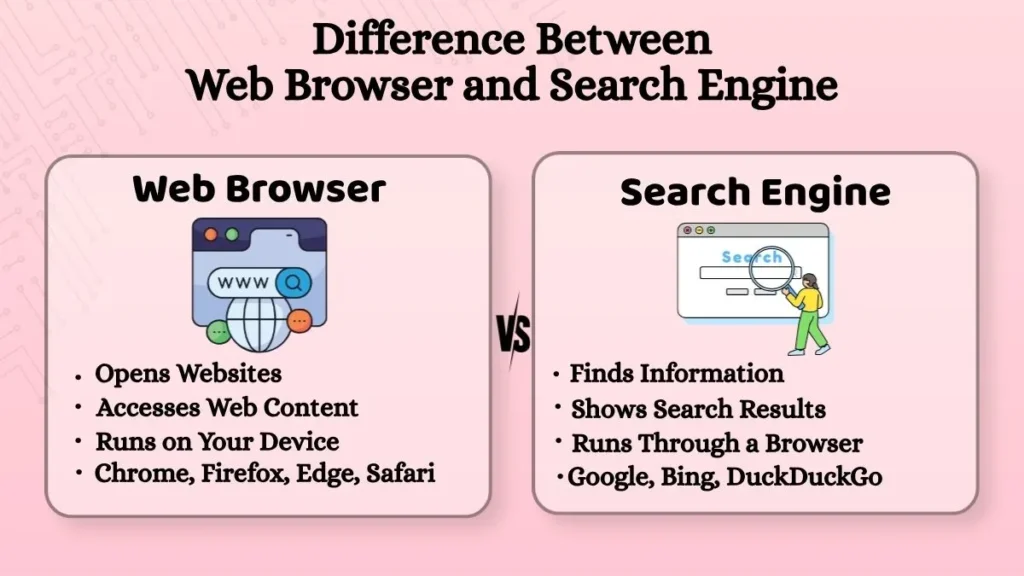
A web browser is a program that runs directly on your computer or mobile device. It is used to access web content such as websites and web apps. Moreover, you can enter addresses of web pages directly in browsers to open them. All browsers are pretty much similar, since they all allow access to our favorite websites. The most popular browsers are Google Chrome, Firefox, Edge, and Safari.
Search Engine
A search engine is an online service that runs through browsers to help you find what you need. A search engine allows you to search the web and find information about anything you need. Moreover, a search engine will show you search results such as links and other content related to your query. The most popular search engines are Google, Bing, and DuckDuckGo.
As you can see, browsers and search engines are completely different services. To illustrate the difference, imagine that you need to find a certain book in a huge library. The browser is like your transportation to get to a library, whereas a search engine is a librarian who will help you find the book you need.
How Browser and Search Engine Work Together?
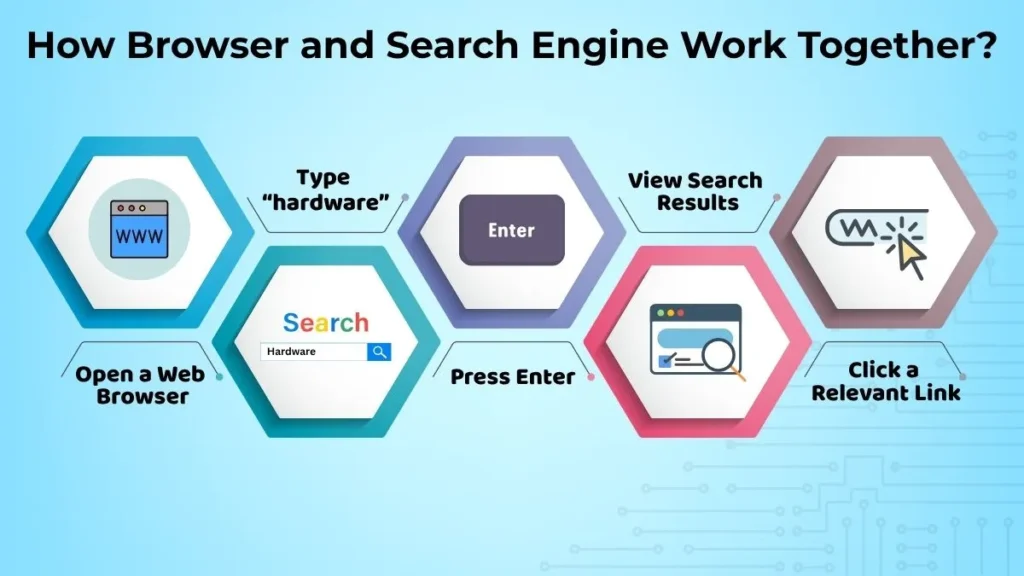
Typically, search engines and browsers work together. To perform a search, you can open any browser and type your query. For example, let’s say you want to search for something related to hardware. The process of searching will be as follows:
- Open a browser of your choice (e.g., Chrome or Firefox).
- In the search bar, type “hardware.”
- Press the Enter key.
- After some time, you will see a list of relevant web pages and documents.
- Click any link that seems relevant.
However, sometimes you already know the address of a website you want to open, and you do not need a search engine. For instance, if you know the exact address of a website you want to open, you can type it directly in the address bar. This way, you will avoid using a search engine to find a website when you already know its address. Therefore, browsers and search engines are separate services but work together to help you access web content.
Why Are Browsers and Search Engines Important?
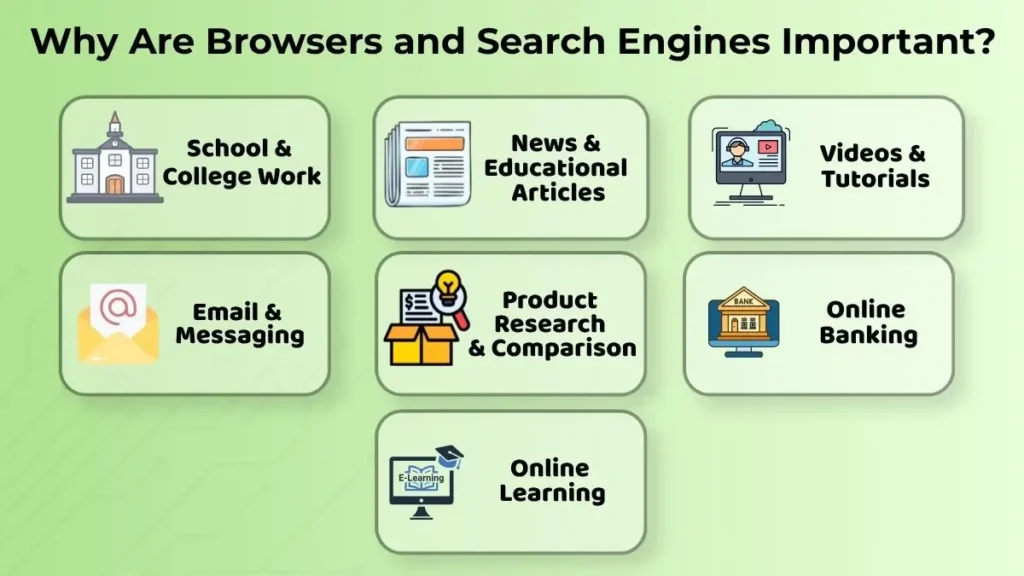
There is a vast amount of information on the internet, and searching for it or even attempting to reach it without the help of browsers and search engines would be close to impossible. They are also extremely useful in a variety of daily tasks, such as:
- Completing school or college work including assignments, essays, and research
- Reading news and educational articles
- Watching educational videos and tutorials
- Communication via email or instant messaging
- Researching and comparing products
- Banking and other financial management
- Learning new things with the help of online resources
Therefore, browsers and search engines are invaluable tools for students, as they can research and complete their assignments faster.
It is also important to note that when using search engines, it is critical to verify the accuracy of any information you find before depending on it. Always double-check any statistics, numbers, or pieces of information, and visit multiple reliable sources before relying on information about a particular subject.
Common Beginner Mistakes
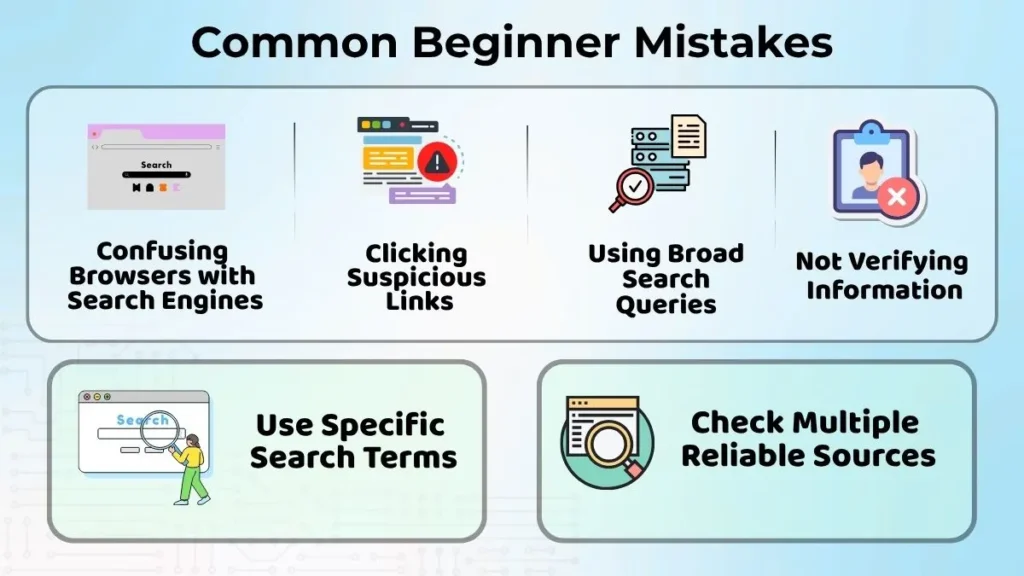
When learning and browsing the internet, there are several common beginner mistakes that many people do not realize they are making.
First, browsers and search engines are often mistaken for one another, but once you realize that they serve two completely different purposes, they are much easier to tell apart.
Another common mistake is clicking on any link that appears on the search results page.
A lot of sites can sometimes be unsafe, so it is better not to risk clicking on any suspicious links. If you see a link that looks unsafe, it is better not to try to open it or visit that site again in the future.
Lastly, you may want to try not searching for overly broad subjects or topics. When you do that, your search results might appear too broad and unmanageable, so it is better to try searching for more specific subjects.
For example, instead of searching for “computers,” you might want to try searching for “how to increase the storage space for computers.” All in all, realizing these simple mistakes is a crucial step to avoiding them in the future.
Conclusion
Web browsers and search engines are two very common tools, but they are used for two completely different purposes. Web browsers allow you to open websites, whereas search engines let you search for any information and find relevant websites you may want to visit. For example, you can open Google Search using Chrome, search for “web browsers,” and then click any of the search results.