
How to Keep Your Computer Safe from Viruses and Threats
Introduction
Computers are now a major part of almost everyone’s daily lives. We use them for multiple purposes such as studying, working, shopping and watching videos. Our computers store stuff like documents, photos, passwords and personal files. Therefore, ensuring their safety in every way is crucial.
The internet has many benefits, but it also has risks such as malware, fake websites, and online scams. These risks are much more common than many people are aware of it. The good news here is that you do not even need to be a technology expert to protect your computer. Just follow some habits and you can prevent many common security problems.
In this article you will learn about stuff related to computer threats. You will understand how they affect your system. You will discover practical ways to keep your computer secure.
Why Computer Safety Is Important?
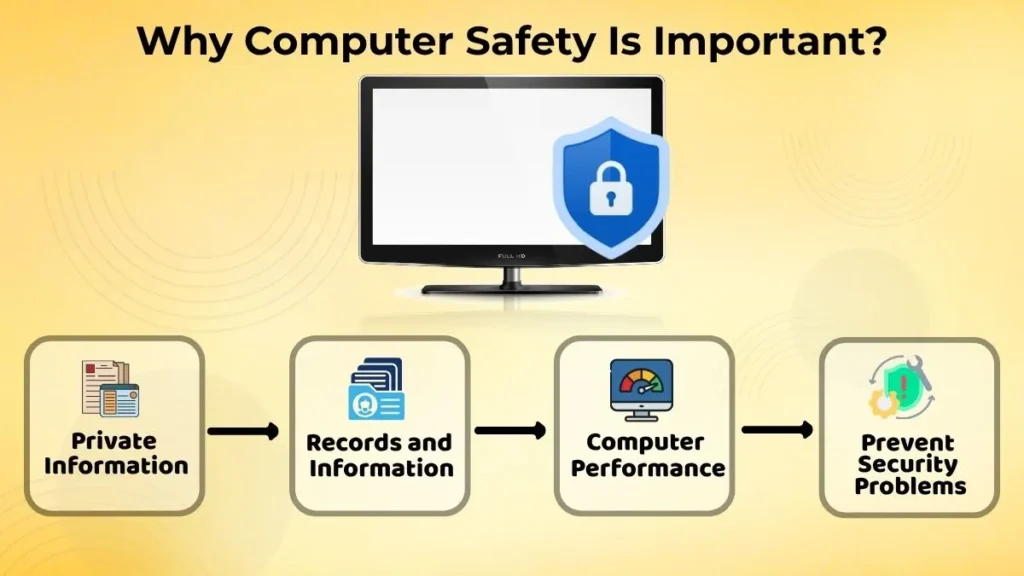
Your computer has information that you use every day. This includes school assignments, office files, financial records, personal photos and important documents.
When a computer gets malware software or unsafe online activities it can become slow. It may show ads, crash often or make it hard to access your files.
Good computer safety helps protect:
- Private information
- Records and information
- How well your computer functions
- Your consistent performance
Taking care to avoid issues is typically easier than solving them. A few smart habits can save you from losing data or spending hours solving problems.
Understanding Common Computer Threats
Computers can face security risks when they are connected to the internet. This can also happen when new software and files are added. You can prevent these risks by learning about them.
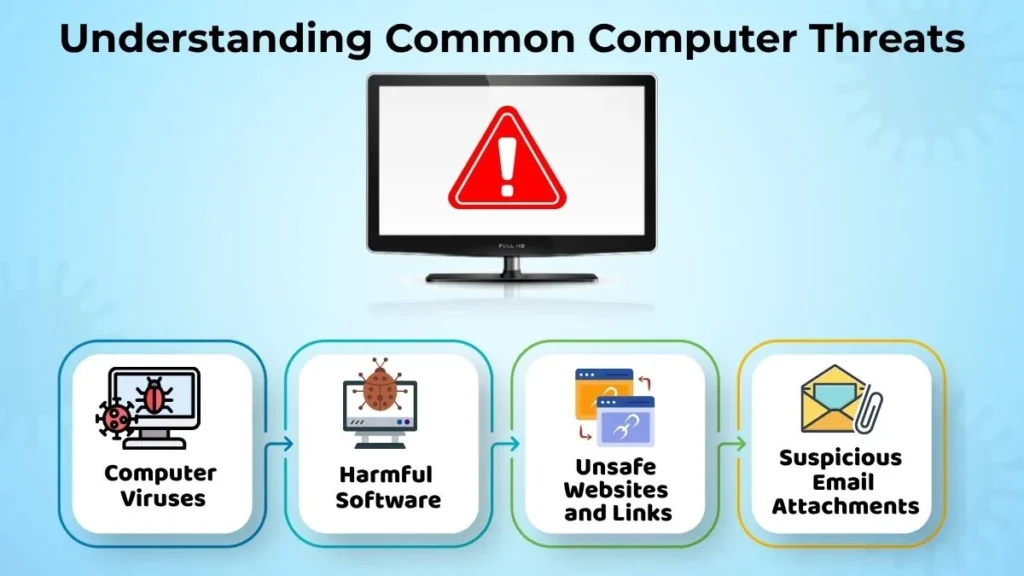
Computer Viruses
A computer virus is a program. It can interfere with your computer’s operation. It may damage files, slow down the system, or cause unwanted behavior.
Viruses often spread through downloads. They can also come from files or unreliable websites. For example, downloading software from an unknown website can increase the risk of infection.
Learn how viruses spread helps you make safer choices online.
Harmful Software
Not every bad program is a virus. Some software shows ads you do not want changes the settings on your system or takes your information without asking you. These programs are usually called malware.
They usually come from installers downloads that have extra things you do not want or from websites you cannot trust. If you only get software from people you trust this will help keep you safe.
Websites and Links
Not every website is safe. Some websites are made to trick you into getting files or giving away your personal information.
For example, you might get a message that says you won something. You have to click on a link right away. These kinds of messages are usually trying to get you to click, not really give you a prize.
Before you go to a website you do not know or click on a link you are not sure about take a minute to see if the website seems safe.
Suspicious Email Attachments
Email is a way to share files but it can also be used to spread harmful software.
Imagine you get an email from someone you do not know with a file called “Important Invoice.” If you open it without checking who sent it you might put your computer in danger.
If an attachment seems weird and you are not sure about it, first check who sent it, before you open it.
Safe Habits That Help Protect Your Computer
Good computer security comes from every small thing that you do every day not just one big thing.
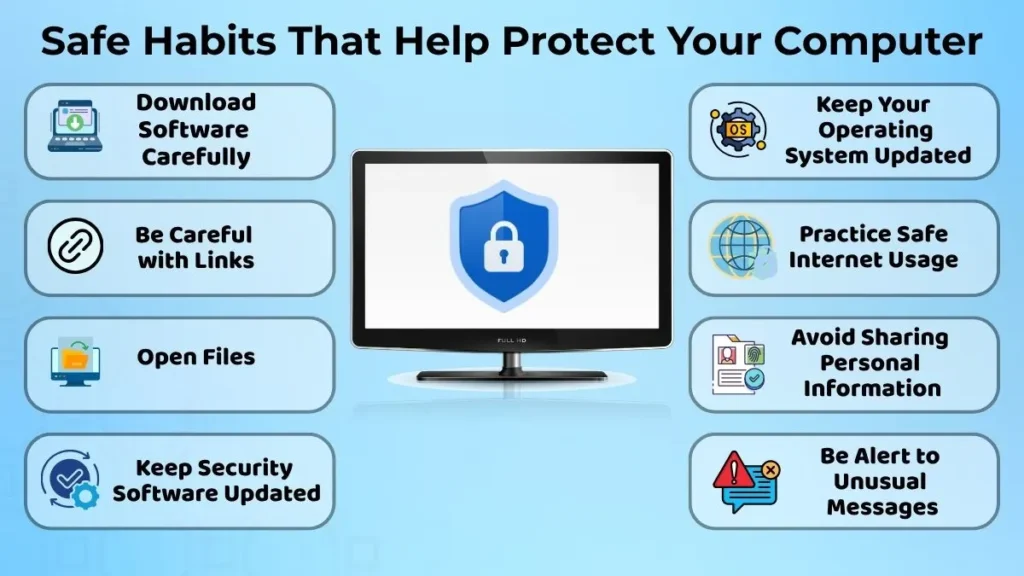
Download Software Carefully
Always get software from websites you trust or from the people who made it.
Do not get programs just because you see them in ads or because they promise things that seem too good to be true. Take a minute to read reviews or learn about the software and you will be less likely to get bad programs.
Be Careful with Links
You see links in emails on media in ads on websites and in text messages.
Before you click on a link think about where it came from. If you do not know the person or website it is better to leave it.
Taking a few seconds to be careful can stop a lot of common problems on the internet.
Open Files
Not every file should be opened right away. Whether it is a document, a picture or a folder with a lot of files make sure it comes from someone you trust. If you are not sure why you got it ask the person who sent it before you open it.
This simple habit can help you avoid a lot of problems.
Keep Security Software Updated
Security software helps keep you safe by finding and stopping things. It only works well if you update it regularly. It helps the device to get better at finding threats and keeping you safe.
Only allowing the people you trust, to update your security software is one of the ways to keep your computer safer.
Keep Your Operating System Updated
Your operating system is in charge of a lot of things, on your computer.
Updates improve system performance, fix problems, and close security vulnerabilities that scammers could exploit.
Even though updates can take time, they are worthy because they keep your computer working well and safe for a long time.
Practice Safe Internet Usage
Safe internet usage is really important for protecting your computer.
You need to use trusted websites whenever you can. For example, if you want to download a web browser or some educational software it is much safer to get it from the website instead of some unknown source.
Using trusted websites reduces the chance of getting files or seeing fake content.
Avoid Sharing Personal Information
You should not share personal information like passwords, phone numbers, addresses or banking details unless it is really necessary.
Before you fill out forms make sure the website is trustworthy and that they really need the information they are asking for.
This helps keep your information safe and also improves your online security.
Be Alert to Unusual Messages
Sometimes you will get messages saying your account is locked or your computer is in danger or you have won a prize. Do not respond right away. Read the message carefully first.
If something does not seem right do not click on any links or download any attachments until you are sure who sent it.
Thinking before you act can prevent a lot of problems.
Common Mistakes That Beginners Do
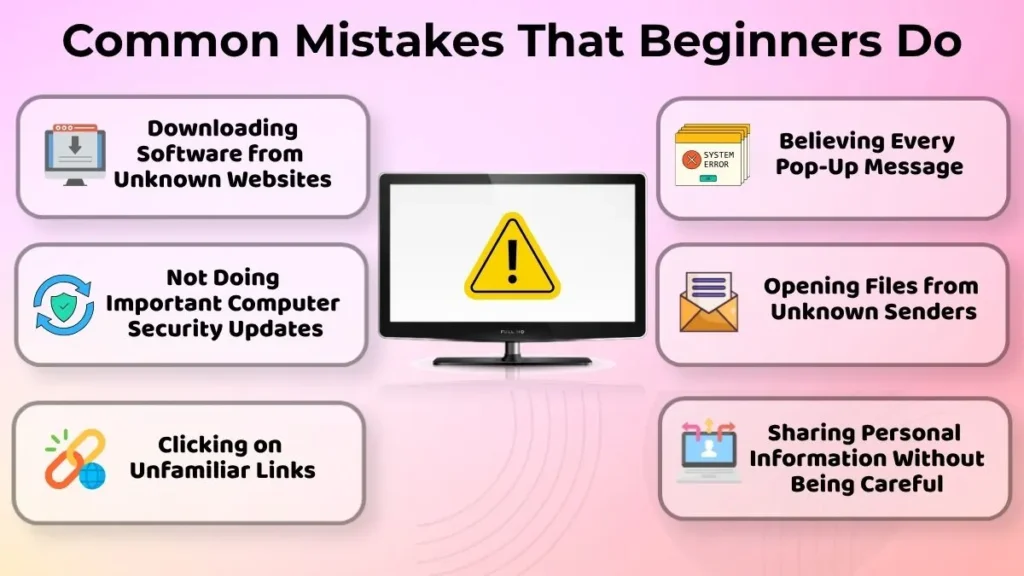
A lot of computer security issues happen because people make silly mistakes.
Some common mistakes that computer users make include:
- Downloading computer software from unknown websites
- Not doing important computer security updates
- Clicking on unfamiliar links without checking them first
- Believing every pop-up message that appears on the computer
- Opening files from unknown senders without checking who these senders are
- Sharing personal information without being very careful
If you avoid these computer mistakes your computer will be much safer.
What To Do If You Suspect a Problem?
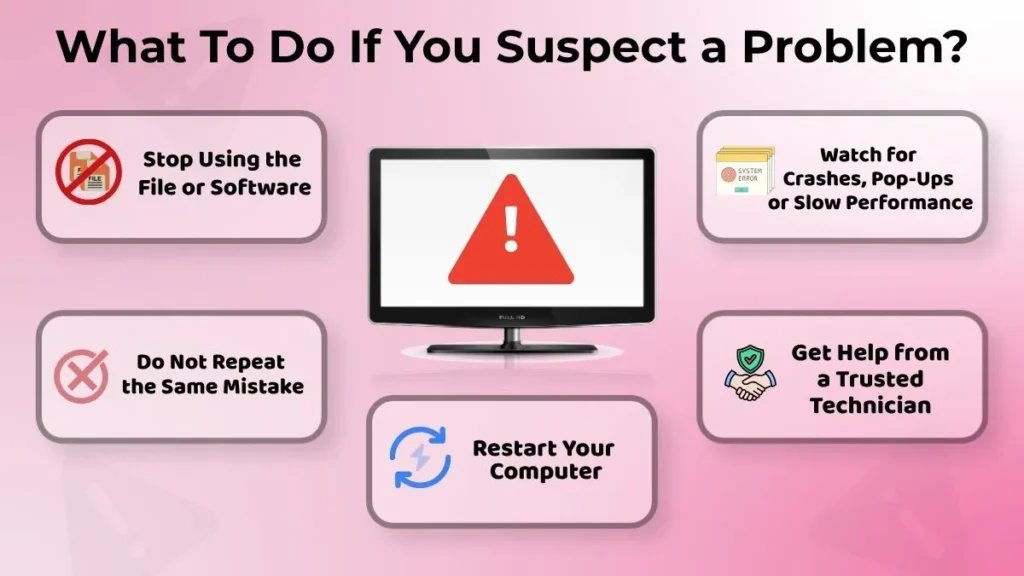
If your computer starts acting weird, do not panic. Stay calm so you can make decisions about your computer.
Here are some simple steps to follow when you suspect a computer problem:
- Stop using the file or software that is causing the computer problem
- Do not repeat mistakes that caused the computer problem
- Restart your computer if you need to restart it
- Watch for strange behavior like computer crashes, pop-ups or slow computer performance
- Get help from a trusted computer technician if the computer problem does not go away
Do not try to fix the computer problem without knowing what is wrong with your computer it might make things worse.
Benefits of Following Safe Computer Practices
Following computer practices has a lot of benefits for your computer in the long run.
Some of the benefits of following computer practices are:
- Your computer will work better and faster
- Your personal information will be safer and more secure
- You will not have the risk of computer security problems
- Your computer will be more reliable and stable
- You will feel more confident when using your computer every day
These simple computer habits do not take effort but can save you from big computer problems later.
Keeping your computer safe from computer viruses and online threats is not that hard to do.
Conclusion
Computer security is not only about using security software, it is also about making smart decisions and developing good computer habits over time.
Downloading software from trusted sources, being careful with links and files, keeping your operating system and security software updated, and browsing responsibly. All these habits help keep your computer safe from common threats.
As you make these safe computer practices a part of your routine you will be able to protect your files, personal information and computer better, from common computer threats. You will feel more confident when using your computer every day.