
Antivirus Software Explained: How It Protects Your Computer
Introduction
The increasing significance of computers in our daily lives makes it a necessity to safeguard them against various online threats. Computers are used by people for a variety of critical daily functions, such as working, learning, storing files, and accessing the Internet. As computers usually store lots of personal data and sensitive information, their protection is one of the key issues.
Antivirus software is the most popular of the several technologies available for computer security. While many beginners are already familiar with antivirus software, many are not aware of its full potential. Some people even think that its main function is only to remove viruses, which is incorrect because antivirus software performs many other security functions.
Different kinds of malicious software can get into the computer system when it comes to file downloads, opening attachments, connecting any storage device, and visiting web sites. Antivirus software can therefore help reduce these risks and provide additional protection for computers.
This article will explain what antivirus software is, why the computer needs antivirus, how it can help protect the computer system, and how to increase computer safety.
What Is Antivirus Software?
An antivirus is a form of security software used for protection of a computer from any malicious software.
In simple terms, it is just like a guard for your computer. The role of this software is monitoring the computer, identifying possible threats, and helping to prevent them before they can affect the computer. Unlike other programs, the program does not wait until a problem occurs but always keeps on watch.
The antivirus software runs in the background when the user is using the computer for different tasks like browsing the internet, accessing files, and downloading software. Most people never realize that the antivirus software exists since it runs silently.
The main purpose of this software is not only protecting the computer but also ensuring that your files remain safe. For beginners, an antivirus is among the best software to have on a computer.
Why Do Computers Need Antivirus Software?
Computers come into contact with lots of files, programs, websites, and other external devices daily.
Since this happens, the possibility of having any dangerous or suspicious files and programs gets into the computer remains high. Even cautious users might encounter such files or sites without being aware of this.
Antivirus software can minimize such dangers because it gives an additional security measure. It detects the possible threats and warns the users about their presence before becoming major dangers.
It also offers security for:
- Personal documents
- Photos and Videos
- Study documents
- Work-related documents
- Additional information kept on the computer
In case there is no security measure, the users will be more vulnerable to some unneeded dangers.
Antivirus software is helpful for preventive security that aims at prevention of dangers rather than solving them.
How Does Antivirus Software Protect a Computer?
There are several ways that antivirus software keeps a computer safer.
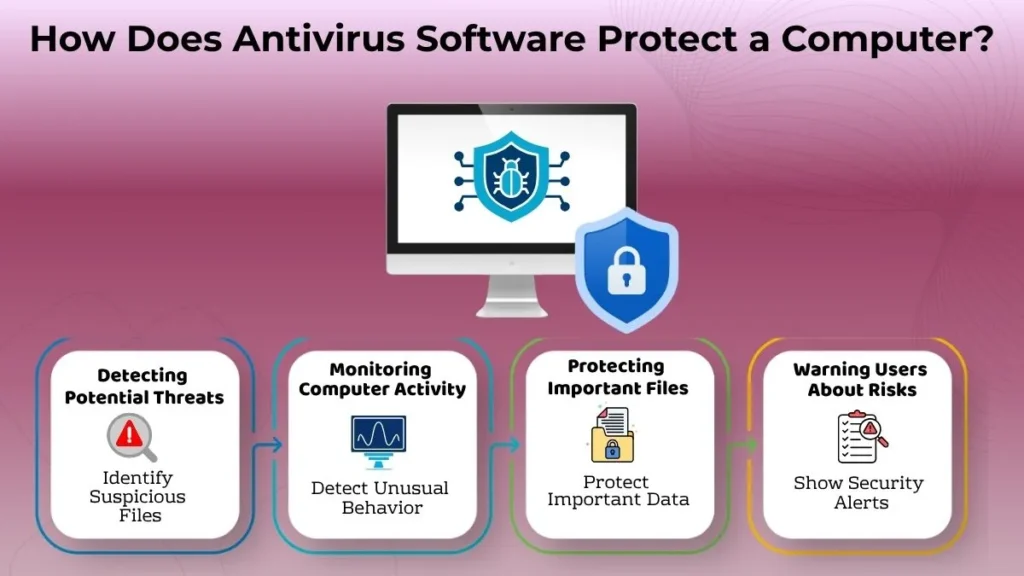
Detecting Potential Threats
One of the most significant tasks is identifying potentially dangerous files or normal actions.
In case the program finds any suspicious information, it will notify the user in order to avoid future issues. Instead of continuing the operation of those files which are potentially unsafe, the program provides users with an opportunity to see the warning beforehand.
It enables users to make better choices while working on their computers.
Monitoring Computer Activity
Antivirus programs constantly monitor all actions performed on the computer when it is working.
They keep track of anything that seems out of place. The antivirus software may see an application as suspicious if it exhibits unusual behavior.
This constant monitoring ensures better safety and increased computer security. This whole process takes place without any knowledge of the user most of the time.
Protecting Important Files
Many people save extremely private information on their computer systems.
Antivirus applications help lower the chances that such information can get affected by malicious software. Antivirus application protects your information from suspicious activity on your PC.
This software helps protect your information as well as documents that you value. Consequently, you may operate on your computer with more security. Such application is highly beneficial for beginners.
Warning Users About Risks
An antivirus tool generally sends alerts whenever there is some sort of unusual behavior.
Alerts ensure that users can be made aware of possible threats in advance. For instance, a warning might come up if an unusual file or an odd behavior is noticed.
This guarantees that the user can make the right choices. It is never a good idea to ignore the notifications.
Common Features of Antivirus Software
Most antivirus programs come with a variety of regular features that improve security.
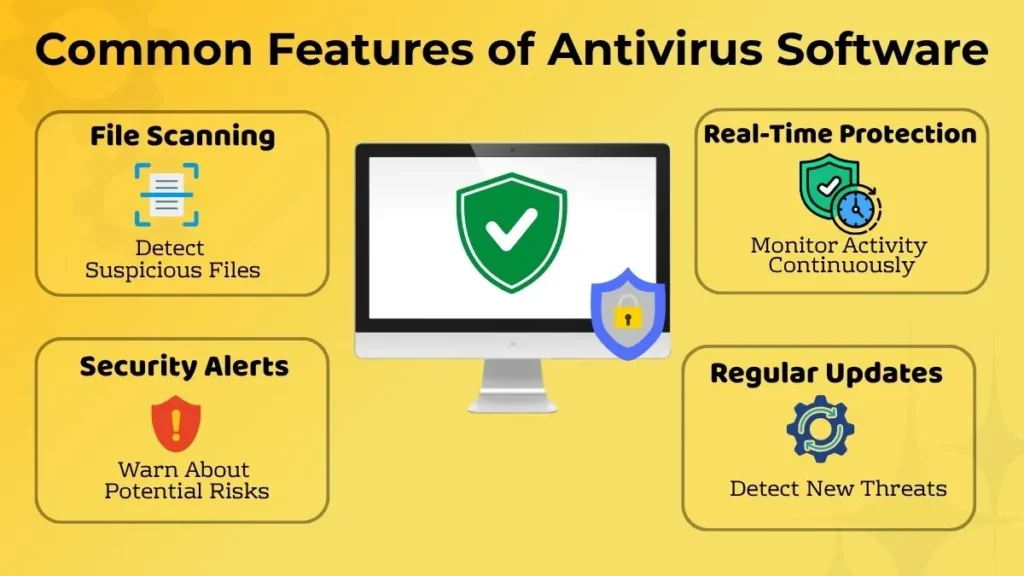
File Scanning
File scanning is one of the simplest and most effective features.
The program scans the files for the presence of any possible threats before they start causing trouble. When a user requires more protection, they may scan certain files at any moment.
This feature will help to detect any suspicious material and use the files safely.
Real-Time Protection
Real-time protection refers to the software always looking out for any threats that might emerge while using the computer.
Rather than periodically analyzing files, it will be active and will keep an eye on any activity. Files and applications can also be scanned as they are being downloaded or run.
This continuous protection helps improve overall safety.
Security Alerts
The antivirus software always issues alerts whenever user’s attention is required.
Users may take advantage of alerts as a reference when there might be a risk to the computer’s files, websites, or actions. Alerts are useful since they motivate good computer usage practices.
Regular Updates
The antivirus program should be updated regularly in order to be efficient.
Updating will help to enhance security as well as to make the software ready for new threats. As new threats emerge, the updated antivirus program will easily identify them.
The updating of the antivirus program is one of the easiest ways of ensuring your security.
What Antivirus Software Cannot Do
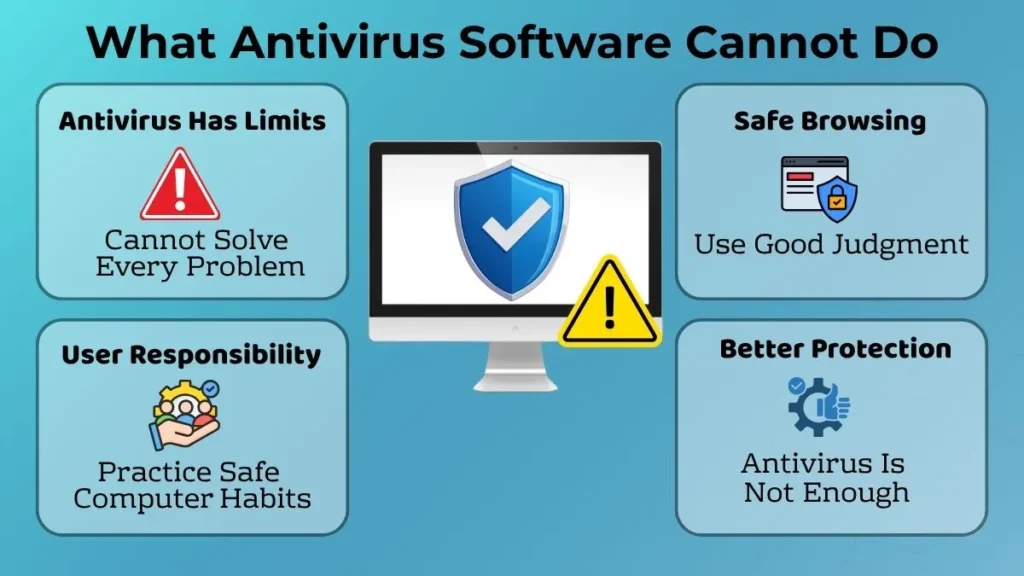
While antivirus software is certainly valuable, it does not fix all problems on its own.
The users themselves have to develop good computer practices.
For instance, antivirus software will not help someone who frequently downloads unknown files, clicks suspicious links, and does not heed security notifications.
Moreover, it will not be able to replace proper thinking while browsing the web.
Thus, computer safety is more effective when software protection measures are combined with appropriate user behavior.
In other words, antivirus software is a helpful tool, but it is definitely not a substitute for common sense.
Common Beginner Mistakes When Using Antivirus Software
Several new users make errors that decrease the efficiency of the antivirus program protection.
The most frequent of them are as follows:
- Ignoring warning messages
- Delaying necessary updates
- Downloading files despite warnings
- Thinking that antivirus will ensure absolute safety of all actions
- Not noticing suspicious behavior
Such habits can reduce the level of computer security.
It should be noted that awareness is equally important as the program itself. Proper use of antivirus program gives more protection than its installation only.
Simple Safety Habits That Work Alongside Antivirus Software
Good computer practices increase the effectiveness of antivirus protection.
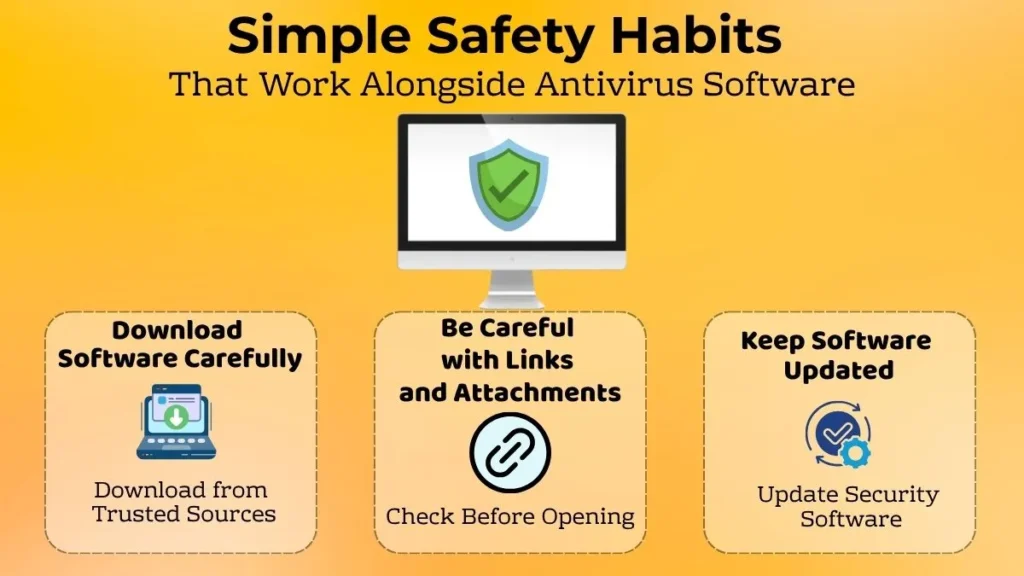
Download Software Carefully
It is necessary to download all programs from reliable sources.
Users should avoid downloading unnecessary files and exercising care while installing unknown programs. Downloading carefully helps minimize many common risks.
Be Careful with Links and Attachments
Ensure that all links or attachments you may be receiving come from a trusted source.
In case you receive any email that seems suspicious, ensure that you confirm it first before opening its attachments. A few seconds can save you a lot of troubles.
Safe browsing habits are an essential part of computer security.
Keep Software Updated
Software updates are likely to increase your security and reliability.
Upgrading software ensures that both your operating system and security software will work better. It may also solve problems related to security vulnerabilities.
Updating software is an easy way to be safer.
Why Understanding Antivirus Software Is Important for Beginners
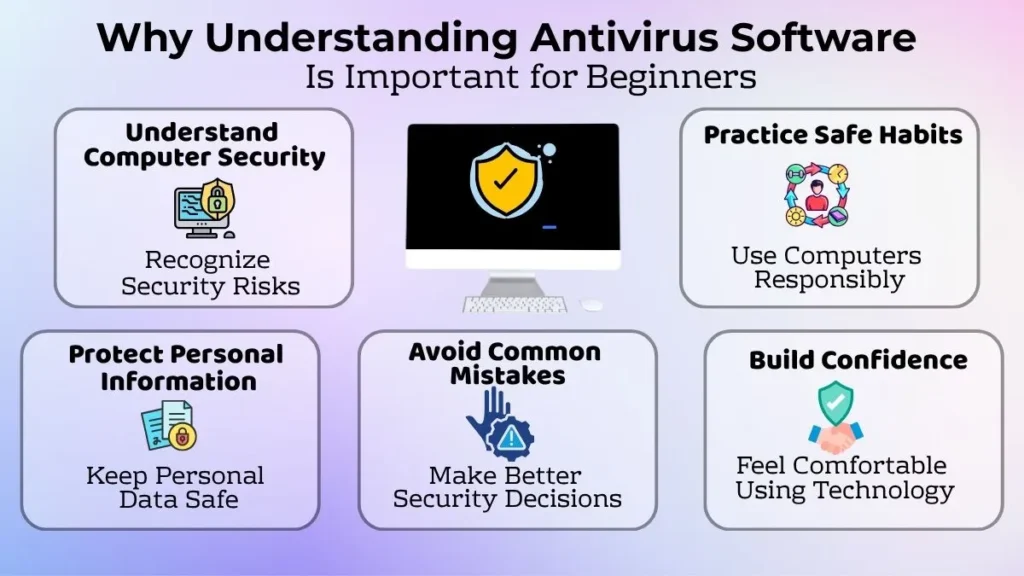
Knowing about antivirus software is one way to help beginners be responsible computer users.
This enhances their awareness of computer safety and helps them make good decisions. It also makes it easier for users to understand why it is important to practice good computer habits.
Understanding antivirus software helps users:
- Realize the importance of computer security
- Practice safe computer habits
- Protect their own information
- Avoid common mistakes
- Feel more comfortable using technologies
This knowledge serves as a base for future knowledge on computer safety.
Conclusion
Antivirus software is one of the essential security programs, which help guard your computer against many digital dangers. Antivirus software scans your computer, detects any suspicious actions, defends your vital data and reports about some problems.
The features like file scanning, real-time protection, security notifications and software updating make your work much safer.
But antivirus software functions most effectively in connection with responsible behavior while using your computer. Such things as downloading cautiously, browsing safely and installing the latest versions of different software will add to the safety of your computer.
For beginners, getting familiar with antivirus software is a very significant step towards becoming an expert computer user.