
What Is Multimodal AI and How Does It Work? Simple Guide
Introduction
Imagine taking a photo of a complicated science diagram and asking an AI tool to explain it in an easy-to- understand way. You could also upload an audio recording to understand its context or ask an AI tool to analyse a video.
A few years ago people would associate AI with text, but now it can understand images, audio, video and combine all of this to generate helpful responses.
This is possible due to a technology known as ‘multimodal’.
What Is Multimodal AI?
Multimodal means multiple forms of information.
Multimodal AI is a type of Artificial Intelligence tool that is capable of understanding, processing and manipulating multiple forms of information. This can include text, images, audio and video. This can help to connect information within the data to understand the overall context.
For example, if you upload an image of a machine that you cannot identify you can ask your AI assistant, “What is this used for?” The AI can look at the image and point out all the features. Then using the text it can explain it to you.
This is what makes multimodal AI unique.
It makes it easier to interact with. Sometimes you don’t need to type out long explanations, you can use images or talk to your AI.
How Does Multimodal AI Work?
Although multimodal AI may sound complex, it can be broken down into a few steps. It can take multiple inputs, process them and connect relevant information to generate a suitable response.
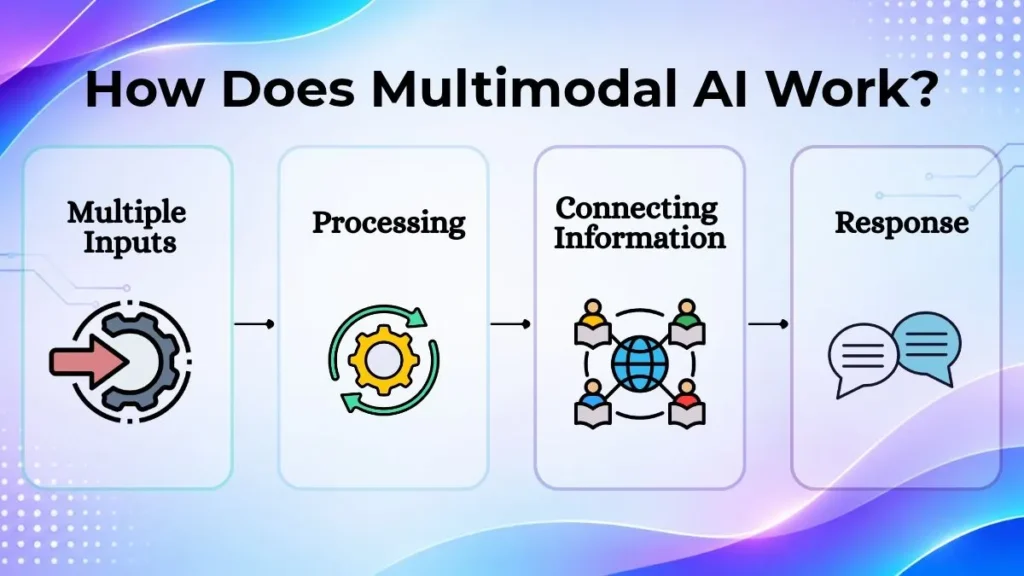
Multiple Inputs
The user will input information.
This can take many formats. It can be text, images, audio or video. Sometimes multiple formats are used.
For example, if a student uploads an image of a maths problem and asks how to solve it, there are two forms of input (text and image).
Processing
The information will be processed using the correct models and components.
Depending on the information, it will be processed in a specific way. For example, images will help identify objects and visuals, audio recognition will turn speech into something the AI can understand and videos will help identify different scenes.
Relevant information will be identified.
Connecting Information
This is a key part of multimodal AI.
The system will connect any relevant information to understand what the user wants. For example, if the user uploads an image of a broken bike chain and asks how to fix it. The AI will look at the image to understand what the problem is. Then look at the text to understand what help they need.
This provides more context so a relevant response can be generated.
Response
The AI will generate a response. This doesn’t always have to be text. Depending on the tool and features available, it could provide a spoken response, create an image, summarise an audio or something else.
For example, if you ask a voice enabled assistant a question, it will provide you with a spoken response.
Understanding Multimodal AI Through Real-Life Examples
An easy way to understand multimodal AI is to think of some real life situations.
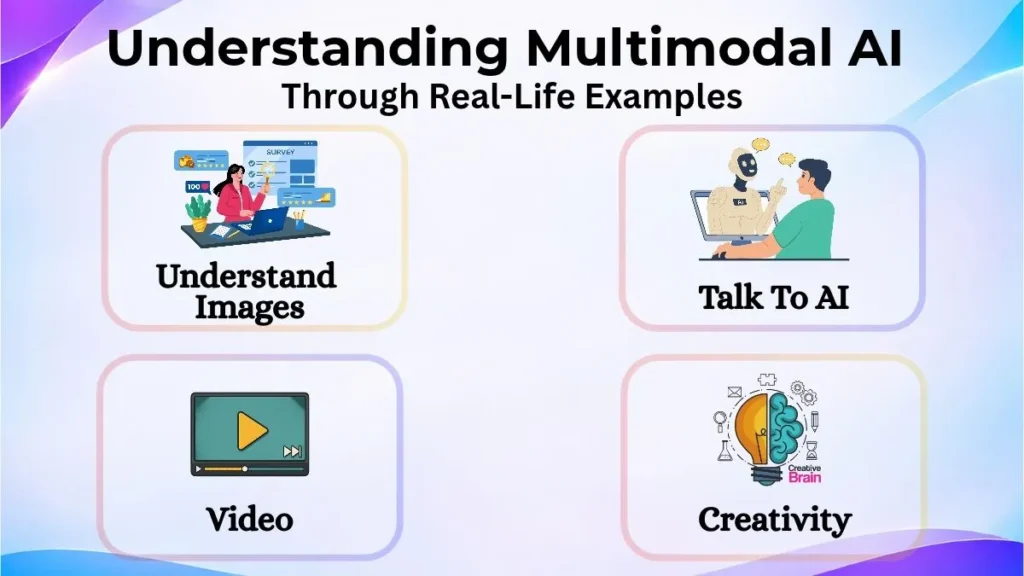
Common examples include:
- Understand Images – Upload an image of an unknown bird and ask your AI to describe it or identify the species.
- Talk To AI – Talk to your AI assistant.
- Video – Upload a video of a lecture and ask your AI to summarise the key points.
- Creativity – Provide an example image and description to generate a new design/concept.
This shows that multimodal AI can help with many tasks.
What Information Can Be Understood?
Multimodal AI systems can understand different types of information. Depending on the model, certain information can be understood. Main types include:
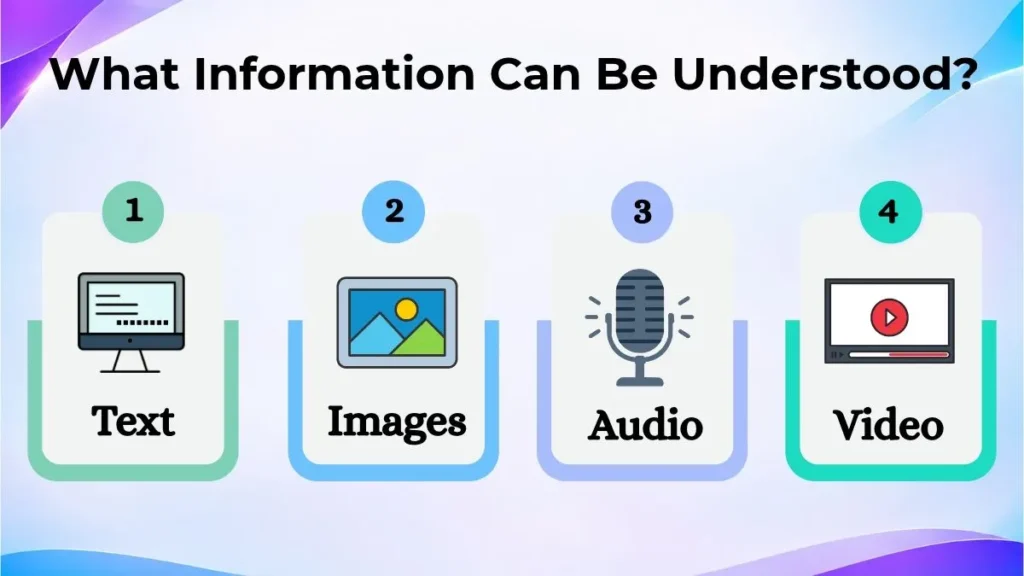
Text
Text is one of the most common types of information in AI. This could be a question, instructions, article, document or message.
The AI can read the text to understand what is happening. It can then provide a relevant response.
For example, if you copy and paste a long paragraph into your AI tool, it can summarise the key points in an easy to understand way.
Images
Images can provide visual information. This can be difficult to explain in text.
Multimodal AI can look at images, diagrams, screenshots, charts and other visual information. It can identify objects, certain patterns and answer questions.
For example, if you upload a screenshot of an error on your computer, an AI tool can help to explain it and provide ways to fix it.
Audio
Audio can be conversations, audio recordings, music and other sounds.
AI systems can process audio to identify speech, understand spoken instructions, transcribe audio and provide spoken responses.
A useful example would be if a student has recorded a lecture in class and uses an AI tool to provide a summary.
Video
Videos contain moving images and often audio. This will provide more information than an image as the AI can see how things are changing. Depending on the capability, a multimodal system can identify key scenes, understand actions and provide a summary.
For example, if someone records a demo of a product, an AI tool can identify key steps.
Some advanced multimodal systems can process other types of information, such as sensor data.
Where Can Multimodal AI Be Used?
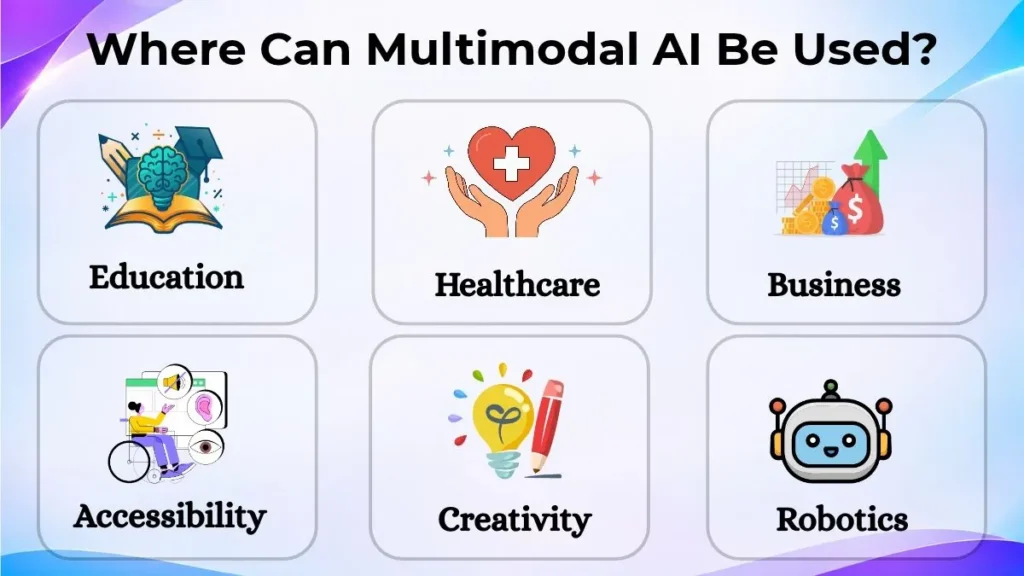
Multimodal AI is becoming popular in many industries. Many tasks in real life will have multiple types of information. Examples include:
- Education – Students can upload diagrams from textbooks, talk to their AI and ask questions. They can also get explanations for difficult concepts. Teachers can also use it to help create learning resources.
- Healthcare – AI research tools can help identify medical images, however diagnosis and treatment should be done by a qualified professional.
- Business – Companies can use AI to summarise meetings, understand documents and visual information. This can save time on certain tasks.
- Accessibility – People who struggle to type or read can use spoken commands, image descriptions and other methods.
- Creativity – Designers, video editors and content creators can provide instructions, example images and audio to create creative projects.
- Robotics – Robotics can use cameras, microphones and sensors to understand their surroundings. This can help identify objects, follow instructions and complete tasks.
These are still evolving, however highlight the variety of uses multimodal AI can provide outside of just talking to chat bots.
Multimodal AI vs Traditional AI
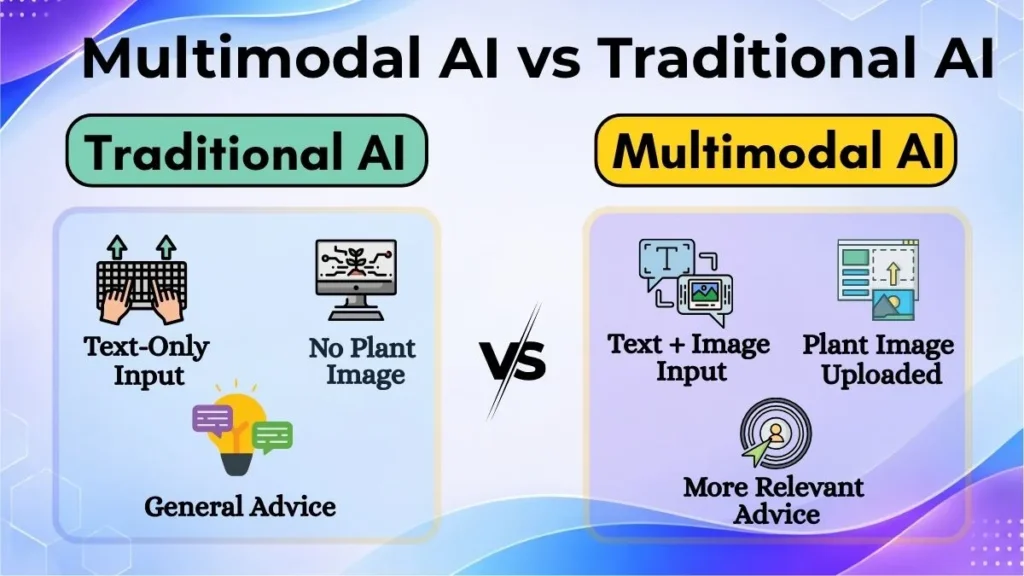
A key difference between traditional AI and multimodal AI is that multimodal AI can process multiple types of information.
Traditional AI systems are often specific. For example, a basic text based chatbot would only be able to answer text questions and wouldn’t be able to analyse an image.
Multimodal AI can process multiple types of information and connect them if needed.
Let’s look at an example:
If you want to know what is wrong with a plant in your garden:
A text based AI could provide you with general advice. However, a multimodal AI would allow you to upload an image of the plant and explain what you can see. This would provide more relevant advice.
However not all multimodal systems will be able to understand all types of information. It depends on the model, features and supported information.
Popular Multimodal AI Tools
There are many multimodal AI tools available. Below are some popular ones.
- ChatGPT – ChatGPT has text, image and audio features. It can also have voice and other media features. It was developed by OpenAI.
- Google Gemini – Google Gemini models can process different types of information depending on the model.
- Microsoft Copilot – Microsoft Copilot products have multimodal features.
These are great examples of multimodal AI.
However, the features can vary depending on the model, subscription, application and country.
Advantages and Disadvantages
Multimodal AI has many advantages however, like all AI technologies it also has some disadvantages.
One major advantage is how versatile it can be. You can interact with the AI using images, voice commands and text which can make tasks easier.
It can also provide more context to a task. For example, if the AI is looking at an image of a product and description it can provide more useful information than a short text query.
Using voice commands and image descriptions can make digital tools more accessible.
However there are some issues:
- Incorrect Information – The AI may not understand what it can see, miss out key words from the audio or provide incorrect information.
- High Computing – Large images, long audio and videos can require a lot of computing.
- Data Security – Uploading personal images, private documents and audio can cause data security issues.
- Not Fully Understandable – Even advanced models can struggle to understand blurry images, background noise, complicated instructions or things that require real life knowledge.
This can mean the information provided by the AI may not always be accurate. It is good practice to double check important results.
The Future Of Multimodal AI
Multimodal AI is likely to become an important feature of future digital tools. As models improve they may be able to understand different types of information and provide more natural responses.
For example, future AI assistants may help you complete tasks by listening to your voice commands, using their camera to look around and guiding you.
Education can also benefit from this. Students may be able to interact with AI tutors using diagrams, voice commands and visual examples.
In robotics improved multimodal features can help machines understand their surroundings.
There will be some challenges to overcome. Accurate information, keeping personal information safe and making AI systems more reliable will be important.
Conclusion
Multimodal AI is an important improvement in AI. It allows systems to understand multiple types of information. This can include text, images, audio and video.
It can help connect information from different sources to understand what the task is and provide a relevant response. This makes it very versatile to interact with and can open up new opportunities in Education, Business, Healthcare, Creativity and everyday tasks.
As this technology improves we are likely to see more AI tools that can understand and respond to information more naturally.