
RAM and ROM Explained: Meaning, Types and Differences for Beginners
Introduction
A computer may appear simple when we use it, but it depends on several internal processes to work smoothly. Every action, whether opening a file, using an application, or switching between tasks, requires the system to manage information efficiently.
Memory allows a computer to store and use data whenever needed. Without it, the system would not be able to perform even basic operations. Among the different types of memory, RAM and ROM are two of the most important.
Beginners often confuse these terms because both are related to storing information. However, their purpose and usage are completely different. One helps the computer during active use, while the other supports it at the starting stage.
The main focus of this article is to understand the two types of memory in an easy-to-understand and simple language. We will also understand how they work and what is their importance.
Understanding Computer Memory
Computer memory can be considered as the system’s ability to store information. It can store both data and instructions which are required for multiple different tasks. Some of this information is needed only when the computer is in use, while the other information remains stored for a longer period of time.
Because of this difference, memory is generally grouped into two types based on how long it keeps data. One type is short term and clears itself after use, while the other type keeps important instructions safe for long-term use.
Two common examples of these categories are: RAM and ROM.
They work together to ensure that the computer can both start properly and function smoothly during use.
Understanding RAM (Random Access Memory)
RAM is the type of memory that is used only when the computer is running.
It holds data and information temporarily while the system is currently in use. This behavior of RAM helps the computer to quickly access any information that is needed in the particular moment.
Whenever we perform any actions such as editing any document, playing media, or browsing through internet, the required data is managed through RAM. This makes the system fast and responds quickly to user commands.
How RAM Supports Ongoing Tasks?
RAM acts like a short-term workspace for the computer.
As soon as a task is started, the related information is handled and placed in this workspace so it can be used whenever required without delay. This makes the task faster and improves performance.
However, this space is cleared once the system is turned off. This is the sole reason why any unsaved work may get lost when power is cut or removed.
Everyday Use of RAM
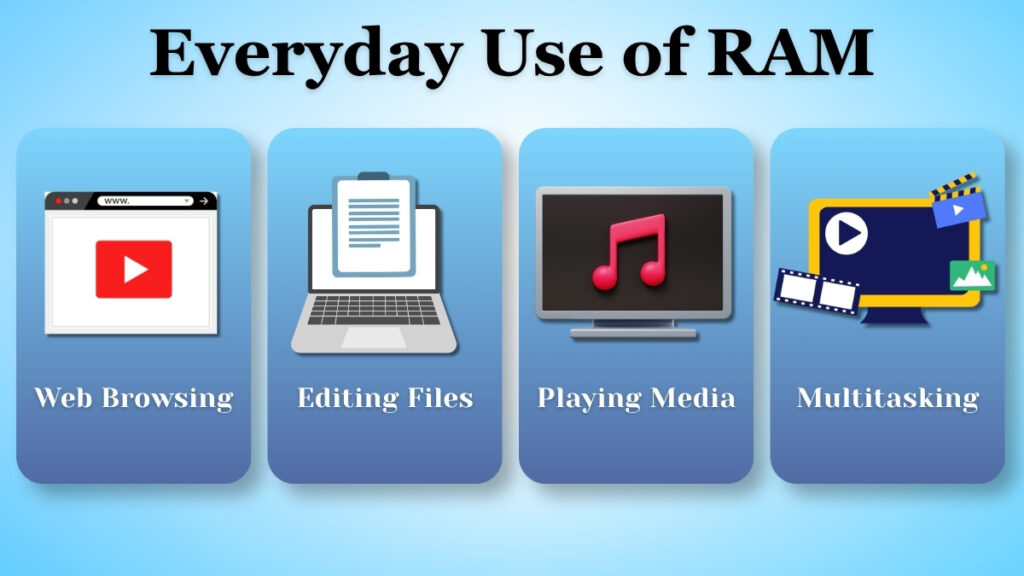
RAM is always active while the computer is running.
It plays several roles in different activities such as:
- Opening and using several applications at once
- Switching between multiple tasks without any delay
- Working on offline files while using the internet
All of these above tasks depend on RAM to function smoothly. If the system has enough RAM, it can handle many activities much more efficiently than other computers.
Effects of Limited RAM
When RAM is not sufficient as per requirements, the computer may struggle to keep up with tasks or slow down work and reduce efficiency.
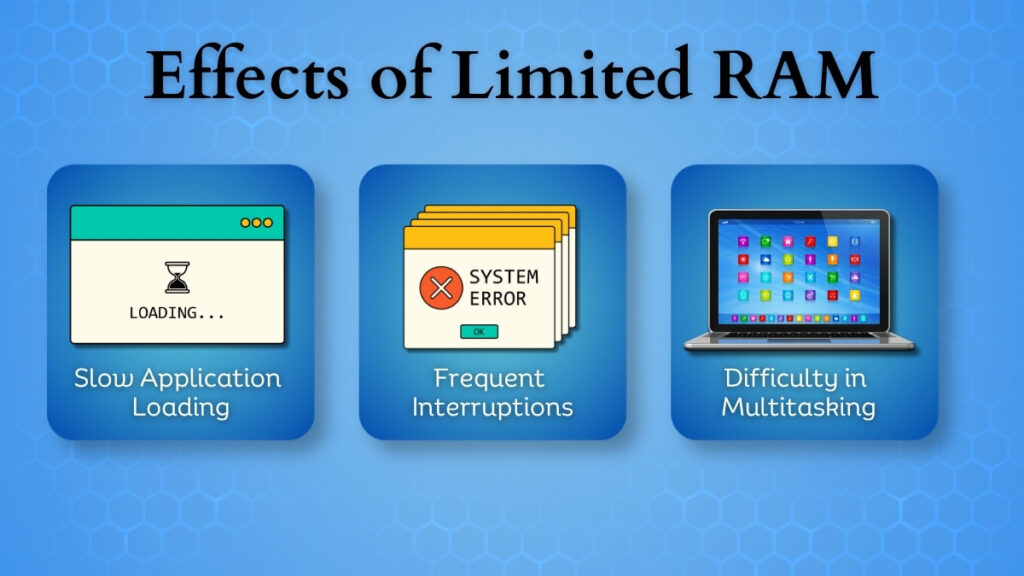
Common signs of insufficient RAM include:
- Slow loading of any application
- Unnecessary interruptions during work
- Difficulty in managing more than one task at a time
This usually happens because the system has insufficient space to handle multiple tasks at the same time.
Understanding ROM (Read Only Memory)
Now let us understand ROM. It is a type of memory that stores essential information for a longer period of time or permanently.
It contains important and basic instructions that are required for a computer to begin working. These instructions remain stored even when the system is turned off.
ROM is not used for everyday activities unlike RAM. Its major role is related to the initial stage of any computer’s operation.
Role of ROM During Startup
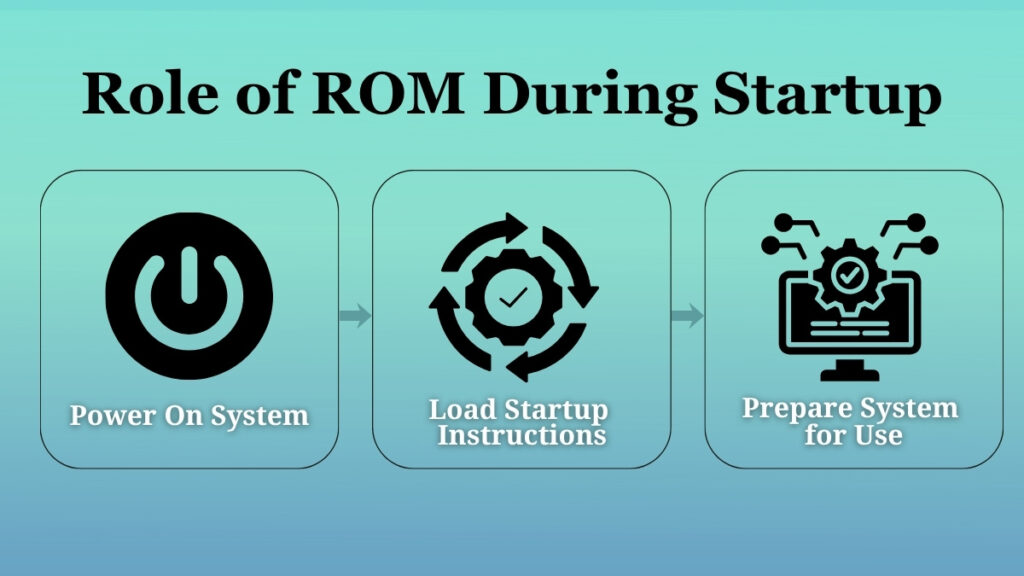
ROM gets active as soon as the computer is powered on.
It provides all the information that is needed to prepare the system for usage. If we skip this step, the computer would not be able to begin functioning.
In simple words, ROM allows the system to get ready before any tasks can begin performing.
Why ROM Works in the Background?
You might wonder why ROM works only in the background. This is because it does not require any input from the user.
It operates silently and makes sure that the system starts properly each and every time. Even though it does not interact with the users directly, its role is still essential for proper functioning of the system.
Comparing RAM and ROM
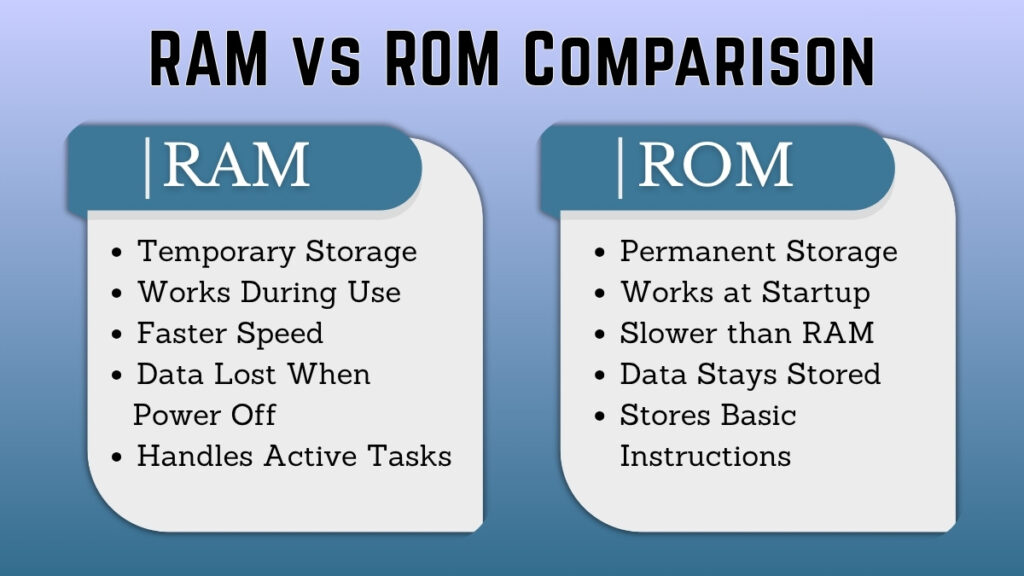
Temporary vs Permanent Storage
On one hand, RAM stores information only for a short period of time, while the system is running. Once the power is turned off, it removes all the data.
On the other hand, ROM stores information permanently. The data remains saved and available even when the system is not in use.
Speed and Function
RAM is designed in such a way, that it provides speed to the user because it handles only active tasks.
ROM is not designed for speed like RAM, because it stores essential instructions which are not changed frequently.
Interaction with the User
RAM indirectly interacts with the user every time while performing any activity on the computer.
ROM does not involve user interaction as it works automatically in the background without any input from the user.
Purpose in System Operation
RAM only supports ongoing tasks and helps improve performance.
ROM supports the startup process and ensures the system can begin working properly.
A Simple Way to Visualize the Difference
Let us understand RAM and ROM more clearly by using a real-life example.
Imagine a small shop. Here, RAM acts like the counter where items are kept temporarily while serving customers. Items are placed there in a way that, they can be used quickly and removed once the work is finished.
ROM is like the shop’s rulebook or guidelines. These rules remain unchanged and fixed and they should be always followed whenever the shop opens.
This example gives clarity, how one type of memory is temporary and flexible, while the other is stable and constant.
Why Both RAM and ROM Are Necessary?
A computer cannot function properly and smoothly with just one type of memory.
Just like the two sides of a coin, a computer is also incomplete in the absence of either side. One side is RAM, which ensures smooth and fast performance of the system by managing current tasks. It allows users to work efficiently without any delays.
While the other side is ROM, which ensures that the system starts correctly and has the basic instructions that are needed to operate.
Both types of memory support different stages of computer use which makes them equally important.
Common Confusions About RAM and ROM
Many beginners misunderstand the working of both types of memory.
Some of them forget that RAM does not keep data permanently. It removes any stored information when the system is turned off.
Some users misunderstand that ROM is used for storing personal files such as documents or media, which it is not.
RAM is different from general storage and should not be confused with it.
ROM works automatically in the background and does not require user control or input at any point.
Clearing such doubts will help users in building a better understanding of computer basics.
Conclusion
RAM and ROM are essential types of memory which are used for serving different purposes in a computer system.
RAM handles only the data which is needed during active use, while ROM provides the instructions required to start the system.
Understanding how they work will help beginners gain clarity of how computers operate.
Together, RAM and ROM ensure that a computer can start properly and also perform tasks smoothly for everyday use.
Pingback: Improve Computer Performance: Effective Tips for a Faster PC