
Hard Disk vs SSD: Meaning, Differences and Uses Explained
Introduction
Whenever we save something on a computer, for example, a document, a picture, or any other file, we always need to make sure that it is stored safely for later use. This storage allows a computer to remember things even when it is turned off.
Hard Disk Drives (HDD) and Solid State Drives (SSD) are two types of storage that are common in computers today. A lot of people talk about these names when they buy or use a system, but most beginners don’t know what makes them different.
Even though they both do the same basic thing, they don’t handle data the same way. This difference changes how fast a computer feels and how well it works.
We will look at both types of storage in this article in a simple and clear way, learn what they do, and see how they are different in real life.
What does a computer’s storage do?
Hard Disk Drives (HDD) and Solid State Drives (SSD) are two types of storage that are common in computers today. A lot of people talk about these names when they buy or use a system, but most beginners don’t know what makes them different.
Even though they both do the same basic thing, they don’t handle data the same way. This difference changes how fast a computer feels and how well it works.
We will look at both types of storage in this article in a simple and clear way, learn what they do, and see how they are different in real life.
What Is a Hard Disk (HDD)?
Hard Disk Drives (HDD) and Solid State Drives (SSD) are two types of storage that are common in computers today. A lot of people talk about these names when they buy or use a system, but most beginners don’t know what makes them different.
Even though they both do the same basic thing, they don’t handle data the same way. This difference changes how fast a computer feels and how well it works.
We will look at both types of storage in this article in a simple and clear way, learn what they do, and see how they are different in real life.
How a Hard Disk Stores Data (Simple Explanation)
The operation of an HDD is based on mechanical movement. Let us understand this in a simple way. It is placed inside the device where, circular disks continuously spin while read/write head accesses the data. This process involves physical motion, extracting and storing data, which is why it takes slightly more time in comparison. Still, HDD remains useful for cases where speed is not the primary concern, like for general-purpose data storage.
Where is HDD Useful Most of the Time?
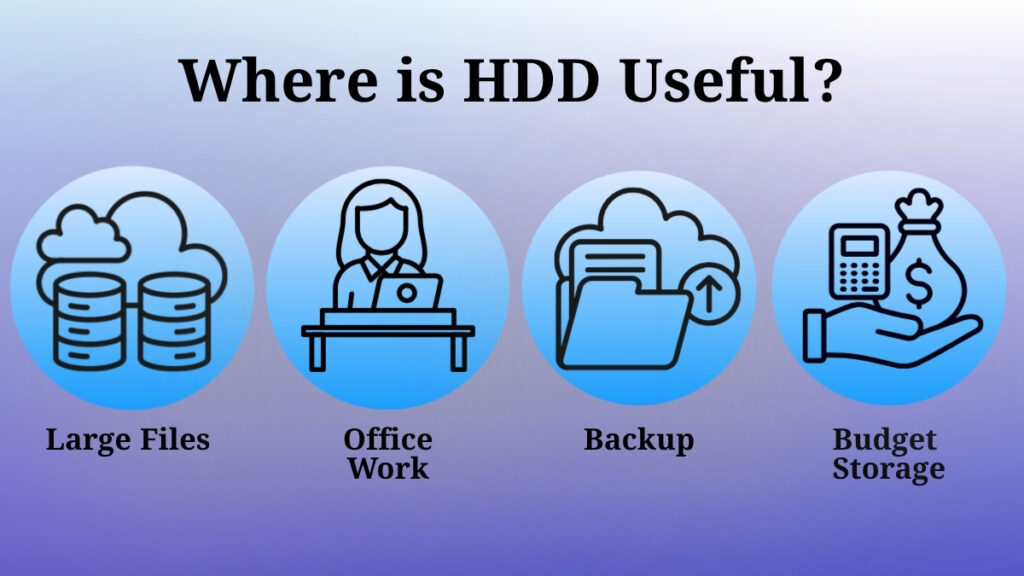
We often use hard disks in multiple situations like:
-
Storing a huge number of files, such as videos or documents, all in one place.
-
Office systems where data needs to be handled on a regular basis.
-
Backup storage is a place to keep copies of important files.
-
They are best for people who need more space to store things.
What Is an SSD (Solid State Drive)?
A solid state drive (SSD) is a newcomer in the storage device market. It uses advanced electronic technology. It does not rely on physical movement of components, unlike traditional hard drives. This is the biggest difference which allows SSDs to operate much faster and deliver quick results. This ability makes them ideal for modern computing devices such as laptops and high-performance systems where speed is required.
How SSD Stores Data (High-Level Explanation)
Data in SSDs is stored in a completely electronic manner which enables rapid access of data. Operations like reading and writing data are done much faster because there are no mechanical parts involved. All of these reasons combined offer faster boot times and smoother overall performance in the systems equipped with SSDs.
Where SSD Is Commonly Useful?
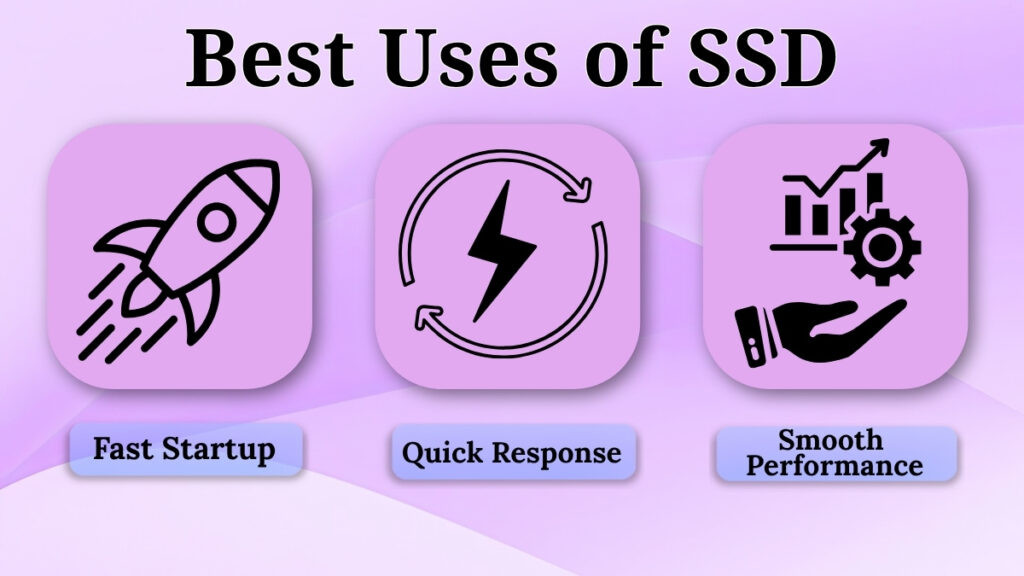
SSDs are commonly used for:
-
Systems that require quick startup
-
Daily activities where fast response is necessary
-
Tasks that require smooth and delay-free performance
They are ideal for users who want a better overall experience while using a computer
Main Differences Between HDD and SSD
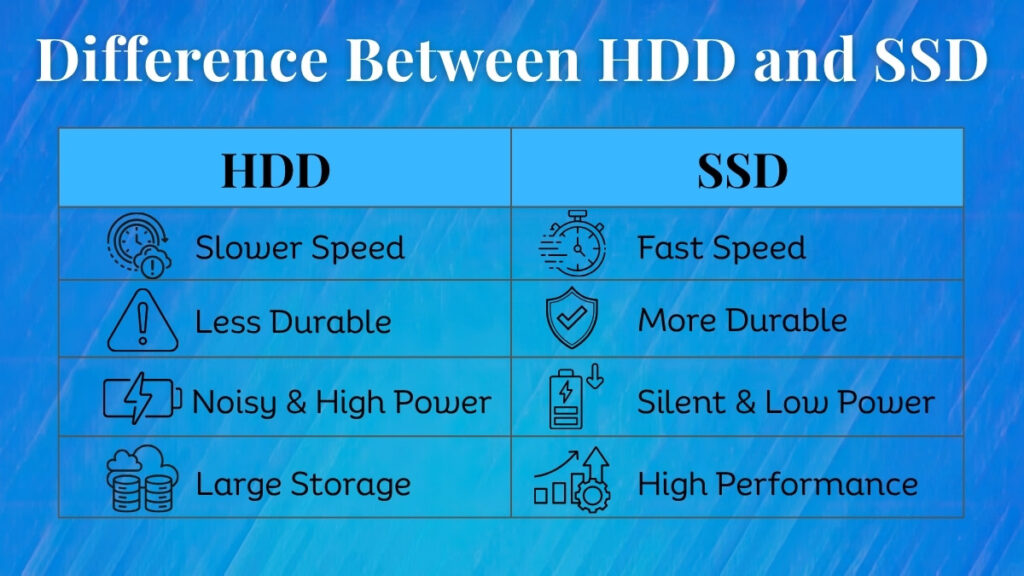
Operation Speed
One of the most noticeable differences is how fast they work.
SSD allows quicker access to data, making tasks like opening files or starting applications faster.
HDD takes more time because it depends on movement to locate and access data.
Strength and Reliability
SSD is generally known to be more resistant to damage because it does not have moving parts.
HDD includes moving components, which may be more sensitive to physical handling over time.
Noise and Energy Use
SSD operates quietly and uses less power.
HDD sometimes creates a slight sound while performing operations and it uses more power compared to SSD.
Usage Focus
HDD is preferable for data that requires large storage capacity.
On the other hand, SSD is preferred when speed and smooth performance is required.
Real-Life Experience of These differences
The type of storage used while operating changes how the system feels during usage.
Let’s have a look at some examples with SSD:
-
While using SSD, the system starts quickly
-
Various applications respond faster
-
File access becomes much faster and easier
Now let’s look at a few examples with HDD:
-
While using HDD, system startup may take longer
-
Programs may also take longer to open
-
Overall, every smaller or bigger response may feel slower compared to SSD.
These differences become highly noticeable when the system is used for daily purposes, especially when the user has to handle multiple tasks.
Which one should you choose?
If we talk about beginners, their choice will be dependent on their usage requirements from the system.
If the user’s goal is to store a large amount of data in the computer, then a hard disk (HDD) is a practical option.
If the user’s focus is on having speed and smooth performance from the computer, then an SSD is a better choice.
Understanding your needs and requirements is the only perfect way to make the right decision without any confusion.
Common misconceptions about HDDs and SSDs
Such common misunderstandings often create confusion, especially for beginners.
One very common misconception about SSDs is that, they are not safe for long term data storage. Whereas, in reality SSDs are highly reliable for everyday use, which also includes storing documents, software, and media files.
This is a fact that SSDs work differently from traditional hard drives, they are designed with durability and data protection features. These features make them even more dependable for most users.
Another common misunderstanding is that hard drives are nowadays outdated and no longer useful, but the reality is different. Since HDDs are still widely used in computers, servers, and external storage devices because they have higher storage capacity at a lower cost.
Many people make assumptions that SSDs are only meant for advanced or technical users which is not true at all. SSDs are user-friendly. They can be used by anyone and everyone who wants faster system performance with quicker boot times and smooth application usage.
Understanding and accepting these facts will help remove unnecessary doubts and will also allow users to make informed and practical decisions.
Conclusion
The two different types of storage technologies used in computers are HDD and SSD.
HDD represents a traditional approach, focusing on providing large storage space at affordable prices, while SSDs are a modern approach that prioritizes speed, efficiency, and smooth performance of the system.
For beginners, learning and understanding the difference between these two storage options is a very important step while heading towards advanced learning about technology. This knowledge will help them to understand how a computer stores data and accesses it.
Both HDDs and SSDs have their own pros and cons. The best choice between the two depends on the individual needs and wants such as budget, storage requirements, usage patterns, efficiency requirements in daily life.