
Daily Computer Care Habits for Better Performance and Long-Term Use
Introduction
Computers have become an essential part of our daily lives. We use them to study, work, entertain ourselves, communicate with others, and perform various other tasks. Just like all machines, a computer functions better when taken care of properly.
Most beginners think that care is necessary when something goes wrong with their computer. In reality, there are certain things which they should do on a regular basis to avoid problems and extend the lifespan of the computer.
The good thing about daily computer care is that it does not require knowledge of advanced technology. There are several simple practices that can make a significant difference in the long term.
In this article, you will get to know several daily computer care tips that may be useful for you.
Why Daily Computer Care Is Important?
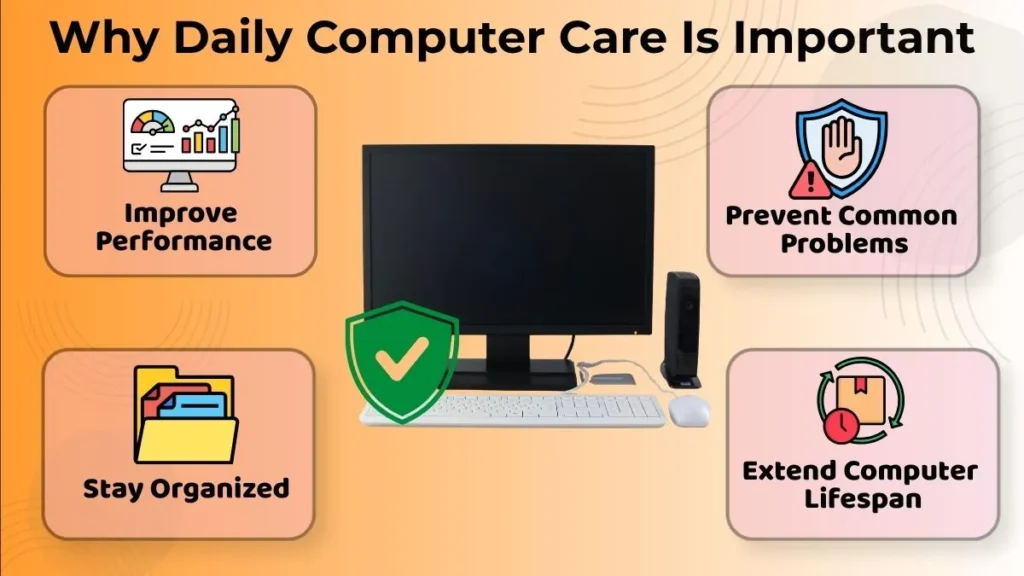
Computers are made to accomplish a variety of functions, but using them often might affect their operations unless certain precautions are not taken.
Practicing daily computer care will ensure proper functioning and avoid the occurrence of various problems. This will enable users to adopt good habits of computer use that enhance the experience.
Good habits help prevent slow performance, disorganized files, accidental damage, and other common computer problems. These little things may seem unimportant initially but will become recognizable after some time.
Computers require routine maintenance, much like humans do with their vehicles, machinery, and other essential items.
In the long run, these good habits will help to increase the lifespan of the computer as well as reduce unnecessary maintenance.
Daily Habits That Improve Computer Performance
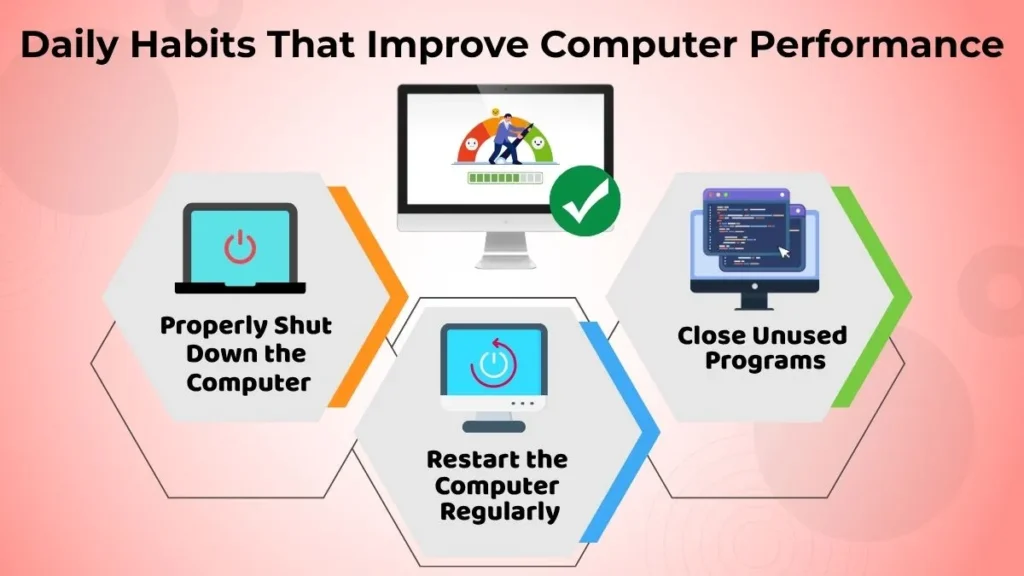
Shut Down the Computer Properly
Correct shutdown procedure is considered to be one of the easiest yet the most significant practices in terms of computer maintenance.
Once you finish working on the computer, it is supposed to be shut down properly instead of powering off quickly.
In such a way, the computer will have enough time to exit all programs and processes, save all changes and complete other essential tasks before turning off.
The practice of proper computer shutdown can become another simple routine that will contribute greatly to your computer’s good condition.
Restart the Computer Regularly
Many computer users leave their computers on for extended periods of time without a shutdown.
Restarting the computer ensures the system is refreshed and any temporary programs that may be causing problems are removed from the computer.
Simply restarting the computer can increase efficiency and performance.
Restarting the computer regularly is one of the easiest steps for a beginner to take to achieve efficient performance.
Close Unused Programs
Several applications may be opened throughout the day. However, keeping those unnecessary applications opened may have an impact on performance.
It is advisable to close applications once a task is done and when the application is not required anymore.
This will help lighten the load on the system and enable the computer to concentrate on the current tasks.
Developing this practice will help in having a better computing experience.
Daily Habits That Protect Your Computer
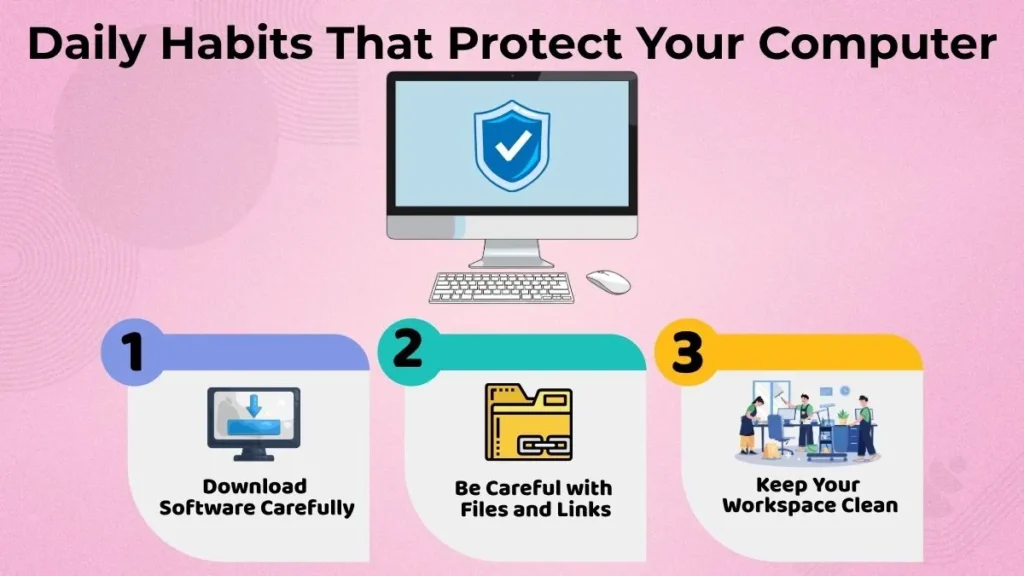
Download Software Carefully
When it comes to software downloads, one must always exercise caution.
It is important to download only those programs that you trust. Try not to download unnecessary software that has no clear use at all and comes from unverified web pages.
Downloading with caution will prevent you from having any kind of problems in the future and will keep your computer clean of useless programs. It is better to choose good quality software instead of lots of useless ones.
Be Careful with Files and Links
Not all files or links on the Internet are safe.
Think before you open a file or follow a link and ask yourself if it is coming from a reliable source.
It is always better to be safe rather than regret when it comes to files, links, and using a computer safely.
A few seconds spent thinking could save you a lot of trouble.
Keep Your Workspace Clean
Having a clean workplace will serve both the individual and the computer well.
The presence of dust, dirt, and disorganization within the working space of the computer can lead to discomfort and possible maintenance problems in the future.
Cleanliness of the workspace will make it more comfortable for the person and will help to create a good environment for the computer.
Daily Habits for Physical Computer Care
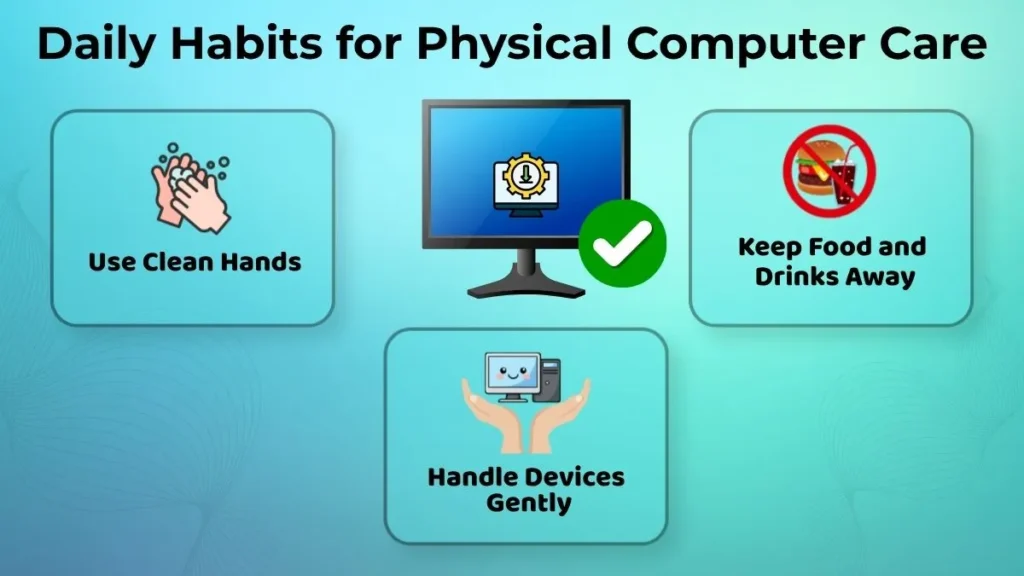
Use Clean Hands
Using your computer with clean hands helps keep your devices in good condition.
The dirty and oily fingers are likely to accumulate dirt on the keyboards, mice, and touch screens.
A clean hand will be helpful in maintaining a clean working area.
It will make one comfortable when using computers daily.
Keep Food and Drinks Away
Foods and cold drinks are one of the most frequent sources of accidental damage to computers.
Accidents involving foods and drinks are capable of damaging the keyboard, touchpad, screen, and many other parts of the computer.
By keeping your foods and drinks away from the computer, you help avoid the occurrence of accidents.
Handle Devices Gently
Computer care should always be taken while handling devices.
It is important not to press keys hard, pull cables forcefully, and insert connections roughly.
By practicing good computer care, users can protect their devices against any form of damage.
Daily computer care helps ensures device reliability in the long run.
Daily Habits for Better File Management
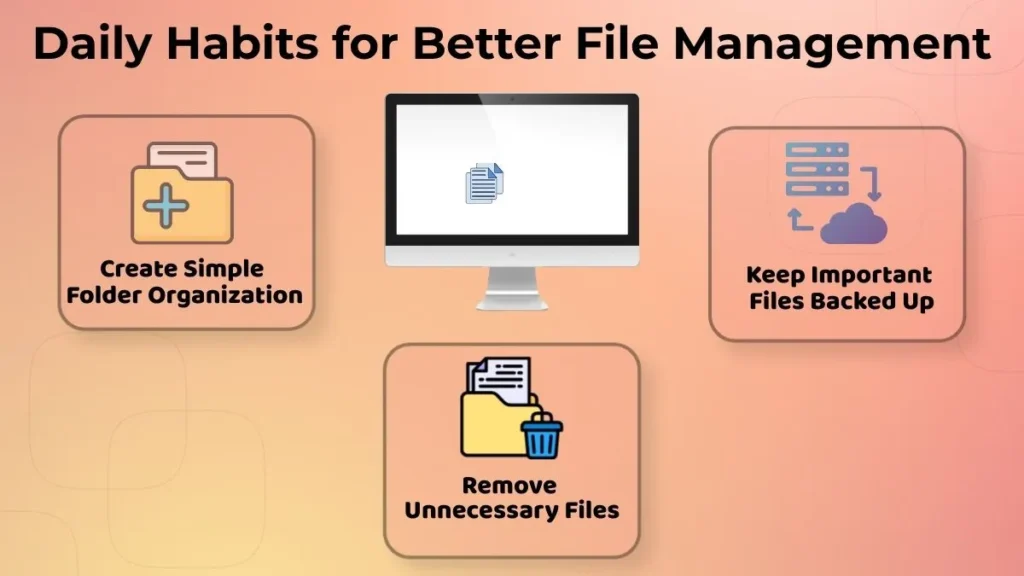
Well-organized files help to facilitate computer use in an efficient manner.
It becomes hard to access important data when files are located at different places or are unorganized.
Organizing files saves time and reduces confusion.
Create Simple Folder Organization
Folder usage is one of the simplest methods to arrange files.
Files can be arranged together in a folder so that they are easily accessed in the future.
For instance, files such as studying material, personal files, and pictures can all be placed in different folders.
A simple folder structure helps keep information organized and accessible.
Remove Unnecessary Files
With time, computers become filled up with files that are not required anymore.
It is important to keep on deleting such files to keep the system neat and tidy.
It becomes easy to concentrate on those files that really matter.
This will help in creating a productive working environment.
Keep Important Files Backed Up
There should never be just one place where such important documents exist.
Having a copy of it will ensure that your important documents will never accidentally get lost.
Be it personal documents, study-related, or work-related documents, keeping a backup will always be a good practice.
Common Bad Habits Beginners Should Avoid
Some bad habits may be innocent-looking and yet cause trouble later on.
These are:
- Unnecessary shut-down of the computer system
- Installing software downloaded from unknown sources
- Overlooking warning messages
- Storing large number of files in the desktop
- Running many programs all the time
By avoiding these bad habits, good performance will be guaranteed and chances of facing some computer issues will be minimized.
It is not about using the computer excellently rather, the aim is to have good habits.
Long-Term Benefits of Good Computer Care
Daily maintenance of your computer offers many advantages.
- It improves performance.
- It reduces occurrence of frequent problems.
- It helps you stay organized.
- It increases the lifespan of your device.
- It makes you feel more comfortable using the computer.
- It is an enhanced learning experience for new users.
When you form habits of maintenance into a routine, it will make the computer easy to use and handle.
Conclusion
Computer care does not have to be difficult or technical. Little things done in routine can bring a lot of benefits to performance, reliability, and lifespan of the device.
Things like proper shutdown, routine restarts, careful downloading, well-organized files, and handling your device gently will ensure good condition of your computer.
For beginners, establishing these little routines from the beginning involves developing a strong foundation for using the device correctly.
Just remember that little habits make a big difference. Taking care of your computer every day will help improve its performance, reduce problems, and extend its lifespan.