
Safe Software Download Practices: How to Download Software Safely on a Computer
Introduction
Nowadays, downloading software through the Internet is a routine computer task. No matter whether you want software for education, work, documentation, photo editing, or entertainment, you can use downloading to make various tasks easier.
However, downloading software from an unreliable source can cause trouble. A dangerous download may cause your computer system to run poorly, programs to malfunction, and your personal data may be compromised. Most times, the source of the problem is that people download software without verifying their reliability.
For beginners, it is not easy to differentiate a good download from a bad one. Beginners may download a program without even completing the installation procedure, or they may click on the first download button they see.
This article will try to teach you about the safest ways of downloading software in an easy-to-understand manner. You may download your program with greater confidence if you know a few safety recommendations.
What Is “Safe Software Download”?
Safe software downloading refers to the process of downloading software in a way that protects both the computer system and personal information.
To put it simply, it refers to downloading from safe sources and not downloading from those sources that have risks attached to them. A secure download guarantees that the program is unmodified and clean.
This can be compared to purchasing products from safe shops rather than from unknown sellers. The safe shop is bound to offer the genuine product unlike the unknown seller.
Safe downloads guarantee proper installation of the software and its performance as required.
Common Risks of Unsafe Software Downloads
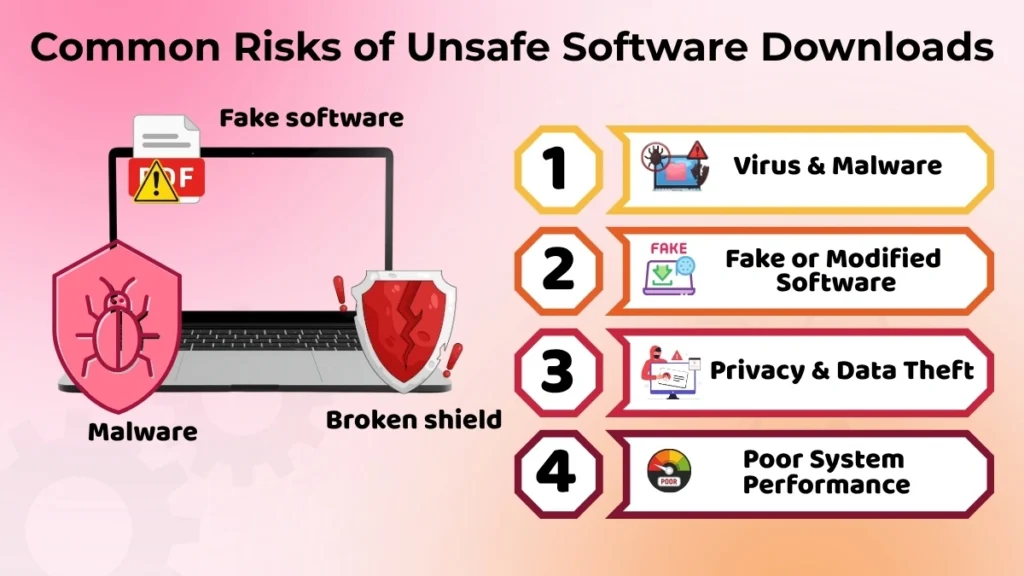
Virus and Malware Risk
Software installation from any unreliable source might harm your computer. Malicious files may cause a variety of problems and operate secretly.
- Performance on a computer could decrease.
- Files can start working incorrectly.
- Data corruption is a possibility.
It does not matter that the program was installed properly because there could be harmful files that were downloaded secretly. That is why it is crucial to download programs only from reliable sources.
Fake or Modified Software
Sometimes, the software that you download does not remain the original one. It might be modified even before it was uploaded to the Internet.
- It could not function efficiently.
- Unused software could be installed.
- The user will have trouble to understand it.
For instance, you might think that you are downloading some useful software, but after installation, some other additional software that you did not even require appears on your computer.
Privacy and Data Theft
Unsecured downloads might also compromise your personal information. Malicious software will attempt to access your private information, which should be kept private.
- Personal data may get misused.
- The login information might be hacked.
That is why one needs to download carefully. Privacy protection starts with securing a reliable software source.
How to Identify a Safe Software Source?
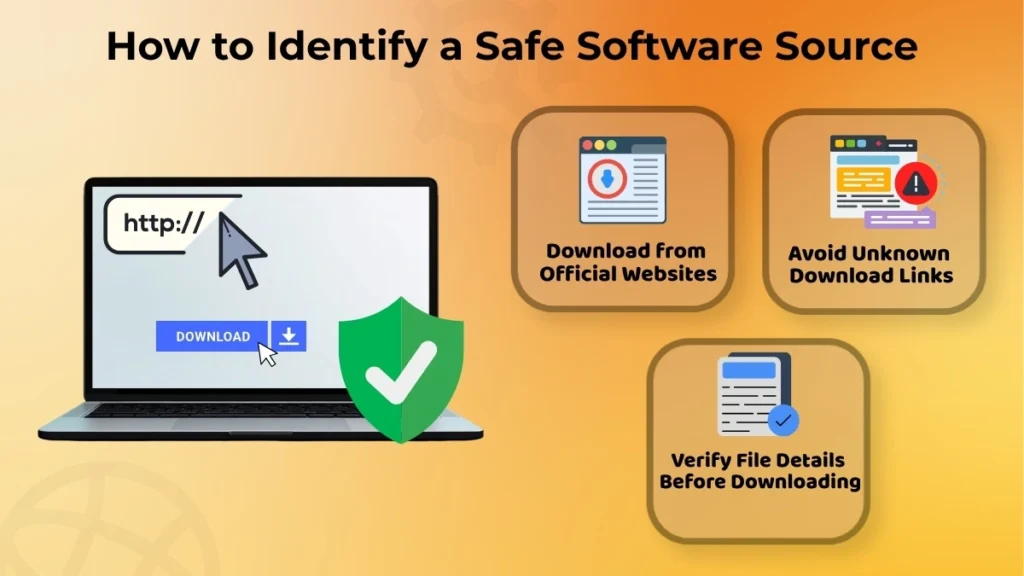
Official Website Importance
Downloading software from the website of the company is the best practice. The official website will offer you the original software, and the possibility of downloading fake or altered software will be reduced.
In addition, this practice ensures that you get software designed to function on your computer.
Avoid Unknown Download Links
Never click any random download links that will show up on unknown websites. There may be some ads and pop-ups which may seem like download links, but they have nothing to do with your software.
Random links could lead you into downloading something dangerous. In case you do not know whether the website is safe or not, do not download anything from there.
Verify the File Details Before Downloading
Before downloading any software, make sure you check some of the file’s information.
- Make sure the filename matches the program you require.
- Avoid downloading files that seem strange.
- Be careful while using new file formats.
It will just take a few seconds but will surely protect you from downloading the wrong file.
Safe Steps Before Downloading Any Software
Read the Software Purpose Clearly
Before installing a program on your system, it is important that you first know what it does. You should read its description in order to find out if it meets your requirements.
Don’t download any program just because it was marketed or suggested by someone. You should only download it if you know what it does.
Avoid Unnecessary Software
Most computers have unnecessary programs that take up space. Unnecessary software installation will lead to accumulation of many applications in your computer making management of your computer difficult.
By ensuring that only necessary software is kept, security is improved and management of your computer becomes easy.
Use Secure Internet Connection
Always remember to download the software using a secure internet connection. This is because public or unsecured internet connections may increase security risks while downloading software.
The security of your internet connection makes downloading more secure and free from problems.
During Software Installation – What to Be Careful About
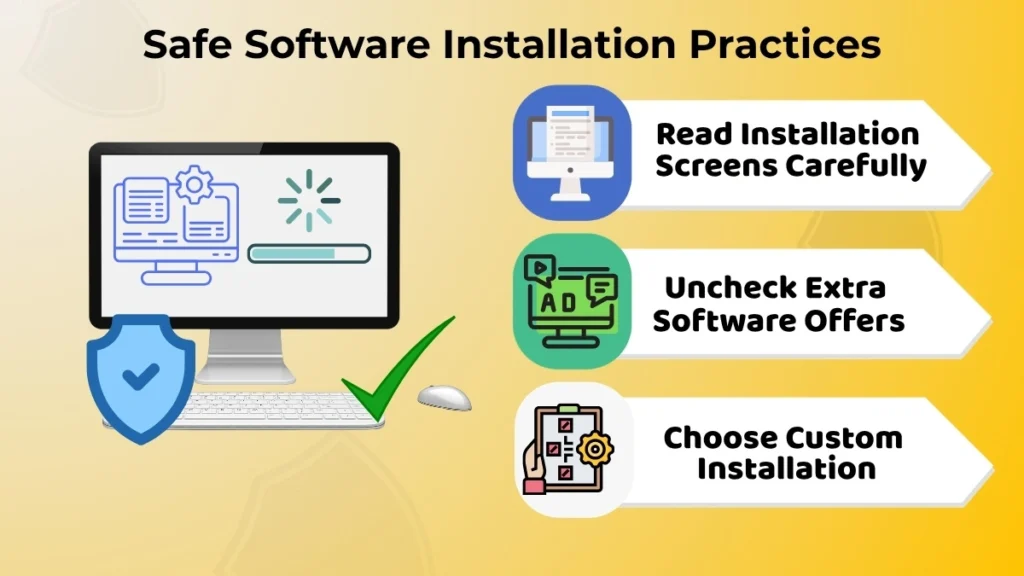
Read Installation Screens Carefully
Most users tend to hurry and click “Next” during installation without looking at the details that pop up on the screen. It is likely to cause some settings and programs that you do not need to be installed.
Take some time and read through the steps in the installation process. It will enable you to avoid any unnecessary changes.
Uncheck Extra Offers
Most software installers have an option to download some other program. This is an extra step that is unnecessary for the software to function properly.
If you are requested about some extra software installation and don’t require it, then click the relevant option.
Select Custom Installation (If Available)
However, if the Custom Installation feature is available in the installer program, you should always use it if possible.
With this feature, you will have better control of what is being installed. You will also have an opportunity to check the installation preferences and install only those programs you need.
Signs That a Downloaded Software Is Unsafe
In some cases, red flags will become visible once you have installed malicious software. By keeping an eye on any change like that, you may get the clue that something is wrong.
- The computer slows down all of a sudden.
- Pop-ups start showing up too often.
- Your browser starts acting differently for no reason.
For instance, your browser homepage could get changed without your consent, or some toolbars get installed on your computer without your knowledge.
What to Do If You Downloaded an Unsafe Software
Stop Using That Software
In case you suspect that a certain application is not safe or suspicious, discontinue its usage. Usage of such applications may further increase the possibility of having other issues.
Restart the Computer
A restart of the computer can be used to stabilize the system after shutting down the suspicious application. However, a restart cannot solve all the issues.
Avoid Downloading Again From Same Source
Do not re-download the same software from the same site, especially if it is suspicious.
Rather, try to find it from the website of the software itself or any other reliable site. This way you can learn from the experience to not make the same mistake again in the future.
Good Habits for Safe Software Downloading
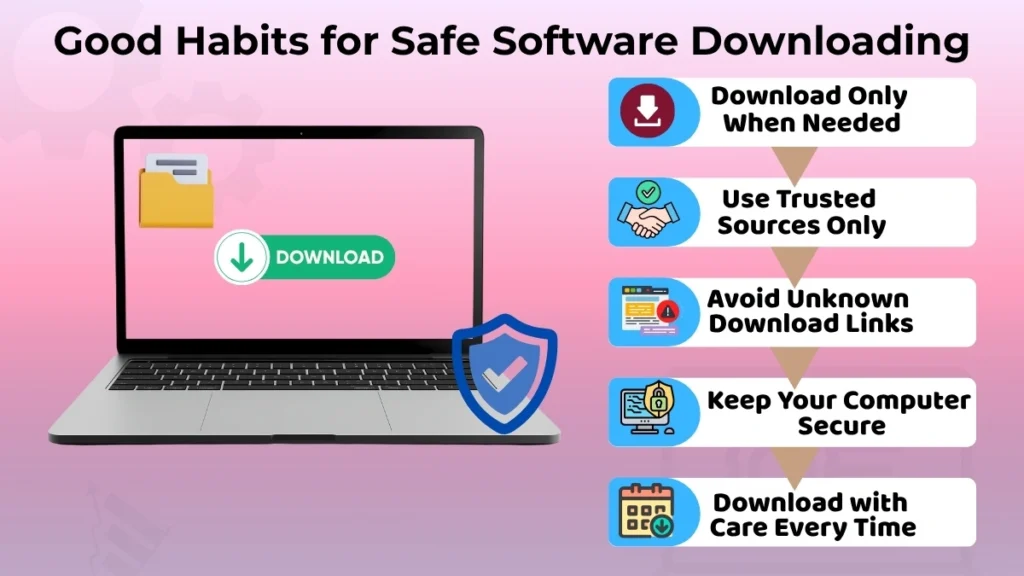
Maintaining good downloading practices is one of the simplest things you can do to secure your computer. Simple measures, if maintained all the time, can save you from various troubles.
- Download only when required.
- Download from trusted sources only.
- Do not click any download links that are not known to you.
- Ensure your computer use is clean and cautious.
These practices will help you stay on the safe side. However, safe downloading is easy and requires no effort at all. What you need is making the right decision when installing a program.
Conclusion
Software downloading safety is an essential element of protecting your computer and your private information as well. You will be able to avoid many possible problems by selecting the sources of downloads that you trust and by being careful when installing the programs.
For a beginner, the safest way to protect their computers from possible damage is to develop good downloading habits. Simple precautions, such as avoiding unknown download links and downloading only necessary software, can help prevent many problems.
It becomes easy to download software safely and without worries about harming your computer in any way.