
Computer Hardware Maintenance Basics
Introduction
In the current era, the computer has become a significant component of everyone’s life. All individuals require the use of a computer to complete various tasks. Whether it involves office work, studying through online learning platforms, chatting with other people, browsing the internet, or watching movies or playing video games, a computer becomes important in all these cases.
From the outside, a computer appears as an ordinary electronic device, which consists of a monitor, a keyboard, and a mouse. People who are just beginning to work with computers think that when the machine begins to operate, everything should be fine from now on, without further concern about anything. In fact, this way of thinking is wrong, because every computer requires care.
To understand this properly, let us look at an example. Imagine you use your computer regularly for typing documents, watching movies, or browsing on the internet. At first, all goes well. However, after some time passes, without taking care of your computer, you might encounter difficulties like slow processing speed, overheating, and other such problems. This typically happens when you fail to maintain your computer properly.
This is where the significance of computer hardware maintenance comes in. It involves maintaining the tangible parts of the computer so that they are kept clean, safe, and operational. This is not a difficult process that requires deep technical understanding. Actually, people who have just begun using computers can also do this.
Knowing something about computer hardware maintenance allows users to know how to maintain their computers properly rather than misusing them. In addition, it lowers the likelihood of an unexpected breakdown and increases the computer’s efficiency.
This article explains computer hardware maintenance in a simple and beginner-friendly way. This will include its definition, its significance, the various types of computer hardware maintenance, as well as tips on how to carry out effective computer hardware maintenance.
What Is Hardware Maintenance?
Hardware maintenance is defined as the maintenance of cleanliness and proper working condition of physical components of a computer.
It includes the care and maintenance of all the physical components of a computer which are visible and tangible. Examples of hardware include the monitor, keyboard, mouse, cables, and other components that are located in the CPU cabinet.
The main purpose of maintenance is to keep the computer working smoothly and efficiently. The proper maintenance of hardware will make the computer operate more efficiently and last longer.
Maintenance and repair are two different things that must be distinguished. The maintenance process is one that happens on a regular basis and aims at preventing the occurrence of any difficulties. Repairing, on the other hand, is something that comes after an issue arises.
For instance, ensuring that the keyboard is clean and dust-free from time to time can be classified as maintenance. However, if the keyboard fails to work and requires some repairs, that will be considered repair work.
Using appropriate techniques in the maintenance of computer equipment ensures that most problems associated with the hardware components are prevented.
Significance of Computer Hardware Maintenance
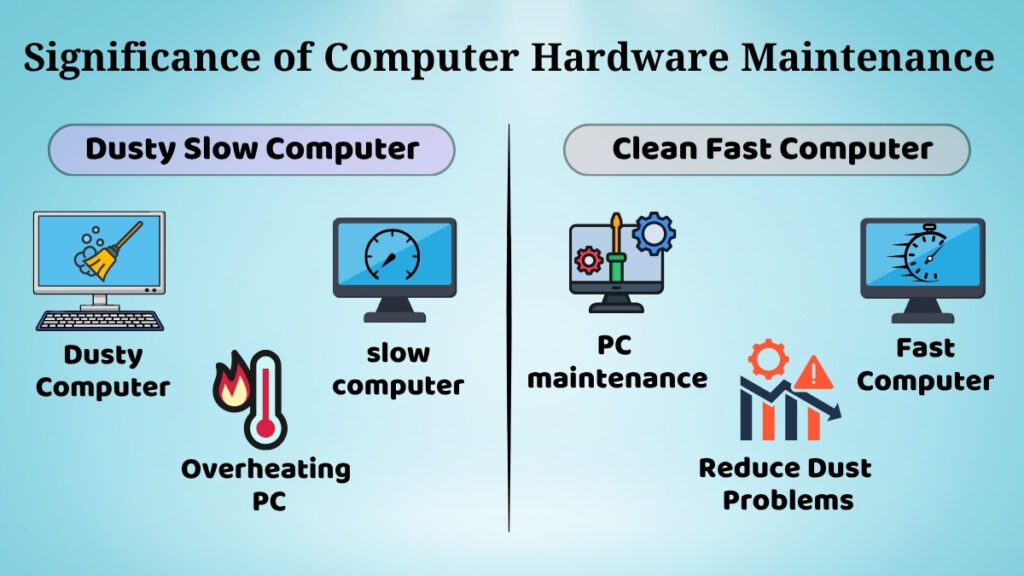
Maintenance of the right hardware is highly essential when it comes to making sure that the computer runs smoothly.
-
Among the many advantages that are associated with the maintenance process, one of the most notable ones is that it makes sure that the computer’s lifespan is extended. If the hardware is maintained well, then it will be able to last for a long time.
-
Performance is another vital factor. A computer that is maintained properly will function perfectly, with no unwanted delays or lags. On the other side, when a computer is not maintained, it will slow down and become increasingly unresponsive.
-
The maintenance process is also useful in minimizing the probability of hardware breakdowns. This is because situations like overheating, poorly connected wires, and excessive dust accumulation may result in major damage if not addressed on time.
-
Moreover, maintaining the system’s cleanliness enhances its performance since dust and dirt could block air circulation and have an impact on the system’s internal parts, which could cause overheating.
For example, dust particles accumulating within the CPU will affect the performance of the cooling fan, resulting in overheating of the computer system, thus leading to damage of critical components such as the CPU chip.
Therefore, regular hardware maintenance is essential to keep the computer working properly without unexpected interruptions.
Basic Types of Hardware Maintenance
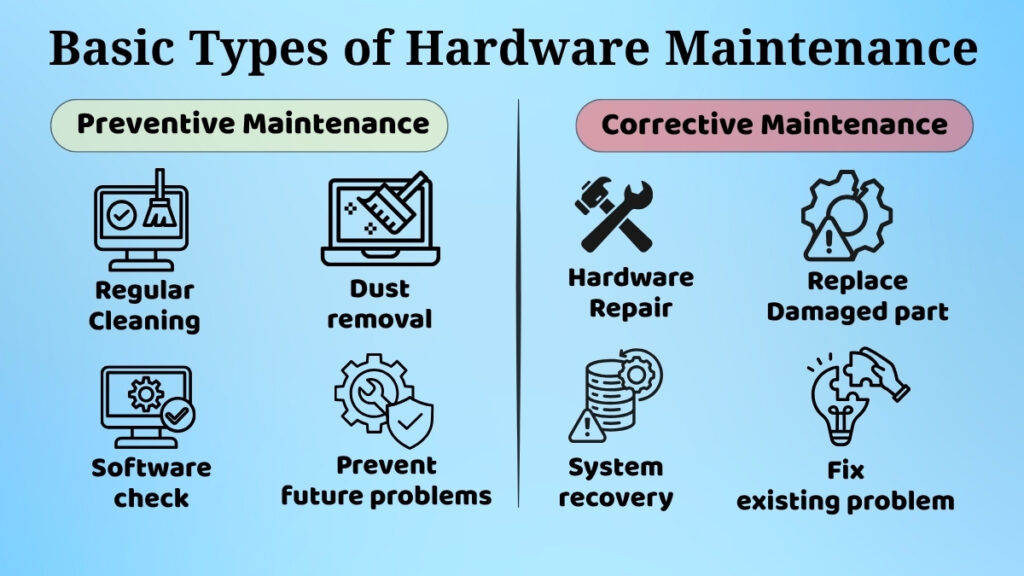
Beginners should be aware of two fundamental categories of hardware repair. These kinds help in the efficient management and prevention of hardware-related problems.
Preventive Maintenance
Preventive maintenance involves the proper maintenance of the computer beforehand in order to prevent any issues from arising.
The preventive maintenance technique involves maintenance of the system through careful use of the computer and regular cleaning. It also involves ensuring that the computer is handled properly and in the right conditions.
The main objective of preventive maintenance is the minimization of damages and the proper functioning of the system.
For instance, if you use your computer in a dust-free environment and clean it frequently, you can prevent dust accumulation which may impact the performance. In addition, using your device with care will minimise any damage.
Preventive maintenance is quite easy but extremely effective.
Corrective Maintenance (Basic Idea)
Corrective maintenance involves the repair of any minor faults that arise.
This type of maintenance is different from preventive maintenance because it focuses on fixing the minor faults rather than preventing major problems.
There are no complicated repairs involved. It typically involves minor steps like reconnecting disconnected cables, making adjustments, or cleaning the peripheral equipment externally.
For instance, if the mouse fails to work because of dust, its cleaning will fix the problem. In case the cable gets disconnected, reconnecting it will help.
Corrective maintenance aids in ensuring that the system runs smoothly.
Cleaning Computer Hardware Safely
In hardware maintenance, cleaning is one of the most crucial aspects. If dust and dirt are not routinely cleared, they may have an impact on the computer’s functionality and efficiency.
External Cleaning
The external hardware refers to the parts which are visible and often utilized by the user such as the monitor, the keyboard, and the mouse.
They tend to accumulate dust, dirt, and fingerprints over time. This may affect usability and even hygiene.
For cleaning exterior parts:
-
Use a soft dry cloth
-
Be gentle when cleaning surfaces
-
Ensure that devices are free from dust
For instance, dust lodged in the crevices between the keyboard keys makes typing harder and less responsive.
Internal Cleaning (High-Level Only)
Dust could also collect internally within the computer, and this would affect the functioning of its parts and could make the computer less efficient.
Some of the problems that can result from this include overheating, slowness of operation, and louder fans.
Internal cleaning requires proper knowledge and tools, so beginners should avoid opening the CPU cabinet on their own.
Proper Handling of Computer Devices
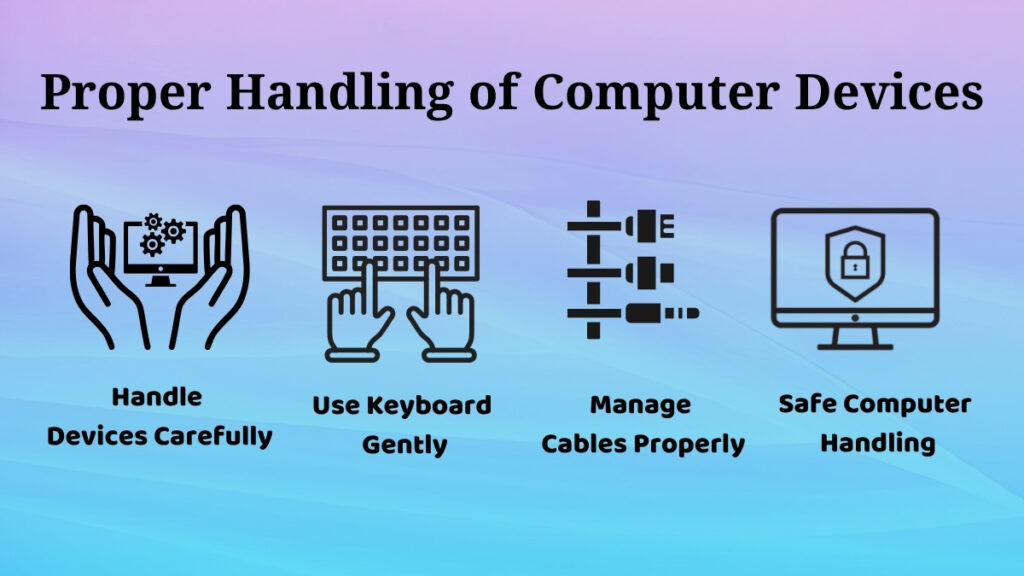
It is crucial to handle computers with care because there could be damages to the hardware from mishandling.
Most of the time, hardware problems result not from any technical issues but from mishandling.
Basic principles of proper handling are:
• Gently using the keyboard and mouse
• Carefully typing without applying too much force
• Never shaking the devices
• Taking extra care when moving the monitor
• Ensuring all cables are properly connected
An example of damage from mishandling is pulling out a cable forcefully from the port, which might break the connection.
Power and Electrical Safety
Electrical safety plays a key role in the maintenance of hardware.
Incorrect use of electricity could harm the computer.
Some safety guidelines include:
• Powering down the computer
• Never unplug the power cable suddenly
• Properly handling the electrical cable
• Keeping the system away from unreliable sources of electricity
For instance, using the power switch while the system is still running will harm the system.
Using safe methods of handling power prevents harm from happening to the computer.
Safe Usage Habits for Hardware
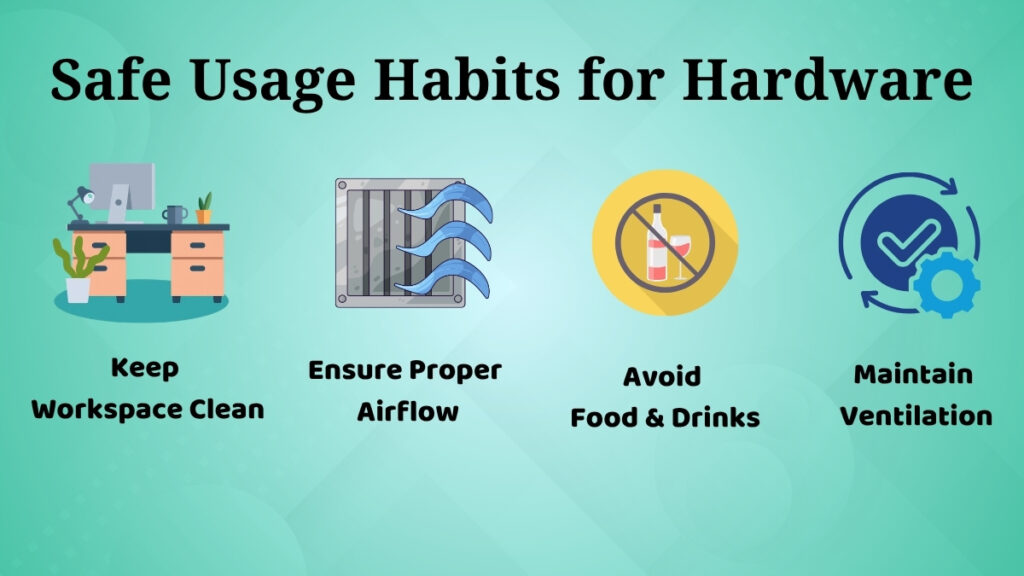
Daily habits play a crucial role in computer hardware maintenance.
Some basic practices that could save you from future problems include:
• Keeping liquids away from your computer
• Avoid eating or drinking around the computer
• Proper airflow should be provided
• No blocking of ventilation channels
In case you block ventilation channels, it will not be possible for heat to get out, leading to overheating of the system.
Safe handling of the computer can be done easily through good habits.
Common Hardware Problems Due to Poor Maintenance
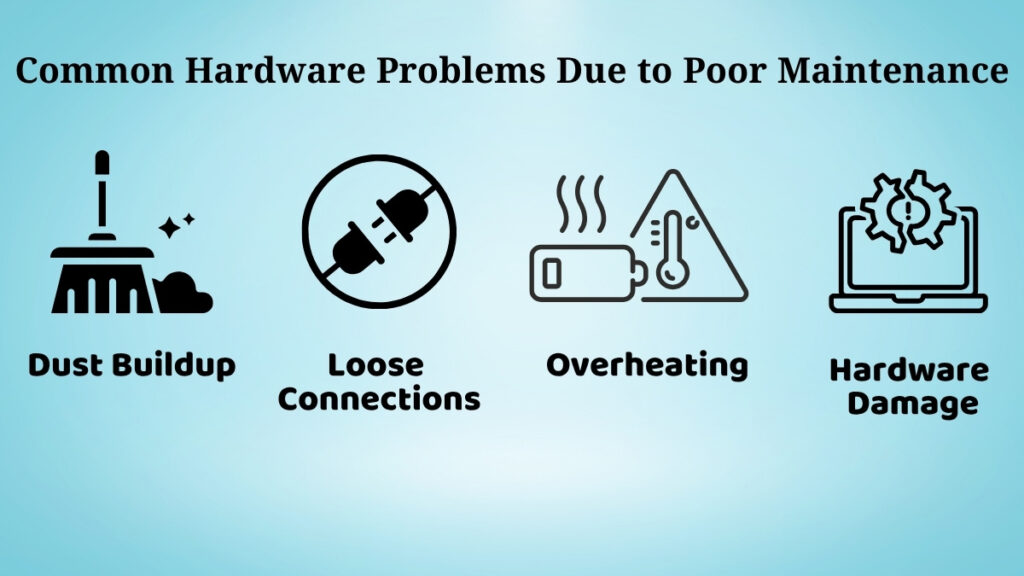
Poor maintenance can cause many common hardware problems. Hardware problems due to poor maintenance include:
-
Accumulated dust can cause overheating
-
Loose connections can impact performance
-
Lack of care can slow down the system’s performance
-
Physical damage may occur because of rough handling
These problems will reduce efficiency and, if not fixed, may cause severe hardware failures to your workstations or peripherals.
Benefits of Regular Hardware Maintenance
There are many advantages of having hardware maintenance done regularly.
The first one is ensuring efficiency and effectiveness of the system, enabling users to perform their tasks without any interruption.
Another benefit is reducing the risk of hardware problems, which can help save time and effort.
The third benefit is reducing maintenance expenses. By addressing minor problems on time, you will not require costly repairs.
However, the most significant benefit is increasing the service life of the computer.
When to Seek Professional Help
There are situations when professional help is needed.
When the following occurs, users are advised to get expert help:
• The computer fails to boot up
• Strange noises or smells are present
• Components inside the computer are affected
• The problem is too complicated to understand
Attempting to resolve complicated issues without proper knowledge could lead to further complications.
It is advisable to consult a professional in such situations.
Conclusion
Computer hardware maintenance is crucial for keeping a computer in good working condition. Some of the ways through which the computer can be maintained include cleaning, proper handling, and safety during usage.
Such steps can help improve performance and increase the life of the computer while avoiding any hardware problems.
For the beginner, learning about such topics is crucial because it enables users to maintain the computer while gaining confidence in dealing with technology.
Simply put, if users maintain their computers properly, then it will always perform optimally for a long time.
Pingback: Daily Computer Care Habits for Better Performance