
How to Improve Computer Performance Without Upgrading Hardware
Introduction
A slow computer is never a good thing, especially if you are working on something that needs to be finished, such as homework, online classes, work files, or just simple browsing. When a computer starts to get slower, a lot of people think that they need to upgrade their RAM, get a new storage drive, or even a new computer.
However, a slow computer isn’t always a result of insufficient hardware. Often, poor computer maintenance can greatly affect performance.
The good news is that there are a few ways to improve your computer’s performance without spending a penny.
In this article, we’ll explore the aspects of computer performance, how computers get slower, and a few simple things you can do to improve computer performance, without having to get any new hardware.
What Does Computer Performance Mean?
Computer performance is a very broad term, but overall it refers to the responsiveness of a computer. A good performing computer will open applications with little or no delay, respond to user input, and switch between applications smoothly. A computer that doesn’t perform well, might have long loading times for applications, unresponsiveness when launching or using applications, or even simple delays between input commands.
For example, if you click on a folder, it should open relatively quickly. Then, if you were to open up a web browser, open a word document, and then switch between them, a good computer performance would have almost no delay when doing these actions. If it is taking an abnormal amount of time to open applications and respond to input, your computer might be under performing.
Why Computers Become Slower Over Time?
There is no specific answer to this question, there are just multiple factors that can contribute to a computer’s performance.
A big contributor is simply just having too many applications or windows open at one time. Having too many applications running at once will significantly impact computer performance.
Another thing that might affect performance is storage space. If there isn’t enough room on your storage drive, you might start noticing the symptoms of a slow computer.
Additionally, failing to restart your computer regularly can affect performance. If you use your computer for a really long time and forget to restart it, there might be some processes that affect computer performance.
Sometimes, a computer under high temperature might start throttling itself to prevent overheating. A lot of people might not think about proper computer ventilation as a deciding factor for computer performance, but it definitely does play a role.
Simple Ways to Improve Computer Performance
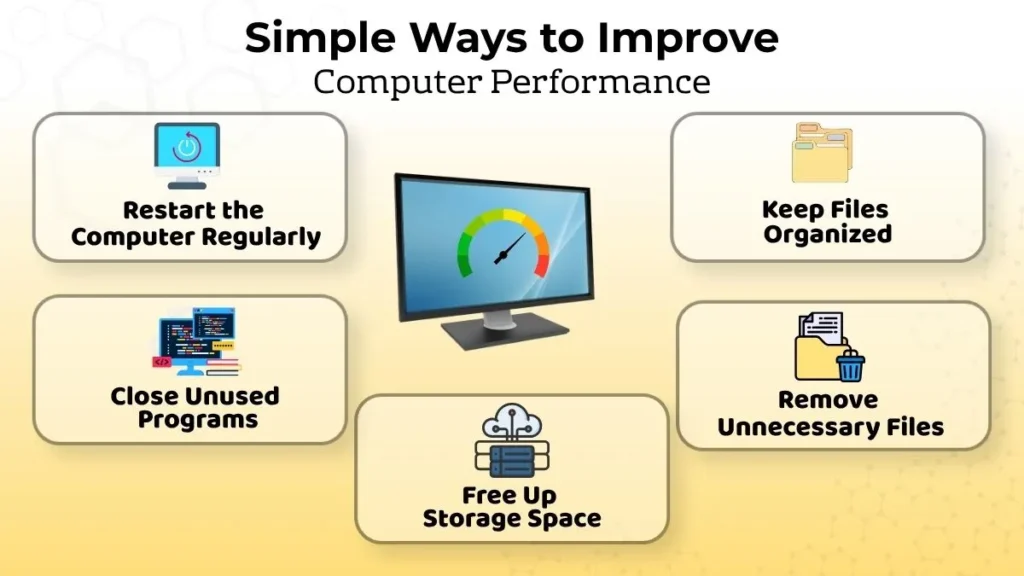
Restart the Computer Regularly
This might seem like a no brainer, but it is often one of the things people forget to do.
A simple restart will close background processes that are currently running, and it effectively reboots your operating system, making it run smoother.
If you have the habit of keeping your computer on for days at a time, try restarting more often. You might notice an improvement in computer performance after doing so.
Close Unused Programs
Try looking at your applications, do you really need all of them to be open?
If you opened a few applications and were using them, but then switched to a different one and forgot to close them, it might be a good idea to go back and close them. This will give your computer more space and performance to focus on the application you’re using.
Keep Files Organized
A disorganized computer doesn’t necessarily mean that it’s slow, but being disorganized with your files can sometimes be inconvenient.
Make folders for things like your schoolwork, pictures, documents, downloads, and projects, and put them in these folders rather than on your desktop or inside your downloads folder. Keeping things organized also means you are more likely to find stuff and know what to delete eventually.
Remove Unnecessary Files
Look through your downloads folder and wherever else you might have stored things.
You might find old installers, pictures, or documents that you no longer need or want and can save space by deleting them.
However, be careful not to delete things just because you don’t know what they are, and only delete the things you know aren’t important.
Improve Performance Through Better Computer Habits
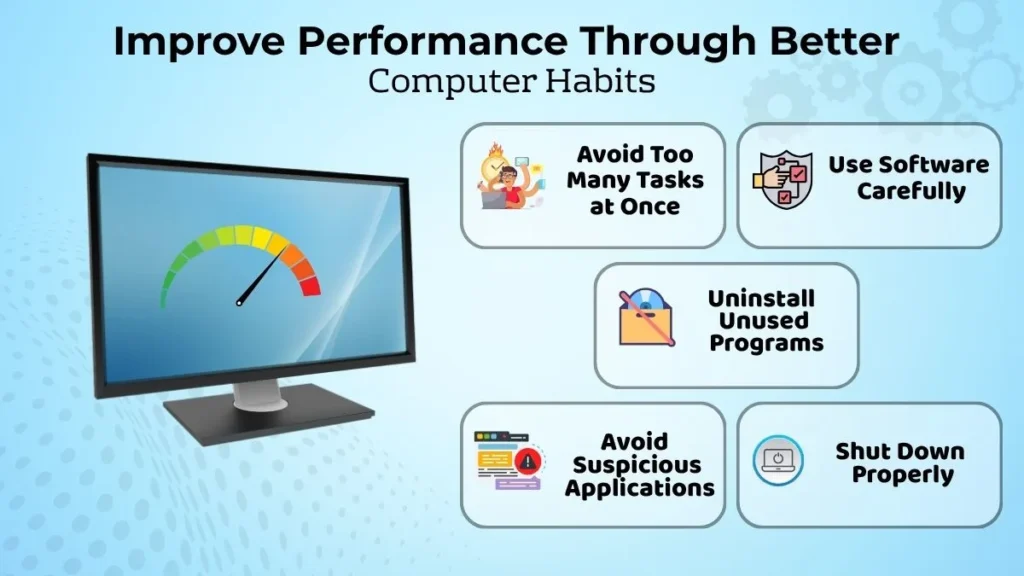
Avoid Running Too Many Tasks at Once
While some multitasking is good, there is such thing as too much. A web call, twenty different tabs, another large program, a few downloads, and other things all at once can be too much for your computer to handle.
If your computer starts to struggle, you might want to consider closing some programs you aren’t using and have some tabs waiting for when you need them. You don’t always need everything open at once.
Use Software Carefully
Before installing anything, ask yourself if and when you’ll actually use it. If you haven’t used something in a while and it doesn’t appear to have any useful purpose, it might be best to uninstall it.
You also want to avoid getting malware or unwanted apps that like to sneak their way onto your device when you aren’t looking. Unwanted apps can also take up system resources even when you aren’t using them.
Shut Down Properly
Always use the shut down function and let it shut down properly. Avoid turning it off abruptly or force quitting programs unless they have stopped responding.
It allows programs to properly exit and clears system resources so it can run just as fast the next day.
Keep Your Computer Environment Clean
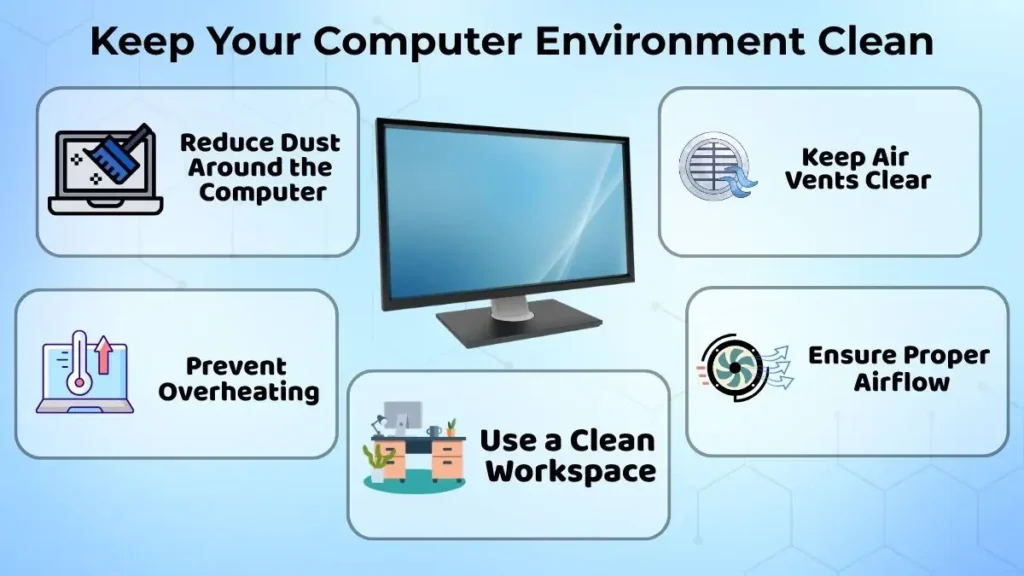
Reduce Dust Around the Computer
While it doesn’t seem like much, dust can actually build up around vents and other places.
Try to keep the area around your computer clean and organized. Don’t put your computer on things like papers, clothes, or other materials that might clog up the vents.
Prevent Overheating
Your laptop or PC will always produce some amount of heat, but it shouldn’t be scalding hot. It also shouldn’t be on something like a bed or couch that would cause it to trap its own heat.
Make sure to leave space around the sides and back, especially for desktop computers. If your laptop is slowing down or shutting down unexpectedly during intensive tasks, it might be because it’s overheating.
Use the Computer Responsibly
Computer performance is impacted not only by regular cleaning or closing unused programs.
It is vital to avoid downloading suspicious software, launching unneeded applications, and putting a strain on the system needlessly.
Keeping the computer well maintained will allow performing day-to-day tasks more efficiently and comfortably.
Common Mistakes That Reduce Computer Performance
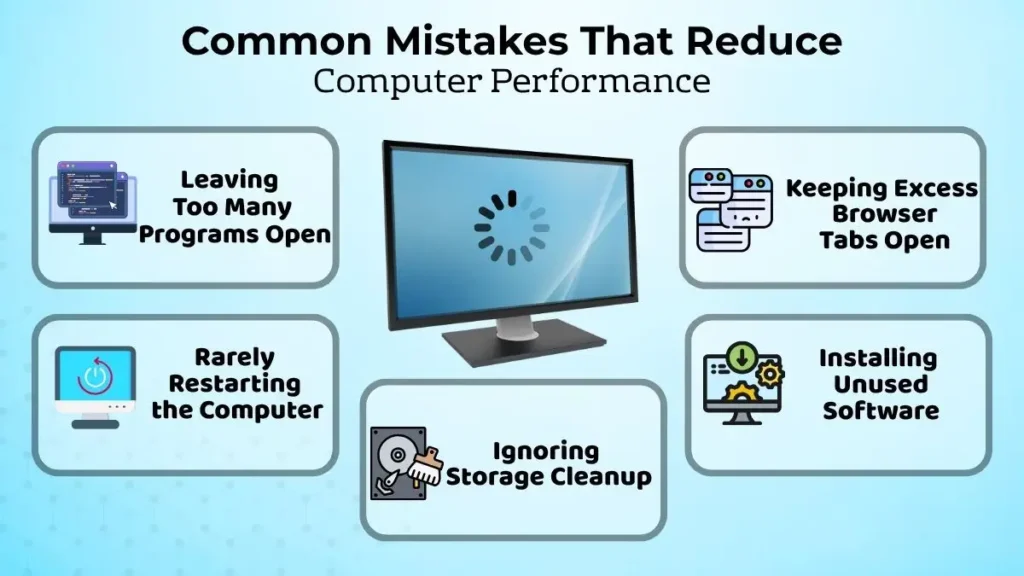
There are several common mistakes that occur due to user inattention.
- People tend to leave all the unnecessary applications open because it is easier than the opposite action.
- Users also tend to leave all the tabs open in browsers even if they do not use them.
- People forget to restart their computers even if it is needed and keep installing various software that is used rarely.
- Users ignore the importance of deleting old and unused data, which ultimately takes too much space on the device.
Although these mistakes might seem harmless, they can significantly impact the performance of a computer, thus reducing its comfort and efficiency.
Benefits of Good Performance Habits
Good performance habits allow users to work on a computer more efficiently and comfortably.
A properly functioning PC will make it possible to perform routine tasks such as browsing the web, studying, writing essays, and working on documents with ease.
The system will be less likely to experience minor issues, thus reducing the number of errors and malfunctions.
That way, it will help eliminate some serious issues before they actually occur.
When Simple Improvements Are Not Enough
Unfortunately, sometimes these simple improvements do not lead to the desired results.
When a computer freezes, crashes, starts slowly, or simply works too slow, there is an issue that should be addressed.
It may have a particular nature depending on the individual case, which means that a proper course of action should be determined individually.
In general, it is better to address computer performance problems through appropriate measures rather than random and harmful interventions.
It is necessary to consult a professional if needed. That way, it will be possible to prevent additional issues rather than causing them accidentally.
Why Is Performance Awareness Important for Beginners?
The awareness of computer performance keeps beginners safe, helping them to understand what actions are needed to maintain their devices.
They will not have to believe that every malfunction means that their system is old and that they need to buy a new device.
They will learn to troubleshoot minor issues and will be able to identify the causes of various problems.
For example, it teaches users when to close an unused application or browser tabs and how to clean up the system regularly.
It helps to avoid unnecessary expenses and unnecessary stress, which is why it is essential to develop it at an early stage.
Conclusion
There are some basic maintenance techniques that will make it possible to improve the computer performance.
They include regular restarts, closing unused programs, deleting unnecessary data, keeping the system updated, and ensuring proper air circulation.
The key point is to maintain the system regularly rather than waiting until specific problems occur. It is much easier to spend a little time cleaning and updating than trying to fix serious issues later.
Finally, if the system works too slowly despite all these improvements, it indicates that there may be serious problems whose causes should be determined individually.