
What Is Microsoft Copilot and How Does It Work? Beginner Guide
Introduction
Artificial intelligence is no longer limited to research or specialized software. This technology is increasingly integrated into end-user applications and digital services that people use in day-to-day activities, including work, study, communication, and entertainment. Microsoft Copilot is one of the AI assistants designed to make such tasks easier and more accessible.
The tool can answer questions, generate text, summarize information, create images, provide assistance with data, and operate within various Microsoft applications. Microsoft has embedded Copilot into its products as a built-in feature while also providing the service as a standalone solution. But what is Microsoft Copilot, and what happens when you give it a command?
What Is Microsoft Copilot?
Microsoft Copilot is an AI assistant developed by Microsoft that allows users to interact with AI using natural language. Users can ask the system to perform specific tasks in the same way as they would request help from an actual person. For instance, one can ask it to explain certain information, edit a document, come up with ideas for a project, summarize a portion of text, or generate an image.
The features available to users are not the same across all Copilot experiences. The tools provided by Copilot depend on the software where the assistant is embedded, the account or subscription a person uses, and the services Microsoft offers at a particular time.
Microsoft Copilot is also available as part of the Microsoft 365 application suite. This makes it possible to use the tools provided by the AI within familiar programs such as Word, Excel, PowerPoint, and Outlook.
How Does Microsoft Copilot Work?
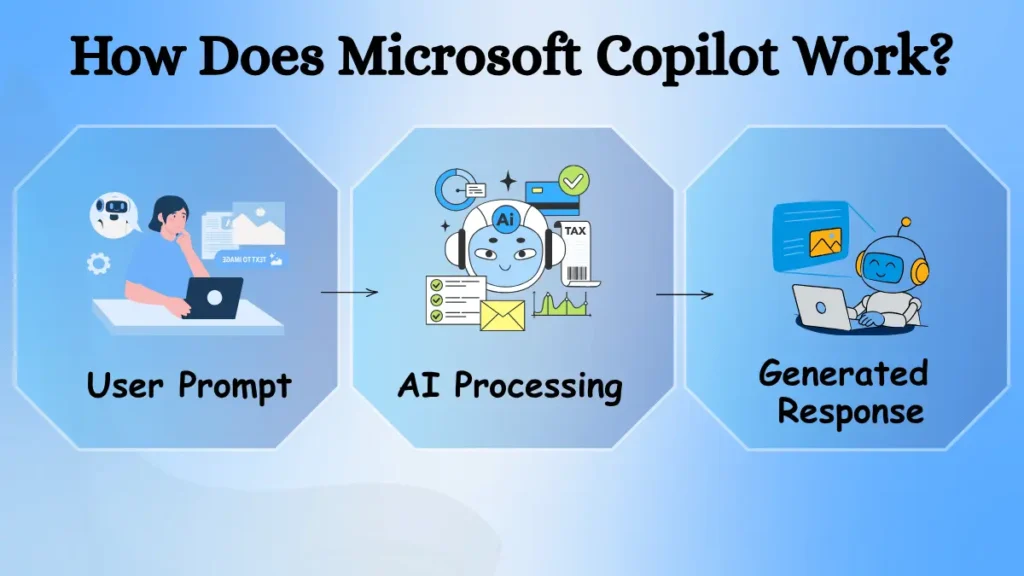
Microsoft Copilot uses large language models and other AI-enabled tools to reply to user queries and execute commands. After a user submits a request, the system processes the prompt and generates a response based on the instructions. In some cases, the response is generated based on information searched on the web or retrieved from other data sources available through Microsoft.
For instance, if a person has a long email conversation and asks Copilot to provide a summary, the system will most likely scan through the dialogue and reply with a short paragraph that includes the primary ideas. Similar functions can be found when using other programs, although the process may differ from one application to another.
What Can You Do With Microsoft Copilot?
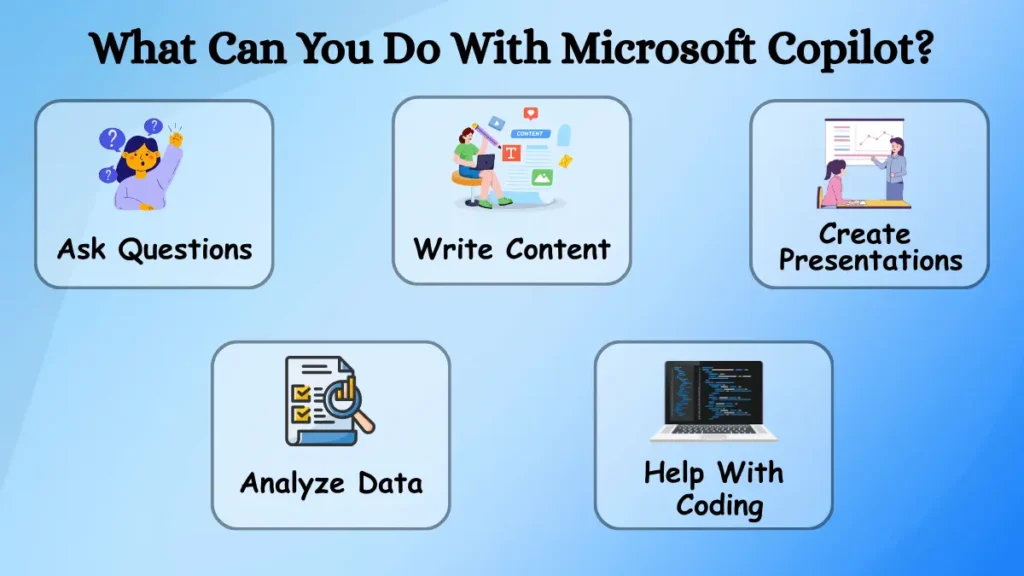
Ask Questions and Get Information
A simple way to interact with Copilot is by asking questions. You can use it to learn about a topic, get an explanation, generate ideas, or brainstorm through a conversation.
For example, a student could ask it to explain a programming concept in simple terms, while someone working on a project could use it to come up with different approaches to solve the same problem.
The accuracy of the response will still depend on the question and the information available to Copilot, so important facts should still be verified instead of taking them for granted automatically.
Write and Improve Content
Copilot is another tool that might help with writing. It can help you generate drafts for emails, documents, summaries, and other types of content.
It can be useful for situations where you know what you want to say, but don’t quite know how to start. You could give it a few bullet points and ask for a draft. You can also utilize it to rewrite existing text to make it shorter or more appropriate for a specific context.
For example, a rough set of notes from a meeting could be used to generate a more organized summary.
Create Presentations and Documents
Creating a document or presentation from scratch can take time, especially when you are unsure how to organize the information. Copilot can help with this by taking some of your initial ideas or existing information and organizing them into a clearer structure.
Within some Microsoft 365 experiences, you can utilize Copilot for Word and PowerPoint, which means you don’t have to leave the program to use its features.
Analyze Data
When it comes to analyzing data, you can benefit from utilizing the Copilot experience within Excel.
Instead of manually reviewing a large spreadsheet, you can ask it questions and request a summary of the information contained within the document. This can be useful for someone who isn’t familiar with data analysis, as it can make the information in a spreadsheet easier to understand and help identify trends. Some examples of how it could be utilized include:
- Summarizing the information within a spreadsheet
- Identifying notable patterns within the data
- Simplifying the information explanation
- Helping users dig deeper into a specific set of data
However, AI-generated answers should always be double-checked against the source material before relying on them for important information.
Help With Coding
Microsoft Copilot can also help out with programming. For some experiences, such as within Visual Studio or Visual Studio Code, the Copilot feature can help developers generate code, understand it, identify potential solutions, or explain how a specific piece of code works. New coders could utilize this to help explain a specific concept, while more experienced coders might opt to use it for generating boilerplate code or solutions for repetitive tasks.
How Does Copilot Work With Microsoft 365?
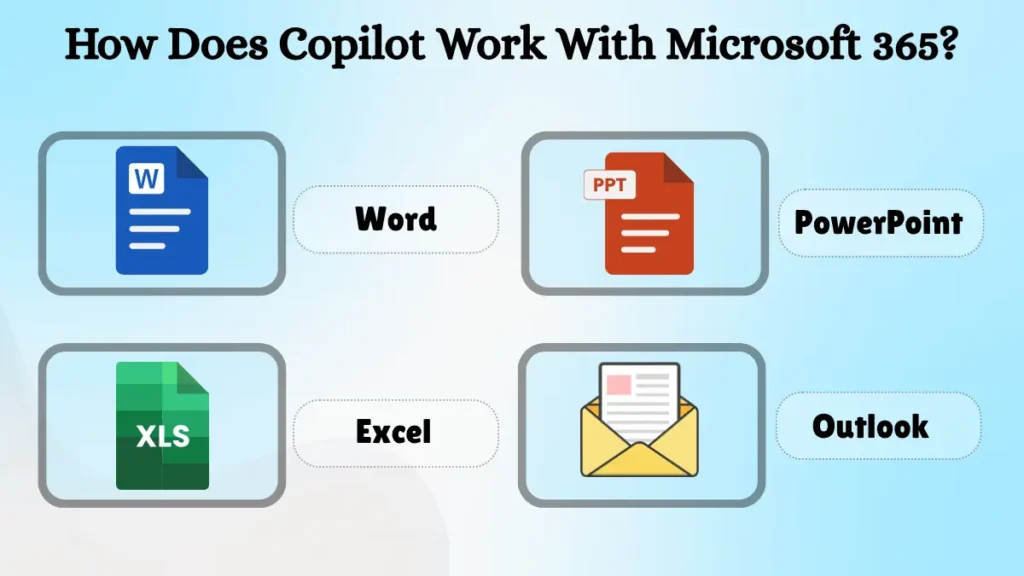
One of Microsoft’s main approaches with Copilot is to build AI directly into its productivity applications.
Supported Copilot experiences can be used with applications such as Word, Excel, PowerPoint, Outlook, Teams, and other Microsoft services.
For example, Copilot in Outlook helps users to better comprehend long email conversations, while it can help with drafting or refining documents in Word, and analyzing spreadsheet data in Excel.
For organizations, some Copilot experiences can also be used with relevant corporate information and Microsoft 365 content when the right permissions, access, and licensing are available.
This integration means users can get AI assistance directly inside the software they already use for work.
What Are the Benefits of Microsoft Copilot?
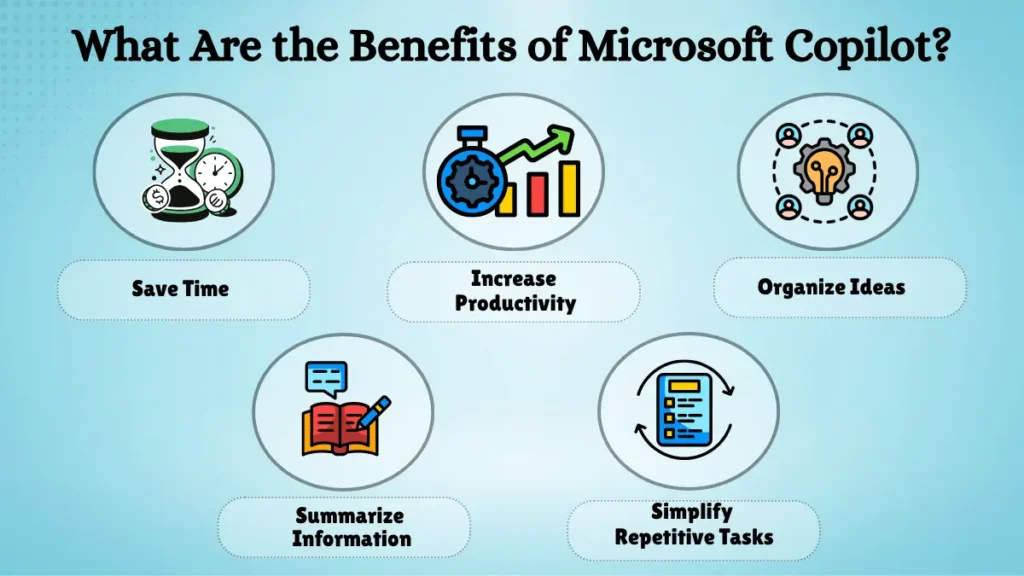
One of Copilot’s biggest benefits is the time it can save on certain tasks. Instead of starting with a blank document, for example, users can ask Copilot to create a first draft and then modify it as needed.
It can also assist in organizing ideas, summarizing information, explaining content, and completing some repetitive tasks.
Some of its primary advantages include:
- Helping users to create a first draft more quickly
- Summarizing lengthy information
- Organizing ideas and content
- Assisting with repetitive tasks
- Providing AI assistance within familiar Microsoft applications
Another benefit is that Copilot can be available within familiar Microsoft applications. Users do not always have to transfer information between different tools to get AI assistance.
Nevertheless, Copilot should be considered a support tool rather than a replacement for human judgment.
What Are the Limitations of Microsoft Copilot?
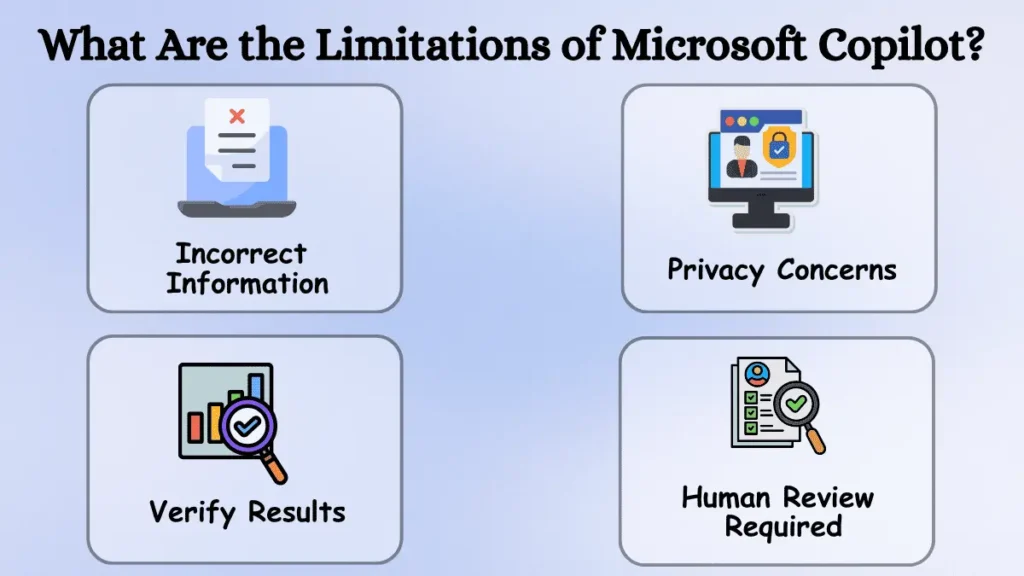
Like other AI tools, Copilot is not perfect. It may sometimes provide incorrect information, misinterpret requests, or generate answers that sound correct but are not accurate.
This is particularly crucial when it comes to using AI-generated information for professional, academic, financial, or other critical purposes. Taking a moment to review the result can prevent errors.
Another limitation of Copilot is that its features are not identical for each user. Available functions can vary depending on the Microsoft product, account type, subscription, region, and other variables. Microsoft also regularly updates its AI services, so features and usage limits may change.
Privacy is another concern, and so users should be cautious about sharing confidential, personal, or sensitive information with any AI system and recognize how a specific service deals with that information.
Is Microsoft Copilot Free to Use?
Microsoft provides Copilot experiences for individual users, while extended features are available to specific Microsoft 365 plans.
The details of each offer, availability, and restrictions are subject to change and may differ for different Copilot plans and products. Microsoft also provides Copilot capabilities for businesses and organizations with the appropriate licenses and permissions to use Copilot with Microsoft 365 and other enterprise products.
What Is the Future of Microsoft Copilot?
Microsoft is actively working to improve Copilot and expand the range of AI-driven capabilities in its software and products. The company is also working on capabilities that can help Copilot handle more involved and sophisticated tasks.
For users, this could mean AI assistants that go beyond simply providing answers. They may be able to help create documents, manage emails and other communication, analyze data and reports, research topics, and handle other tasks.
The way people interact with these systems may also change. Instead of entering every action or detail manually, users may increasingly be able to describe what they want in a simple request.
Conclusion
Microsoft Copilot is an AI-driven assistant that allows users to interact with software through natural language prompts. It can help with various tasks, from answering questions and preparing presentations to analyzing data and writing code. Its integration with Microsoft 365 makes it particularly useful for people who use Word, Excel, PowerPoint, Outlook, and other Microsoft applications. However, it is still essential to understand that any information provided by Copilot may require additional verification, and the tool can make mistakes or have limited capabilities depending on the platform and account type. Microsoft Copilot can be a helpful tool that makes everyday computer tasks easier by reducing the need to perform repetitive operations manually.