
Windows Operating System Explained for Beginners
Introduction
When any person first starts to use computers, he or she hears a name called Windows. This is an operating system that is commonly used across the world, and it is seen in various areas like houses, classrooms, and offices.
Windows is a program that most people use every day without knowing how it works behind the scenes. Whatever task you perform, be it opening documents, installing applications, browsing the internet, or watching videos, Windows enables all these functions. The software ensures a convenient interface where users can work their computers efficiently.
A computer holds various hardware components including the processor, memory, storage, monitor, keyboard, and mouse. However, these hardware components cannot function effectively without software to control their activities. The software responsible for this essential task is the operating system.
Windows has become popular because of its user-friendly interface. Even a person with minimal computer knowledge can easily operate Windows. The reason is that Windows has an easy-to-understand layout and interface.
It is essential for beginners to have an understanding of Windows as it will provide them with a foundational understanding of computers. It is good for beginners to learn more about the operating system before understanding complicated computer concepts.
In this article, you will learn what Windows is, how it works, its basic features, where it is commonly used, and why it is considered a good operating system for beginners.
What Does the Operating System Windows Mean?
Windows is an example of an operating system designed to help people communicate with their computers.
In other words, Windows serves as a medium for connecting the user with the hardware of the computer. For instance, when the user makes a request, say open a file or start an application, Windows enables the computer to interpret it.
An operating system is required because the end user finds it hard to communicate with the components of the computer on their own. Windows provides an interface which allows users to interact with the computer via graphical tools like icons, buttons, and windows.
It is also responsible for managing various aspects of the computer. For instance, when you start your web browser, Windows helps manage the loading of software into memory and its display on the screen. Whenever you save a file or document on your computer, Windows will take care of the data storage procedure.
The absence of Windows as well as any other operating system will make it difficult for a computer to complete its operations as well as to respond to user commands appropriately. For that reason, the operating system is among the most significant components of a computer.
Why Is Windows Used So Frequently?
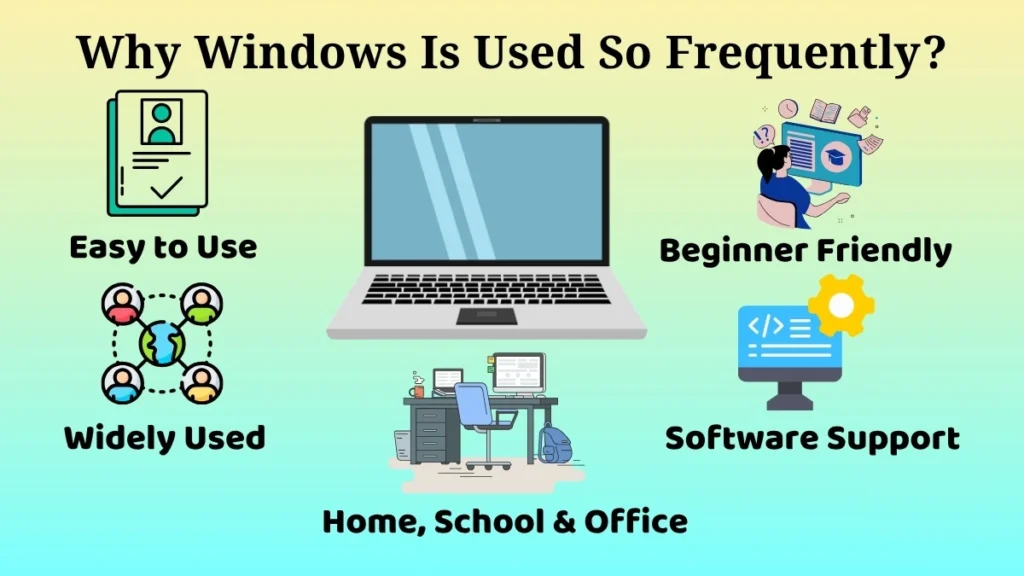
The main reasons why people like Windows are that it is very user-friendly and easy to learn.
One of the main reasons is the simplicity of its interface. Anyone can easily learn how to run applications, work with files, and perform other everyday activities without any special skills.
A second reason is that it has become very popular. Windows is used at home, at school, at work, and in computer training centers throughout the world. As a result of its popularity, new users may find it easier to learn.
It also has a huge collection of software applications. For whatever the reason, be it studying, communicating, working, browsing the web, or having fun, there are various software applications that can be used on Windows.
For instance, a learner might use Windows for homework and online learning, whereas an office worker might use it to create reports and presentations among other things. This ability makes Windows a great platform for various kinds of users.
The ease of use, accessibility, and software applications have made Windows one of the most widely used operating systems in the world.
The Windows operating system’s fundamental features
Windows has several features that make using it simple and convenient.
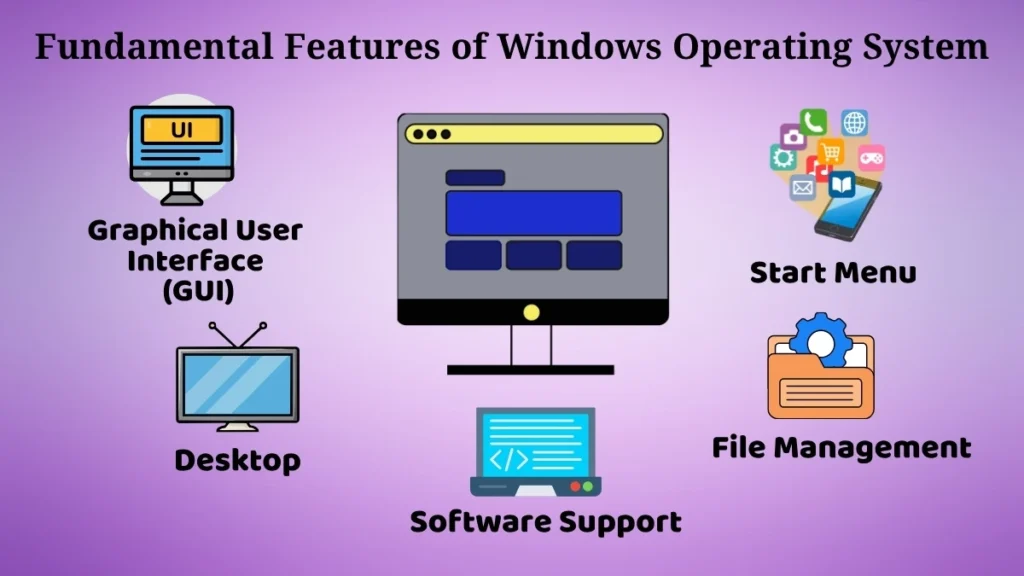
Graphical User Interface (GUI)
One of the important components of Windows is the Graphical User Interface. It is also referred to as GUI in short.
Graphical User Interface gives the user the ability to control the computer by using graphical means rather than using complex commands. Users are able to utilize menus, open windows, and click on icons.
The use of such visuals makes the process of using computers easy for beginners since all the choices can be viewed right from the screen. It is not necessary to memorize commands since the desired action can be selected.
For instance, to open a folder, one needs to double-click the folder.
Start Menu and Desktop
The Start Menu and Desktop are essential components of the Windows operating environment.
The Start Menu enables users with a single point of access to programs, settings, and useful system utilities. It allows them to locate anything they need with ease.
The Desktop is the main screen you see once Windows starts. It has icons, shortcuts, and folders for easy access to stuff you use a lot.
For example, in order to avoid navigating menus, consumers frequently place their favorite programs on the desktop.
Together, the desktop and start menu provide you with an orderly environment that is easy to navigate.
File and Folder Management
Windows lets users easily manage files and folders.
Files store various info like docs, images, videos, and spreadsheets. We use folders to keep these files organized.
This operating system offers tools for creating, saving, moving, copying, renaming, and deleting files with no difficulties at all. So managing everything becomes super simple.
For example, a student may create folders for each subject, and office workers could sort files by project. This keeps info easy to find and everything nicely organized, so both can stay efficient.
Software Support
Windows supports lots of apps. You can install all kinds of software like web browsers, education apps, office tools, media players, and communication programs.
This wide range lets Windows fit different needs. Windows gives users access to appropriate software whether they want to learn, work, chat, or be entertained.
So because of its flexibility, Windows works great for personal use and office work.
Where Is Windows Commonly Used?
Windows is utilised in a wide range of settings because of its ease of use and versatility.
Home Computers for Personal Use
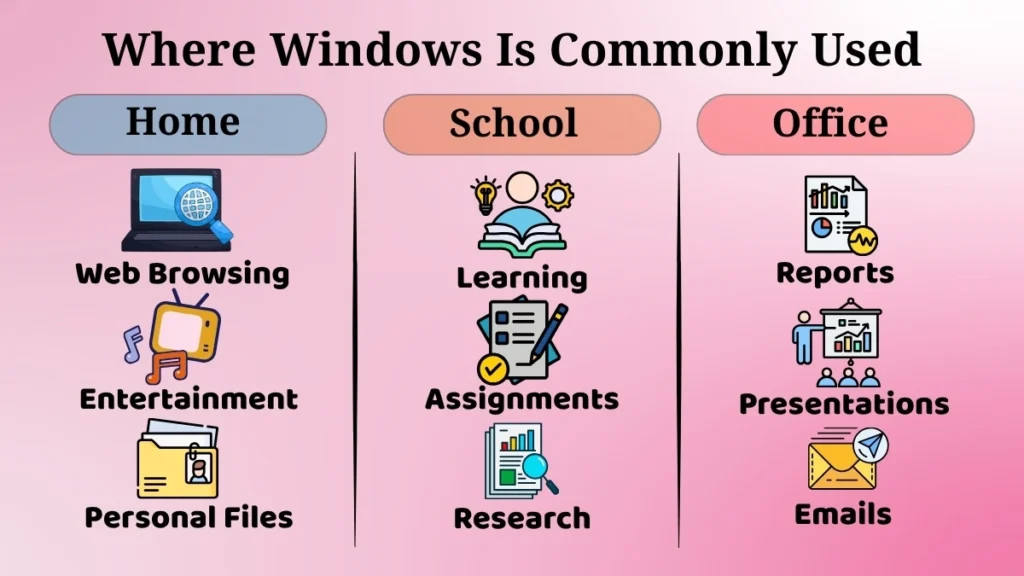
Many people use Windows on their home computers. They use it for web browsing, watching clips, listening to music, drafting docs, and organizing files.
It’s very easy to use, making it great for people of all ages.
Offices and Businesses for Daily Work
Windows is super popular in offices and businesses.
Employees use Windows computers to do reports, make presentations, handle records, and send emails, among other daily tasks.
Since many business applications are designed for Windows, it makes sense that it’s the go-to choice in workplaces.
Schools and Training Centers for Learning
Educational institutions heavily rely on Windows as well.
Students use it to pick up computer skills, finishing assignments, dive into research, and get access to learning materials.
Training centers often choose Windows because it provides a straightforward introduction for beginners.
Windows has become one of the most widely used operating systems worldwide as a result of its usage in homes, companies, and educational institutions.
Advantages of Using Windows (Beginner View)
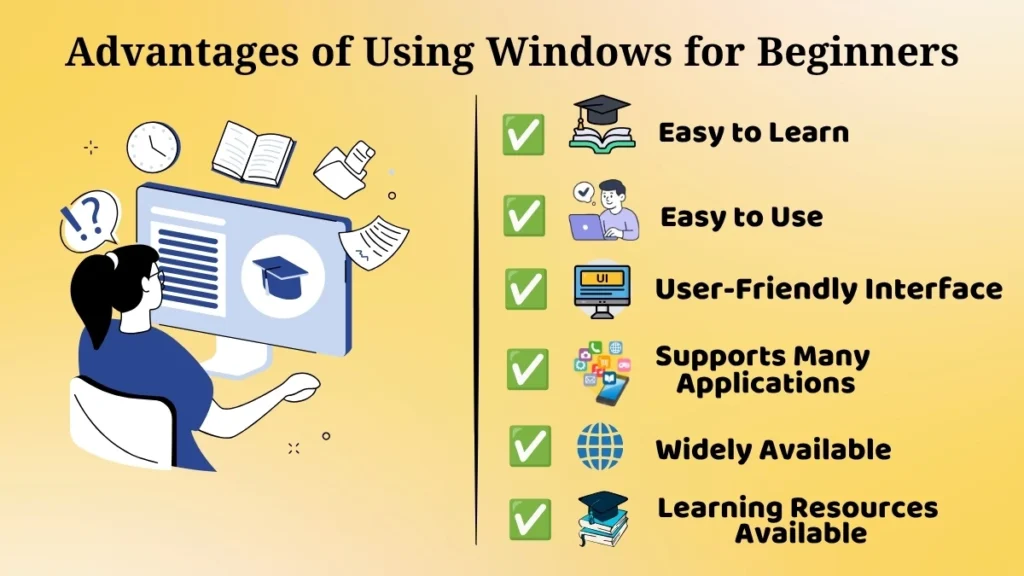
Windows has various benefits for beginners.
- Simple to learn and operate
- A simple and uncomplicated interface
- Often utilized and widely accessible
- It is compatible with several apps.
- Simple access to assistance and learning materials
These benefits make acquiring computer skills and carrying out everyday tasks more comfortable for beginners.
Is Windows Good for Beginners?
Yes, Windows is considered one of the best operating systems for beginners.
It’s super easy to use, making it perfect for beginners. Opening apps, managing files, and browsing the web become quick tasks you will pick up fast.
Additionally, the graphical interface facilitates learning by allowing users to interact with visual components rather than technical instructions.
Another benefit is that Windows is widely used in schools, offices, and homes, so learning it gives you practical skills for lots of real-life situations.
As you get comfortable, you can slowly dive into advanced features and grow your tech know-how.
This is why Windows is usually suggested as a great starting point for beginners.
Conclusion
Windows is a popular and easy-to-use operating system for beginners.
It makes using computers simple by acting as a bridge between the user and the hardware, letting you communicate smoothly and manage tasks efficiently.
It manages resources and runs apps while organizing files and coordinating hardware and software tasks. The GUI, start menu, desktop, file management tools, and software support in Windows make using it super convenient every day.
Nowadays, Windows is used in homes, schools, and offices worldwide. So it has become familiar to millions of computer users.
For beginners, learning Windows makes understanding computers much easier. This helps users gain confidence in technology and build a strong foundation for future IT learning.