
Functions of an Operating System Explained in Simple Words
Introduction
An operating system is not just an ordinary software program. It can be considered as the managing part of the whole computer system. Your operating system works in the background to make sure everything runs well whenever you use the computer to open applications, store data, browse the internet, or do any other task.
The significance of the OS is not clear to most users as they do not understand the working behind their actions, but rather observe the outcome of their actions. For example, when they click an application, it opens instantly, and when they press keyboard keys, the letters show up on the computer screen. This is made possible due to the OS running behind all such activities.
Without an operating system, there is nothing that can be done with the computer. There will not be any communication between the computer and the user, and it will be impossible for the computer to carry out more than one task simultaneously.
As a beginner, it is highly crucial to understand the different purposes of an operating system. This will give you information regarding how the computer executes tasks and manages its resources to ensure efficiency.
For example, in case you are playing music while writing documents and browsing the internet simultaneously, all these processes happen simultaneously without interfering with one another. This can be possible due to the correct management of the operating system.
In this article, you will learn about the roles of an operating system in easy language.
What Work Does an Operating System Handle?
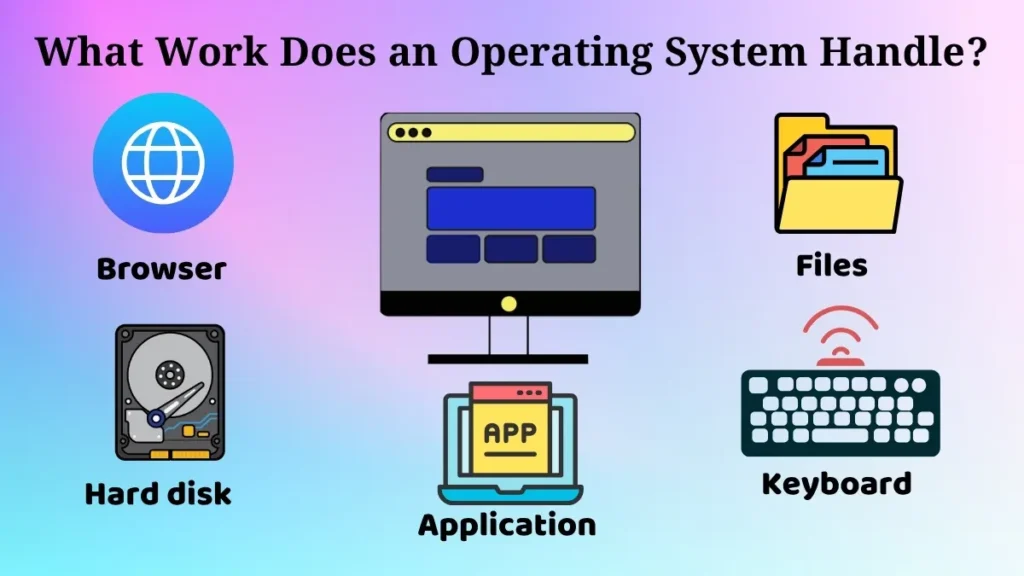
Functions of operating systems refer to the activities carried out by the operating system in managing the computer system.
In simple terms, such functions organize the manner in which the computer is controlled. The operating system is essentially a controlling unit of the computer system, for both hardware and software.
For instance, when you start an application, the operating system makes sure that this process takes place successfully. And if you save any document, the OS will take care of saving your document in the right way.
Moreover, the operating system will control all the processes and operations performed by each of the applications. Their work will be coordinated, and any conflicts between their procedures will be avoided.
These functions help the computer carry out operations systematically. Otherwise, there will be crashes in software applications, files may not be saved or stored correctly, and peripherals may function improperly.
In other words, an operating system’s features allow us to make efficient use of our computers.
Now let us learn the major functions of an operating system one by one.
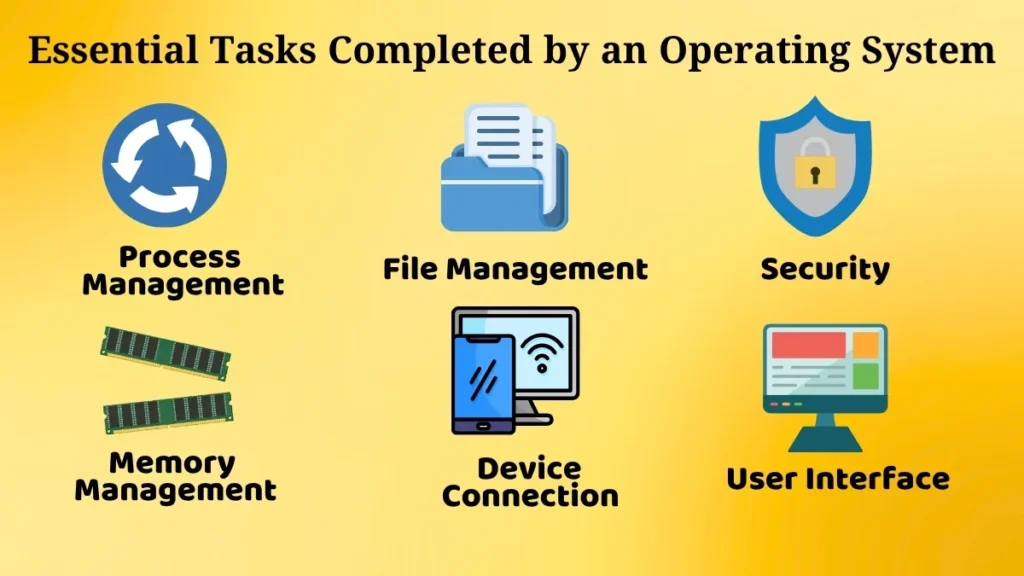
Essential Tasks Completed by an Operating System
Process Management
Process management involves managing various applications running on a computer.
Each time an application is started, it is considered a process. The job of the operating system is to start, manage, and finish processes.
The multitasking capability is one of the significant characteristics of process management. This makes it possible to run many apps at once.
For instance, you can listen to music, write a letter, and browse the internet at the same time without interfering with the other processes.
This is because the operating system determines that certain processes are more important than others. There could be processes that require high priority, whereas there could be other processes which will be running in the background.
As an example, when viewing a video, your system will ensure smooth playback even if there are other applications running on your PC.
Process management ensures the stability of the operating system by ensuring that all processes are handled effectively.
Memory Management
Memory management is the process through which the operating system manages the memory of a computer.
Each application requires memory to function. It is the responsibility of the operating system to allocate the appropriate amount of memory to each application.
For instance, when several applications are started simultaneously, the operating system allocates available memory to them to ensure that the applications run without issues.
Upon the ending of an application, the operating system releases the memory assigned to the application, which becomes available for other uses.
If memory is not managed effectively, the computer will either slow down or will become unresponsive.
For example, if there are too many processes running and little memory is available, the computer will be unresponsive.
Memory management guarantees proper working of the computer.
File Management
File management refers to managing files and directories.
Operating systems provide functionalities like creating, saving, deleting, copying, moving, and renaming files.
For example, if you save a file, the operating system will store it at a certain location from where you can retrieve it at any time.
Furthermore, it assists users in storing files in folders to simplify the management of large volumes of data.
For example, you can have different folders for documents, images, and videos.
In the absence of file management, users would not be able to locate their data easily since everything would be disorganized.
This feature makes data handling easy for users.
Device Management
Device management is defined as the ability to control the devices that have been connected to the computer.
Some of the devices that can be controlled using the operating system include the keyboard, mouse, printer, and any other storage devices.
For instance, pressing a particular button on the keyboard will ensure that the operating system recognizes it and performs a particular task.
When using the printer, the operating system makes sure that it works efficiently. The same case applies when using any other USB devices.
Communication between devices and the computer is done by the operating system.
If device management was not provided, no hardware would function properly.
User Interface Management
The user interface is a way through which the user interacts with the computer.
The operating system provides the interface, through which users issue instructions and receive responses.
The user interface can be graphic-based, in which case we have icons, buttons, and menus, or text-based, whereby the user types instructions.
For instance, when clicking on icons and opening up menus, one uses the graphic interface.
Through this, the computer becomes user-friendly, even to a beginner.
Without the user interface, interaction between the user and the computer becomes extremely hard.
It becomes easy for the user to communicate with the computer through user interface management.
Security and Access Control
Security is another significant responsibility of the operating system.
The operating system protects the computer from any form of malicious attacks by keeping its data safe.
The operating system regulates who has access to the computer and what operations can be performed by them.
For instance, logging into a computer can require a login password. Only those with authority will be able to access the files on the computer.
The operating system also prevents any unauthorised program from making any alteration that might harm the computer.
This feature makes the computer very secure.
How Operating System Manages Multiple Tasks?
One of the most important functions of an operating system is its capacity to handle several tasks simultaneously.
Multitasking is the term used to describe this characteristic.
For instance, you may simultaneously use the internet, listen to songs, and work on documents.
This is how the operating system handles all the tasks by distributing resources and alternating between them instantly.
It guarantees that each task receives sufficient time and resources to perform effectively.
Imagine an office manager handling various duties at once and ensuring everything operates efficiently.
This is how an operating system works, improving efficiency and productivity in computing.
Why Are OS Functions Important for Users?
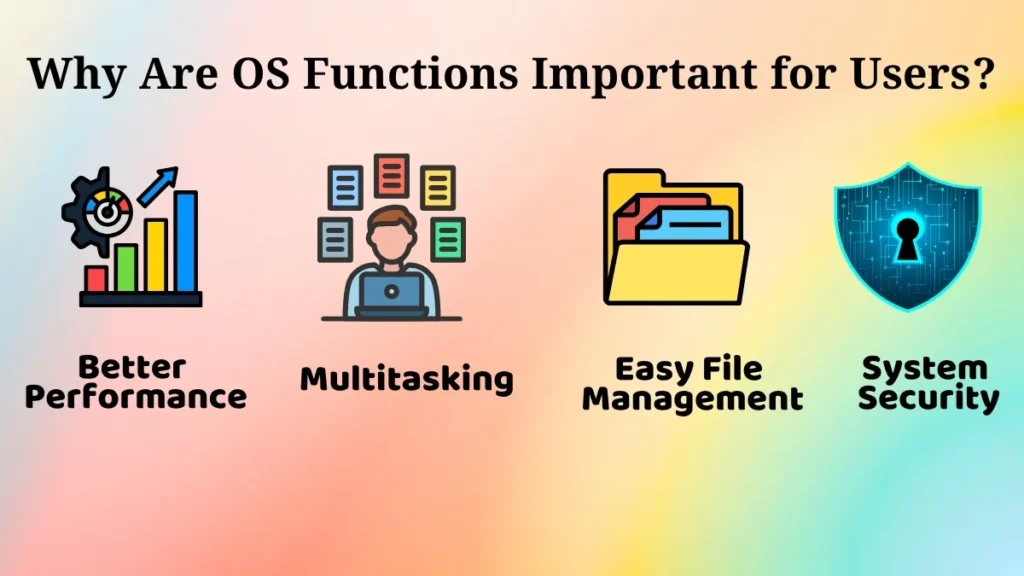
The importance of the operating system functions lies in their ability to make the computer user-friendly and effective.
Among the advantages are the following:
- They enable multitasking
- They minimize mistakes and misunderstandings
- They enhance system efficiency
- They assist in managing files and hardware efficiently
Without the operating system functions, it would be impossible for users to operate several programs at once or manage information appropriately.
The operating system guarantees orderly and controlled operations.
Importance of Learning OS Functions for Beginners
Operating system functionalities are very important for beginners to study.
Learning this helps in acquiring an excellent understanding of the computer and effective use.
Some advantages include the following:
- Good understanding of system processes
- Effective utilization of computers
- Good base to learn advanced concepts
- Helps build career-related skills
For example, when a user has a good understanding of things like how memory and file operations take place in the system, they can handle the computer better without making many mistakes.
This knowledge also increases confidence in handling computer tasks.
Conclusion
There are many roles of the operating system which enable effective performance of operations by the computer.
This includes process management, memory management, file management, device management, and communication between user and computer.
Without all of these roles, it would be impossible for a computer to function efficiently.
For new users, it is necessary that they understand these roles of the operating system.
Once they acquire this understanding, they will be able to use computers more efficiently.
Pingback: Mobile Operating Systems: Easy Guide for Beginners