
Peripheral Devices of Computer: Meaning, Types and Uses
Introduction
If you think calling computers useless without additional devices is an exaggeration, then try to interact with a computer without any additional device. Imagine dealing with a system without a keyboard to type, a mouse to navigate, without a screen to see anything. It would be almost impossible to get anything completed.
This is the situation where peripheral devices come into the frame. They are the external tools that allow us to communicate with a computer in a practical way. Although, they are not actual parts of the internal system but, they still play a useful role in making computers usable in our daily lives.
Many beginners often misunderstand peripheral devices with internal hardware components or mix them, which leads to confusion. Once you learn about what they are and how they work, the whole concept of computer hardware will become much clearer.
In this article, we will explore peripheral devices in a simple and easy to understand language. You will get to know about their concept clarity and how they are used in everyday tasks.
What Are Peripheral Devices?
As you read before, peripheral devices are external hardware components that are connected to a computer in order to extend its functionality. In easy words, these are the devices that are attached from outside to help us perform different operations conveniently.
Unlike internal parts like the CPU or motherboard, peripheral devices are not built into the system. Rather, they are connected using different types of cables, ports, or even wireless technology such as bluetooth.
These devices are used mainly to help in performing these three important functions:
-
For taking any kind of input from the user using keyboard or mouse
-
For displaying output from the computer using monitor
-
For storing data externally
In the absence of peripheral devices, dealing with a computer would be extremely limited. They ensure the system to be more user friendly and allow us perform tasks efficiently.
Types of Peripheral Devices
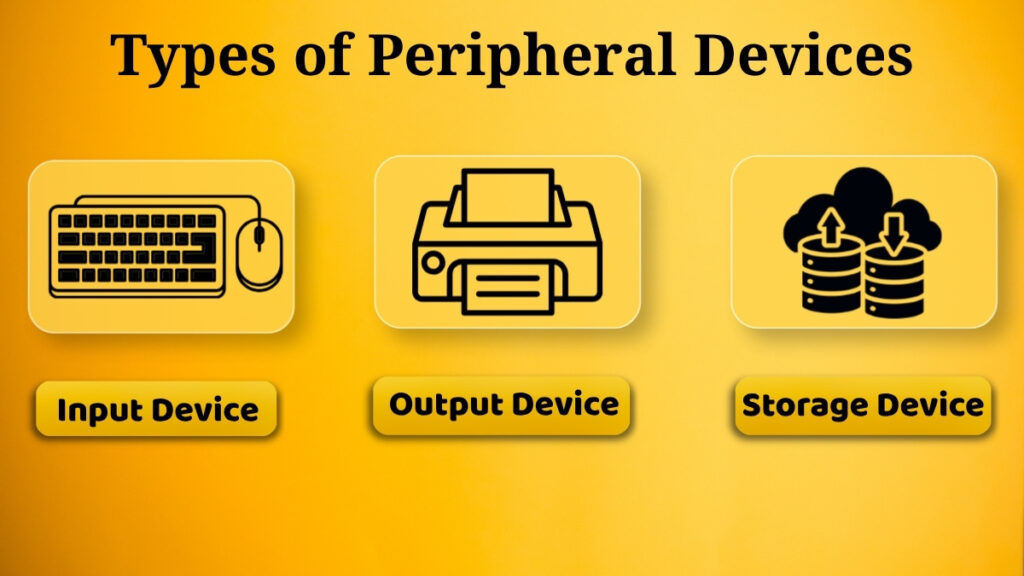
Peripheral devices are divided into categories based on what they do. Broadly, they are divided into three main types:
-
Input Devices
-
Output Devices
-
Storage Devices
Each and every type has a particular purpose, and together they ensure the smooth communication between the user and the computer. Let us head towards understanding them one by one.
Input Peripheral Devices
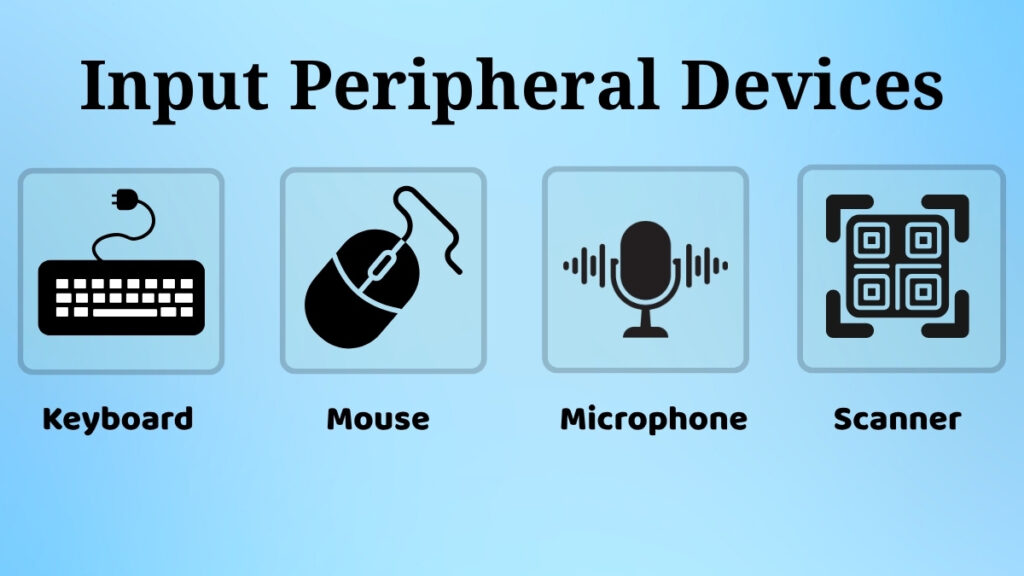
Input devices are designed to provide data and instructions to the computer. They act as a bridge between the user and the system, through which both of them communicate.
Keyboard
The keyboard is one of the most basic and widely known input devices. It helps user enter text, numbers, and commands.
For instance, if you want to type an assignment, send an email, or search something online, keyboard is the device which helps you to give input to the system for providing required information.
Nowadays modern keyboards are present in market, which often come with extra features like shortcut keys and multimedia controls ensuring the convenient use for the user.
Mouse
Mouse is a pointing device which controls the cursor shown on the screen. It helps in navigating by allowing users to click, drag, drop, and select items easily.
For example, when you want to open a file, select a text, or browse the internet, it becomes much easier with a mouse. It is especially useful for beginners who are not yet comfortable with keyboard shortcuts or find them difficult to remember.
Nowadays, you can explore different types of mice including wired, wireless, and even smart like touch based versions.
Scanner
Scanner is used for converting physical documents into digital format. It also captures printed text or images and stores them on a computer.
For example, if you want to scan a certificate, a photograph, or important paperwork and store it digitally for future use, you can do it using a scanner. It is very useful in offices and educational environments where record keeping is necessary and they are maintained electronically.
Microphone
Microphone is an input device which is used to capture sound. It helps users give voice input to the computer.
It is widely used for voice recordings, online meetings, and video calls. In the last few years, with the increase in online classes and remote work microphones have become an essential part of everyday computing.
Output Peripheral Devices
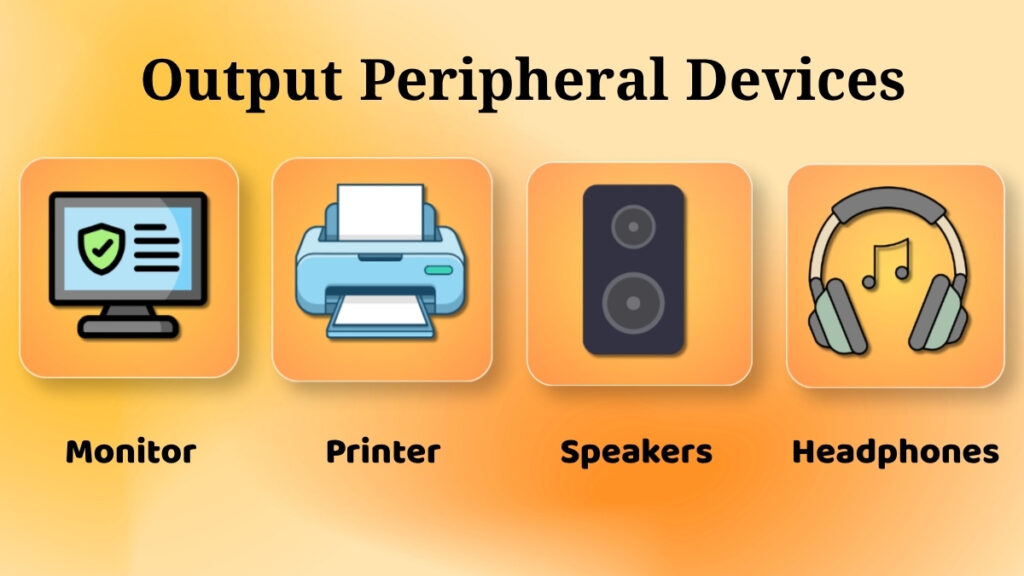
Output devices are responsible for displaying the results processed by the computer. They are used for converting digital data into a form that is visible or audible to the daily users.
Monitor
Monitor is the device which is considered as main output device of a computer. It displays almost everything from text and images to videos and applications, that is visible on the screen.
Without using a monitor, you wouldn’t be able to see what the computer is doing. Whatever operation you might be performing, whether you are watching a video, editing any document, or browsing the web, the monitor is constantly in use all the time.
The modern monitors present in the market offer features like high resolution, LED display, and even touch functionality in some of them, for a better and convenient user experience.
Printer
Printer is the device that allows you to create a physical copy of your digital content. It is used for transferring data from the computer on to a paper.
For instance, you want to print your assignment, reports, or photograph whenever needed, you can do it using a printer. They are commonly used in homes, schools, and offices, for both personal and professional purposes.
Different types of printers are available such as inkjet and laser printer depending on user’s requirement.
Speakers / Headphones
Speakers and headphones are used for producing sound output. They allow users to listen to audio coming from a computer. It might be any form like listening to music, watching movies, or attending online classes.
These devices make the user experience more engaging and interesting. Speakers are amazing for mass listening while headphones are perfect for personal use.
Storage Peripheral Devices
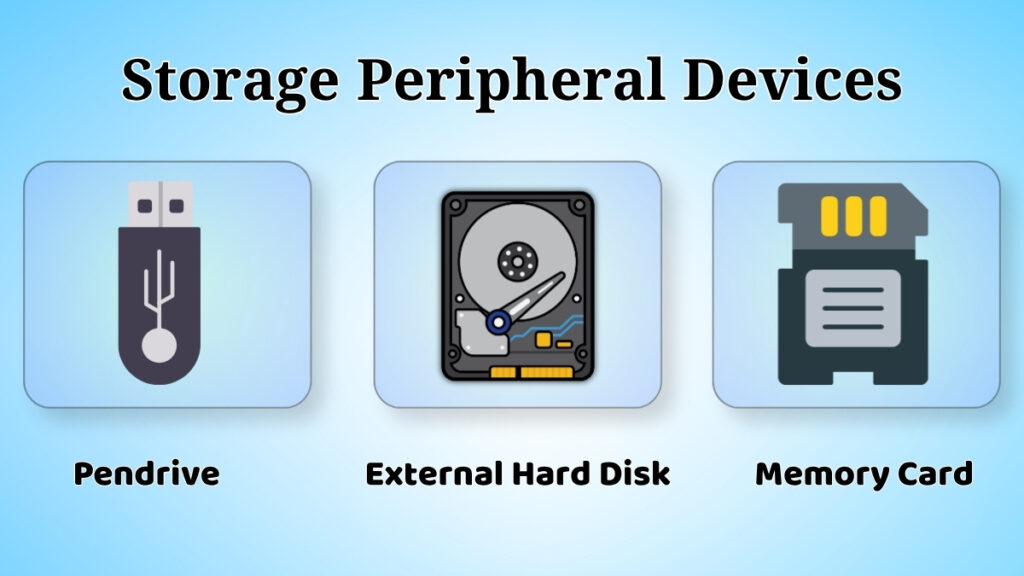
Storage devices are used for saving data externally so it can be accessed later whenever needed. They are especially useful for transfer and keeping backup files.
Pen Drive
You all might have seen and used a pen drive. It is a small and portable storage device which gets connected through a USB port. It is commonly used for storing and transporting data between computers.
It has a compact size and ease of use because of which it is widely used by students and professionals everywhere.
External Hard Disk
You all might have heard of an external hard disk. It is designed to store a large amount of data. It is commonly used for keeping backup especially when the computer internal storage is not enough.
It provides a reliable way to keep important files stored and accessible whenever required.
Memory Card
Memory card is similar to pendrive. It is also a compact sized device used in gadgets like smartphones and cameras.
It allows storing data in a small and convenient format. It is widely used for saving photos, videos, and other digital files.
Why Peripheral Devices Are Important?
Peripheral devices are essential because they convert an ideal computer to an actual usable system. Without them, it won’t be possible to interact with the system or perform even basic tasks.
They help users in various ways such as to input data, receive output, or store information.
These devices also ensure improved productivity by making tasks faster and easier. Let us observe few examples, typing on a keyboard is much quicker than manual input, storing files using external devices help users to manage them in better ways.
Common Problems with Peripheral Devices
Peripheral devices are very useful but while using them users may face few issues sometimes. Some of the most common problems are:
-
External device not being detected by the computer even after connecting
-
Loose or incorrect connections
-
Device not responding properly
-
Driver related issues
Such common problems can affect the performance of the device and create disturbance in the work. However, most of these issues can be solved easily by doing cross checking of connections, updating drivers, or simply restarting the system.
Safety Tips While Using Peripheral Devices
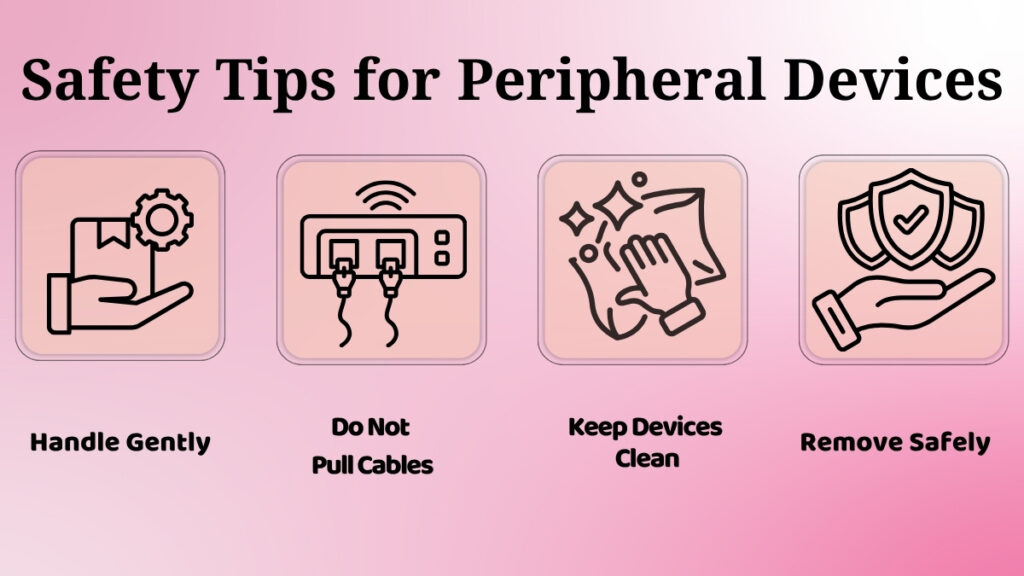
Taking proper care of peripheral devices is important so that they last longer and work efficiently. Here are some useful tips:
-
Always connect external devices properly
-
Handle those devices with care to avoid damage and corruption
-
Avoid pulling cables forcefully no matter what the situation is
-
Keep devices clean and dust free for faster performance
-
Remove storage devices safely after completion of work
These might be simple precautions, but they can help in maintaining the performance and lifespan of your device.
Conclusion
Peripheral devices might be external devices but still they are a vital part of any computer system. They are the reason users are able to interact with the computer and perform tasks smoothly.
From input devices like keyboard and mouse, to output devices like monitors and printers, and storage devices such as a pen drive and external hard disk, each of them has their own important role.
Understanding peripheral devices is an important step in learning computer hardware for beginners. These devices are not only used for improving usability, but also for making computers more practical and efficient in everyday life.
Nowadays, as technology is continuing to evolve peripheral devices are also becoming more advanced, which makes our interaction with computers even easier and more powerful.
Pingback: Computer Error Messages and Blue Screen Problems Guide