
Computer Error Messages and Blue Screen Problems Explained for Beginners
Introduction
When working on a computer, there might be cases when you see some unusual messages that pop up on the computer monitor screen. They are known as error messages and may occur during program installation, saving file, internet connection, etc.
Beginners may feel afraid or frightened the first time they see such a warning on the computer screen. They may believe that their computer is no longer working or that something terrible has happened to it.
Similarly, a sudden appearance of a blue screen on the computer makes users scared because at this moment the computer becomes useless for the user. Many beginners may think that all the data stored on the computer has been lost or destroyed forever.
However, the truth is, most of these cases are not as critical as they seem to be. The error messages and the blue screen problems only serve as warning messages and are not always indicative of hardware bugs.
This article will describe error messages and blue screen issues, their causes, and how to handle them coolly.
What Does an Error Message Signify?
An error message is a message generated by the computer to indicate that something is not functioning the way it should.
Simply put, it is a message that indicates there is a problem that needs to be sorted out. The reason why the computer generates such a message is that it is unable to perform a function as expected.
An error message does not always mean that something is wrong with the machine. Rather, it serves as an indicator to show you that some action needs to be taken for the computer to continue its operations.
Similar to a car’s warning light alerting the driver to a problem, it might be seen as a reminder or an alarm.
Common Situations When Error Messages Appear
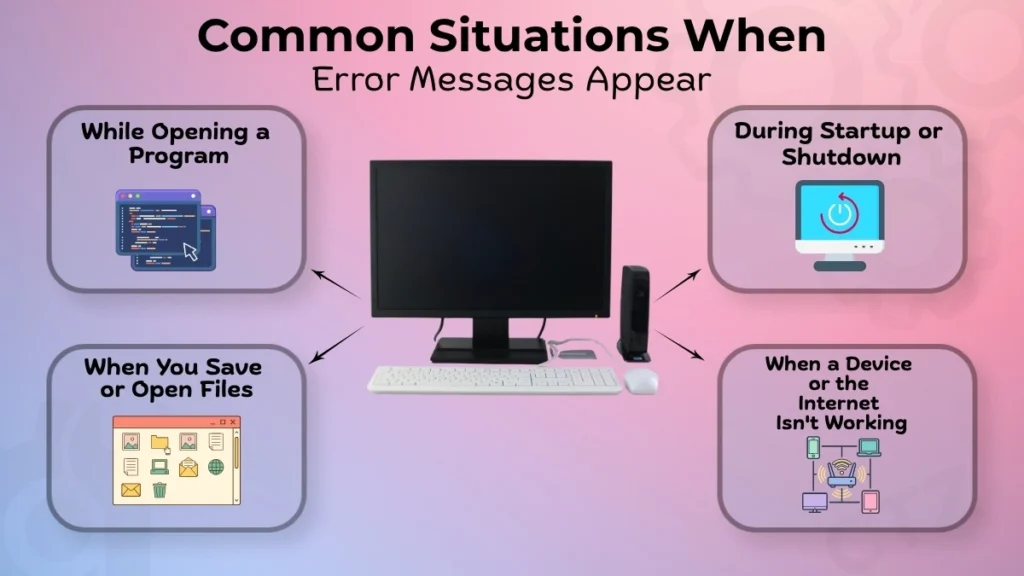
While Opening a Program
Sometimes, a program might fail to launch and an error message is displayed instead.
This is possible because certain necessary files might be missing, the program was not installed properly, or that the computer does not have enough rights to launch it. Restarting the computer or starting the software again is frequently all that is required to fix this issue.
During Startup or Shutdown
Error messages can also occur when your computer is being booted up or shut down.
In this case, booting up or shutting down the computer will take more time than usual, or there may be a warning message displayed before the computer completes the operation.
When You Save or Open Files
An error message could also be generated during the saving process or even when you try to open an already saved file.
It may occur if the file is not accessible, has been relocated elsewhere, or if there is insufficient space on your computer. Only once the file may be saved or opened will the issue be resolved.
When a device or the internet isn’t working
Any issue with peripheral devices or even issues with network access may cause error messages to appear.
Errors resulting from an incorrectly connected printer, an undiscovered USB device, or a lack of network access are a few examples. In such cases, the error message indicates that there is a problem with the connected device/service.
What Does a Blue Screen Issue Mean?
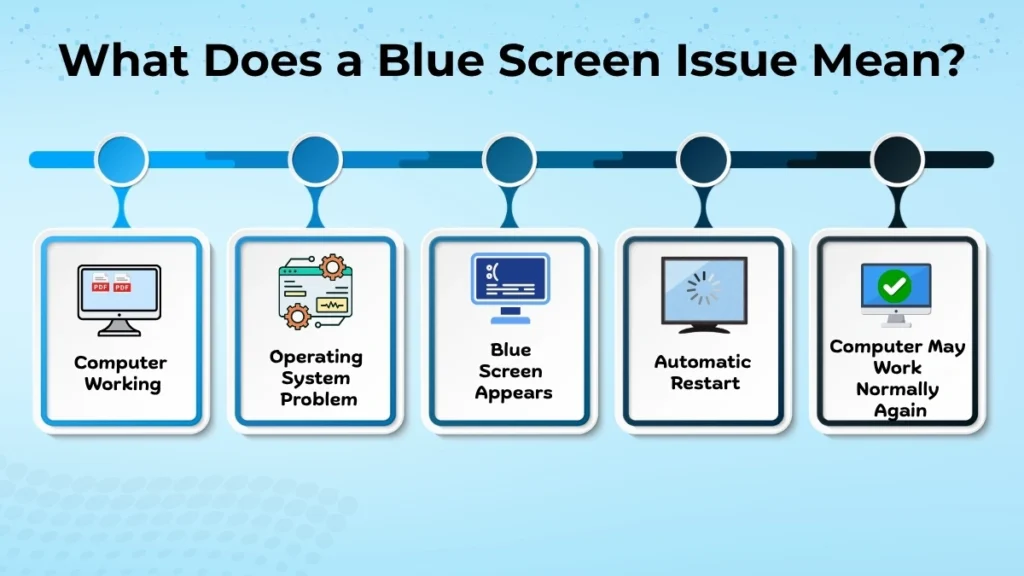
Blue screen issue is one that causes the system to shut down suddenly, making the whole screen appear blue.
This situation results when there is something wrong with the operating system that causes it to fail in order to save the computer from more damage. As such, it will be impossible to continue operating until the computer reboots.
In most cases, the computer will automatically reboot following the display of the blue screen for some period. After this process, the computer might become fully functional once again.
Although a blue screen may appear serious, it is often temporary. In many cases, restarting the computer resolves the issue. However, repeated blue screen errors may indicate a more serious system or hardware problem.
Common Reasons for Blue Screen (Beginner Level)
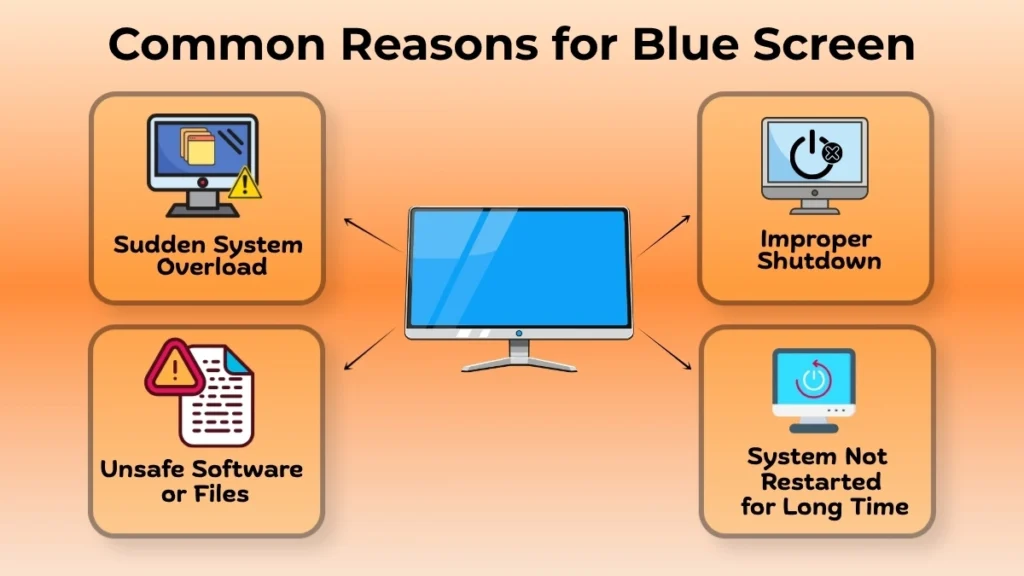
Sudden System Overload
The computer is further stressed by running many processes at once or by using too many programs.
When a system is overloaded, it may freeze for a moment, which can occasionally result in a blue screen. The user should try to limit multitasking and avoid using many apps at once in order to prevent that.
Improper Shutdown
A blue screen issue may also result from the computer being shut down right away.
For instance, power cut, unplugging the power supply, or forcefully turning off the computer by pressing the power button may affect the system processes. When the computer is restarted, several short-term issues arise.
Unsafe Software or Files
Installation of some software applications and opening certain files will have an impact on the performance of the system.
There may be programs that do not work well with the system others may lead to some errors. Only installing trusted software applications will minimize the chances of such instances.
System Not Restarted for Long Time
Continuous computer usage without a restart is another cause causing temporary problems.
A restart helps clear temporary processes and starts the computer with a fresh working environment. It is a very effective practice that can help solve most of the problems before they become serious.
How Should an Error Message Be Responded to?
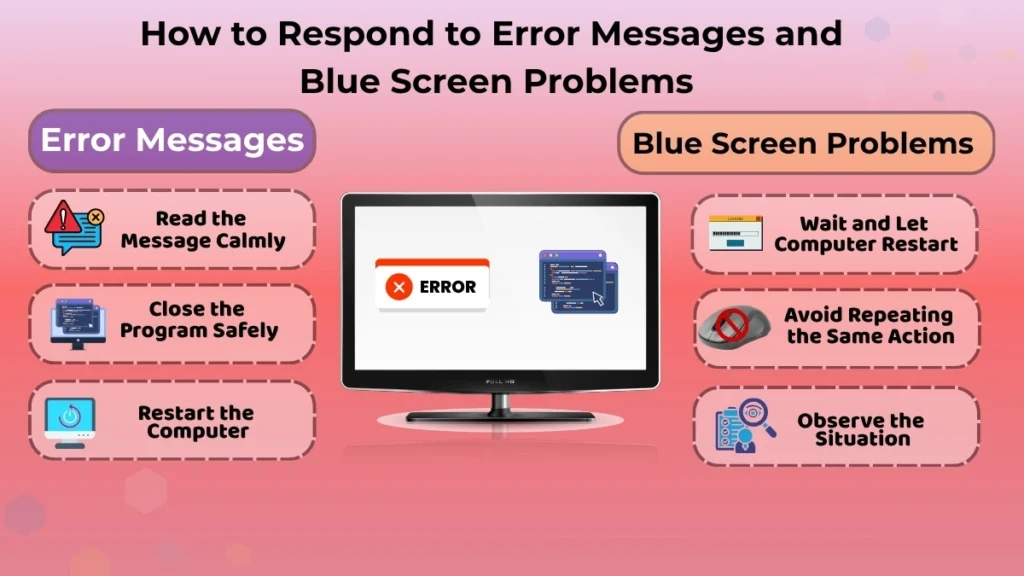
Read the Message Calmly
Don’t panic if an error notification shows up.
It is always best to take time to carefully read the message. Although it may contain terms that are difficult to understand, the message usually will indicate why there was an error. It allows you to make a decision rather than reacting impulsively.
Close the Program Safely
If the software is not operating correctly, close it appropriately.
Do not terminate the program quickly unless you have no choice. This will minimize the risk of introducing more problems or losing any unsaved changes.
Restart the Computer
Computer restart is an easy way out to solve several temporary problems.
This will allow the user to clean up their system from all the errors that might have caused the issue. The user should then check if the same issue occurs after the restart.
What To Do When Blue Screen Appears?
Wait and Let Computer Restart
This happens frequently in most cases because the computer will automatically reboot after the blue screen.
Do not interfere with the restart procedure. This is because turning the computer off during the process could lead to more problems.
Avoid Repeating the Same Action
In case the blue screen was seen when carrying out a particular activity, do not repeat the same act immediately after restarting the computer.
Allow the computer some time to sort itself out. If the problem arises again when you perform that activity, it will be easier to pinpoint the problem.
Observe the Situation
Think about what you were doing before the blue screen appeared.
For instance, consider if you had opened a new program, attached a peripheral, or even done something specific. This will make it much easier to figure out what caused it if it happens again.
What Beginners Should NOT Do
Beginners need to avoid anything that can worsen the situation.
- Do not attempt any sort of fix from unverified sources.
- Do not use unknown software.
- Do not make system changes that you do not understand.
Patience and care will help you avoid creating more complicated issues from minor ones. When in doubt, do not make changes unnecessarily.
When to Take Professional Help
Sometimes, it becomes necessary to seek professional assistance since there is need for proper diagnosis.
- When the blue screen keeps on appearing.
- When the PC fails to boot.
- When there is potential risk of losing important data.
At such times, it is better to get professional help since a professional will be able to diagnose the root cause of the problem.
How to Reduce Errors in Future?
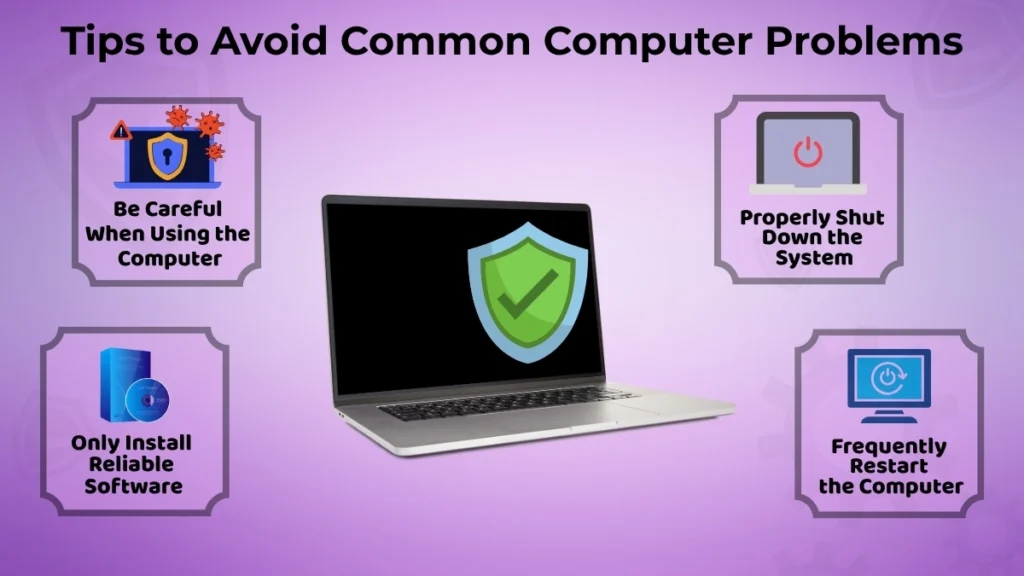
You can minimize the risk of errors through the following simple practices.
- Be careful when using the computer.
- Properly shut down the system.
- Only install reliable software.
- Frequently restart the computer.
This will ensure that the system is maintained properly, thereby minimizing the risks of any error messages and blue screens.
Conclusion
Errors and blue screens are common occurrences and are not at all dangerous. These errors are just indications that there is something wrong with your computer and that it cannot work properly for some reason.
If you know what these errors mean, this will help you avoid panic and unnecessary fears. You can think calmly and proceed to take certain actions and look at the situation.
Even without experience in computer operation and problems, anyone can deal with such issues and still use the computer efficiently.