
What Is Prompt Engineering? A Simple Beginner’s Guide
Introduction
Have you ever used an Artificial Intelligence (AI) tool to assist with an assignment or an article, only to receive a response that didn’t really help with what you were looking for? Or perhaps it became too technical or too lengthy.
This is a result of the AI not having enough information to understand your desires. However, using a prompt can really make a difference to the response you’ll receive.
Prompt engineering makes it easier for you to express your needs to the AI tool. Knowing this will make it easier for you to use AI as a student, blogger, or beginner.
What is Prompt Engineering?
An AI tool receives a prompt, which is only a query or piece of information used in Prompt engineering. Prompt engineering creates prompts that will help you find a response that fits your requirements.
For example, if you asked an AI assistant to explain computers, it could give you a very general answer. You wouldn’t know what they were looking for.
However, if you gave them a more specific prompt such as “Explain computer hardware in 300 words”. Keep it simple and give examples of everyday devices.
The AI will now know more clearly what needs to be investigated. You don’t need to utilize complicated commands or words. The aim is to simply explain what you want.
How is Prompt Engineering executed?
Prompt engineering operates by providing the AI with helpful instructions that enable it to comprehend your needs. Using these simple steps will help with your results.
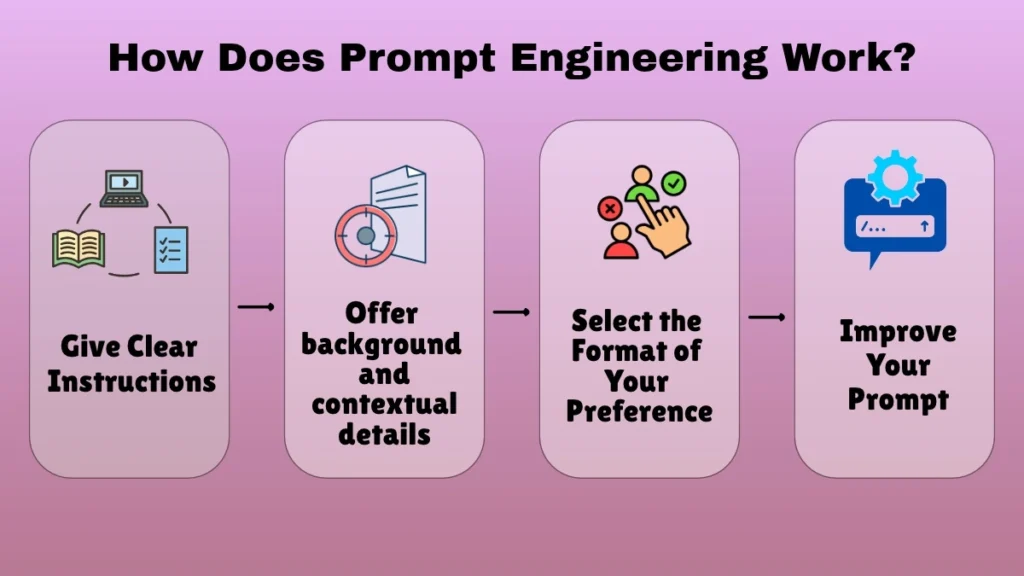
Give Clear Instructions
Start off by giving the AI the task you want. Saying “help me with PHP” won’t solve your programming problems.
Instead, try telling the AI what you want them to do. This could be to explain a PHP function, write a short piece of code or to find an error in your current code. As a result, AI will be able to give more detailed answers.
Offer background and contextual details
Sometimes the AI needs some extra context to give you a useful answer. This will help to explain the situation you’re in.
For instance, if you are attempting to debug Laravel code, describe the code you have, the version you are using, and the error message you are getting. This will allow the AI to offer you a better option. The AI might not be able to assist you without these information.
Try to give the AI useful information. Don’t share any private or delicate information with them.
Select the Format of Your Preference
Decide what format you’d like your answer in. This could be a numbered list, comparison table, short paragraph or step by step.
If you’re preparing for an interview you could say ‘Give me 5 common PHP questions. Answers should be short and simple for beginners.’ This provides the AI with a well-defined framework.
Improve Your Prompt
Sometimes your initial prompt won’t give you the ideal response. You may need to rephrase your question or add an extra requirement.
If it’s too technical, ask them to simplify and give an example. If your article is too short, ask them to add more detail to a specific part.
This is called iterative prompting. By observing the answers and improving the hints, you will improve your results.
An Illustration of a Poor and a Good Prompt
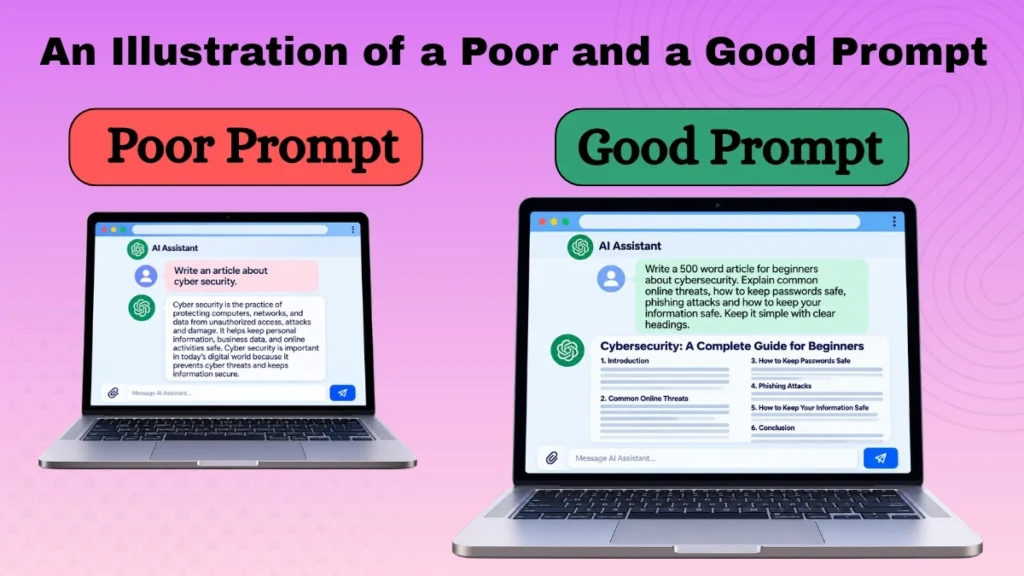
Bad prompt: Write an article about cyber security.
This prompt provides no useful information to the AI. It doesn’t specify who the article is intended for, how lengthy it should be, or what details it should contain.
Good prompt: Write a 500 word article for beginners about cybersecurity. Explain common online threats, how to keep passwords safe, phishing attacks and how to keep your information safe. Keep it simple with clear headings.
This will make your desires easier for the AI to grasp. It tells them who it’s for, how long it should be, what to include and how to write it.
Although this topic is detailed, we do not guarantee that the article is completely accurate. Perhaps the AI will benefit from knowing what you’re looking for.
Different Prompting Techniques
Access a wide range of methods.
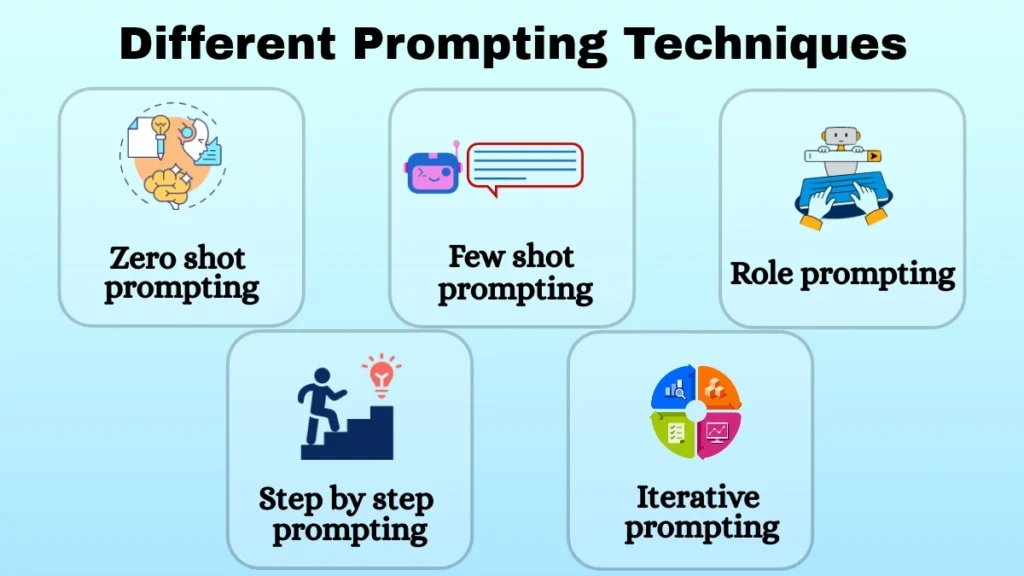
Zero shot prompting:-
This provides a basic instruction without any examples to the AI. An example of this could be “Explain cloud computing in simple terms.”
Few shot prompting:–
This gives the AI a few examples to help it know the format you want. This can be useful if you need product descriptions.
Role prompting:–
This requests that the AI play a particular role. For example, a coding teacher, grammar checker or tech blogger. This will allow you to let the AI know what you need. However, it won’t make the AI act like a professional.
Step by step prompting:–
This asks the AI to break down the answer into steps. When learning a new programming concept, this can be helpful.
Iterative prompting:–
Based on the response, this enhances your prompts. For example, you could ask the AI to give you an outline of the article and then ask them to expand on each section.
There isn’t one best technique to use in Prompt engineering. Simple questions can be done using one sentence whilst larger tasks may require examples, background info and follow-up prompts.
What Uses Does Prompt Engineering Have?
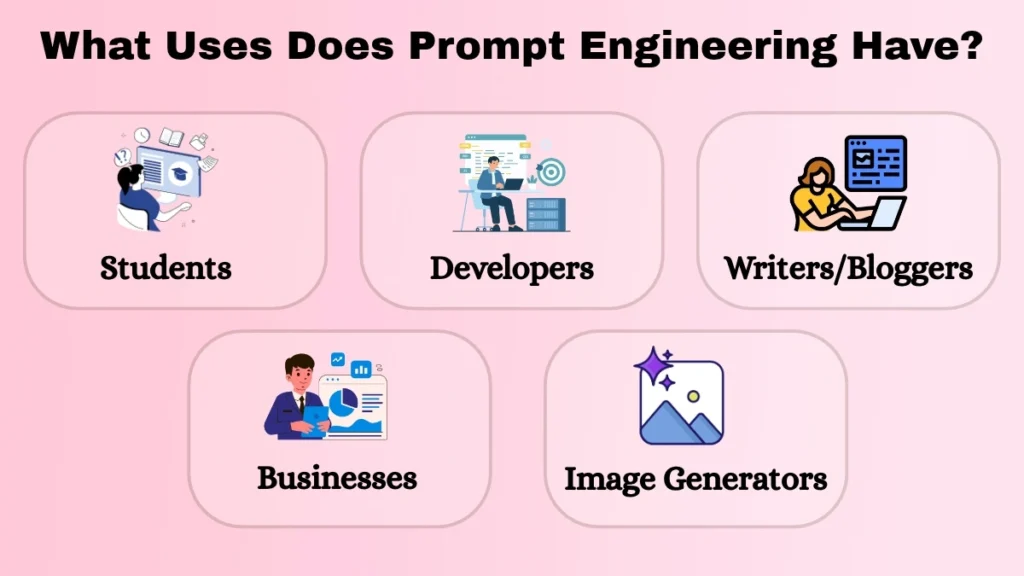
Prompt engineering has several uses.
AI tools can be used by students to provide practice questions, revision notes, and assistance with challenging subjects. Writers/bloggers can ask for article outlines, generate ideas for topics and improve the clarity of their article.
Developers can give the AI code snippets, explain what error they have and what they expected the programme to do. This will help the AI assistant to suggest solutions.
Businesses may use prompts to summarise long documents, organise meeting notes and draft reports. People using image generators can describe what they want the image to look like including background, lighting, colours and style.
Overall, Prompt engineering aims to give the AI clear instructions to help it produce what they need.
Common Mistakes
Small mistakes in prompt engineering can affect how useful the AI response is. A common mistake is to be too vague. Instead of asking for ‘a good article’, explain why it needs to be good for your audience.
Not including important information can also cause issues. If you want a beginner friendly programming tutorial, mention what programming language and your experience level is. This will help the AI tailor their explanation.
Having multiple unrelated tasks in your prompt can make it confusing. Try breaking down your large task into smaller steps.
Don’t assume that just because the AI sounds confident it will be correct. They may not understand your question, give out-of-date information or make up information. Always double check their response. This is especially important if there is technical information, research or important decisions to make.
Do I Need to Know How to Code?
No. Anyone who can explain what they want to do, ask questions and explain their requirements can practise prompt engineering.
When using AI for simple tasks such as writing, studying, planning or researching simple clear language will suffice. Simply practise by trying different prompts.
More advanced uses may require you to use APIs, structured data or automation. This requires more technical knowledge.
How Can I Improve My Prompting Skills?
The easiest way to improve your prompt engineering skills is to practise with tasks you understand. Decide what you want to achieve. Give the AI useful information to help them complete this.
Tell them who the audience is, how long you want it to be, the format and any important restrictions. If you’re asking for help with an issue mention any background information.
Once you’ve received your response, check that it fits your requirements. If anything is missing, explain what you want to change.
Try comparing two different prompts. Over time you’ll start to know which information to include.
Conclusion
Prompt engineering will help you communicate more effectively with your AI tool. By giving more clarity to what your aim is, providing context and telling the AI what type of response you want, you can often get more useful and easy to work with responses.
You don’t need any technical expertise to begin prompt engineering. Just a little practice, tweaking your prompts and taking time to review your answers.
Next time you use an AI assistant, take a moment to consider what you want it to do. You’ll get a clearer prompt which will lead to a better response. Always make sure to check your final answer though.