
Gemini vs Copilot: Which AI Assistant Is Better for You?
Introduction
Imagine you need to complete a college assignment, prepare a presentation for your colleagues, or send a professional email. You know what you need to get across, but it takes time to put it all together. An AI assistant can do that for you: help you put your ideas together, find relevant information, and do much more.
Google Gemini and Microsoft Copilot are AI assistants that can help with that. Both programs are capable of similar things: writing assistance, knowledge gathering, problem-solving, and other productivity tools. While Gemini and Copilot seem similar, they have significant differences that affect their usefulness. The main reason for that difference lies in their ecosystem: what other programs they work alongside.
Two Assistants With Different Ecosystems
Gemini is Google’s AI assistant that can help with answering questions, coming up with ideas, writing assistance, learning and research, and coding. In addition, Gemini can be integrated into Google’s programs, such as Gmail and Google Docs, if the required features are available.
Microsoft Copilot is Microsoft’s AI assistant that also helps with answering questions, writing assistance, ideation, collaboration, and knowledge gathering. Additionally, Copilot contains features that are incorporated with Word, Excel, PowerPoint, Outlook, and Teams, among other Microsoft apps.
If you find yourself using Google’s products more often, Gemini will be more useful to you. If you tend to use Microsoft Office programs more, Copilot will be more helpful.
Gemini Vs Copilot: How Do They Help With Everyday Tasks?
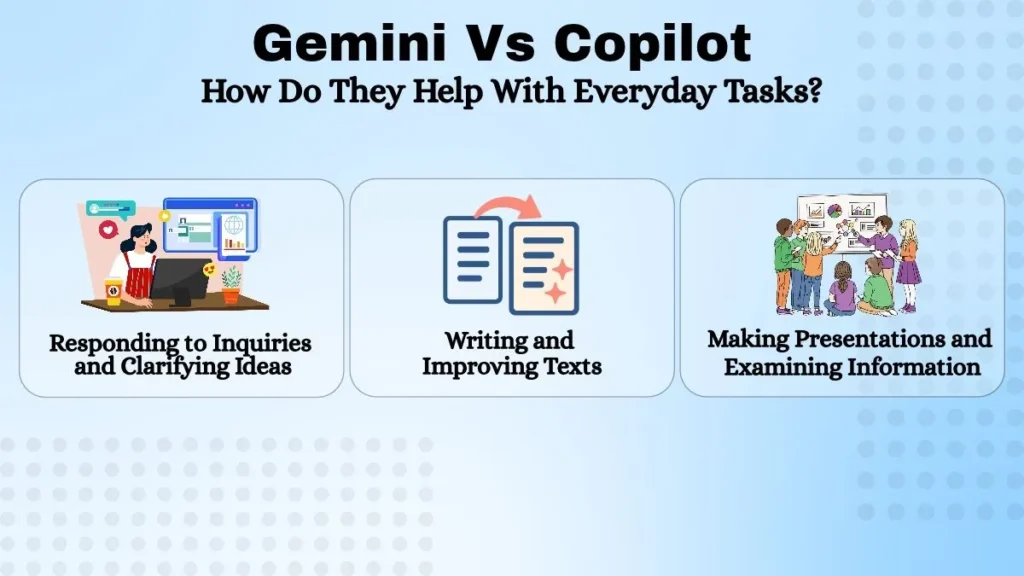
Responding to Inquiries and Clarifying Ideas
Both assistants can help explain concepts, summarize information, and answer questions. Both applications offer help with learning and remembering, as well as explanations for any of the subjects covered.
You can ask Gemini and Copilot to explain a concept in simple terms or show an example to illustrate it. For example, you can ask Gemini or Copilot what tags are and how they function if you are learning how to code in HTML and are not familiar with them. If the explanation is difficult to understand, either program can generate a simpler version of the same information.
Both programs can be helpful for learning, especially if your information is found in Google or Microsoft programs. However, always double-check important facts, as assistants may give incorrect information.
Writing and Improving Texts
It may also be helpful to have an AI that can write texts. Gemini and Copilot both have writing assistance features that can help you write emails, articles, reports, white papers, and more. Gemini will be useful if you need to create documents in Google, and Copilot will be useful if you need to create documents in Microsoft Word.
For example, if you need to write a letter of condolence but do not know how to start, you can ask Gemini or Copilot to give you a sample draft. After that, you can edit the draft to sound more personal. The quality of the generated text depends on the request and the assistant’s features. Most of the time, the text still needs to be edited, especially for formal texts.
Making Presentations and Examining Information
The assistants can also help you structure and analyze information. However, it is worth taking a closer look at the available features. Gemini offers features that integrate with Google Docs, Sheets, and Slides. In turn, Copilot offers similar tools within Microsoft’s ecosystem: Word, Excel, PowerPoint, and Outlook.
For instance, a student can use Gemini or Copilot to structure their presentation. By evaluating Excel sheets and enhancing their understanding of the data, these assistants can assist a worker who must keep an eye on sales results.
Note that specific tools may differ depending on the account and location. If you want to use a particular feature, make sure you have the rights to use it. Some of these tools require a separate subscription or license to function.
Gemini’s Advantages and Disadvantages
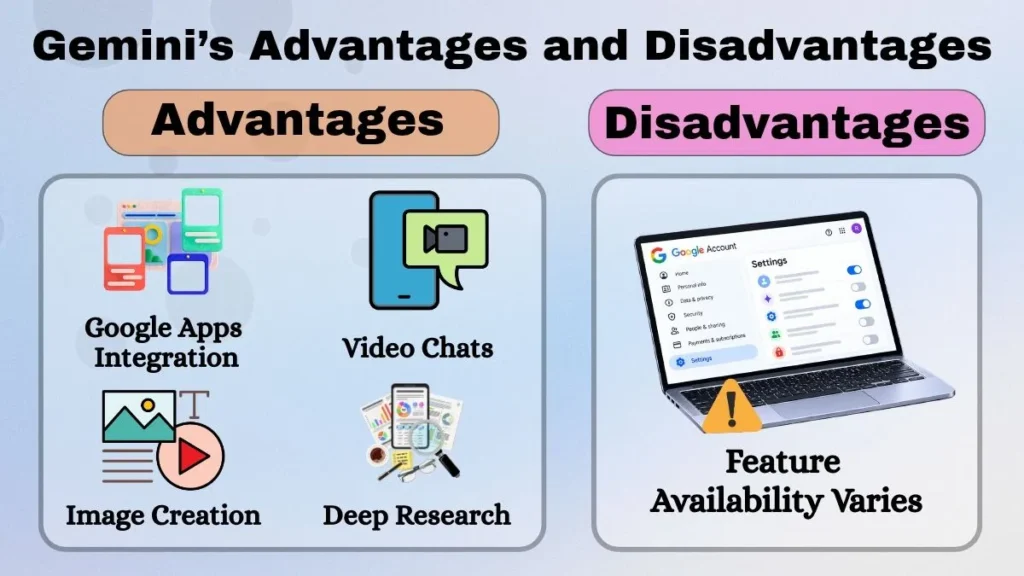
Gemini’s biggest advantage is its integration with Google services. Thus, Gemini is more helpful if you often use Gmail, Google Drive, Docs, and other Google products. Another advantage is that Gemini offers a variety of tools besides writing, such as video chats, image creation, Deep Research, and others.
For instance, when preparing for exams, students can use Gemini to get an overview of the material, ask questions that have arisen, and receive practice tests. Those who need to create content can use the assistant to come up with ideas, search for relevant information, and outline an article or blog post based on the findings. However, the specifics of the operation may differ for each account.
Microsoft Copilot’s Advantages and Disadvantages
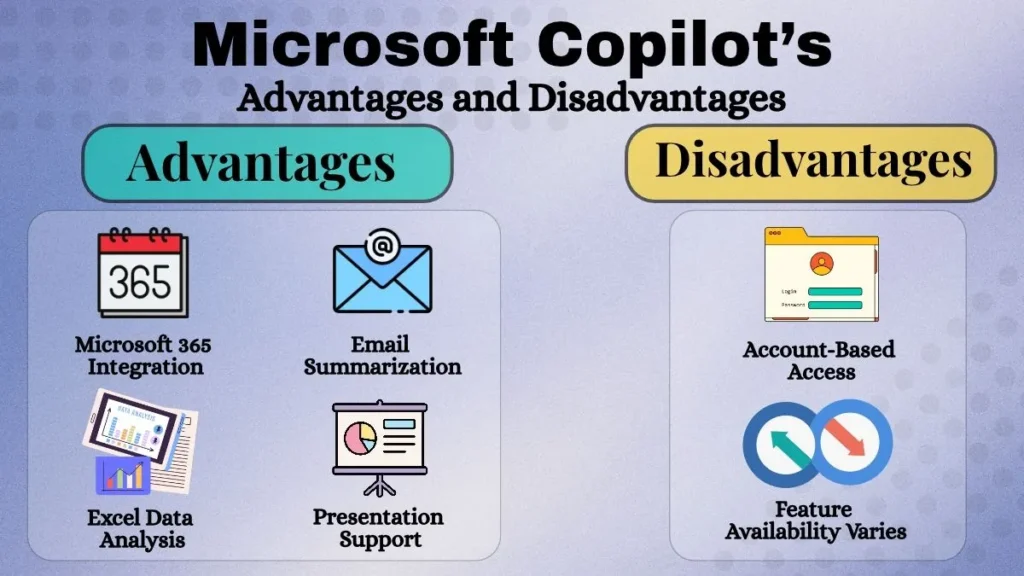
The primary benefit of Microsoft Copilot is its extensive connectivity with Microsoft products. Therefore, if you often use Microsoft Office programs such as Word, Excel, PowerPoint, and Outlook, Copilot will be more helpful to you.
For instance, if you are a busy professional who needs to do many different things at once, Copilot can help you quickly finish tasks in Word, Excel, and PowerPoint. Suppose you need to respond to an email but do not have time to draft a response. In that case, you can ask Copilot to summarize the conversation and offer a short reply draft. If you are working with numbers in Excel and need to see if any patterns can be found, Copilot can help you do that without a separate analysis.
Note that Copilot is not limited to just Microsoft 365 tools. Microsoft has separate Copilot programs for general knowledge and other tasks. However, to use Copilot, you need to have the rights to use it. These rights may depend on your account or organization.
Which Assistant to Choose: Gemini or Copilot?
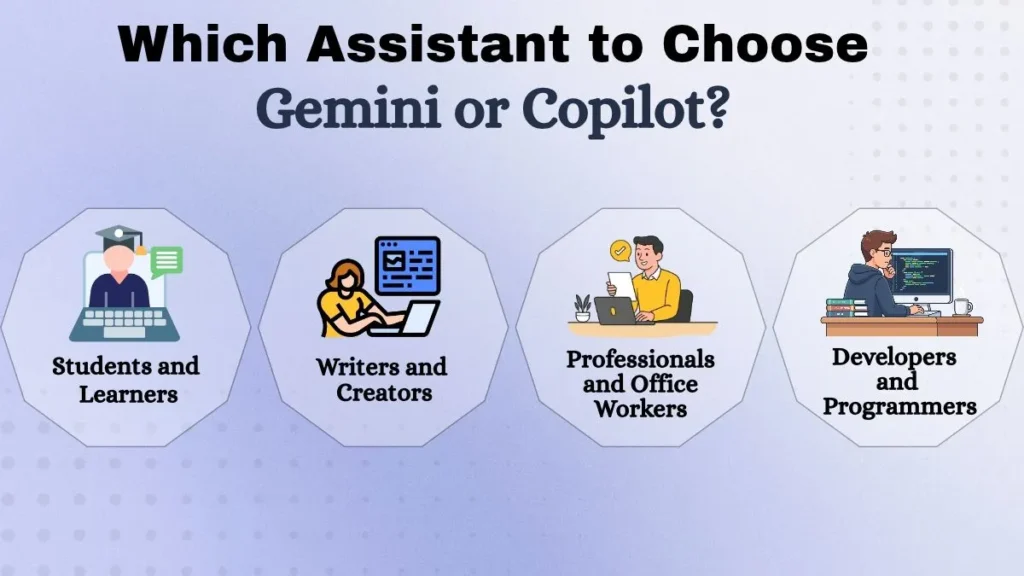
Students and Learners
Both assistants can help students with their studies. Thus, Gemini is more comfortable for students who often use Google Docs, and Copilot is more useful for those who use Microsoft Word.
Writers and Creators
Gemini can help writers and creators with ideation, researching, and writing. Copilot provides comparable Microsoft Word-integrated features as well. If you often use Google products, Gemini will be more helpful; if you often use Microsoft products, Copilot will be more helpful.
However, some writers find it challenging to use AI tools since they are designed to create content, not edit it. When using an AI tool such as Gemini or Copilot, it is essential to edit the given text to sound more personal. Always fact-check information given by an AI assistant since they sometimes give incorrect information. That way, Gemini and Copilot can be useful to writers and editors.
Professionals and Office Workers
If you are an office worker and spend a lot of time in Microsoft Office programs, Copilot can be very useful to you. Gemini is more helpful if your work is tied more to Google services.
Developers and Programmers
Both assistants offer help to programmers: explaining concepts, giving code examples, helping to analyze and debug code. For example, you can give a small piece of code with a syntax error to an assistant and ask it to explain the error and fix it. However, the code given by the assistant always needs to be verified and tested for errors.
However, when choosing between two similar options, it is essential to take into account the tools available to each assistant and the specific needs of the developer.
Are Gemini and Copilot Free?
Both assistants offer a free version of their services. The main difference between the free and paid versions is the number of available tools and functions. Therefore, if you are only going to use the assistant occasionally, you may want to try the free version. However, if you are going to use the assistant often, it is worth analyzing the available free and paid tools to see which assistant offers more functions that you are going to use. Free tools are also subject to the capabilities of the user’s account: for example, if you are going to use Gemini, it is essential to understand what tools are available in your Google Workspace.
Can You Use Gemini and Copilot Together?
You can use Gemini and Copilot together if you need help with multiple tasks. For example, you can use Gemini to come up with ideas and research for your presentation and then use Copilot to create slides in PowerPoint. However, remember that two AI assistants can still give incorrect information, and it is always essential to fact-check.
Using different assistants is helpful if you need them to do different things: one will handle writing, and the other will handle research. However, if you only need a few simple tasks to be done, one assistant may be enough.
Which Assistant Is the Best for You?
However, these two assistants are located in different ecosystems, which makes them different. Gemini is closer to Google services, and Copilot is closer to Microsoft Office programs.
Conclusion
Gemini offers a more diverse set of tools and is more integrated with Google services. Copilot offers more tools aimed at making office work easier and is more integrated with Microsoft Office programs. However, it is always helpful to try different things to see which option works best for you. That way, if you are not sure which assistant to choose, you can try using both assistants on the same tasks. For example, you can ask them to explain something, write a short text, and analyze a small set of data. After that, you can see which assistant better suits your needs and tools.