
Security Software Updates: Why They Are Important and How to Stay Safe
Introduction
Security software has an essential role in making the computer protected from different threats and problems. It helps create a safer computing environment while users browse the internet, download files, and perform their daily tasks.
Beginners pay attention to the update messages of the security software, but they just do not bother with it. People put off updates for several days or even for weeks because they do not know about the importance of it and think that they can update the software later with no problems.
However, the software, which is not updated, will not protect the computer as well as the updated one. While new threats appear constantly, security software should be improved in order to provide safety for the computer effectively.
The aim of this article is to explain beginners the meaning of security software updates, their importance, and how easy update practice can improve the computer’s safety.
What Is Security Software?
Security software can be described as software that has been designed to assist in protecting the computer as well as the information in the computer.
It basically serves as a protection shield for the computer, which makes the risks lower when using the computer. The software constantly scans the computer system and identifies issues that may harm the computer even before they develop further.
Security software is used in order to provide protection for the files, information and the overall stability of the computer system. It also ensures that there are low risks of malicious acts on the computer.
While the user is not aware of its constant activity, security software usually runs silently in the background. This means that even while working or browsing the web using various applications, the software is still scanning the computer system.
Without security software, computers are exposed to various digital dangers and unnecessary issues.
What Does a Security Software Update Mean?
The security software update refers to the changes made to the security software that is already in place.
The security software must be updated on a regular basis, just like any other type of software. The purpose of such updates is to improve the effectiveness of the software and prepare it to face the new challenges in connection with technological development.
These updates might contain bug fixes, performance enhancements, and security maintenance updates. In addition, updates may involve fixing minor bugs found in the previous versions of the software.
Basically, security software updates refer to the process of adding new information and improvements to the software so that it could perform its function effectively. As new threats emerge, security software needs regular updates to recognize and protect against them.
Why Are Security Software Updates Important?
Updates for security software offer several significant advantages.
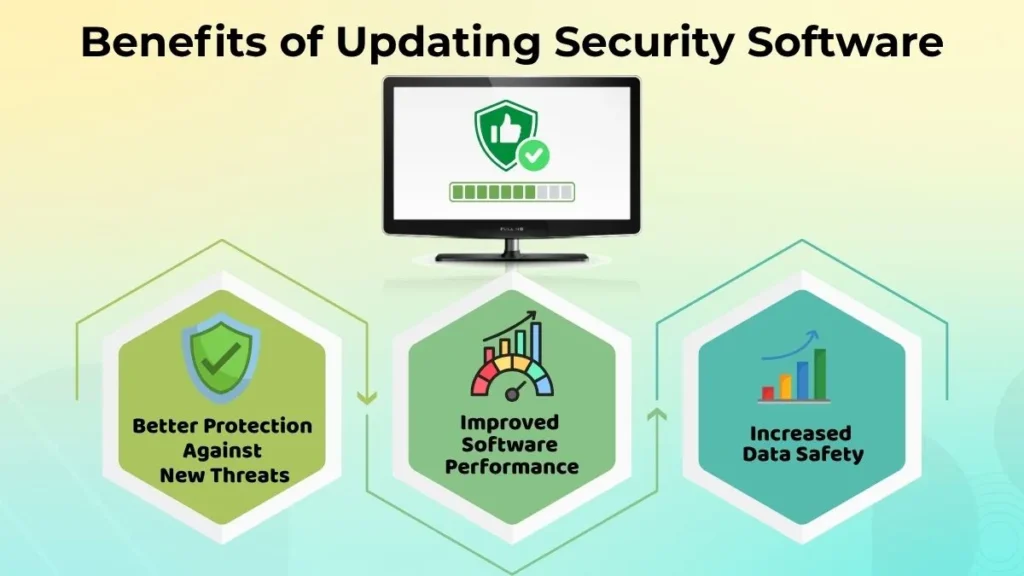
Better Protection Against New Threats
There could be new forms of risk arising all the time.
The software updates allow the software to get ready for such changing environment. Security software is being upgraded all the time, so that it could detect and act on new forms of risks.
If there are no updates to the software, then the effectiveness of the security software might be compromised since it will be unaware of new forms of risks.
Frequent upgrades enhance overall system safety and help maintain greater protection.
Improved Software Performance
Updates are not just about safety.
Updates may also enhance the way the program works in everyday life. There are some updates that increase the speed of the software operation, make the program work in a more efficient way using fewer system resources or make it compatible with improvements in the operating system.
Updates are usually released by developers to resolve problems, enhance stability and usability of the program.
That is why updates can be really helpful for both users and computers.
Increased Data Safety
A lot of people keep very important data stored on their computers.
These may include documents, pictures, educational material, and other kinds of personal files, which should be protected from being lost or damaged.
Updating the protection software will definitely help to increase the level of security of your important data and decrease the risk of any troubles with it.
It is important to keep up with the times in order to keep your data safe.
Risks of Ignoring Security Software Updates
Ignoring updates might eventually lead to issues, even if it can first appear harmless.
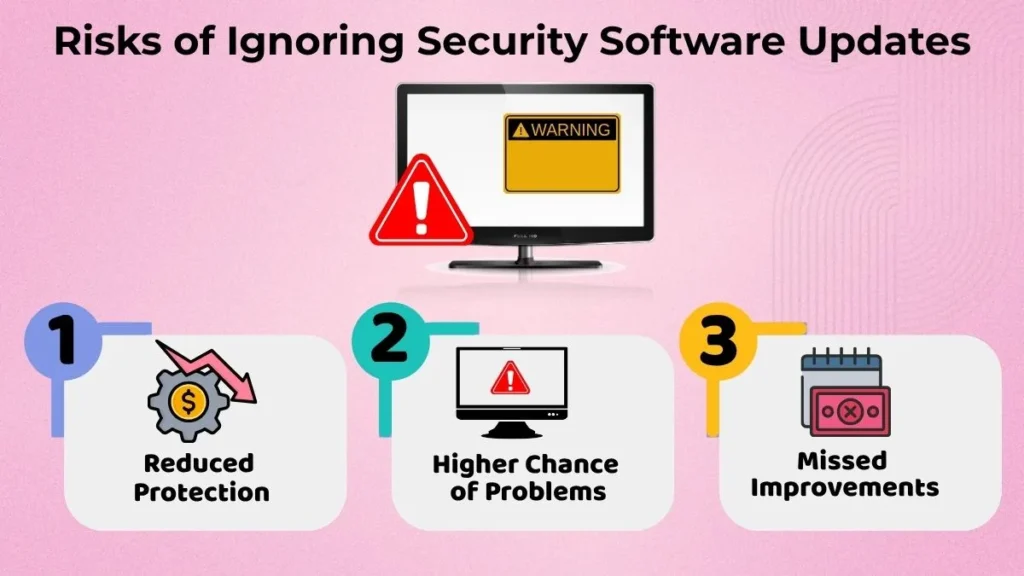
Reduced Protection
The latest versions of security software provide better protection than older versions.
With advancing times, there is a need for improvement in the software too. The new features are introduced with the intention of handling the new threats on the web.
Failure to update could mean that the effectiveness of protection becomes compromised in the future.
Higher Chance of Problems
Older versions of software can sometimes lead to unexpected problems.
These can have an impact on the performance and reliability of the entire system. In some cases, the software might stop working properly even when other components of the computer have been updated.
Updating the software ensures that such problems don’t occur.
Missed Improvements
There will be many useful changes included within updates.
When users neglect upgrades, they will fail to gain the advantages that could enhance their security, stability, and performance.
Keeping up to date means that users will be able to utilize all those benefits in their software application.
How to Update Security Software Safely
It’s as essential to update security software securely as it is to update it often.
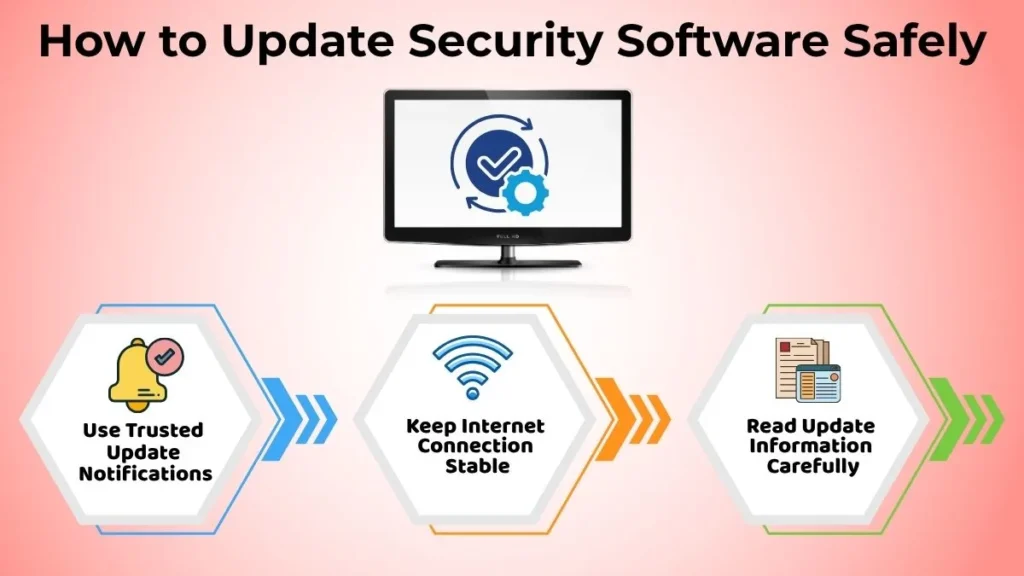
Use Trusted Update Notifications
Always be alert about the update notifications that are sent by the software.
These alerts can be considered safe because they usually come directly from the security software or the reliable source behind it.
Beware of any suspicious alert update, especially if it comes unexpectedly. If you feel like there is something suspicious about the update alert, do not click on it.
It is always better to use a trusted update source.
Keep Internet Connection Stable
It’s important for the computer to have a reliable internet connection for successful updating.
Interrupted updates might lead to issues or might fail to install completely.
It is recommended to let updates install without any interruptions.
If it’s possible not to turn the computer off and stay connected to the internet throughout the process, do that.
Read Update Information Carefully
Before performing the update, it would be helpful to first go through the basic details that are available regarding the update.
Knowledge about what has been improved becomes important to avoid confusion for the user while making it more comfortable during the process of updating.
Awareness of such things is very useful for the beginner to know the reason behind the release of an update.
Common Beginner Mistakes During Updates
New users make several mistakes when trying to update their security programs.
Examples of such mistakes can be:
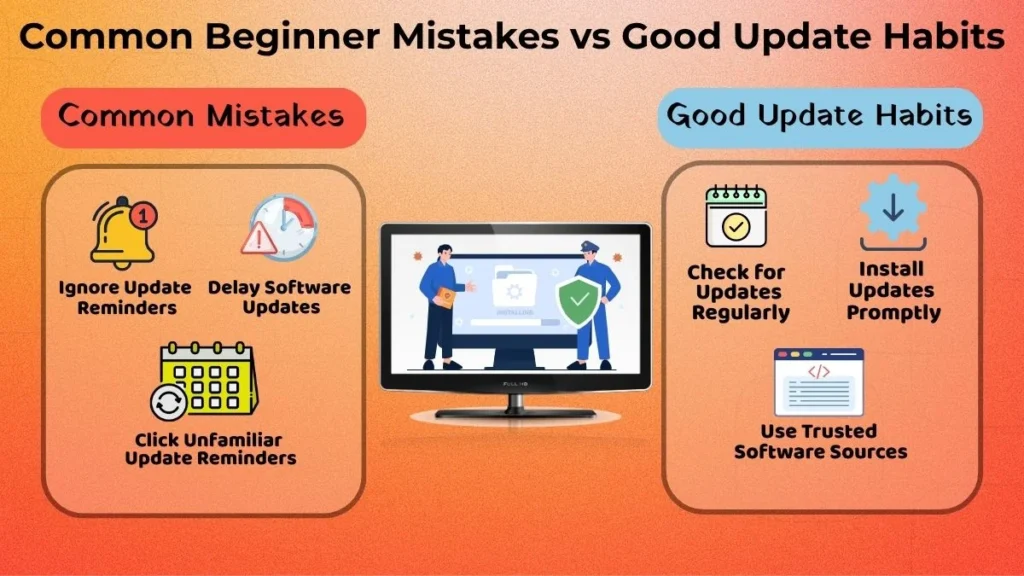
- Constantly ignoring the update reminders
- Postponing updates for too long
- Clicking on unfamiliar update reminders
- Stopping the updating process mid-way
- Thinking that updates are unnecessary
All this may affect the performance of your security program badly and even cause some unnecessary issues. Good update habits may help keep your computer safe without knowing much about technology.
Simple Habits to Stay Safe and Updated
Effective updating practices will contribute to maintaining a more secure PC.
Some basic practices that beginner should perform include the following:
- Checking for updates regularly
- Installing updates upon their availability
- Using reputable sources of software
- Rebooting the computer where necessary
- Not postponing the installation of updates for too long
- Establishing an updating routine
The listed actions do not take much time to perform but they may offer some benefits. Performing them regularly will ensure proper functionality of security software.
When Should You Seek Help?
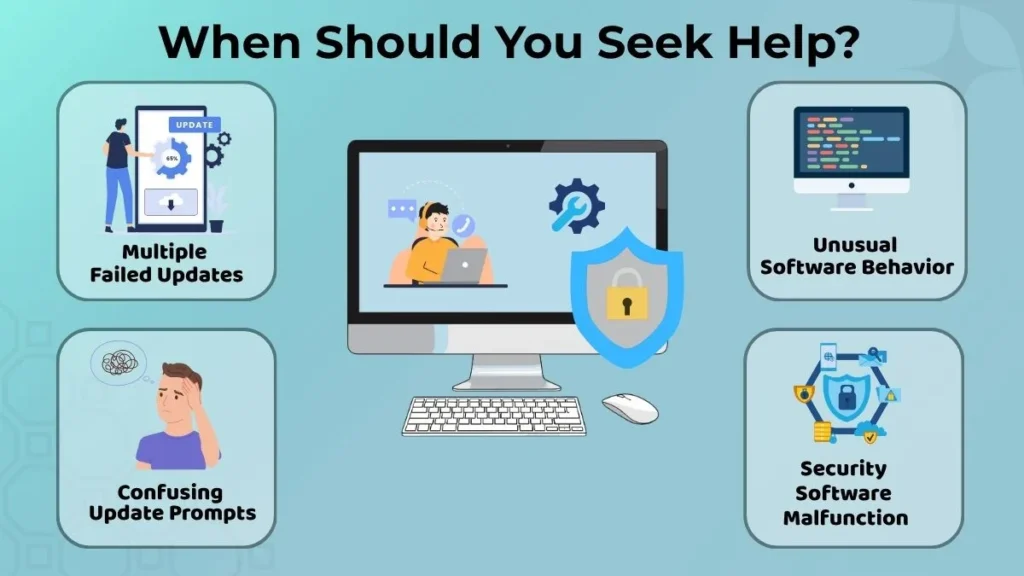
Generally, all updates go smoothly, but occasionally help might be required.
It is recommended that you seek assistance if:
- You face multiple failed updates
- Your security software shows unusual behavior after the update
- Your update prompts become confusing
- The software starts malfunctioning
The best way to proceed in case of persistent difficulties is to get help from a reliable source. There is no need to make any guesses or try out any unknown methods, as it may only worsen the situation.
Conclusion
Updates of security software are very essential for ensuring that computers are well-protected and perform efficiently.
Updating your security software regularly improves security, enhances performance, and helps protect your important data. Failure to keep the computer up to date may mean that security of the computer will be undermined.
Fortunately, maintaining updates of the computer does not need technical expertise. Practices such as looking out for notifications of updates, getting the updates from reputable sources, reading update information, and completing the updates can make a big difference.
To those who are just starting out in computers, maintaining these practices right from the start is one great way of ensuring that their computers are safe.