
Computer Memory Explained: Primary and Secondary Memory for Beginners
Introduction
As humans, we need memory to remember everything. Whether it is a task or the way to complete that particular task. The same way, when we use a computer, we perform multiple tasks such as opening programs, typing documents, watching videos, or saving files. All of these activities involve computer memory. A computer would not be able to store data or remember instructions without memory, even for a short time.
In daily computer use, memory plays a vital role. When you are working on a school project, managing office files, or browsing the internet, all of this is possible because memory stores and allows us to access information whenever needed.
For beginners, the concept of computer memory can feel confusing, but it will also help in numerous ways. Many people mix up memory with storage. Some also believe that memory only means RAM.
The main purpose of this article is to explain computer memory in simple and clear language. You will understand what computer memory is and learn about its two main types: primary memory and secondary memory.
What Is Computer Memory?
Computer memory is the part of a computer system where data and instructions are stored. The computer uses memory for various purposes. One of them is to keep information ready for processing.
Memory can store data in two ways- either temporarily or permanently, depending on its type. A computer can perform tasks smoothly and efficiently because of this storage.
Simple Definition of Computer Memory
In simple words, consider computer memory as a place where data and instructions are stored.
Whenever you type something, open a program, or save a file, that information is stored in memory.
Why Computer Memory Is Important?
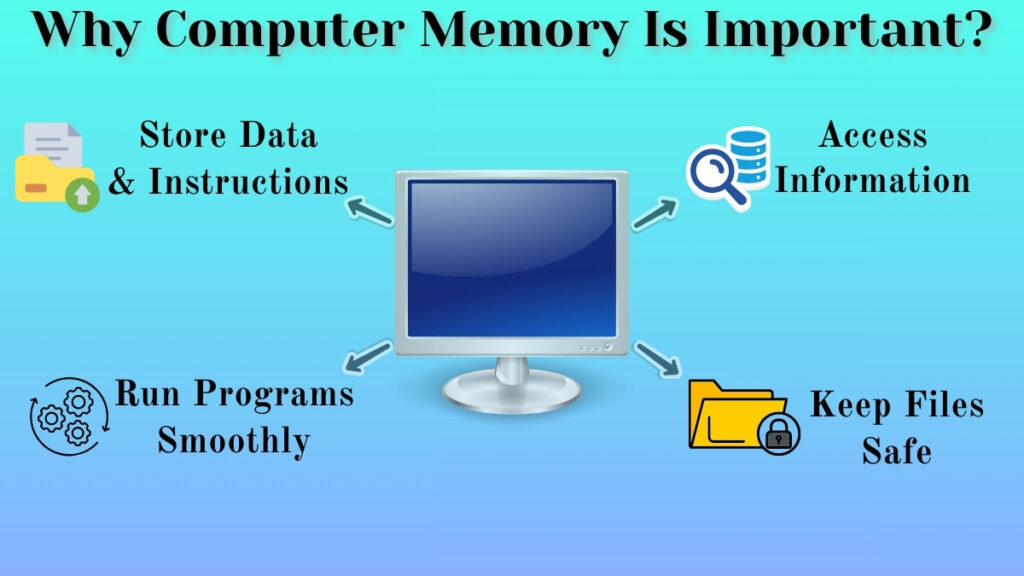
Computer memory is important because it allows the system to:
- Store data and instructions
- Access information
- Run program smoothly
- Keep files safe
Without memory, a computer would not be able to remember anything. Every task would stop immediately.
Main Types of Computer Memory
There are many technical classifications of memory, but beginners only need to understand two main types:
- Primary Memory
- Secondary Memory
These two types work together to help the computer function properly.
Primary Memory
Primary memory is the type of memory which can be accessed directly by computer while it is running. It is majorly used for doing active tasks.
Secondary Memory
Secondary memory is the type of memory that is used for long term storage. The main reason behind it is that, it keeps data safely stored even when the computer is turned off.
Primary Memory Explained
Primary memory is temporary in nature. It works only while the computer is running. When the computer is turned off, most of the data stored in primary memory is cleared. This memory helps the computer perform tasks during operation.
Role of Primary Memory
The main role of primary memory is to:
- Store data of running programs
- Hold instructions currently being used
- Support active tasks
When you open a program or type something, the computer temporarily stores that information in primary memory so it can process it properly.
Examples of Primary Memory
Some common examples of primary memory are:
- RAM
- ROM
These are basic forms of memory that help the computer during startup and active use.
Secondary Memory Explained
It is a type of permanent storage. It keeps data safe even when the device is turned off. It is used for storing files, documents, videos, and other important data for long-term use, unlike primary memory where data is stored for a short period.
Role of Secondary Memory
Secondary memory is used to:
- Store files and folders
- Save documents and projects
- Keep media files like images, music, and videos
- Preserve data for future access
Whenever you save a file, it is stored in secondary memory.
Examples of Secondary Memory
Some of the common examples of secondary memory are-
- Hard disk
- Pen drive
- External storage devices
These storage devices are used for storing data safely for long time period.
Difference Between Primary and Secondary Memory
Understanding various differences between primary and secondary memory will help beginners to avoid confusions.
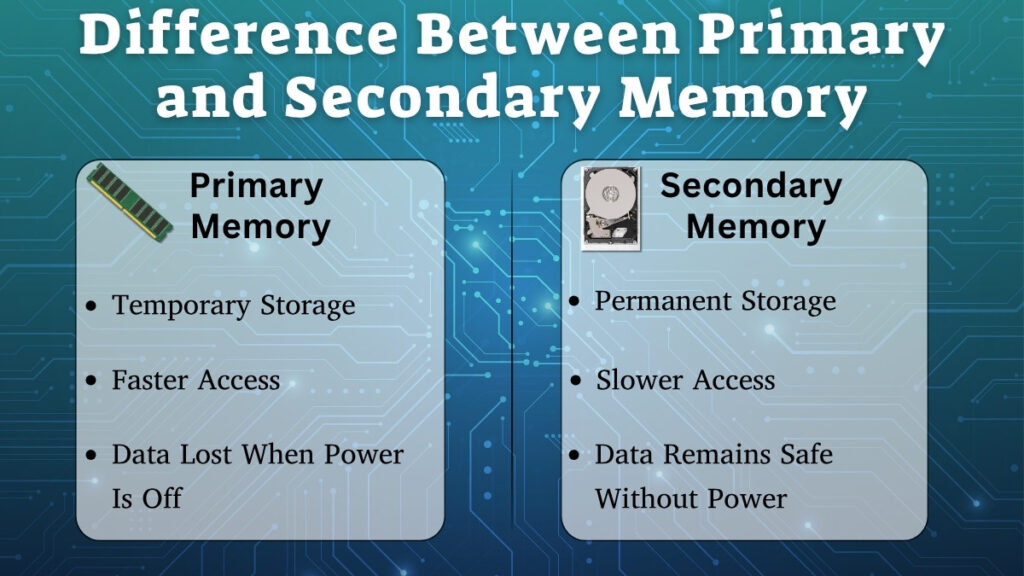
Nature of Storage
As we saw earlier, primary memory is a temporary type of memory. It can store data only while the system is running.
Secondary memory is permanent. It keeps data safe even after the computer is turned off.
Access Speed
Primary memory is faster because it is directly accessed by the computer during operation.
Secondary memory is slower compared to primary memory, as it is mainly used for long-term storage.
Data Safety
If the computer loses power, data in primary memory is usually lost.
Data stored in secondary memory remains safe even the power is off.
Real Life Example to Understand Computer Memory
A simple daily-life example can make the concept easier to understand.
Simple Daily Life Example
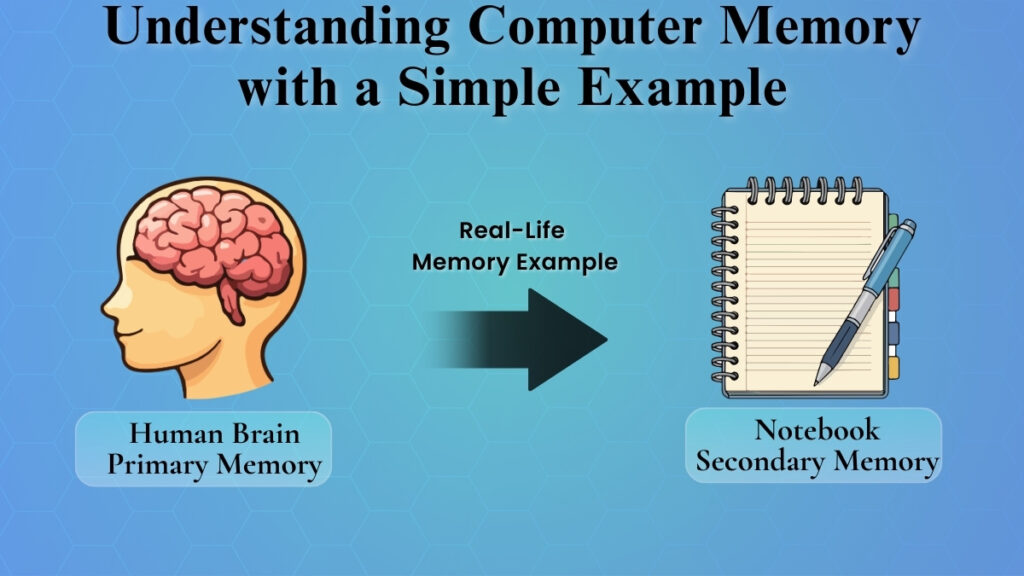
Think about your brain while working and your notebook.
When you are solving a problem, you keep information in your mind temporarily. This is similar to primary memory.
When you write any important notes in a notebook in order to keep them safe or stored properly, it is a type of memory. The difference is just physical and virtual memory.
Our human mind helps us write information in a notebook at that moment, while the notebook stores it for future use.
Common Beginner Confusions About Memory
Many beginners think that memory and storage are the same thing. Others believe that only RAM is called memory.
Another very usual confusion is thinking the word “memory” is just for primary memory and neglecting the secondary storage.
In reality, both primary and secondary memory are important parts of the computer system. They work differently for different roles. But they also work together in coordination.
Why Understanding Computer Memory Is Important?
Understanding computer memory will help users to use computers more confidently.
When you know the difference between temporary and permanent storage, you can:
- Understand why unsaved work is lost
- Manage storage space properly
- Avoid confusion about memory related issues
- Build a strong foundation in computer fundamentals
Learning about memory makes it easier to understand other basic computer concepts.
Conclusion
Computer memory is a very important part of a computer system. It is used for storing data and instructions. A computer’s functionality is highly dependent on the capability of memory storage, like we humans are dependent on our mind’s capability to remember tasks and data.
As we learned earlier, the two main types of computer memory are-
- On one hand, primary memory is the memory which stores data temporarily and supports various tasks.
- On the other hand, secondary memory is the memory which stores data permanently and safely. Most of us depend on secondary storage for storing our data.
Both of these types are important and play a very important role in the world of computers.
As a beginner, when you clearly understand primary and secondary memory, it will help you to build a strong foundation in computer fundamentals, and also it will help you to gain confidence in using computers effectively and practically.